Screenshots
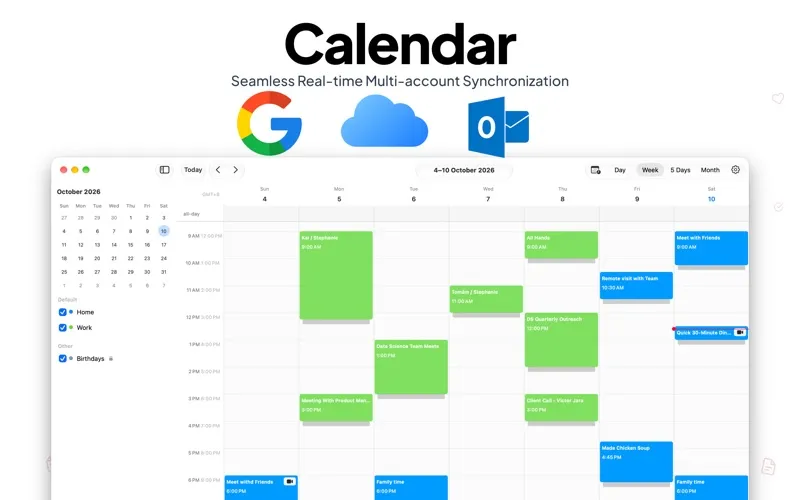
About App for Notion Calendar
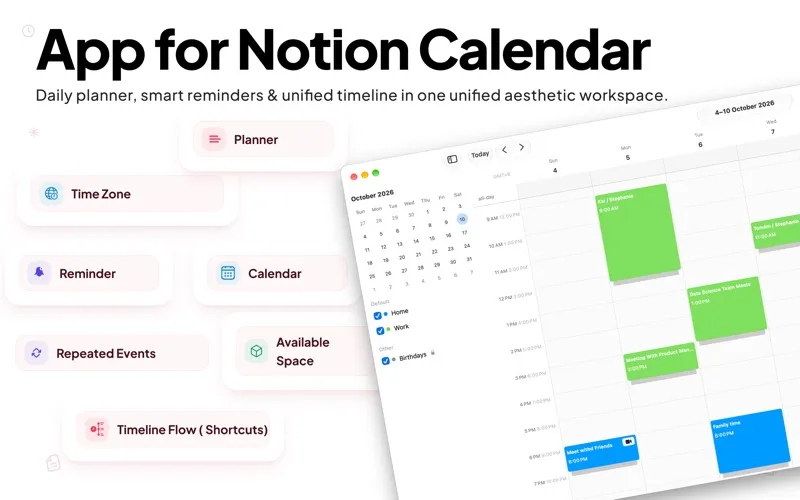
Transform the way you organize your day, manage global schedules, and stay on top of your goals. App for Notion Calendar brings together daily planning, smart reminders, and unified multi-account calendar syncing in one sleek, aesthetic, and distraction-free workspace.
Whether you need to coordinate across world time zones, set recurring habits, or view your schedule in Day, Week, 5-Day, or Month layouts, the intuitive interface helps keep your productivity seamless and clutter-free.
Key Features
-
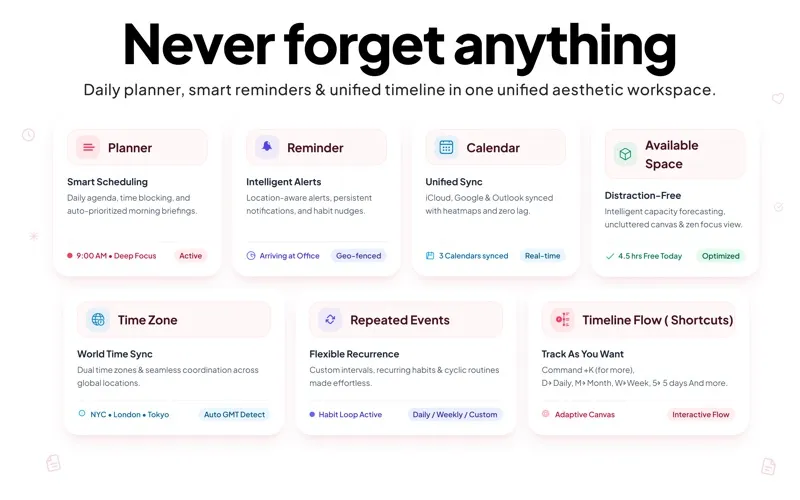
Unified Multi-Account Sync: Integrate Google Calendar, iCloud, and Outlook calendars to keep your schedules organized in one place.
-
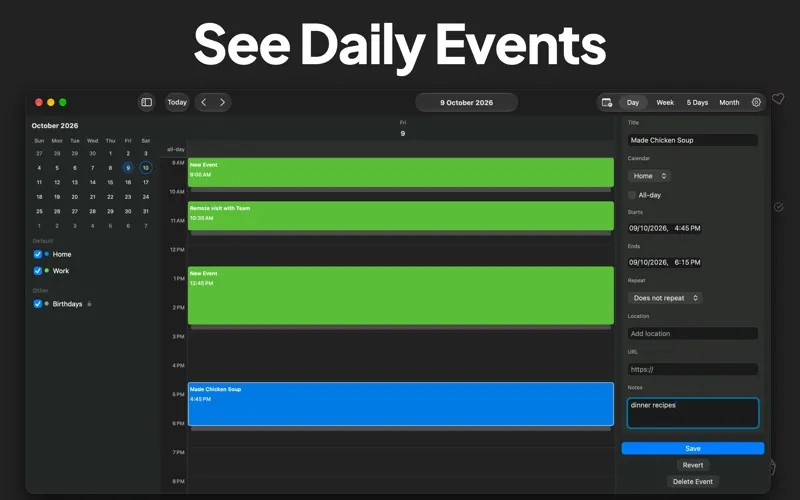
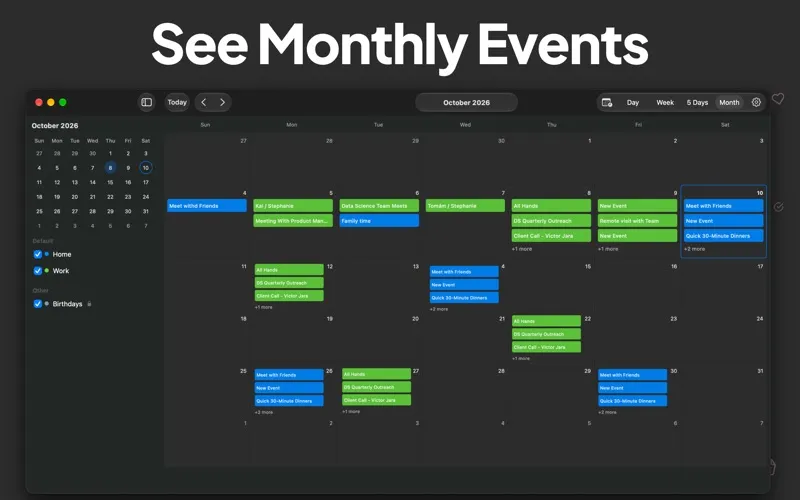
Multiple View Options: Switch between Day, Week, 5-Day, and Month views to manage daily tasks or plan long-term goals.
-
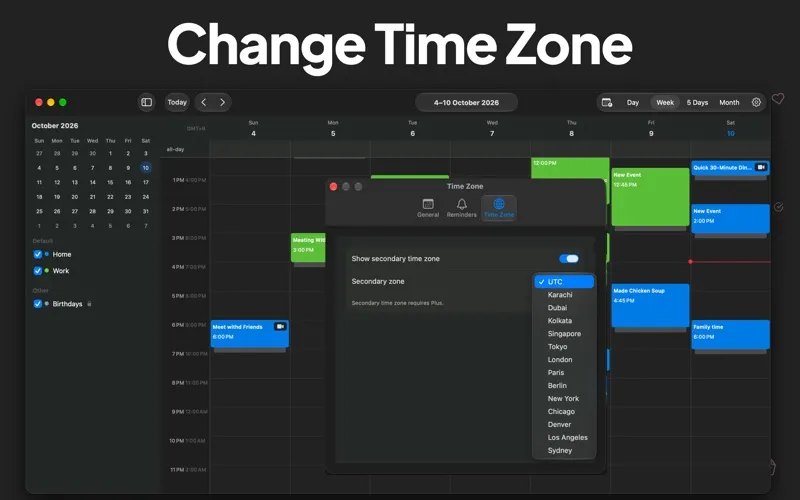
World Time Zone Management: Use dual time zone displays and automatic GMT detection to simplify cross-border meetings and global collaboration.
-
Intelligent Reminders & Alerts: Set reminders and notifications to help you stay on top of important meetings, tasks, and daily routines.
-
Flexible Repeated Events: Create recurring events and schedules for daily, weekly, or custom routines.
-
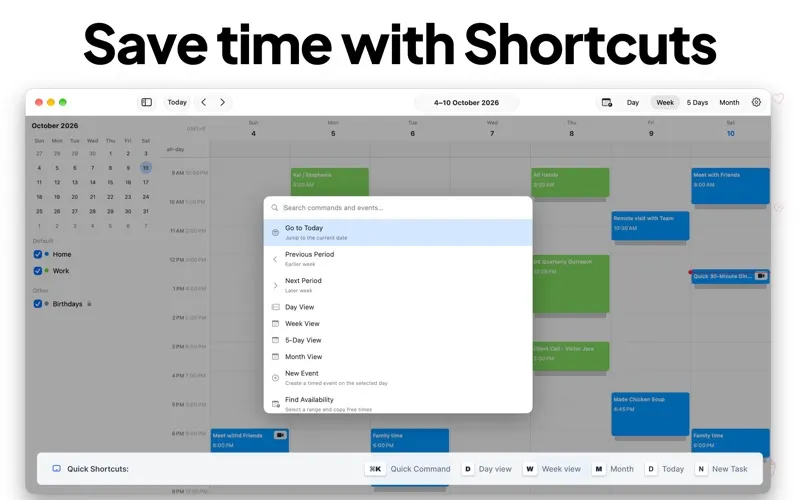
Shortcuts & Timeline Flow: Save time with Command+K controls, quick shortcuts, and interactive workflows designed for efficient planning.
-
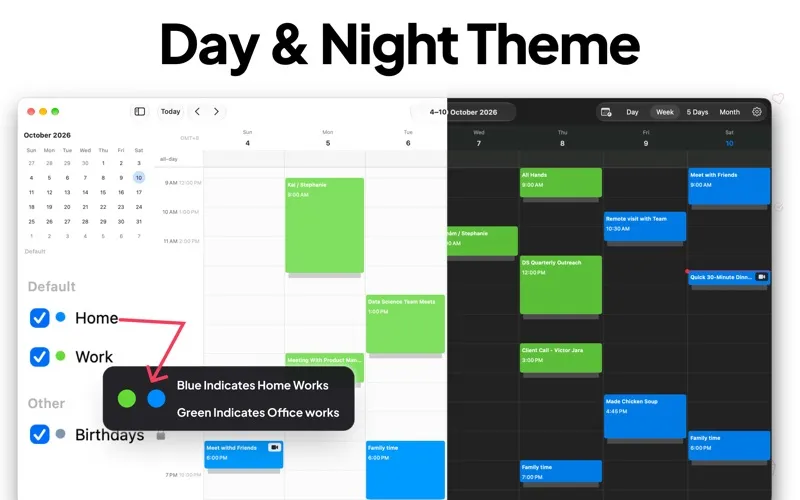
Day & Night Themes: Choose between Light and Dark modes and use color-coded categories, such as Home and Work, to organize your schedule visually.
-
Distraction-Free Workspace: Enjoy a clean, uncluttered calendar interface designed to help you focus on your schedule and stay productive.
Subscription Information
Payment will be charged to your Apple ID account at the confirmation of purchase. Subscriptions automatically renew unless auto-renewal is turned off at least 24 hours before the end of the current billing period. Your account will be charged for renewal within 24 hours before the end of the current billing period at the rate of your selected plan. You can manage your subscription or turn off auto-renewal anytime through your App Store account settings after purchase. If a free trial is offered, any unused portion of the trial period may be forfeited when you purchase a subscription, where applicable.
Privacy Policy: https://arolaessi.blogspot.com/p/privacy-policy.html Terms & Conditions: https://arolaessi.blogspot.com/p/terms-and-conditions.html Apple Standard EULA: https://www.apple.com/legal/internet-services/itunes/dev/stdeula/