
AuraFx
AI image editing for Mac
AuraFx is an AI image editor for Mac that helps you prepare product photos, process batches of images, and create visuals from text without working with layers or selections.
by Abdelhak Akermi · 29% positive (21)
What you get
You can prepare batches of images without repeating each edit by hand.
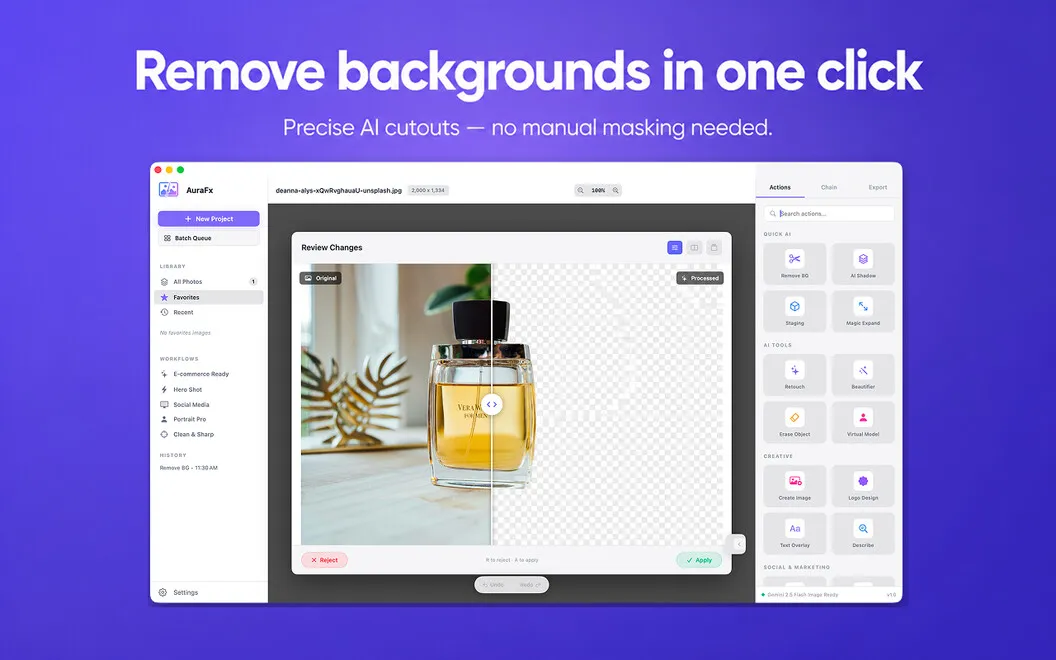
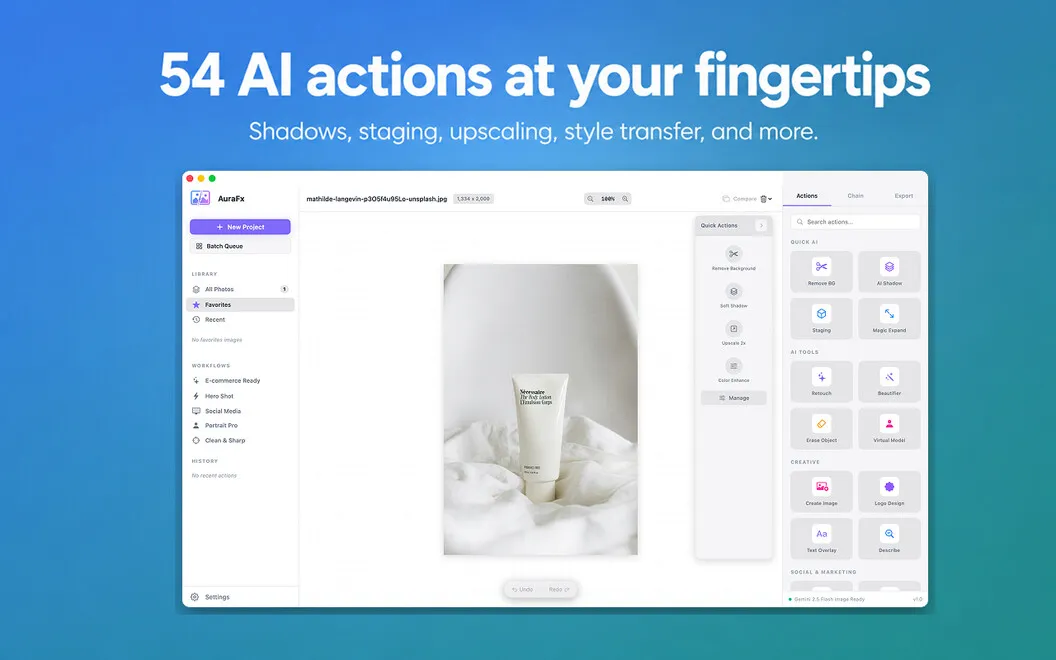
With AuraFx, you can turn product photos or portraits into cutouts without drawing selections or masking edges yourself. You can also add shadows, stage images, and upscale them, choosing an AI action rather than working through layers and editing tools.
When you have a folder to prepare, you can apply an action to up to 100 images at once. For recurring jobs, you can save a sequence—such as removing the background, adding a shadow, upscaling, and exporting—and run it again on your next batch. Progress tracking and per-file error reporting help you see what finished and what needs attention.
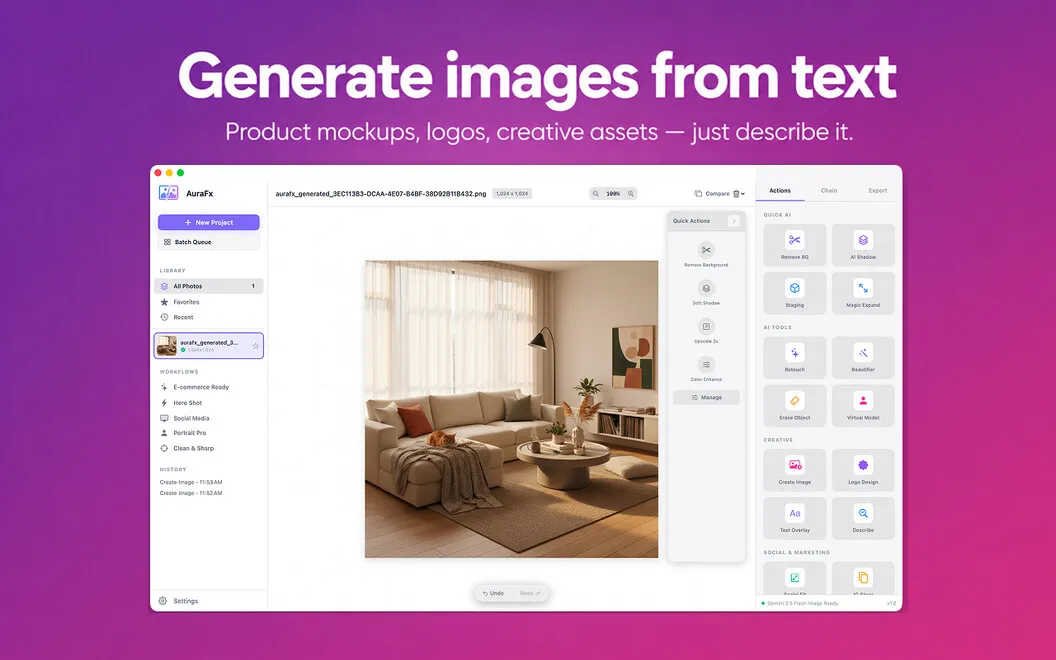
You can also describe a product mockup, lifestyle image, or logo concept and generate a visual from your prompt. If you need a starting point, prompt suggestions help you get going, while model choices let you favor quick drafts or more capable generation for final assets.
-
Get cutouts without masking
You can remove backgrounds from product photos and portraits without manually selecting the subject.
-
Handle a whole batch
You can apply the same action to up to 100 images and check progress and errors for individual files.
-
Reuse your editing sequence
You can save multiple actions as a preset, then repeat the sequence without rebuilding it for each job.
-
Turn descriptions into visuals
You can generate product mockups, lifestyle images, and logo concepts from text prompts.
Best for
- You prepare batches of product photos
- You regularly repeat the same image edits
- You need visual concepts from text descriptions
Skip it if
You don't need it if your work depends on precise manual selections and layer-by-layer editing rather than AI actions.
Screenshots

From the developer
AuraFx is an AI image editor for Mac. Drop an image, pick an action, get a result — no layers, no selections, no fiddling. It handles background removal, shadows, staging, upscaling, and 50+ other tasks using AI. Process a whole folder at once or chain actions into reusable workflows.Read the full description
Alternatives to AuraFx
Other apps to remove backgrounds & objects. See all
 TouchRetouch
Remove objects from photos
Setapp
97% · 758 ratings
TouchRetouch
Remove objects from photos
Setapp
97% · 758 ratings
 ShelfShot
Product shots, polished
Setapp
ShelfShot
Product shots, polished
Setapp
 Luminar
Photo editing made easy
Setapp
90% · 878 ratings
Luminar
Photo editing made easy
Setapp
90% · 878 ratings
 Sticktop
Stickers that peel like vinyl
Sold separately
Sticktop
Stickers that peel like vinyl
Sold separately
 Adobe Photoshop Elements 2025
Mac App Store
Adobe Photoshop Elements 2025
Mac App Store
 Meitu-AI Photo Editor & Design
Mac App Store
Meitu-AI Photo Editor & Design
Mac App Store