BassEducation Metronome
The metronome you play with
by Damian Erskine
Highlights
- Practice odd meters like 7/8 as 2+2+3
- Ramp up tempo without touching the dial
- Keep time yourself with quiet-count bars
- Play along with a drone in any key
Screenshots
About BassEducation Metronome
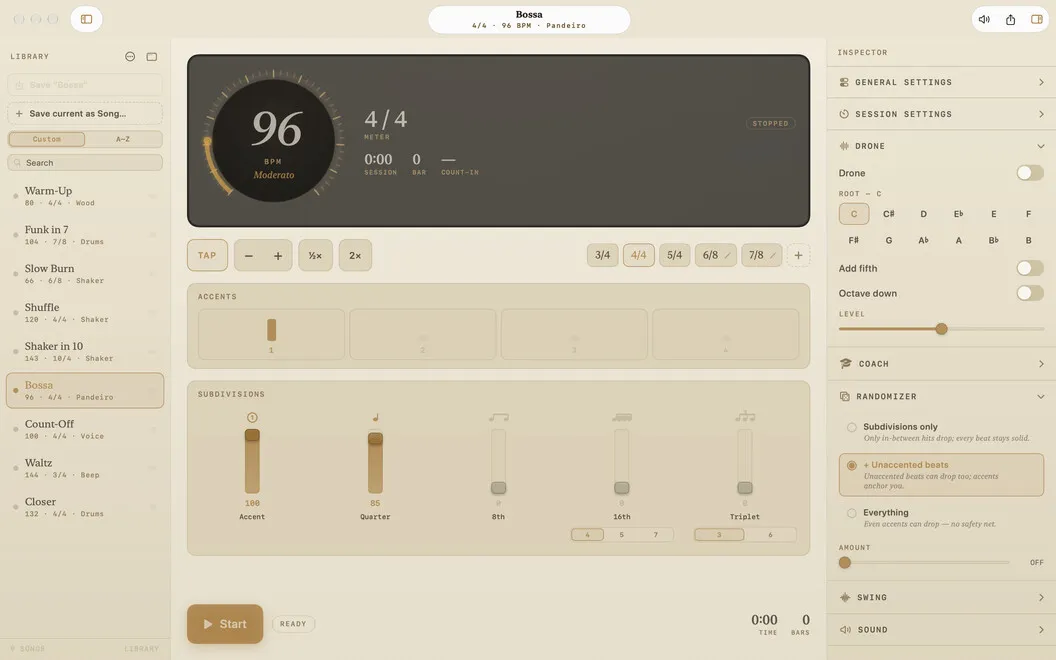
BassEducation Metronome is a practice metronome for Mac, made by working bass player and educator Damian Erskine. It’s precise, sounds great, and handles the grooves you actually practice. Odd meters, subdivisions, and swing are a click away. Add a coach, a randomizer, and a drone, and your practice sessions get a lot more interesting than “click, click, click.”
Set your click your way
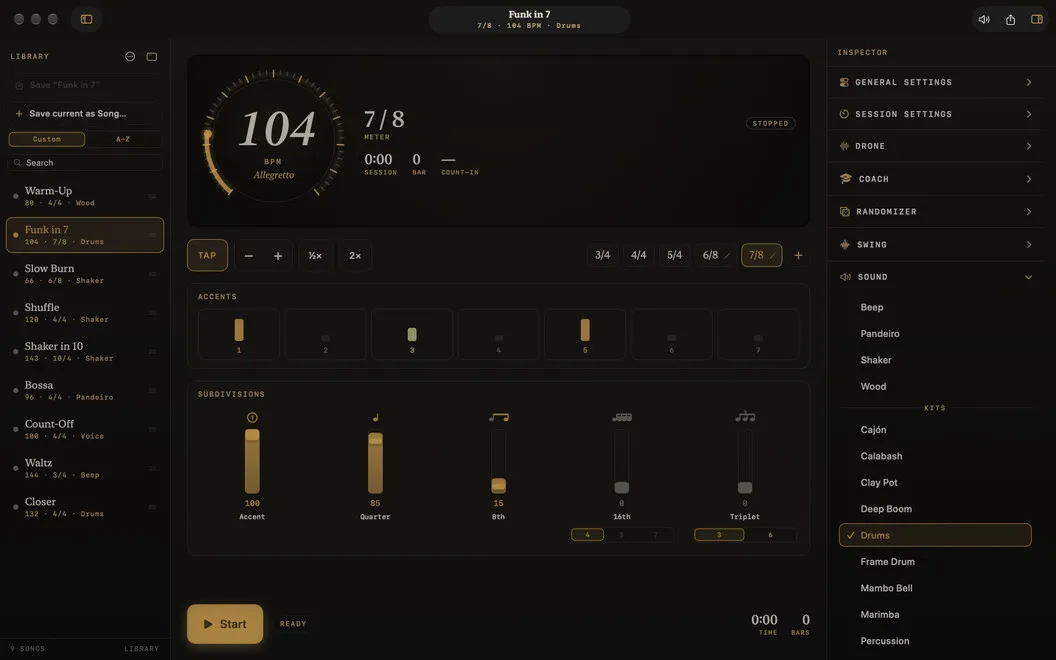
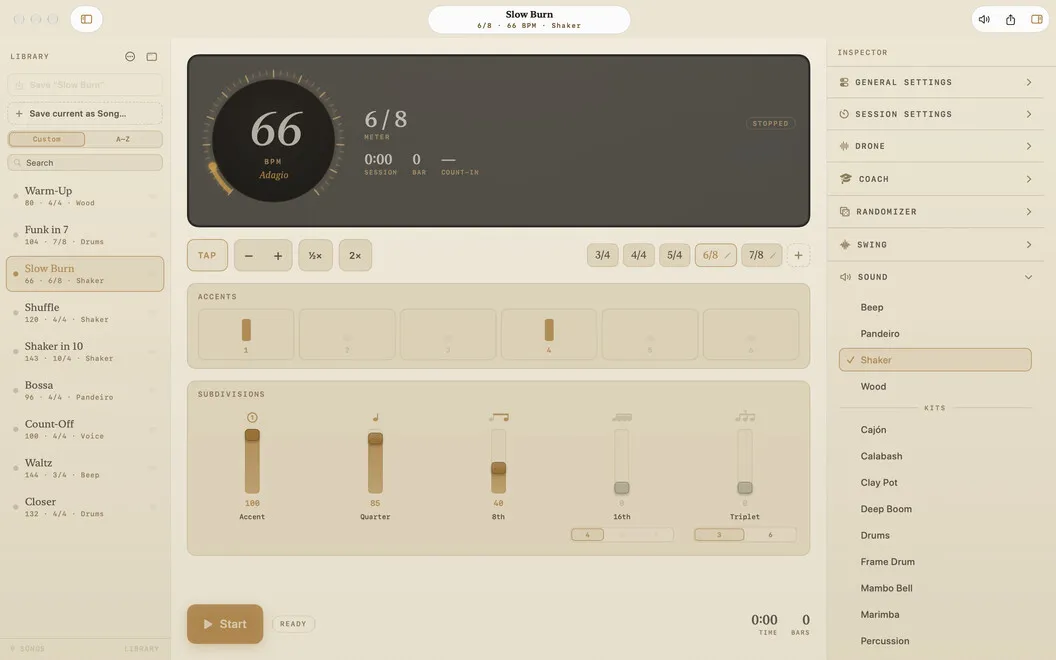
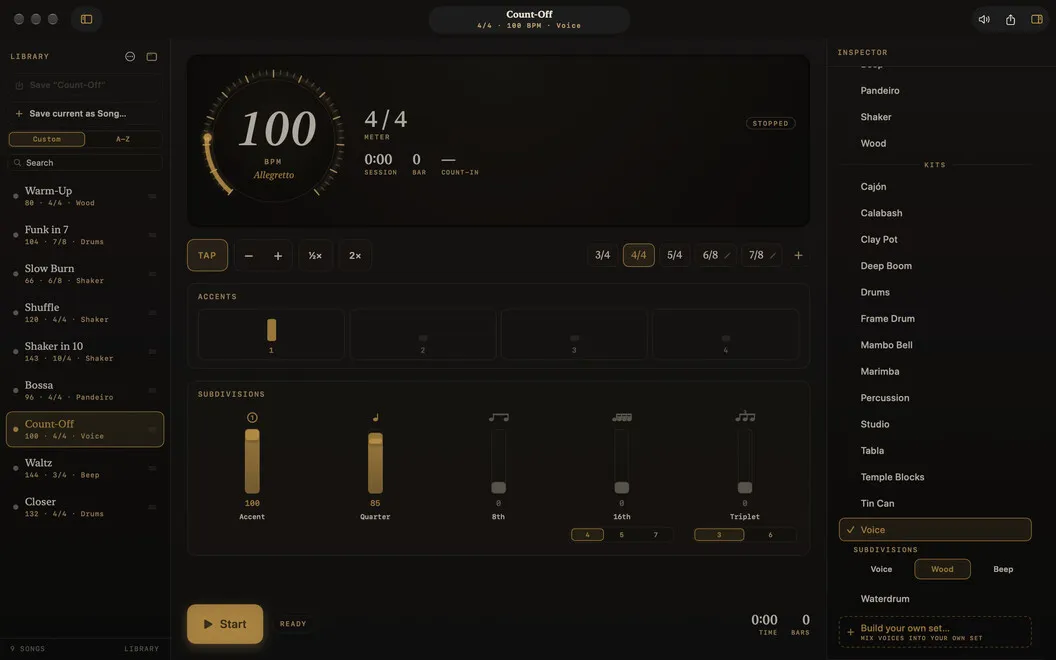
Pick any tempo from 30 to 400 BPM, or tap it in. Build any time signature in /4 or /8, with natural groupings like 7/8 as 2+2+3. Put accents on any beat, then add 8ths, 16ths, triplets, quintuplets, sextuplets, or septuplets. The Feel slider gives you swing.
19 sounds, plus your own
Choose from wood block, shaker, pandeiro, drum kit, tabla, cajón, marimba, spoken counting, and more. You can also mix voices into a custom click. Pick a sound for the accent, the beat, and each subdivision, preview it, and save it as a set.
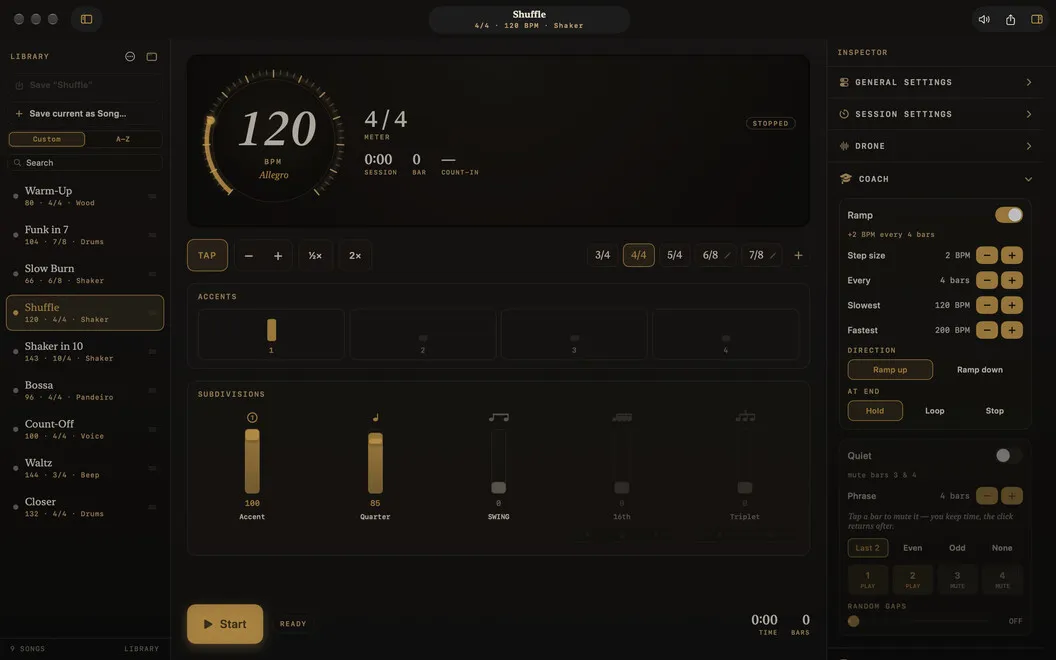
Coach and randomizer
The Coach steps your tempo up or down every few bars. Quiet-count bars drop the click so you hold the time yourself. The Randomizer skips hits at random, so you have to feel the groove instead of leaning on the click.
Drone to play against
Get a sustained pitch in any of 12 keys. Add a fifth or an octave down if you want more body. It’s handy for tuning your ear and your intonation.
Library for every groove
Save any groove as a song and bring it back in one click. Search, sort, reorder, and find duplicates. Export your Library as a file and import it on another Mac.
Always at hand
A menu-bar mini player gives you tempo and tap without opening the full window. You also get full keyboard control and light or dark appearance. There are no accounts and no tracking, and your songs and settings stay on your Mac.