Screenshots
About boring notch for Desktop
Your Mac has a notch. It does nothing. boring notch turns it into a panel that opens when the pointer comes near, and gets out of the way the moment it leaves.
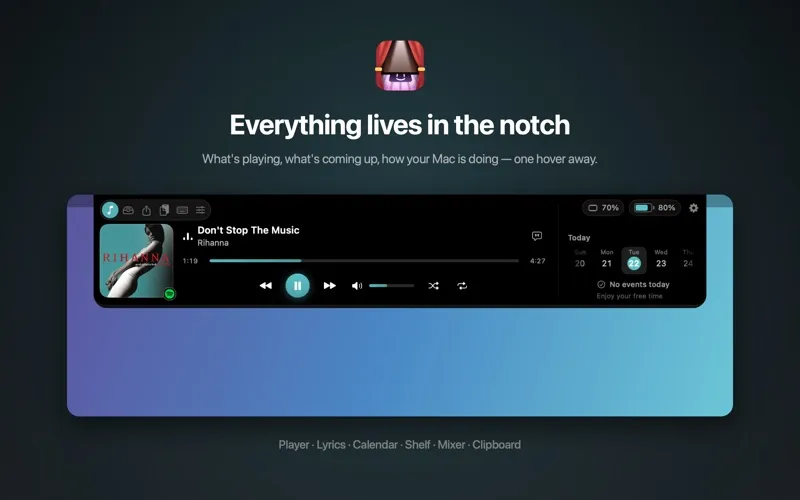
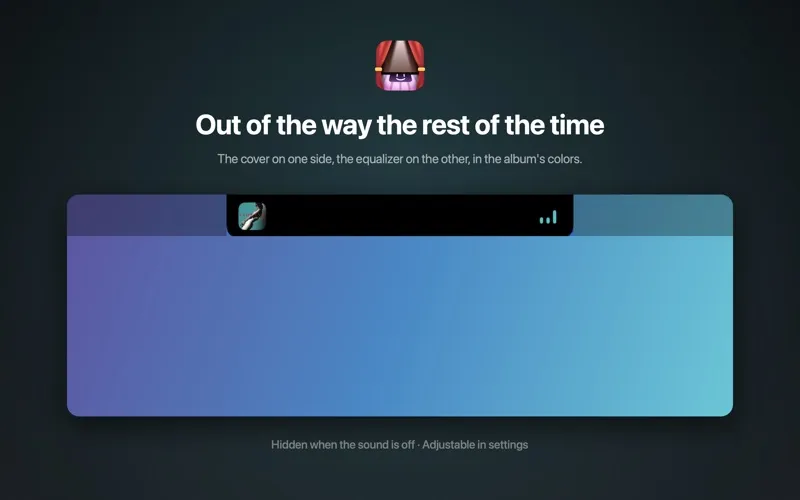
WHAT'S PLAYING The cover art full size, the title, the artist, a progress bar and the controls for Music and Spotify. One click, and synced lyrics appear under the buttons. With the panel closed, the cover shows as a thumbnail on one side of the notch and a small equalizer on the other, in the cover's own colors.
THE CALENDAR Today's events beside the player, with the days on a strip you can scroll and tomorrow's events just below. Events that are over fade out on their own.
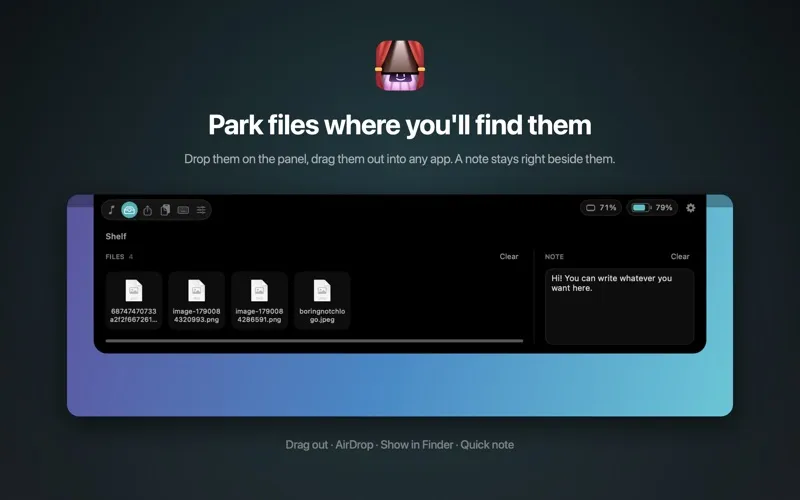
THE SHELF Drop a file on the panel and it waits there. Pull it out later into any app, send it with AirDrop, or show it in the Finder. Next to it, a note that stays put, for the things you jot down without wanting to open an app.
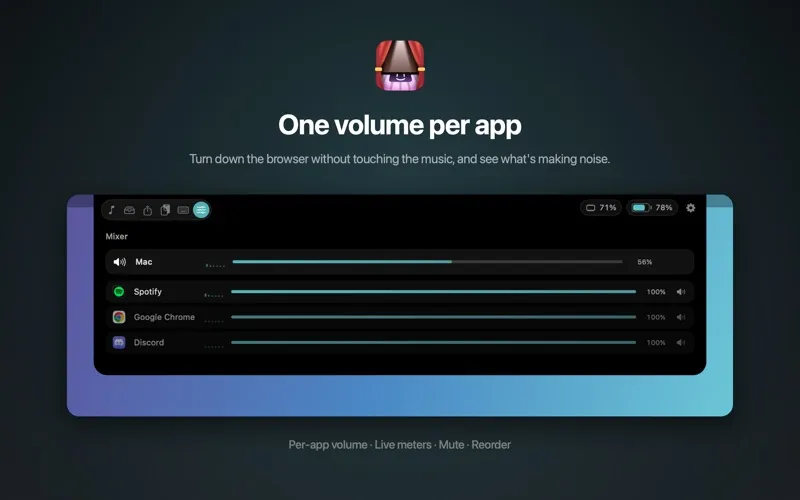
THE MIXER Each app's volume set separately, with its live sound level and a mute button. Reorder the rows, take off the ones you don't care about.
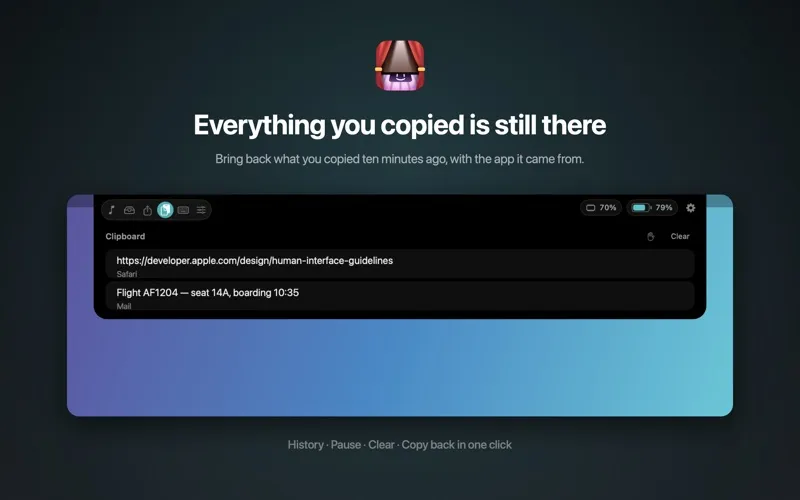
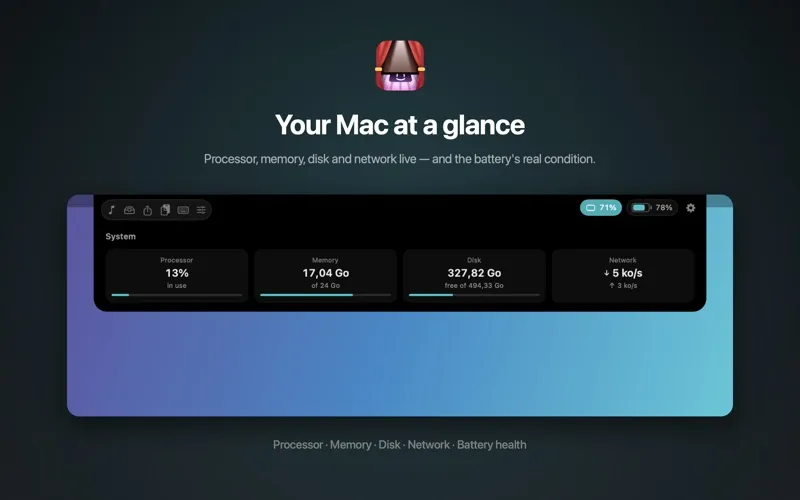
AND ALSO Clipboard history, live battery, processor, memory, disk and network readings, AirDrop by dragging onto the notch, and a keyboard lock so it can be wiped without typing anything.
FOR EVERYONE ⌥⇧1 opens the panel from any app, no mouse needed. boring notch supports VoiceOver, Voice Control, Reduce Motion, Increase Contrast and Differentiate Without Color.
MADE TO FIT Open on hover or on click, how close the pointer has to get, how long it waits before closing, the accent color — including one taken from the cover that's playing — tile sizes, network units: every page has its own options. The app speaks English, French, German, Spanish, Italian, Portuguese, Japanese, Korean and Chinese.
NOTHING LEAVES YOUR MAC No account, no ads, no analytics, no server. Your files, your notes and your clipboard stay with you. Online, the app only looks up cover art and, if you turn them on, lyrics — never anything that identifies you.
boring notch asks for a few permissions, all optional: calendars to show your events, automation to drive Music and Spotify, system audio capture for the mixer. Decline one and only that feature stops.
On a Mac with no notch, the panel opens from the middle of the menu bar.
TRY IT, THEN KEEP IT Seven days free, with every feature. After that, one purchase unlocks the app for good, on every Mac signed in to your Apple Account. No subscription.