Brother P-touch Editor
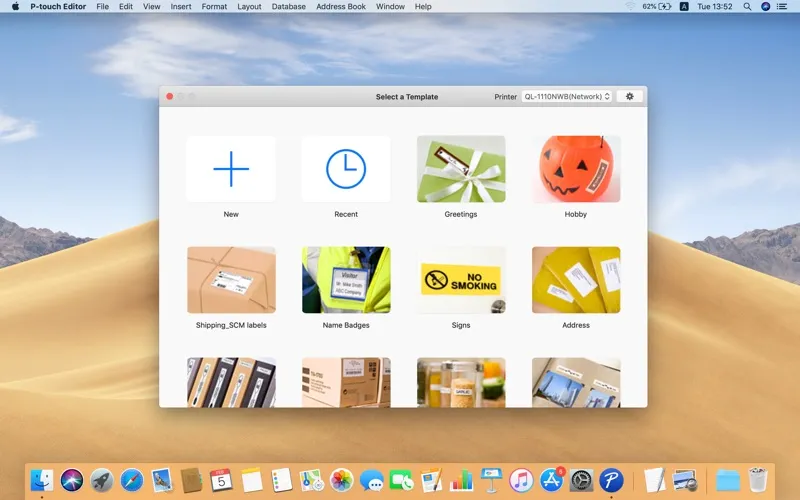
Brother P-touch Editor is a free Mac app that lets you design and print custom labels if you use a compatible Brother label or mobile printer.
by Brother Industries, LTD.
What you get
You get custom labels printed from your Mac.
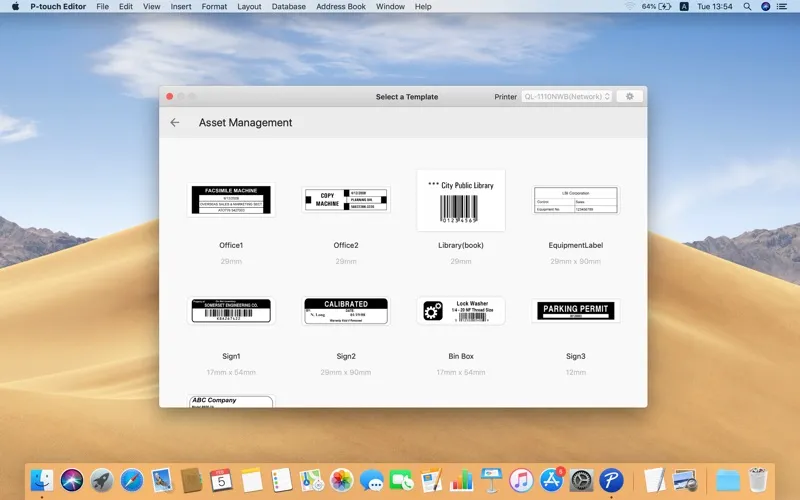
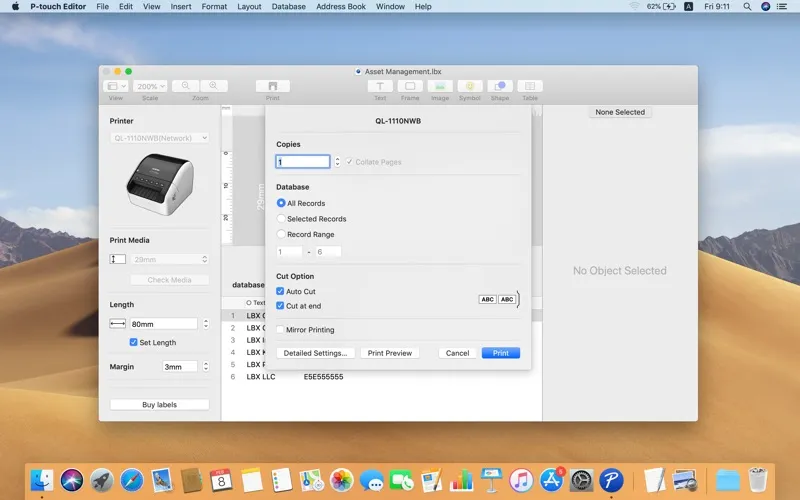
With Brother P-touch Editor, you can turn the text and images you choose into printed labels using a compatible Brother printer. You can make labels for folders, storage boxes, equipment, or other items you need to identify, with control over how the information looks.
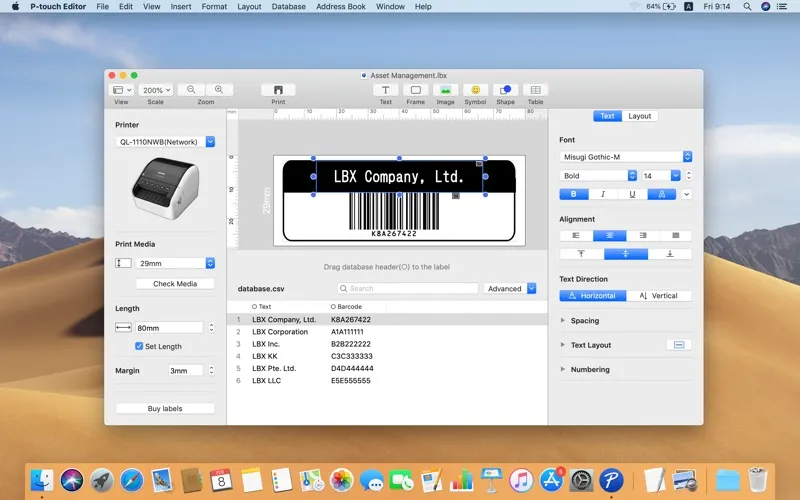
You can vary fonts and text styles to distinguish different pieces of information, add your own images, and include barcodes when a label needs more than readable text. Built-in drawing tools let you shape the design rather than limit it to words alone.
The app is free, but you need a supported printer to get printed results. Compatibility depends on your Brother model and the editor version, so check that your particular printer is supported before planning your labels.
-
Identify your items
You can create and print custom labels for the things you need to mark.
-
Make text stand out
You can use different fonts and text styles to distinguish information on your labels.
-
Include your own images
You can bring images into your label designs instead of relying on text alone.
-
Put barcodes on labels
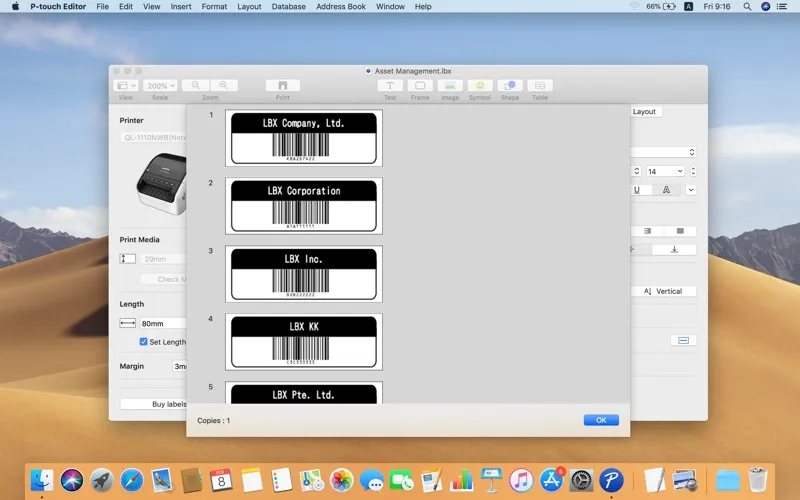
You can include barcodes alongside the other information you want to print.
Best for
- You own a compatible Brother label or mobile printer
- You need labels for folders, storage, or equipment
- You want labels that include images or barcodes
Skip it if
You don't need it if you have no compatible Brother printer or no custom labels to print.
Screenshots
From the developer
P-touch Editor for Mac is a free app for Brother label and mobile printers. It allows you to design and print custom labels using built-in drawing tools to create various font and text styles, import images, and insert barcodes.Read the full description
Alternatives to Brother P-touch Editor
Other apps to design print layouts. See all