Classroom
Classroom helps you guide lessons from your Mac by directing student devices, checking their screens, and sharing materials. It’s for teachers working with nearby students.
by Apple
What you get
You can keep your class on task without visiting every device.
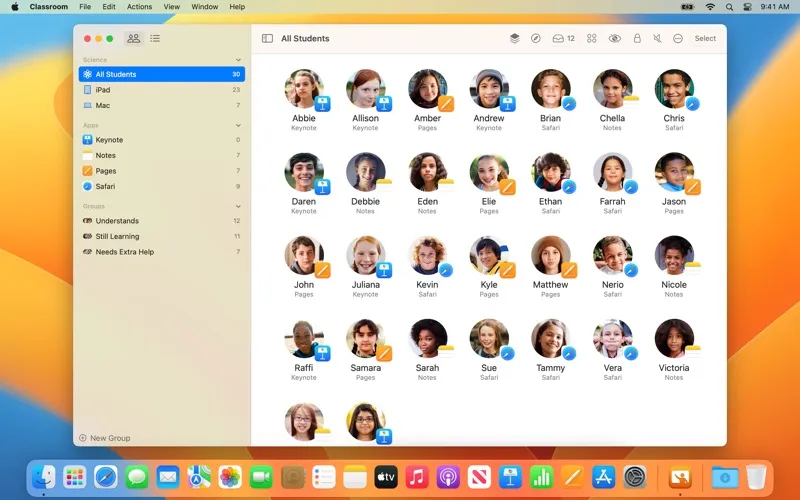
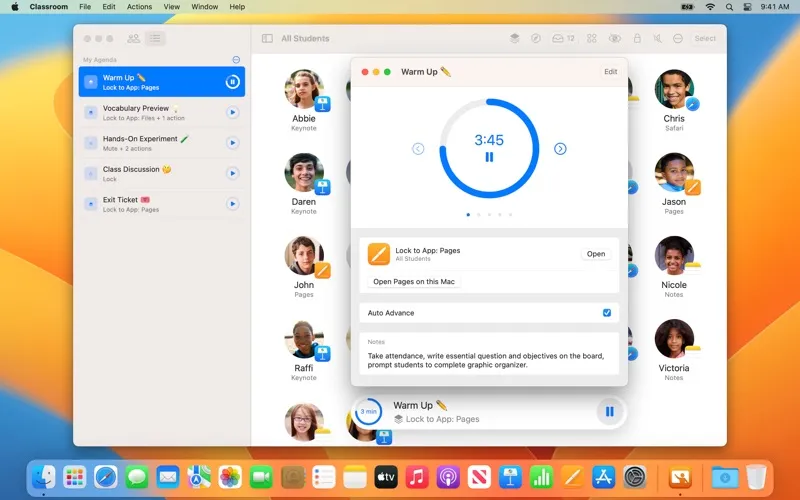
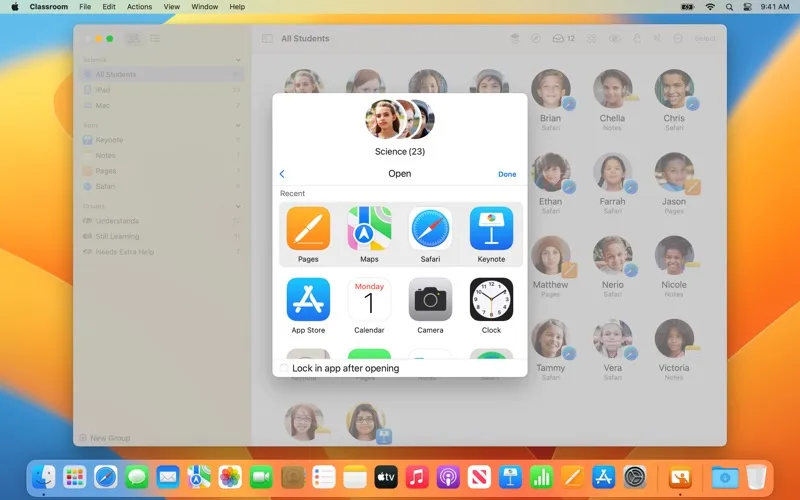
With Classroom, you can get students working on the right activity from your Mac. Open an app, website, or book for the whole class, or give different groups different activities. When you need everyone’s attention, you can pause work by locking screens, mute device audio, or keep students in a single app.
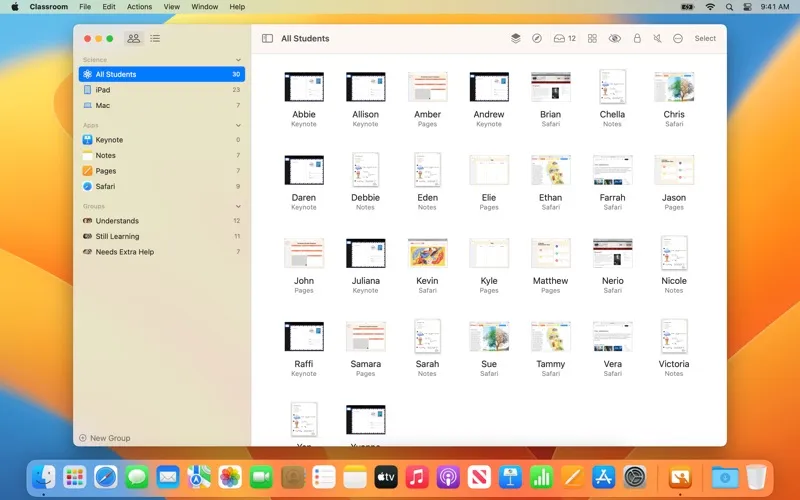
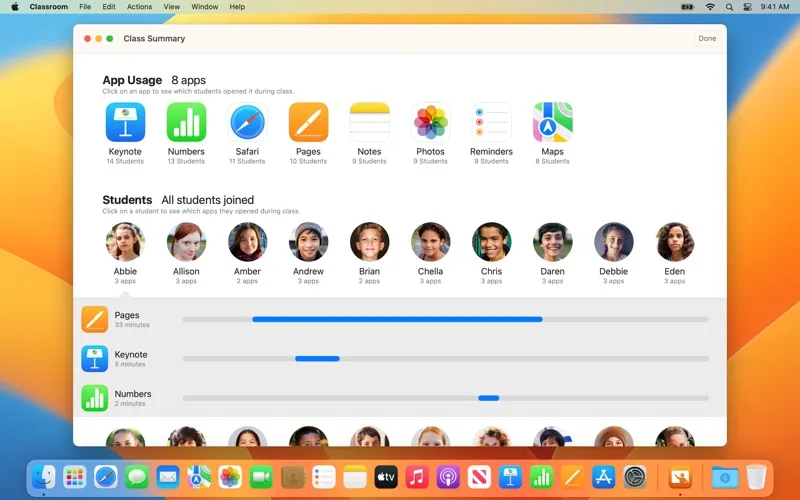
You can check all student screens together or look more closely at one to see who needs help. Students are notified when you view or present their screens. You can send documents and links through AirDrop, receive work back, and show a student’s screen on the classroom Apple TV for discussion.
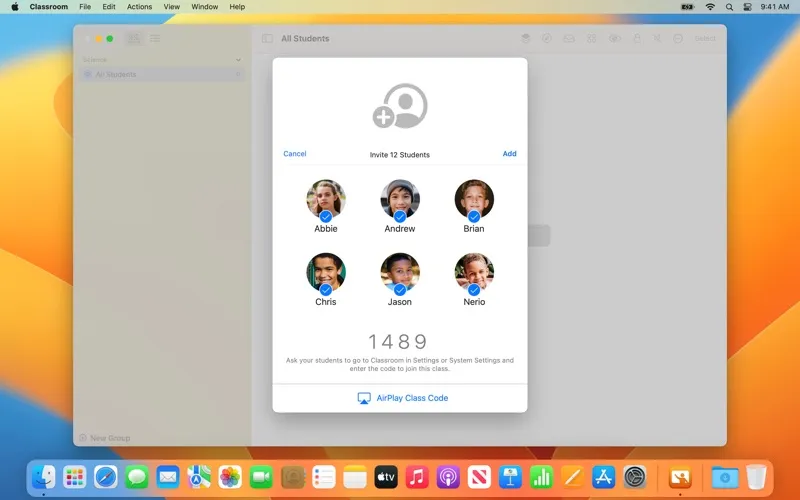
For Shared iPad classes, you can return students to their previously used iPads and log them out afterward. You can also reset Managed Apple ID passwords without contacting IT. This is for nearby classroom use: actions stay on the local network, with Wi-Fi and Bluetooth enabled and students within Bluetooth range.
-
Start activities together
You can open the same resource for everyone or send different groups to different activities.
-
Bring attention back
You can lock screens, mute audio, or restrict devices to one app when the lesson calls for it.
-
See who needs help
You can review student screens together or individually to check progress without walking to each device.
-
Discuss student work
You can display a student’s screen on the classroom Apple TV so everyone can follow along.
-
Prepare for the next class
You can log students out of Shared iPads at the end of a session.
Best for
- You teach a class using student iPads or Macs
- You run group activities with different apps or resources
- You manage Shared iPads between lessons
Skip it if
You don’t need it if you teach remotely or don’t manage student devices during lessons.
Screenshots
From the developer
Classroom turns your Mac into a powerful teaching assistant, helping you guide students through a lesson, see their progress, and keep them on track. With Classroom, you can easily launch the same app on every student iPad or Mac at the same time or launch a different app for each group of students.Read the full description
Alternatives to Classroom
Other apps to study & learn. See all