Commuter MenuBar
Commuter MenuBar lets you check real-time public transit departures from your Mac’s menu bar, for regular commuters in supported cities.
by Flavio De Stefano
What you get
See when your next ride leaves without opening a full transit app.
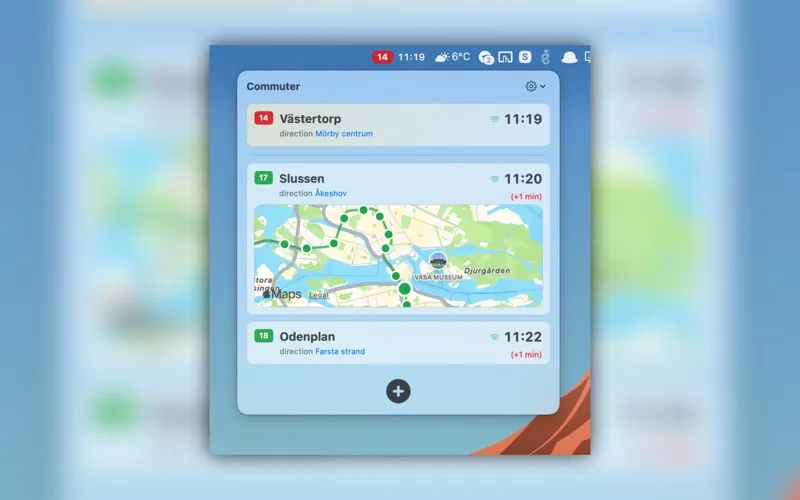
Commuter MenuBar gives you a quick way to check when your next bus, tram, metro, or train leaves while you’re at your Mac. You can open your saved departures from the menu bar instead of launching a full transit app each time you want an update.
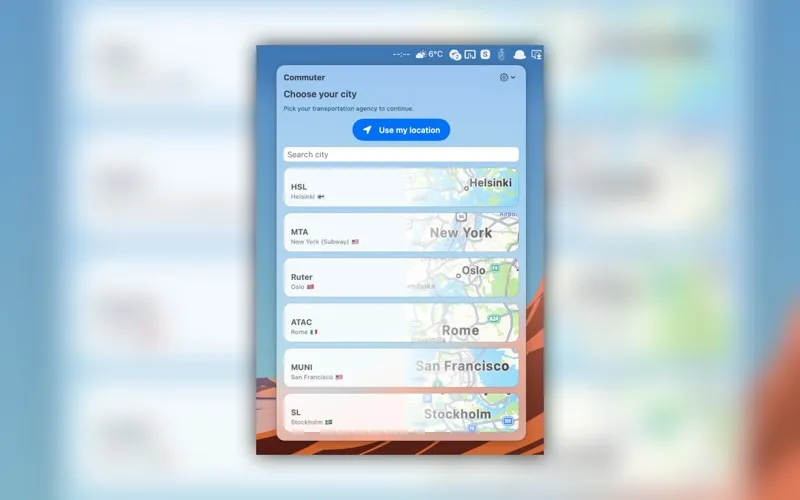
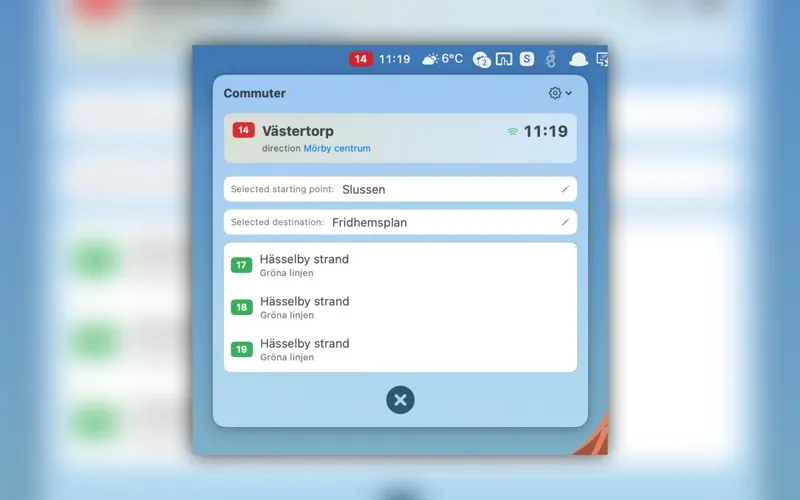
You choose your city, stop, route, and destination, then pin the departures you use regularly. If you keep an eye on several services, you can track them together and arrange them in the order that suits your commute. That keeps the departures you care about easy to find during repeated checks throughout the day.
You get real-time information from supported transit agencies across multiple cities worldwide, so its usefulness depends on coverage where you travel. It’s an independent app, not an official service from your transport agency.
-
Check before you leave
You can see real-time departures for your saved services directly from your Mac’s menu bar.
-
Keep regular rides handy
You can pin the stops, routes, and destinations you use instead of selecting them for every check.
-
Watch several services together
You can track multiple departures at once and put your most relevant services first.
Best for
- You commute by public transit in a supported city
- You regularly check departures while working at your Mac
- You monitor several routes or destinations
Skip it if
You don’t need it if your transit agency isn’t supported or you rarely check departures from your Mac.
Screenshots
From the developer
Commuter puts real-time transit departures in your macOS menu bar, so the next bus, tram, metro, or train is always one click away. Instead of opening a full transit app, choose your city, pin the departures you care about, and check them instantly from the menu bar.Read the full description