Drain
Smart grayscale for focus
Drain turns your Mac display grayscale to reduce visual distractions. It’s for you if colorful apps keep pulling you away from what you meant to do.
by Minimal Applications LLC
What you get
Make your screen less tempting so you can stay on task.
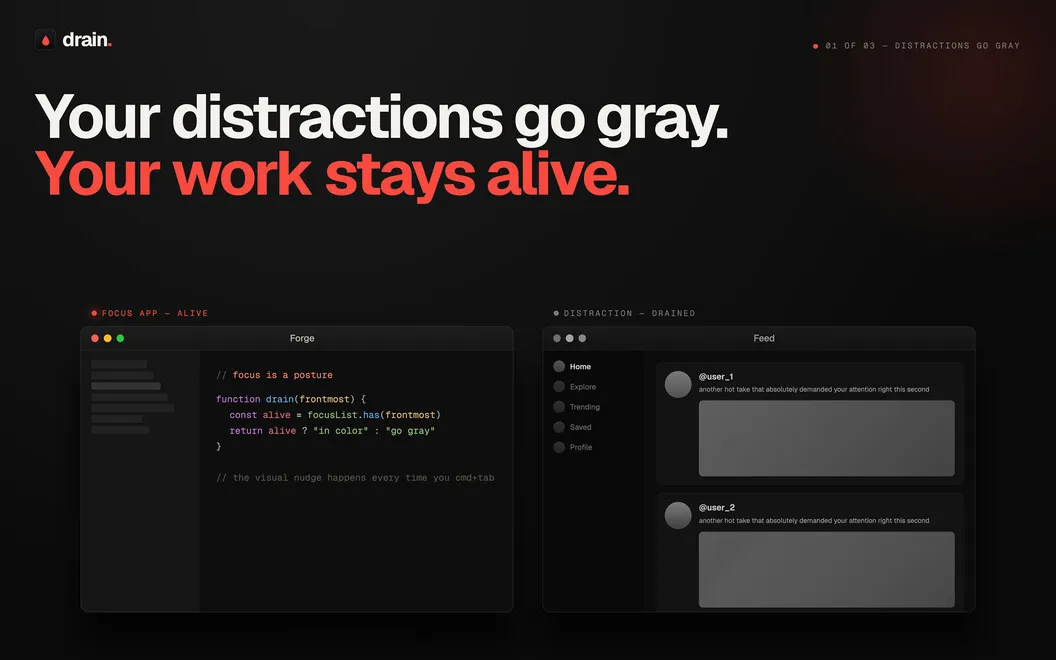
Drain gives you a way to make your Mac less visually distracting without cutting off access to your apps. By turning your display black and white, you can make colorful feeds and other distractions less inviting when you’re trying to concentrate. It’s a lighter approach than blocking apps: you can still use everything, just without the color.
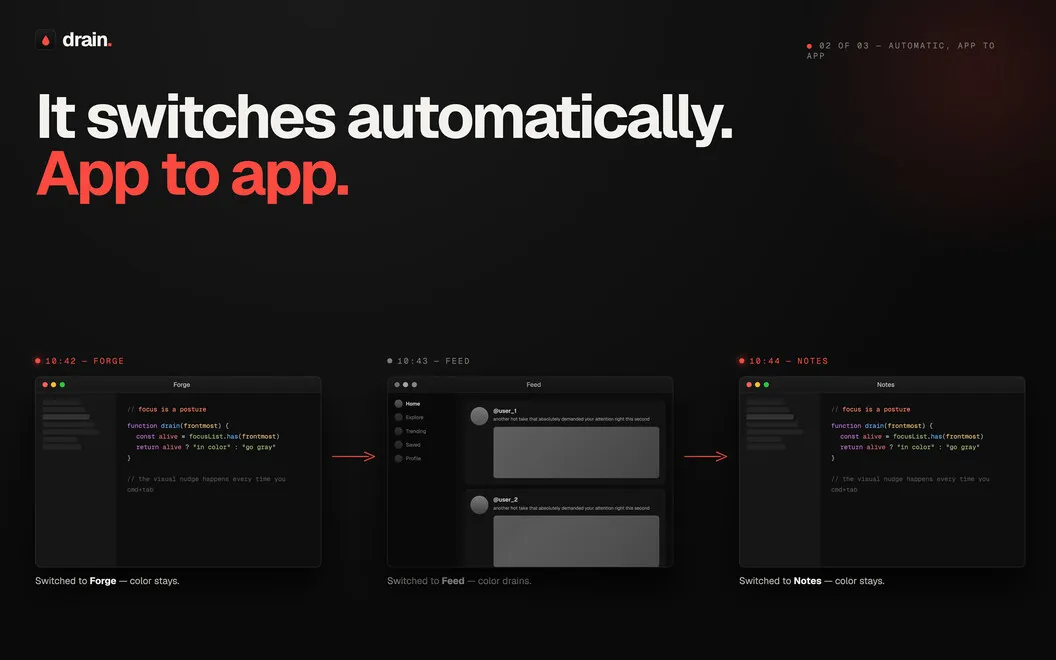
You can switch grayscale on yourself, schedule it around your work hours, or have it activate when you use specific apps. If news or social media regularly turns a quick check into a longer detour, you can target those moments rather than keep your screen gray all day.
When you need color again, you can turn grayscale off quickly without searching through system settings. You stay in control of when your screen changes and how it fits your routine.
-
Less visual temptation
You can tone down colorful distractions to make mindless scrolling and app hopping less inviting.
-
Focus hours handled
You can schedule grayscale for work hours or other times when your attention tends to drift.
-
Target your distraction apps
You can have specific apps trigger grayscale rather than leave your display black and white all day.
-
Keep access to everything
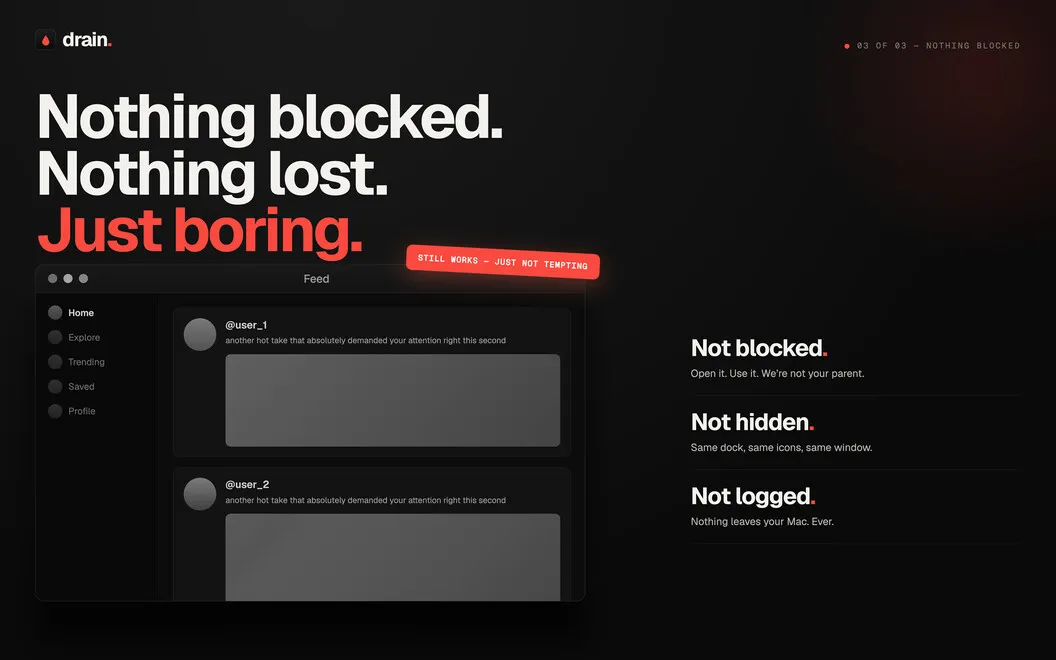
You can reduce visual distractions without blocking apps, then restore color whenever you need it.
Best for
- You keep drifting into news or social apps
- You want scheduled grayscale during focused work
- You prefer gentler limits over app blocking
Skip it if
You don’t need it if you want apps blocked outright rather than made less visually tempting.
Screenshots
From the developer
Drain is a grayscale app for Mac that helps you stay focused by making your screen less distracting. Turn your display black and white manually, on a schedule, or only for specific apps. It’s a simple way to reduce mindless scrolling, curb digital overload, and make your Mac a little calmer to use.Read the full description
Alternatives to Drain
Other apps to stay focused & block distractions. See all
 HazeOver
Dim background windows
Setapp
99% · 1,206 ratings
HazeOver
Dim background windows
Setapp
99% · 1,206 ratings
 Session
Work in short intervals
Setapp
98% · 2,095 ratings
Session
Work in short intervals
Setapp
98% · 2,095 ratings
 Be Focused
Manage to-do lists with timers
Setapp
97% · 401 ratings
Be Focused
Manage to-do lists with timers
Setapp
97% · 401 ratings
 Focused Work
Work with timers
Setapp
85% · 96 ratings
Focused Work
Work with timers
Setapp
85% · 96 ratings
 Creative Command
Block apps and sites with sessions that demand engagement, not static time.
Sold separately
Creative Command
Block apps and sites with sessions that demand engagement, not static time.
Sold separately
 NapMac
Nap alert for Mac
Sold separately
NapMac
Nap alert for Mac
Sold separately