
Screenshots
About Editorio
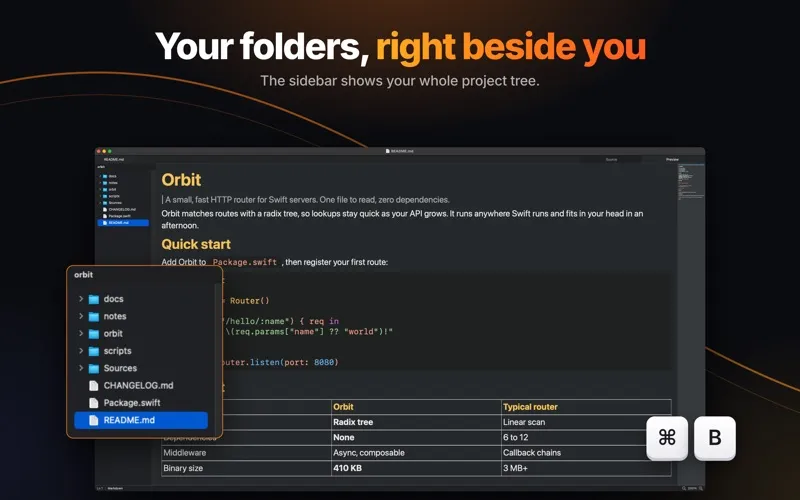
Editorio is a Markdown editor for macOS, built with AppKit. There is no web view or JavaScript runtime.
SPEED
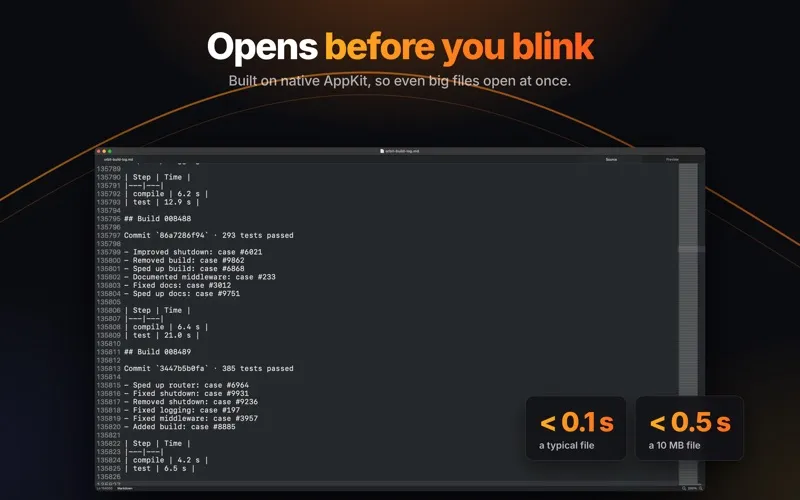
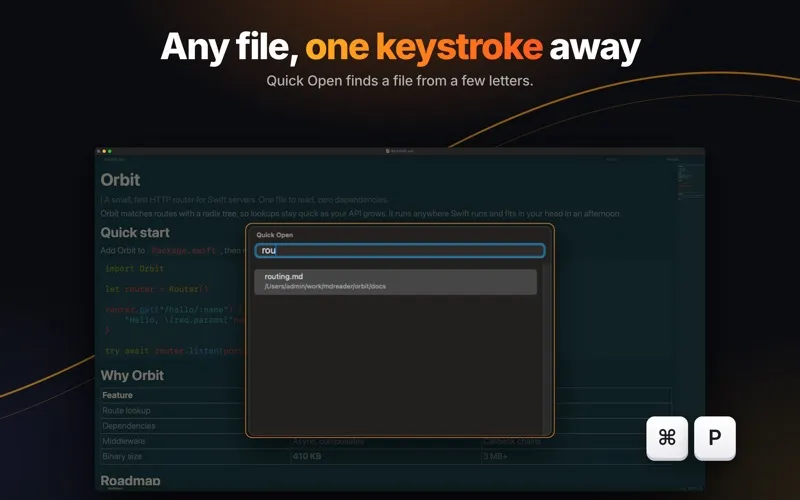
Documents open in a native editor with responsive scrolling and quick switching between source and preview. Large files use memory-mapped loading and a read-only mode when needed.
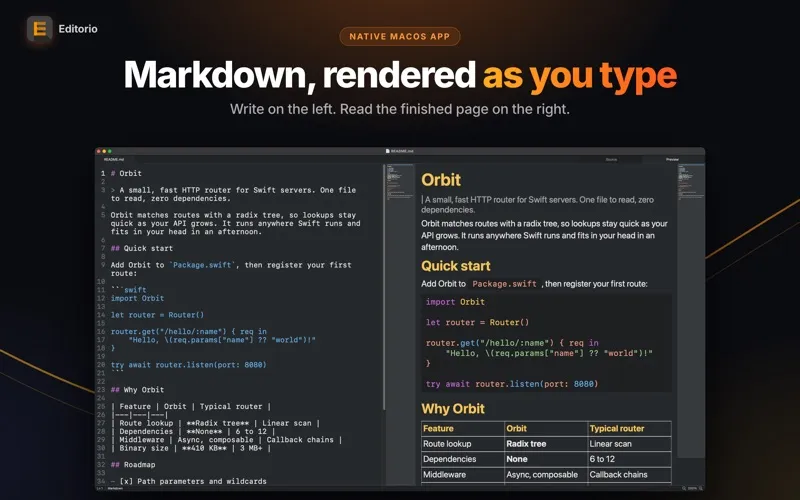
SIDE BY SIDE
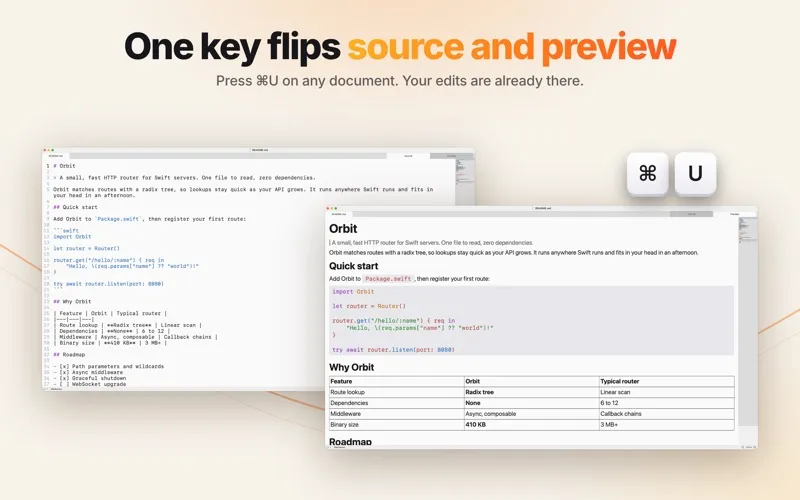
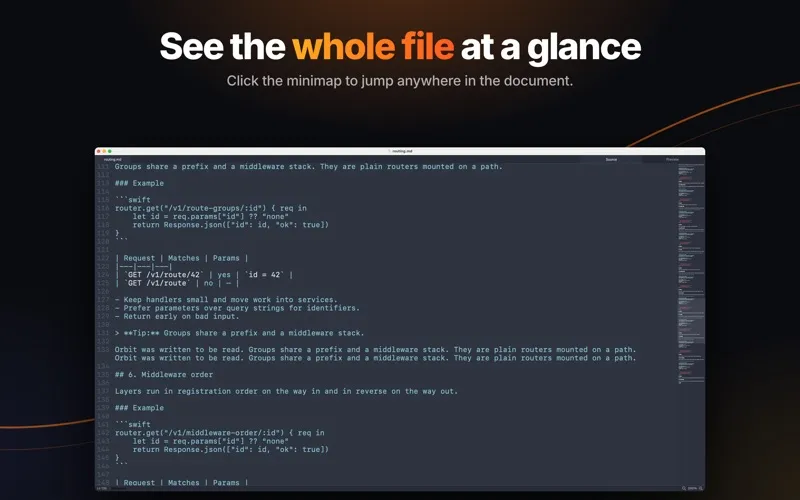
Source and preview share one window, split by a divider you can drag. The two halves scroll together and are matched by heading, so the same passage stays in view on each side. Each pane has its own minimap. Command-U switches to a single pane when you want the full width.
EDITING
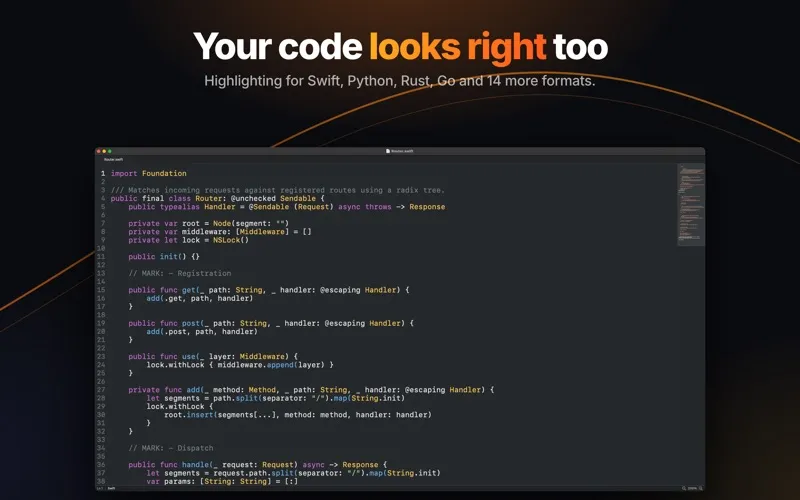
Syntax highlighting covers Markdown and 18 other languages: Swift, Rust, Python, C, C++, Java, Go, JavaScript, TypeScript, HTML, CSS, SQL, JSON, YAML, TOML, LaTeX, shell and more. Return continues a list and a second Return ends it. Line numbers sit in the gutter, Control-G jumps to a line, and Command-F searches the entire file.
TABS AND WINDOWS
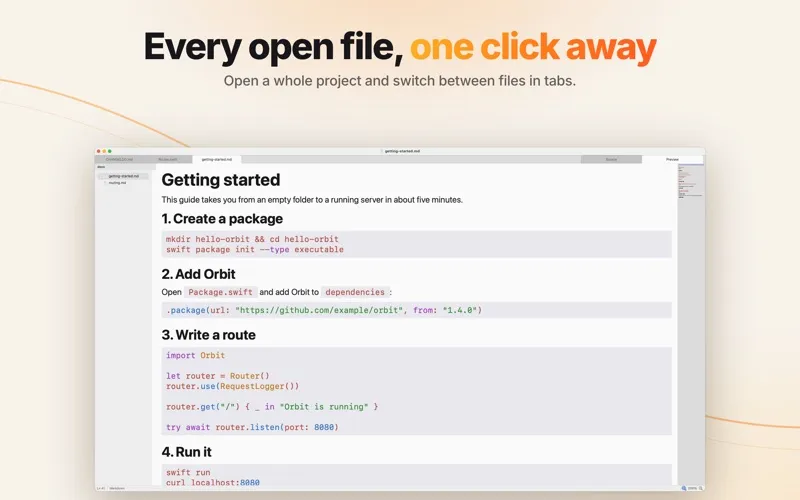
A window can hold multiple tabs. Drag them to reorder, or switch with Command-1 through Command-9. Quitting and reopening restores the tabs you left open.
FILES
Editorio reads and writes plain .md files. It does not insert front matter or reformat lines you did not edit. Work is saved as you type, and undo state is preserved when you reopen a document.
APPEARANCE
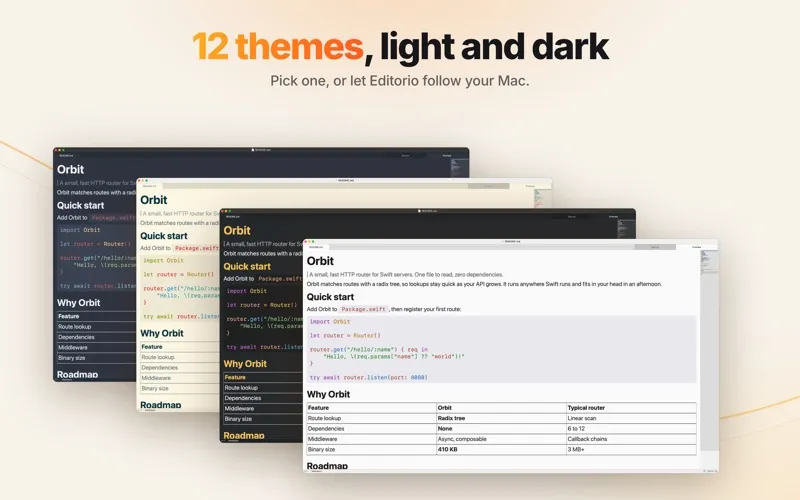
Light and dark themes follow the system appearance, or stay fixed to one. Font, size and preview width are adjustable. Full screen is supported.
PRIVACY
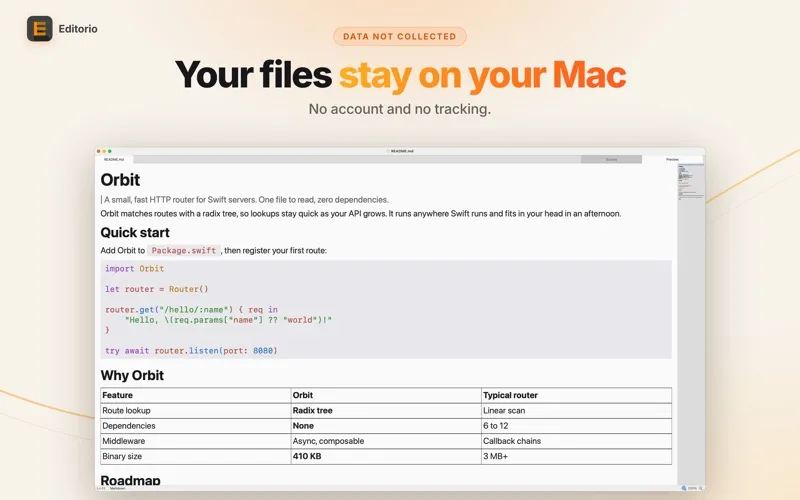
Editorio has no account, sync or analytics. It reads files you choose.