
Flashcard ANKI
Flashcard ANKI lets you create and review flashcards for exams or ongoing study. You can build decks yourself or import questions and answers from spreadsheets.
by Patrick Antonini
What you get
Turn your study material into flashcards you can review over time.
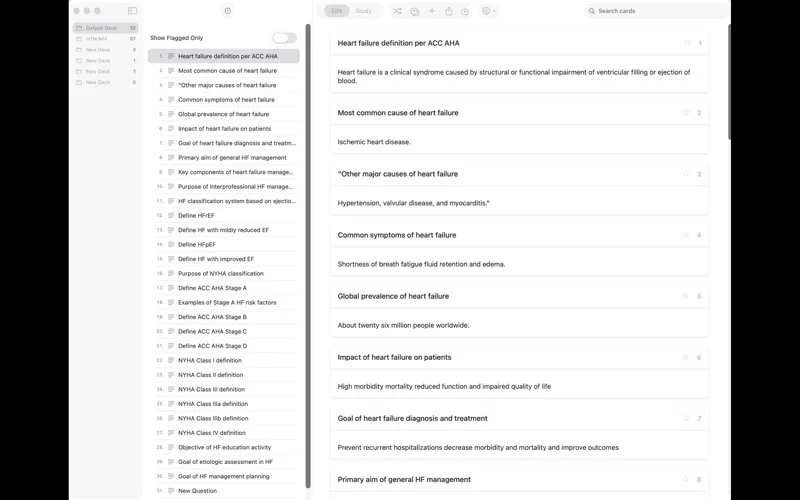
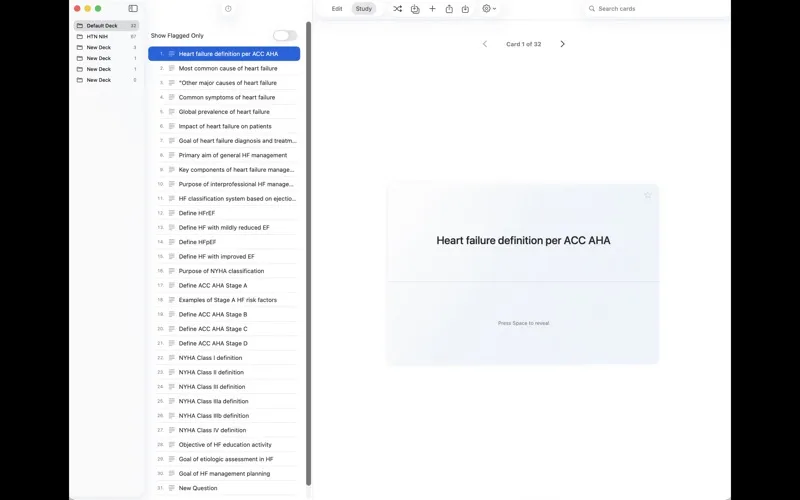
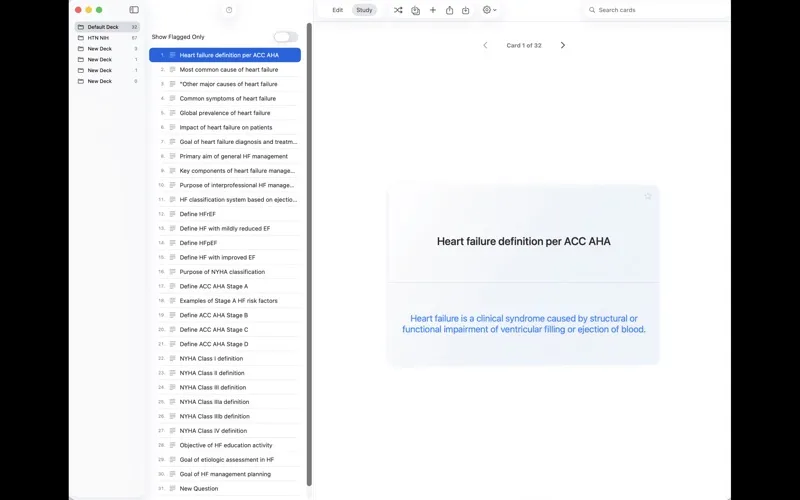
You get a way to turn questions, definitions, and other study material into decks you can quiz yourself with. Create and revise cards directly, organize your sets, and review them using spaced repetition to practice recall over time. You can also test yourself on hidden parts of images or missing words in text, rather than relying only on question-and-answer cards.
If your material is already in Excel or Numbers, you can avoid retyping it. Put questions in column A and answers in column B, with one card per row, then import a CSV or XLSX file. Avoid semicolons inside questions, since they can cause cards to split incorrectly.
You can export individual decks as CSV or XLSX files to keep editable copies outside the app. You can also export and import all your decks in JSON format, giving you a way to save and reload your collection.
-
Reuse your spreadsheet material
You can import questions and answers from CSV or XLSX files instead of entering every card again.
-
Practice recall over time
You can review your cards with spaced repetition rather than treating each deck as a one-time quiz.
-
Test visual and text knowledge
You can hide parts of images or words in text to test what you remember.
-
Keep editable deck copies
You can export decks to spreadsheets or save your full collection as JSON for later import.
Best for
- You’re preparing for exams with question-and-answer material
- You already keep study questions in Excel or Numbers
- You need to memorize image details or missing words
Skip it if
You probably don’t need it if you prefer reading notes and don’t plan to quiz yourself with flashcards.
Screenshots
From the developer
Make flashcards, import them from CSV and XLSX files to study them. Study for exams and keep the content with you. Using Excel or Numbers: put questions in column A and answers in column B, one card per row, then save as CSV or XLSX. You don’t need to type a semicolon at the end of the question.Read the full description
Alternatives to Flashcard ANKI
Other apps to study & learn. See all