
Flinto
Design interactive app prototypes
Flinto lets you turn app designs into interactive prototypes. It’s for you if you need to work out gestures, screen transitions, and small interface animations before development.
by Flinto, LLC. · 97% positive (60)
What you get
See how your app will respond before you build it.
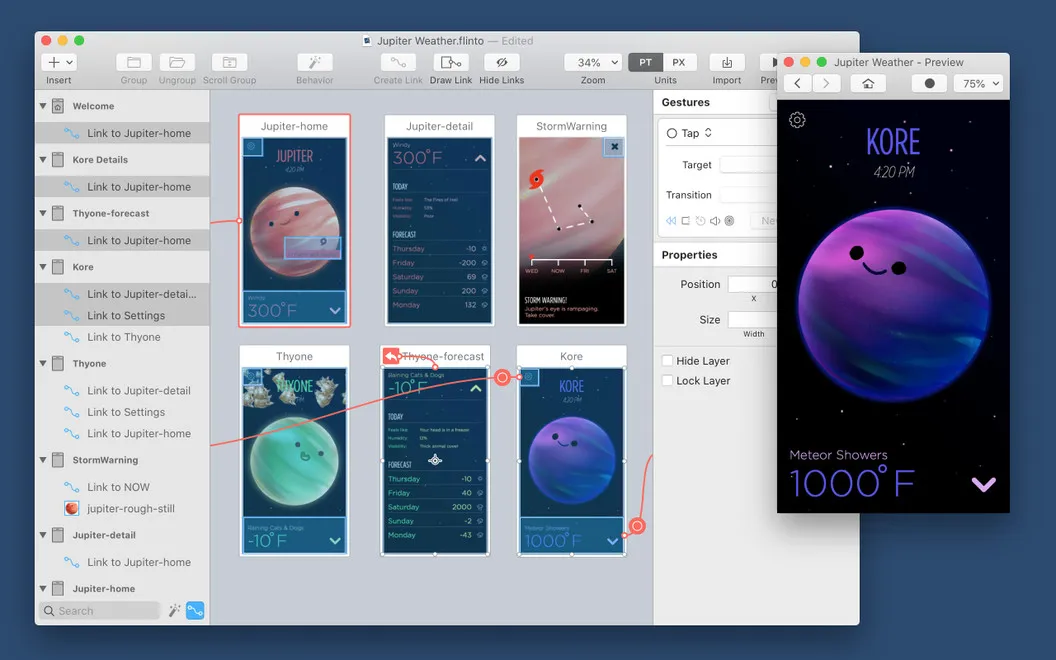
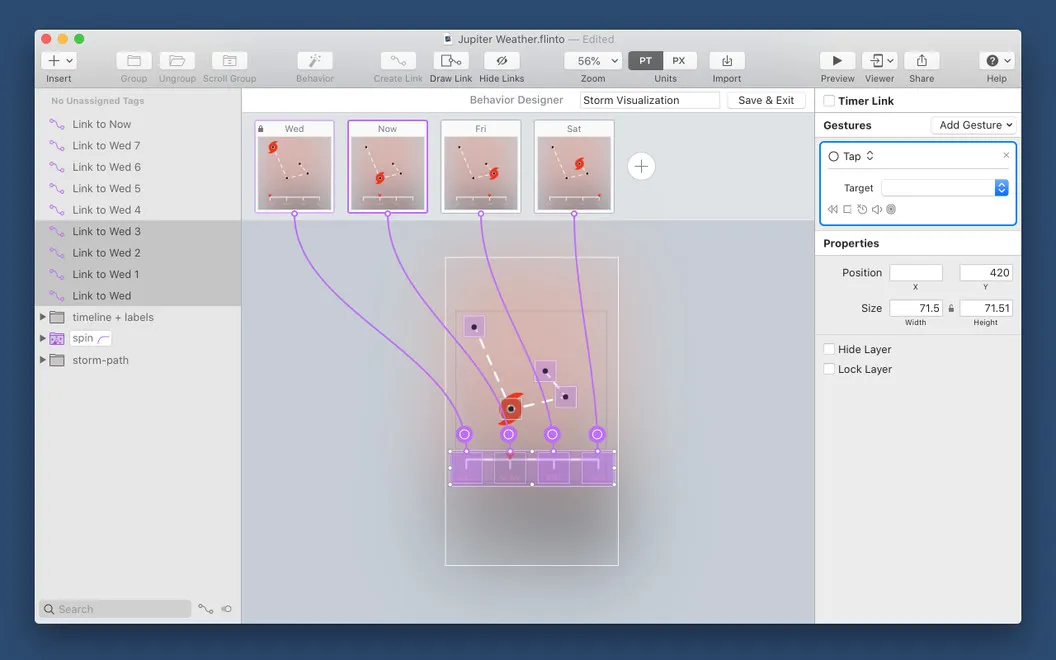
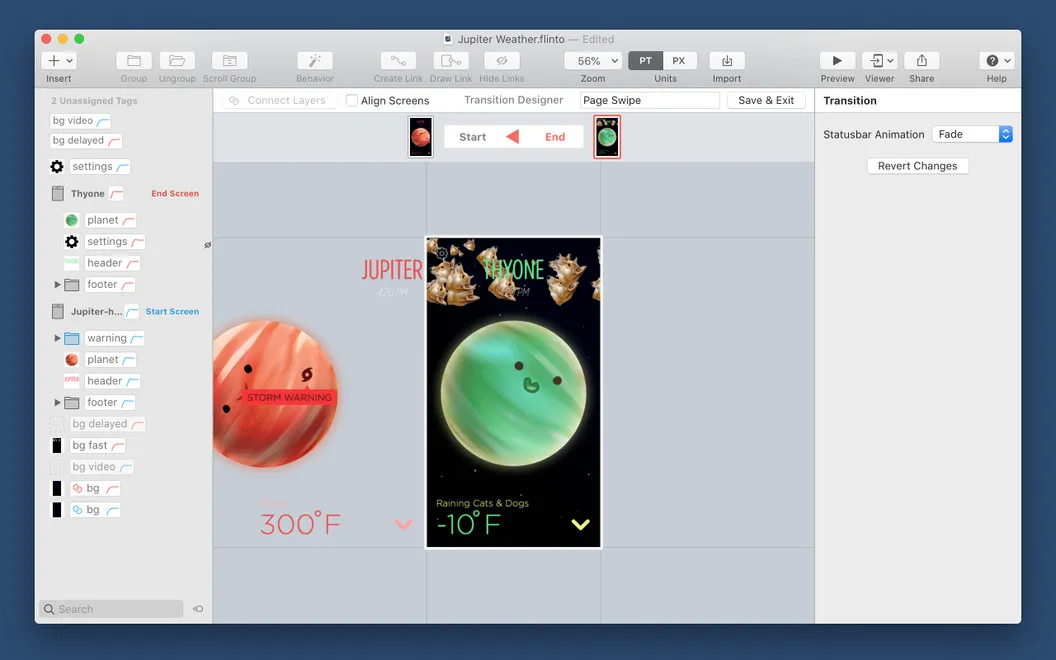
With Flinto, you can turn static app screens into a prototype you can tap, swipe, and scroll through. You decide what happens within each screen and how one screen moves into the next, so you can explain an interaction by showing it rather than describing it. You can create animated transitions without writing code, including small responses to user actions and scrolling areas nested inside other scrolling areas.
You can bring in designs from Sketch or Figma while keeping text and shapes editable, or put together a basic mockup with Flinto’s drawing and text tools. That lets you adjust your design as you work through its behavior instead of starting over elsewhere.
When you want to check the experience on a device, you can send your prototype to a Wi-Fi-connected iPhone or iPad and try it in the free Flinto iOS app.
-
Make interactions tangible
You can show what taps, swipes, and scrolling should do instead of relying on static screens.
-
Work out screen changes
You can design animated transitions without code to show how users move through your app.
-
Keep imported designs editable
You can reuse Sketch or Figma work and still adjust its text and shapes.
-
Try the experience on-device
You can test your prototype on an iPhone or iPad to check how its interactions feel.
Best for
- You’re designing an app with custom gestures or transitions
- You want to turn Sketch or Figma screens into an interactive prototype
- You need to demonstrate an app concept on an iPhone or iPad
Skip it if
You don’t need it if static mockups are enough and you have no interactions or transitions to test.
Screenshots
From the developer
Flinto is a simple tool that lets you build app design prototypes of any complexity. Animated transitions, scrolling, swiping — Flinto makes it easy to define user behavior. All you need to do is think through your user’s experience and arrange the elements accordingly.Read the full description
Alternatives to Flinto
Other apps to design UI, wireframes & prototypes. See all