HTML to App
Your web tools in the Dock
by Ihor July
Highlights
- Build a personal text editor
- Turn a web dashboard into a Mac app
- Make an audio or video player
- Create a camera utility or image viewer
Screenshots
About HTML to App
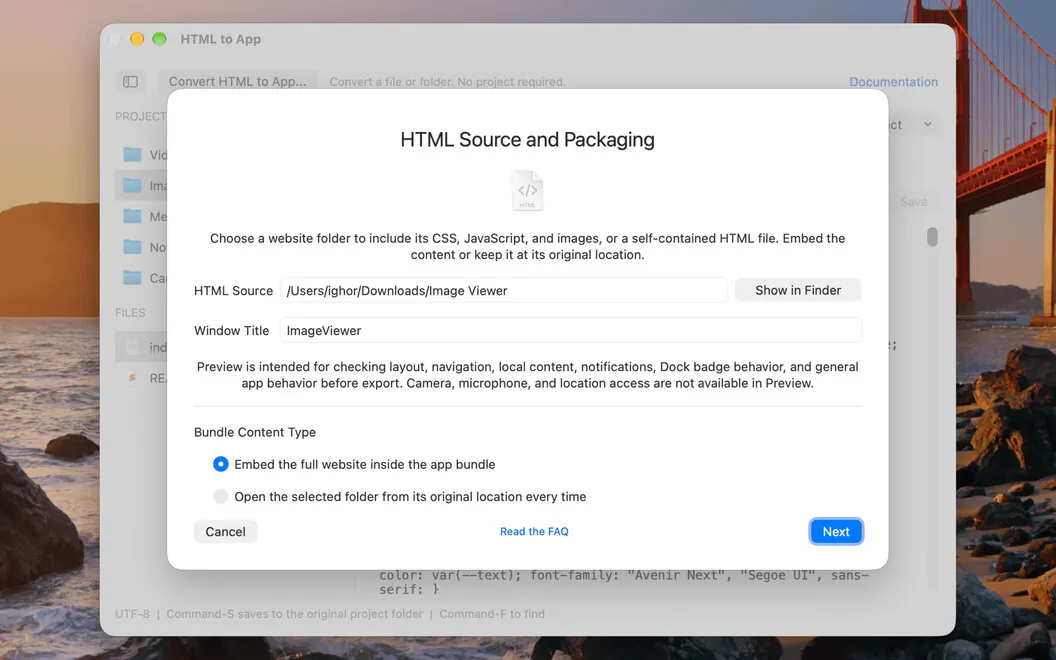
HTML to App is a web app maker for Mac. It turns your HTML, CSS, and JavaScript projects into standalone apps for your own use. Edit, preview, and export, with no build scripts and no local server. Each app gets its own icon and its own spot in the Dock, so it won’t get lost among your browser tabs.
Project workspace
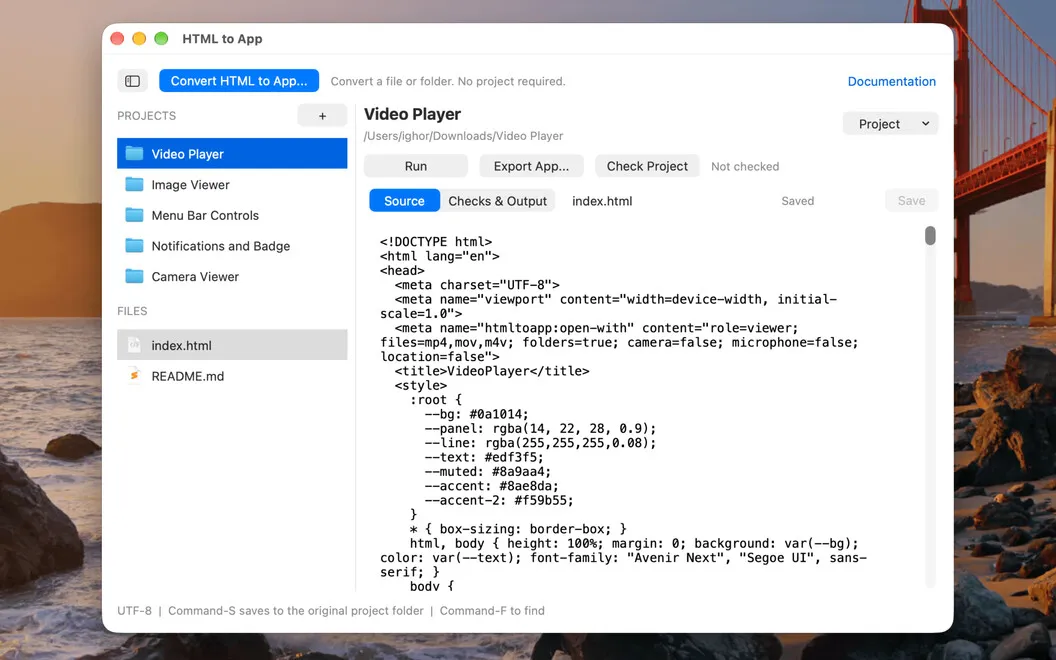
Create and organize folders, edit source files, and preview your interface. A built-in check flags missing resources before you export.
Start with a ready example
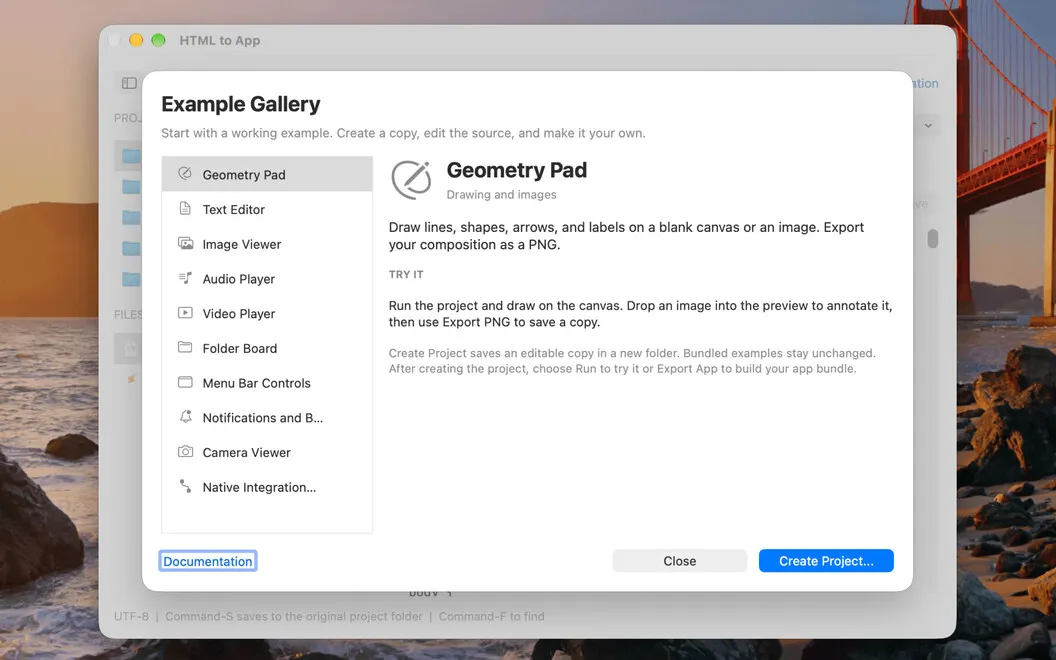
Bring your own project or customize a working one from the built-in gallery.
Native features
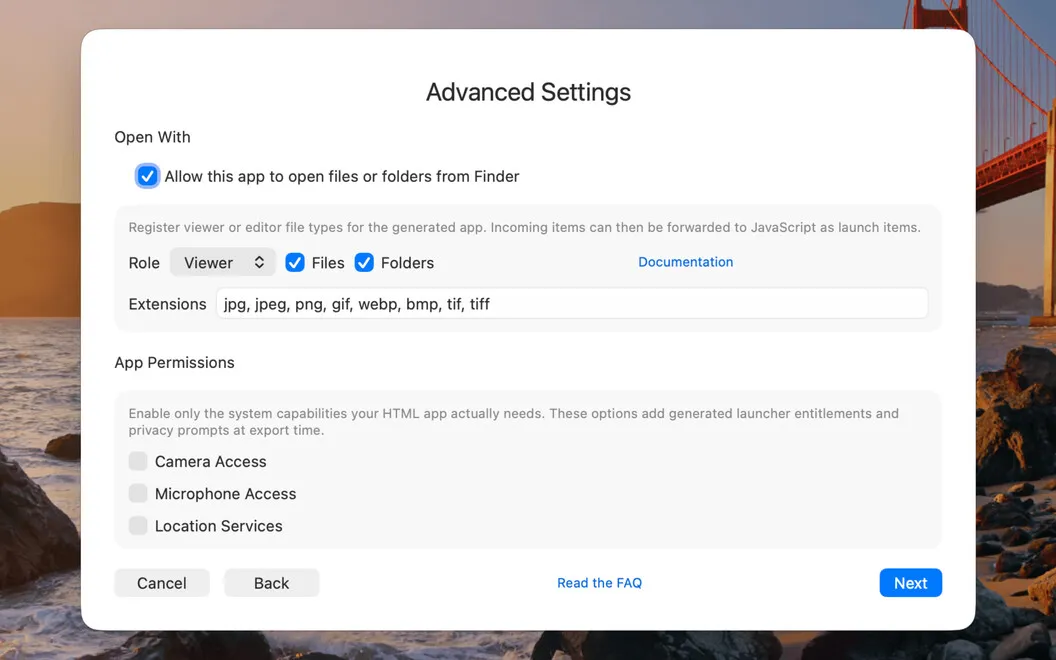
Supported web APIs and the JavaScript bridge give your app notifications, file handling, Finder integration, and menu bar controls.
Its own identity
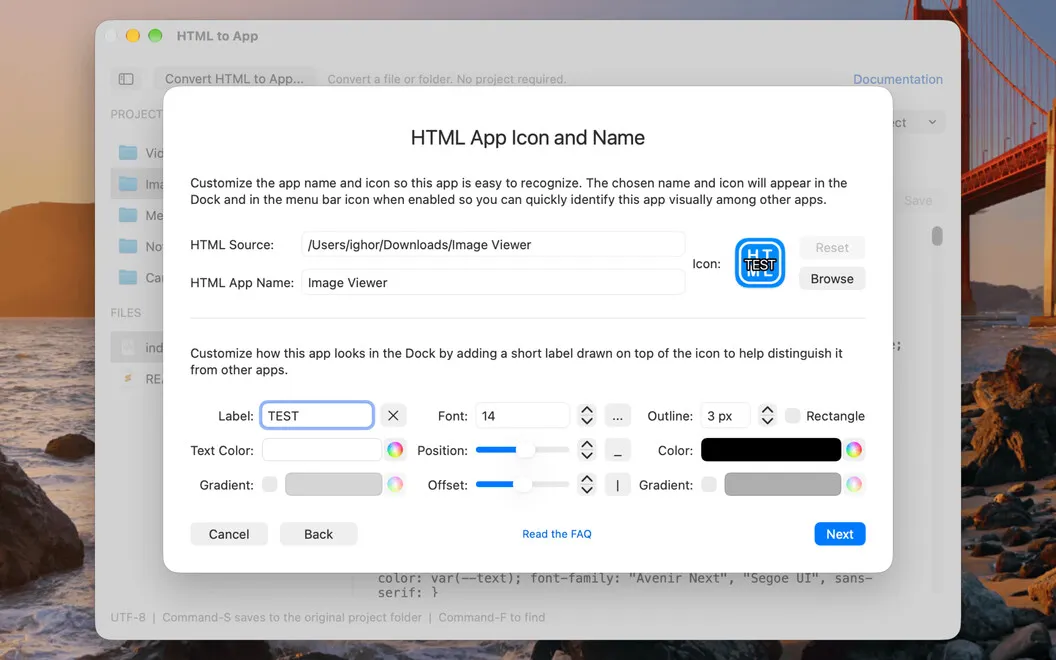
Add a custom icon, Dock badges, and Dock animations, so your tool looks like it belongs on your Mac.
Embedded or linked files
Embed the project for a self-contained app. Or link it to the original folder, and the app loads your latest saved changes when you open or reload it.
Privacy built in
Both HTML to App and the apps you export use the macOS App Sandbox. Editing and export work offline, and the app doesn’t collect usage telemetry. Sandboxing adds protection but doesn’t make untrusted code harmless, and a project’s own code can still make network requests.