MarkSide
Edit Markdown, side by side
by MTTM Software
Highlights
- Write Markdown without seeing the syntax
- Edit READMEs and docs in Git safely
- Turn Word or web text into clean Markdown
- Export Markdown to PDF, Word, and HTML
Screenshots
About MarkSide
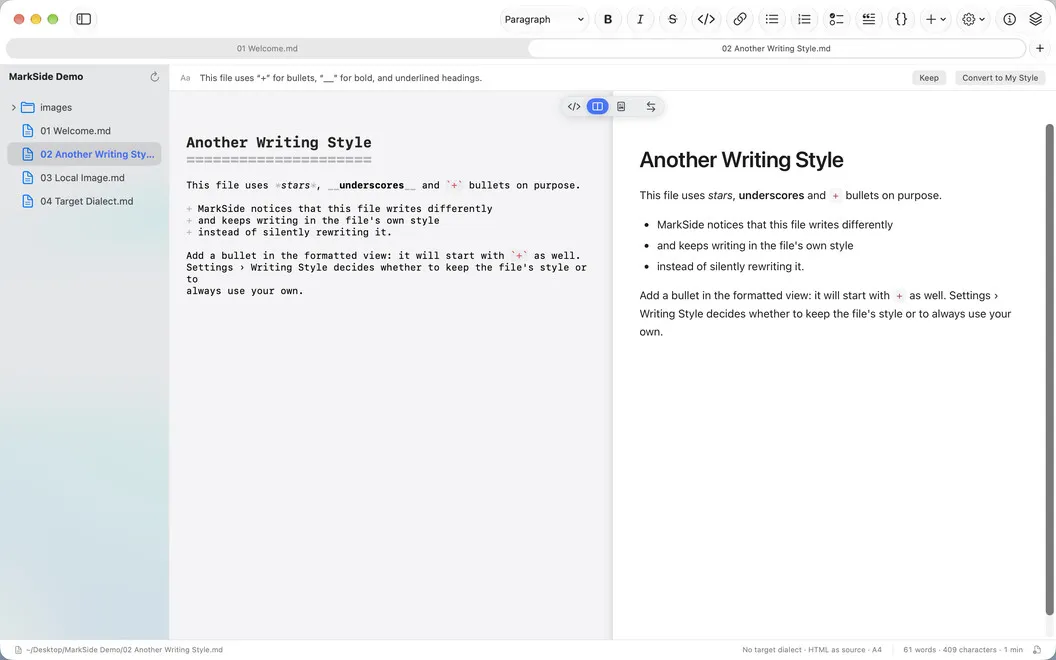
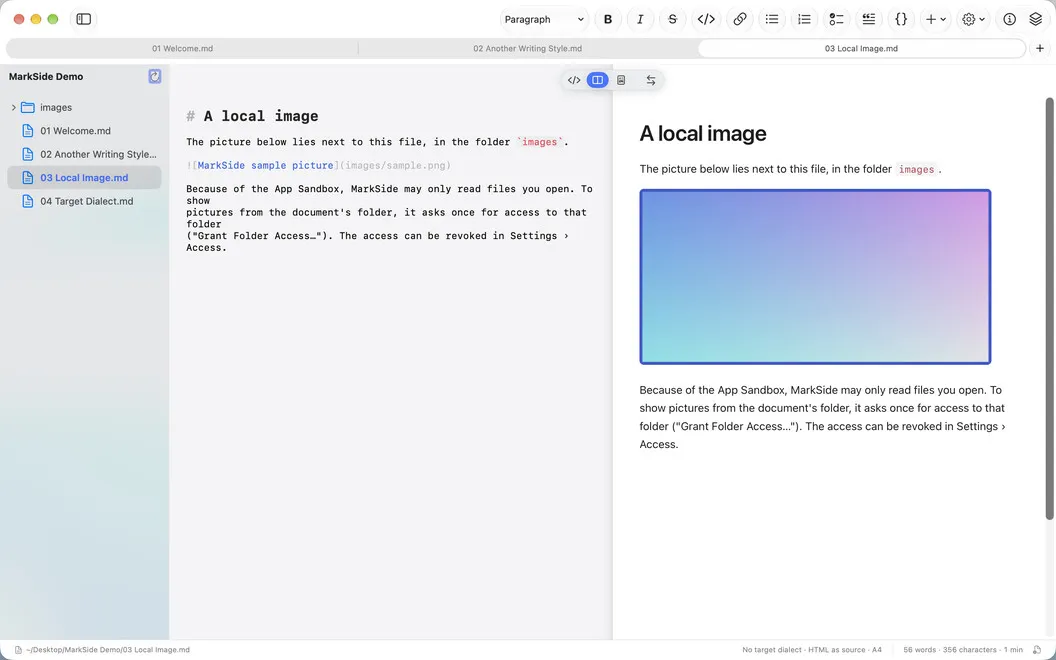
MarkSide is a Markdown editor for Mac that shows the source and the formatted text side by side. And you can type in both. Write in the source when you want control, or in the formatted view when you just want to write. MarkSide changes only the spot you edit, so files in Git show no accidental changes. No account, no tracking, and your documents stay on your Mac.
Edit in two views
Work in the source, the formatted text, or both. A marker shows where you are in the other view, so you never lose your place.
Keep your file the way it was
MarkSide touches only what you edit. Line endings, encoding, indentation, and your style stay exactly as they were.
Paste clean Markdown
Copy from Word, a browser, or an AI chat and get tidy Markdown. If something can’t be kept, MarkSide lets you know.
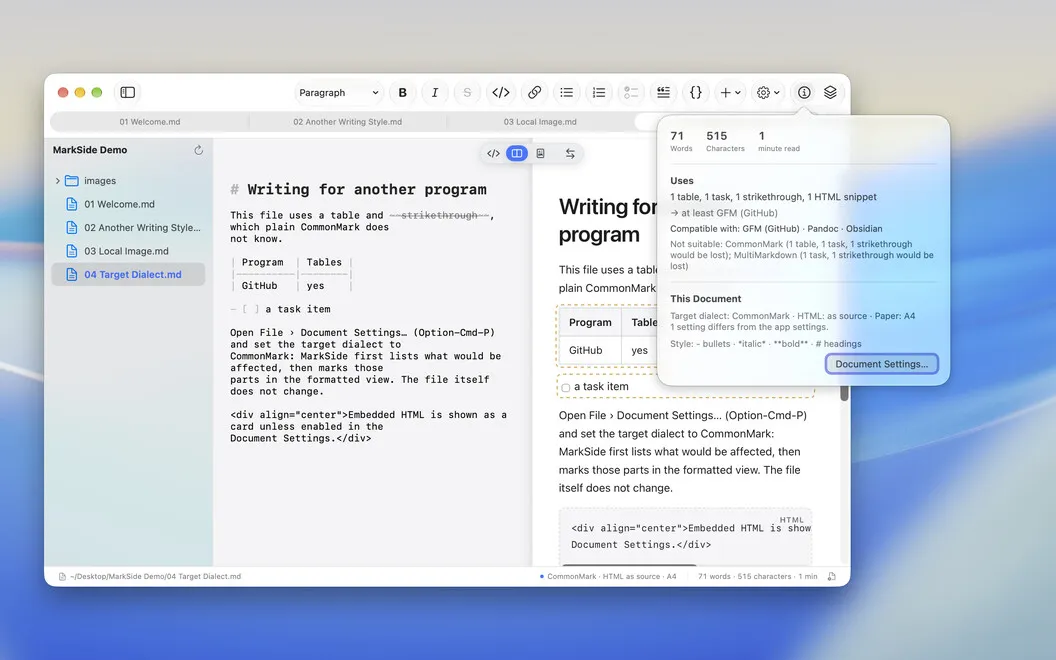
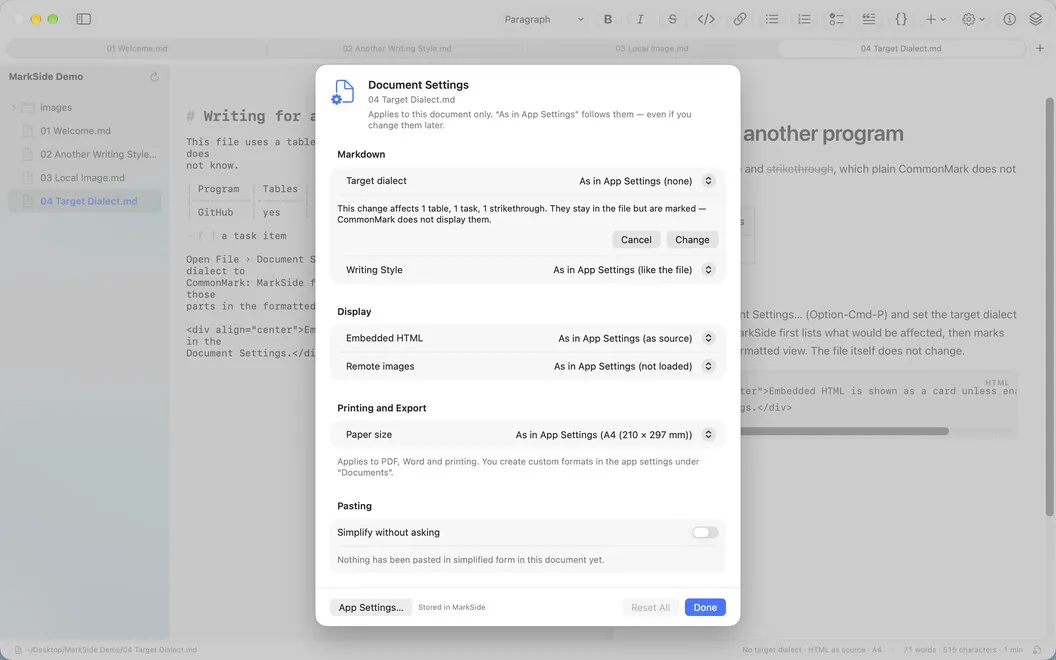
Check where your Markdown works
See which Markdown dialects can read your document, from CommonMark and GitHub to Pandoc.
Export and print
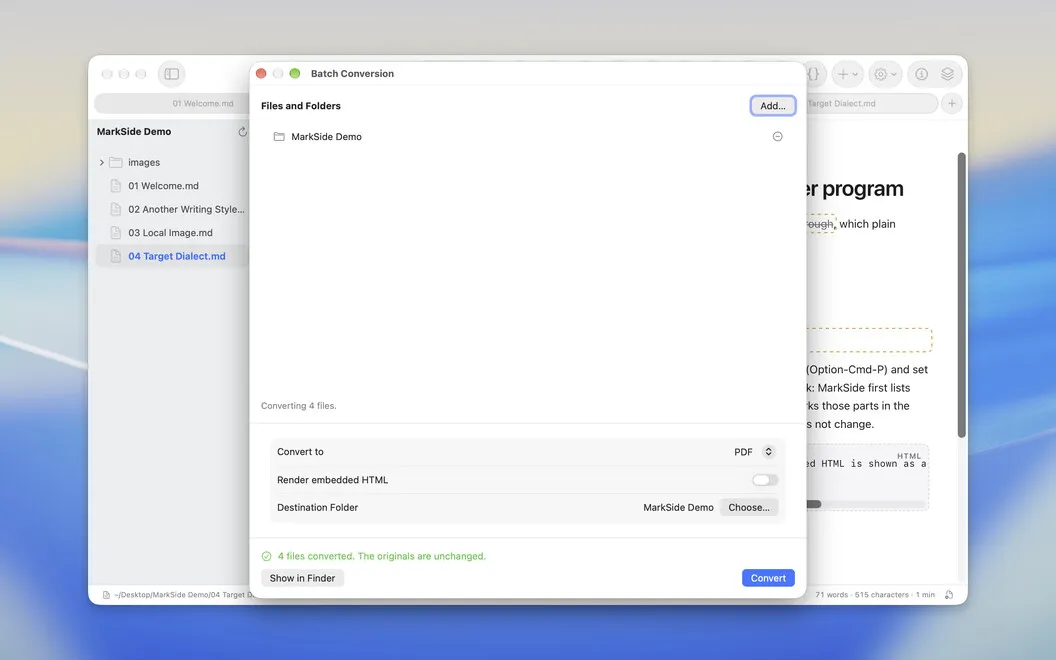
Save as PDF, HTML, Word with real styles, or RTF. Got a whole folder? Batch-convert it in one go.
Keep it private
No account, no server, no tracking. Your documents stay on your Mac.