
Screenshots
About MarkView
Open any .md file and read it as it was meant to look. Or point MarkView at a folder and get notes that link to each other, with backlinks and search across all of them.
LINKED NOTES • Type [[ to link one note to another, with completion as you type • Rename a note and every link pointing at it is updated • Backlinks under each note show what points here • Note properties in YAML frontmatter, edited as a table with pickers • Tabs, back and forward, and search across every note in the folder
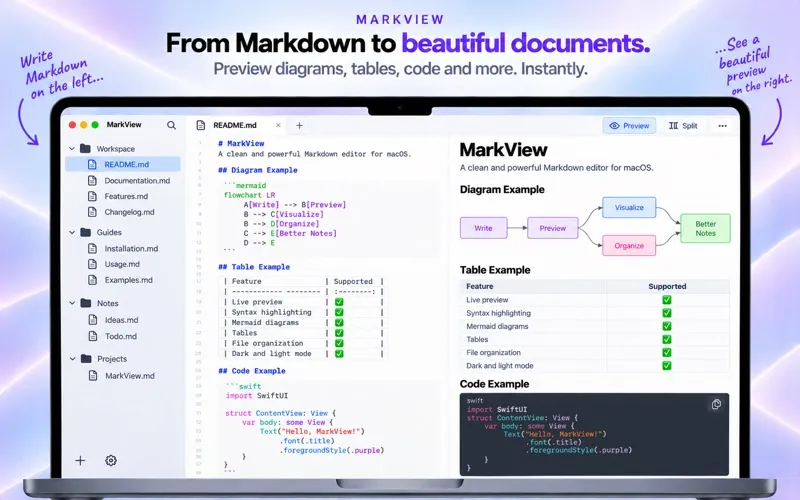
DIAGRAMS AND CODE • Mermaid diagrams render inline: flowcharts, sequence diagrams, gantt charts • Code blocks get real syntax highlighting in over 100 languages • GFM tables, task lists and footnotes come out the way GitHub shows them
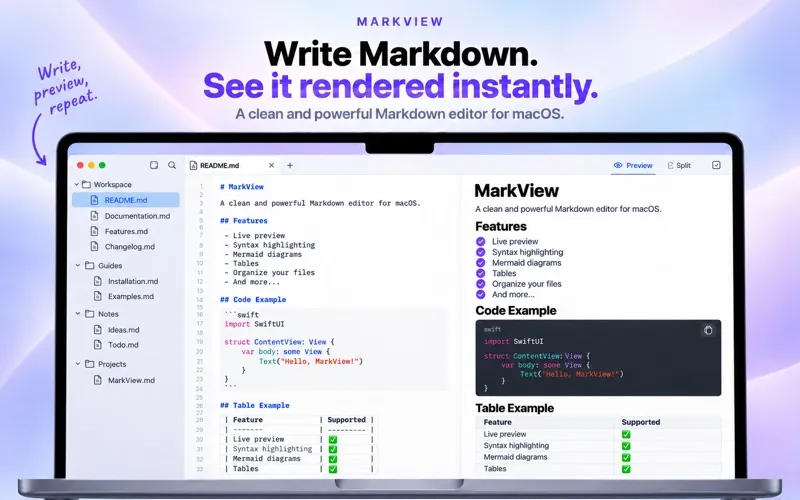
LIVE PREVIEW • Real-time Markdown rendering as you type • Full GitHub Flavored Markdown (GFM) support • Tables, task lists, fenced code blocks, strikethrough and more
EDITOR • Clean, distraction-free text editor • Line numbers and adjustable word wrap • Document stats: word count, character count, reading time • Copy the entire document to clipboard with one click
WORKSPACE MODE • Open a folder to browse all your Markdown files at once • Recursive file tree sidebar: navigate between documents instantly • Perfect for notes, documentation, and writing projects
DRAG & DROP • Drag any .md file or folder directly onto the window • Works from Finder, Terminal, or any other app
RECENT FILES • Instantly reopen files you worked on before • Persistent history across sessions
AUTO-RELOAD • MarkView watches your files for external changes • Edits from Terminal or other editors appear instantly in the preview
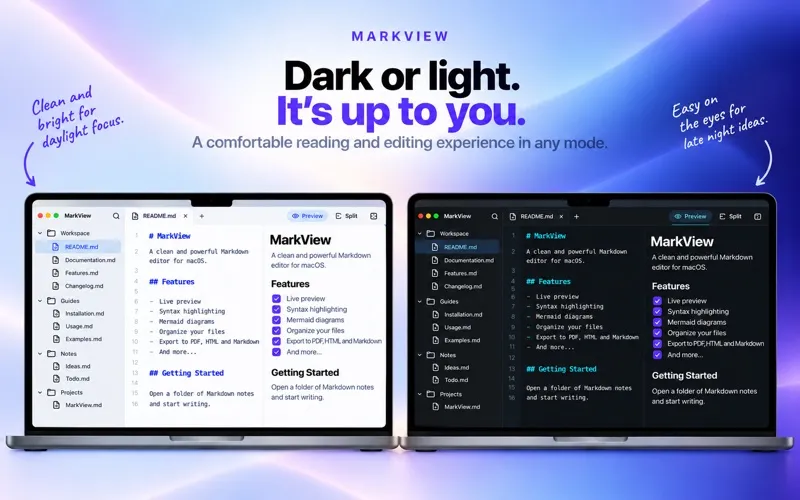
DARK & LIGHT MODE • Fully respects your macOS system appearance • Switches with the system, no restart
Clean, native, fast. No ads, no account, and everything above works without paying.
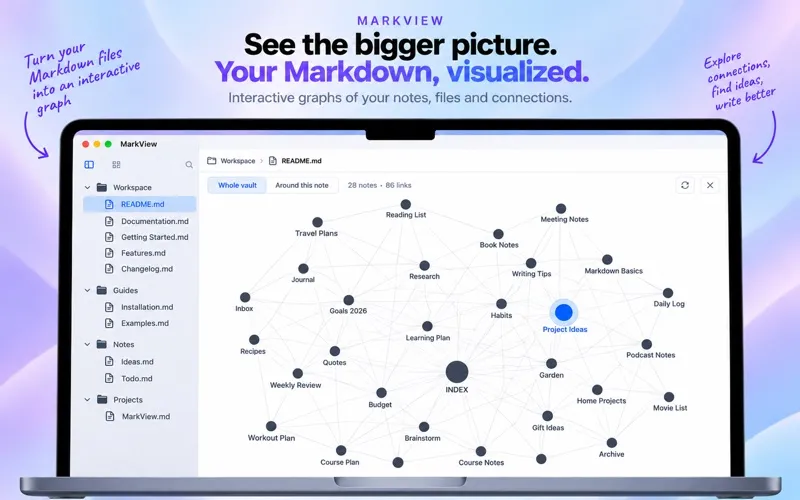
MARKVIEW PRO (OPTIONAL) Pro adds four features for large folders of notes: the graph of links between notes, find and replace across every note, filtering the file tree by property, and property values suggested from across the folder.
• Monthly: 1 month • Yearly: 1 year • One-time: pay once
Payment is charged to your Apple Account at confirmation of purchase. A subscription renews automatically unless it is cancelled at least 24 hours before the end of the current period, and the account is charged for renewal within 24 hours before the period ends. Manage subscriptions and turn off auto-renewal in your Apple Account settings. Any unused part of a free period is forfeited when a subscription is purchased.
Terms of Use (EULA): https://codecake.app/terms-of-service/ Privacy Policy: https://codecake.app/privacy-policy