Screenshots
About MCP Beast
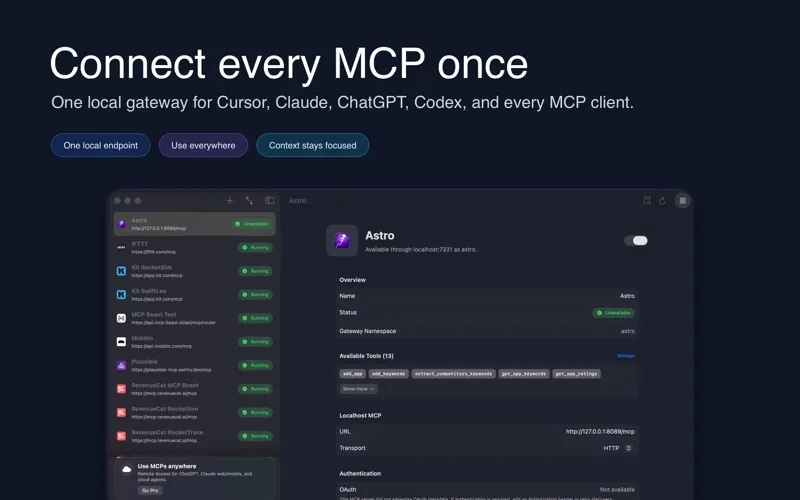
MCP Beast gives your AI clients one local gateway for the Model Context Protocol.
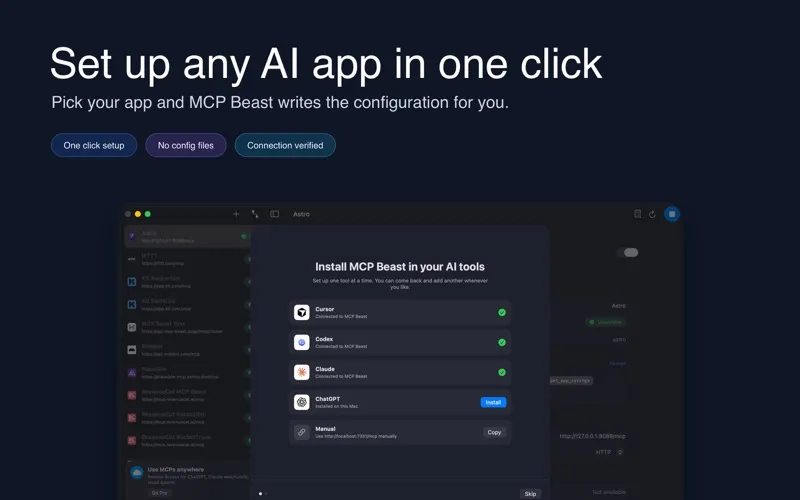
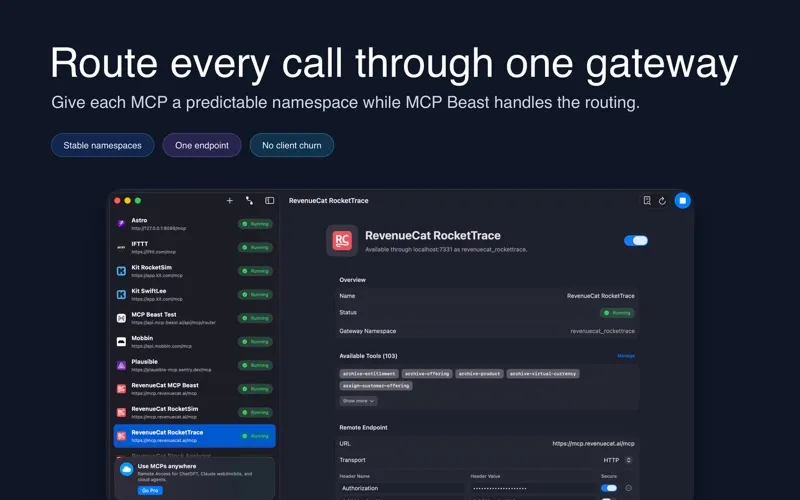
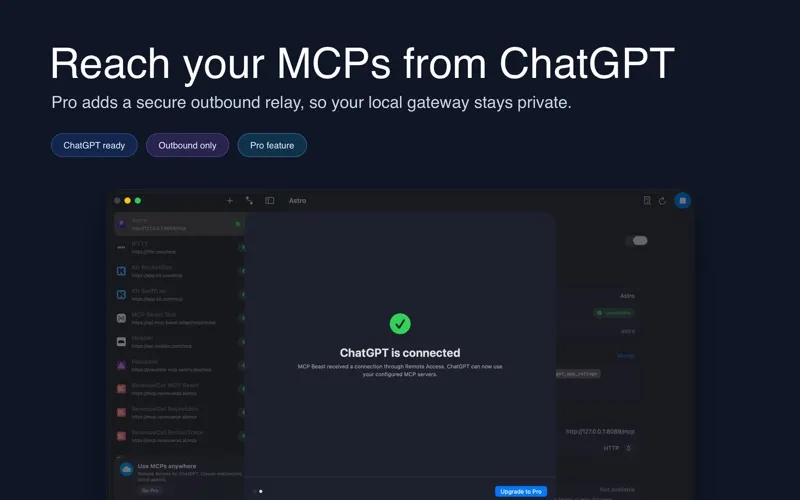
Add your local and remote MCP servers once, then connect compatible AI clients to a single localhost endpoint. MCP Beast keeps routing, tool discovery, OAuth, server status, and runtime logs in one Mac app, so your agent setup stays organized as your tool stack grows.
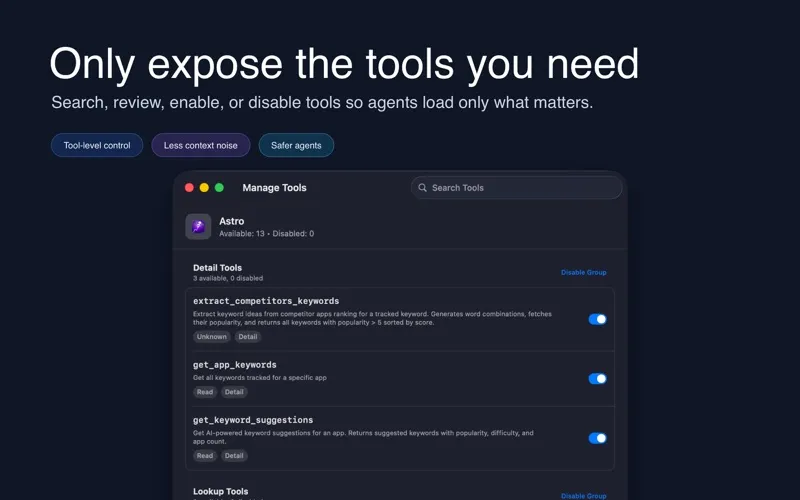
Most MCP clients can expose every downstream tool schema at once. That gets noisy fast. MCP Beast keeps things focused with a compact dispatcher: agents can list configured MCPs, search for the right tool, describe it when needed, and call it through a stable namespace.
What you can do with MCP Beast:
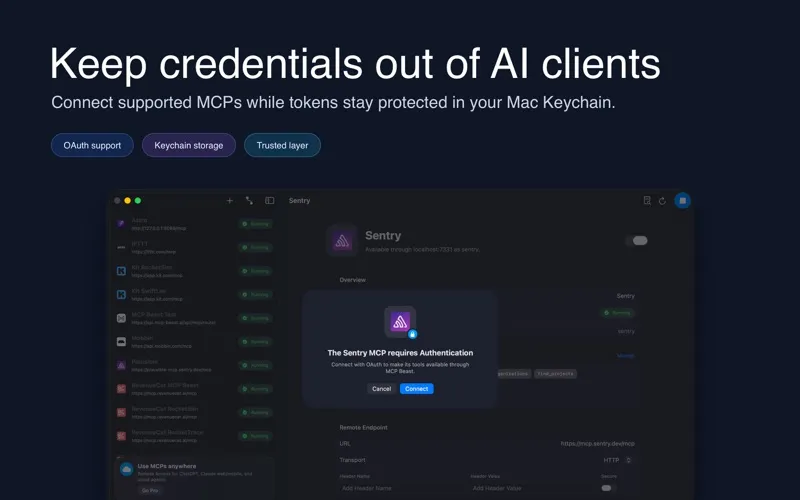
• Manage local and remote MCP servers • Connect AI clients through one localhost gateway • Route tools through stable namespaces • Discover available tools from each server • Enable or disable individual tools • Start, stop, and restart servers • Connect supported remote servers with OAuth • Store OAuth tokens securely in Keychain • Inspect recent runtime logs when debugging
MCP Beast is built for developers and AI power users who use MCP with multiple clients, run several tool servers, or want more of an agent’s context reserved for the work itself.
Set up your gateway once. Keep your MCP stack clear. Give every agent a focused path to the tools it needs.
Terms of use: https://mac-app.mcp-beast.ai/terms/