Screenshots
About Menu Planner 2
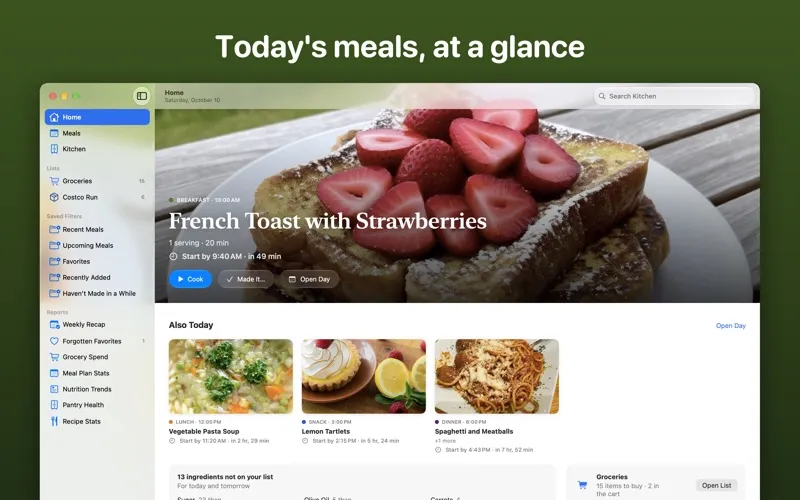
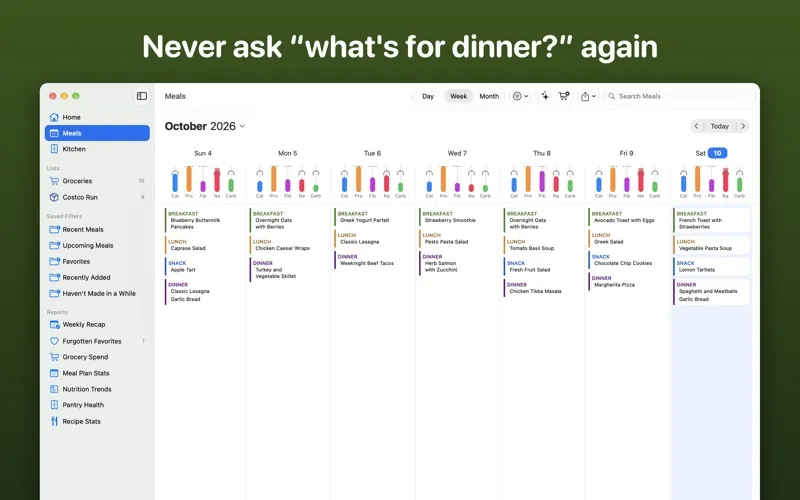
Plan the week's meals on your Mac, turn them into one shopping list sorted by your store's aisles, and cook from a recipe that fills the screen.
The same planner as on iPhone and iPad, made for the Mac.
—
MADE FOR THE MAC
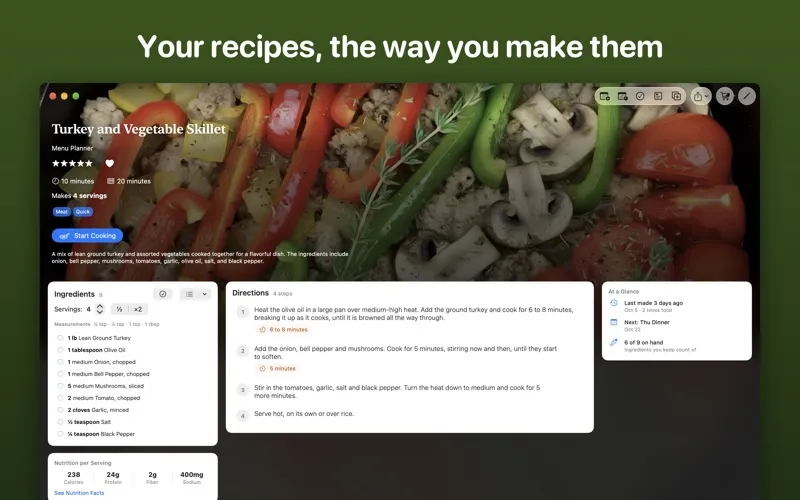
• Open recipes in their own windows, next to your meal plan or your list • Drag a recipe from the Kitchen or a recipe window onto any day • Print a recipe, your shopping list or your meal plan, or save it as a PDF • Drop a web link, photo or PDF of a recipe onto the window, or save one from Safari with Share • Take a photo of a barcode or a nutrition label, or scan cookbook pages, with the camera on your iPhone or iPad • Keyboard shortcuts for every section, the meal plan's days and the recipe you're looking at
WIDGETS, CONTROL CENTER AND THE MENU BAR
• Widgets for your desktop and Notification Center: today's meals, your list, what's running low and more • Today's meals in the menu bar, and your list or the barcode scanner in Control Center • Add to your list from the menu bar, or from a widget with Premium
COOK MODE
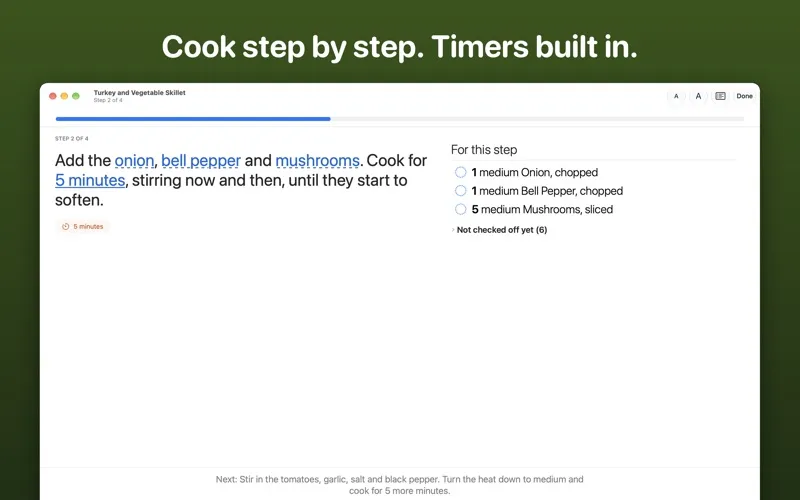
• In its own window or full screen, one step at a time, in big text, with the display kept on • Everything you'll need up front, checked off as you use it • Each step shows its ingredients and how much of each • Several timers at once, counting down in the menu bar while you work in another app
PLAN THE WEEK IN MINUTES
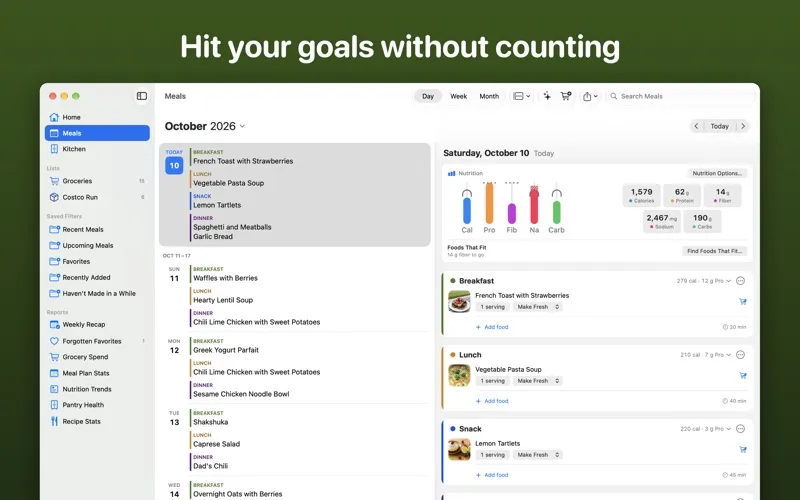
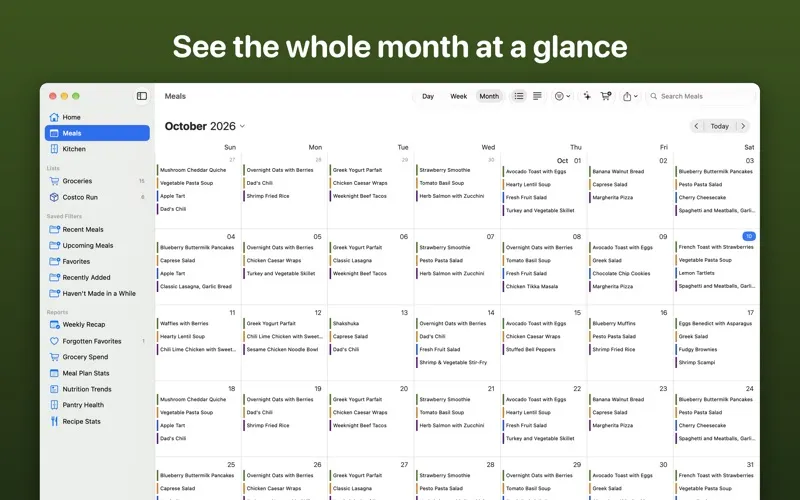
• See a day, a week or the whole month, and drag meals from one day to another • Let Menu Planner 2 suggest a day or a week of meals based on your past meal plans • Find foods that get you closer to your nutrition goals without going over • Adding suggested meals or foods requires Premium • Save a day or a meal as a template and use it again • Plan for different people, each with their own goals, and put several on one meal (extra profiles need Premium) • Put meals in the Calendar app, or keep them there automatically with Premium
ONE CLICK FROM PLAN TO GROCERY LIST
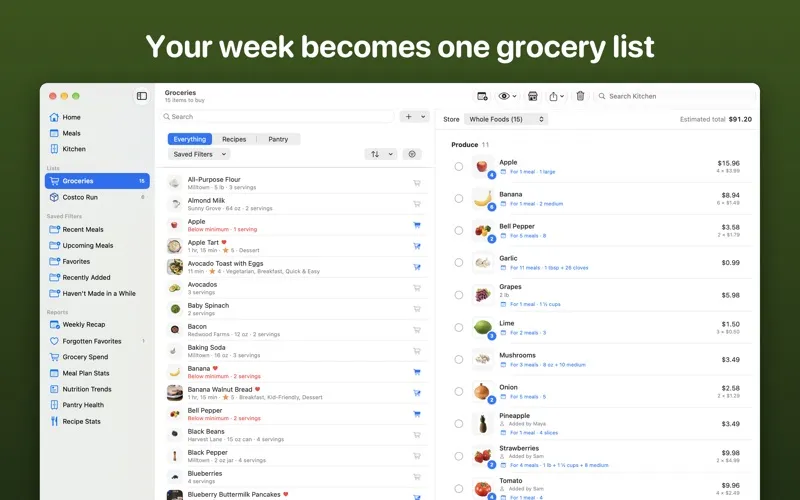
• Every ingredient your planned meals need, amounts added up • Sorted by your store's aisles • Look the whole list over as a table, sorted any way you like • Buy something in more than one size? See which is the best value
EVERY RECIPE, YOUR WAY
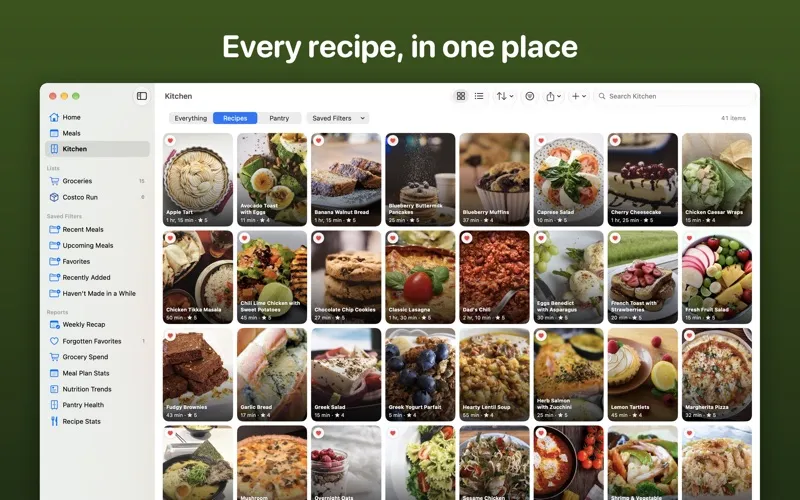
• Import your recipes from 17 other recipe apps • Find recipes on the web without leaving the app • Show amounts in metric or US cups and spoons • Make your own copy of a recipe without changing the original • Export all your recipes, photos included, to a file you keep
STOP BUYING THINGS YOU ALREADY HAVE
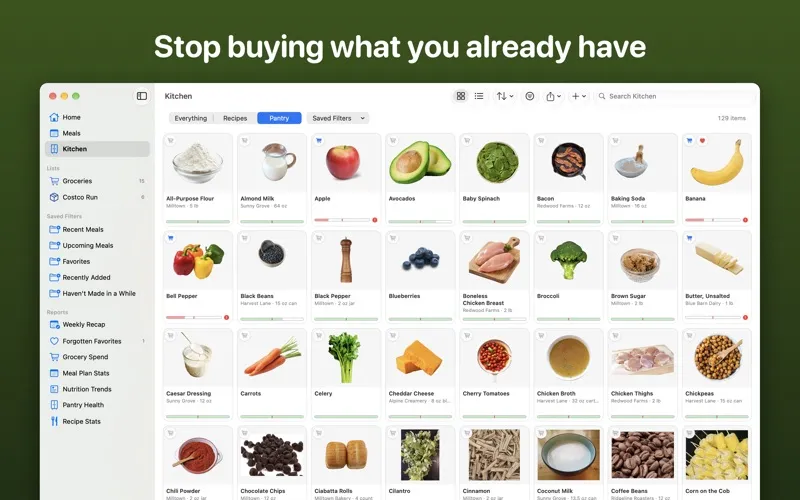
• Track what's in your pantry and how much is left • Food comes out when you cook and goes back in when you shop • Items that run low can go on your shopping list by themselves
SHARE WITH YOUR HOUSEHOLD
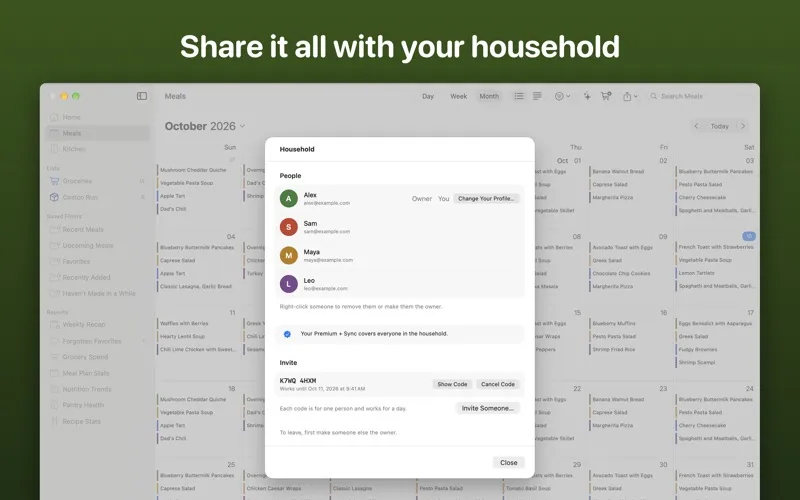
• Up to five more people, each on their own device with their own sign-in • One live copy of your recipes, meal plans, shopping lists and pantry • One Premium + Sync subscription covers everyone, and joining is free
MAC, IPHONE AND IPAD
• No account needed to plan, shop and cook on your Mac • With Premium + Sync, sign in with Apple, Google, or a code sent to your email, and everything stays the same on your Mac, iPhone and iPad, with automatic cloud backups • Open a recipe on your iPhone or iPad and carry on from the same step on your Mac • Already subscribe on iPhone or iPad? Sign in with the same account and it covers your Mac
In English, Spanish, French, German, Portuguese (Brazil), and Italian.
PRICING THAT ISN'T A TRAP
Menu Planner 2 is free to download and keep. Premium + Sync is $1.99 a month or $19.99 a year, and covers all your devices. Or unlock Premium on this Mac with a one-time purchase (without sync) if you don't want a subscription. Buy a year, or stay eight months, and Premium stays unlocked on all your devices, even if you cancel (without sync).
—
Questions or problems? Email [email protected] — I read every message.
Privacy Policy: https://www.menu-planner.com/privacy Terms of Use: https://www.menu-planner.com/terms