Microsoft PowerPoint
Microsoft PowerPoint is a presentation app for Mac that lets you create and edit slides for school, work, or personal use. You need a qualifying Microsoft 365 subscription.
by Microsoft Corporation
What you get
Turn your ideas into slides you can build and share with others.
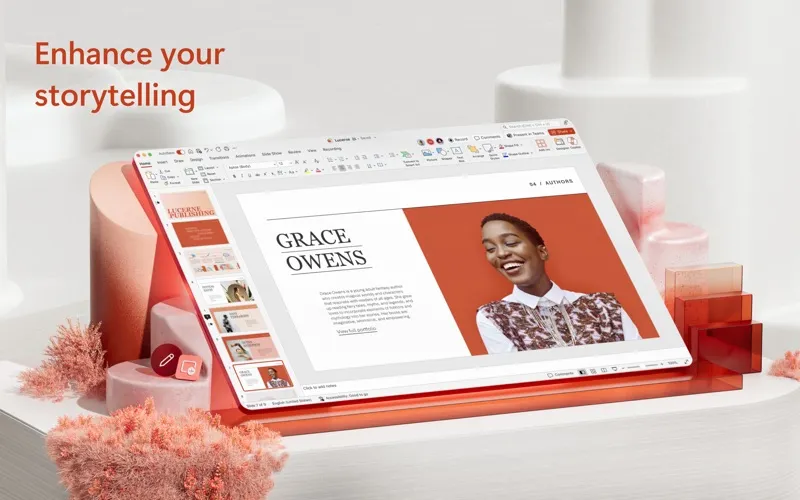
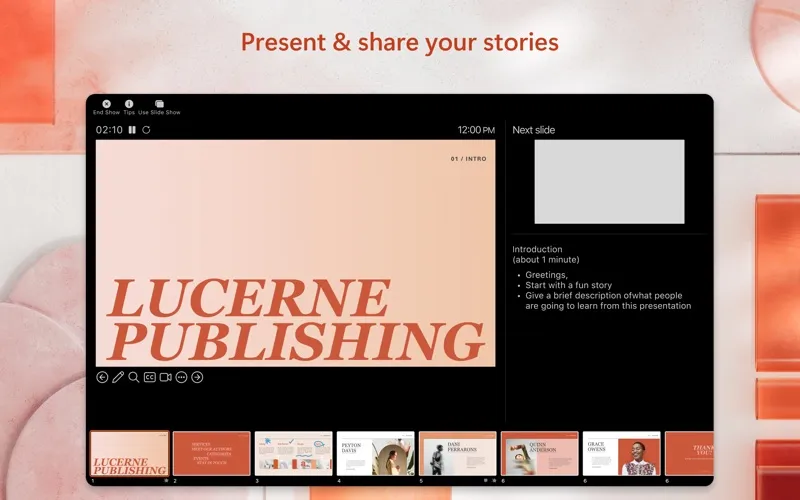
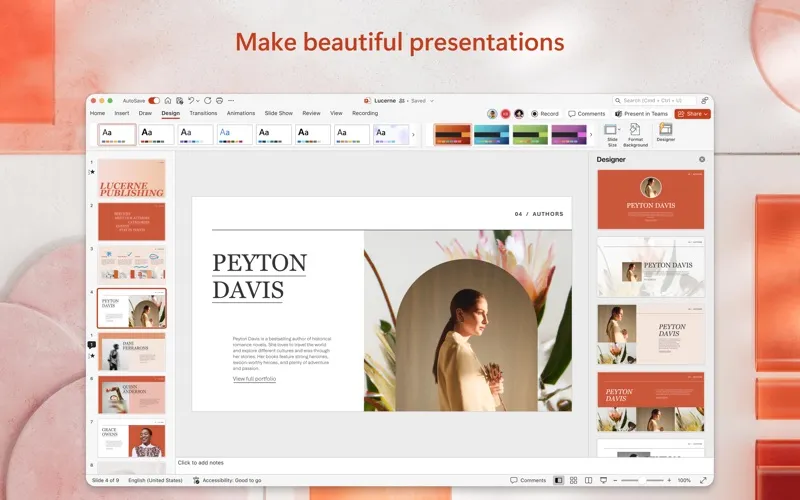
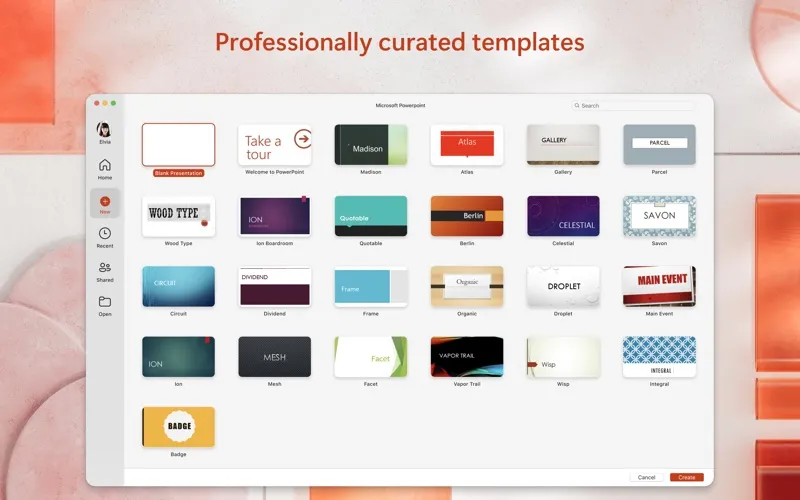
With PowerPoint for Mac, you can turn a school project, business proposal, or collection of vacation photos into a presentation. You can start from a template instead of designing every slide yourself, then adjust layouts and formatting to suit your material. Animations, icons, and 3D models give you ways to illustrate ideas beyond text.
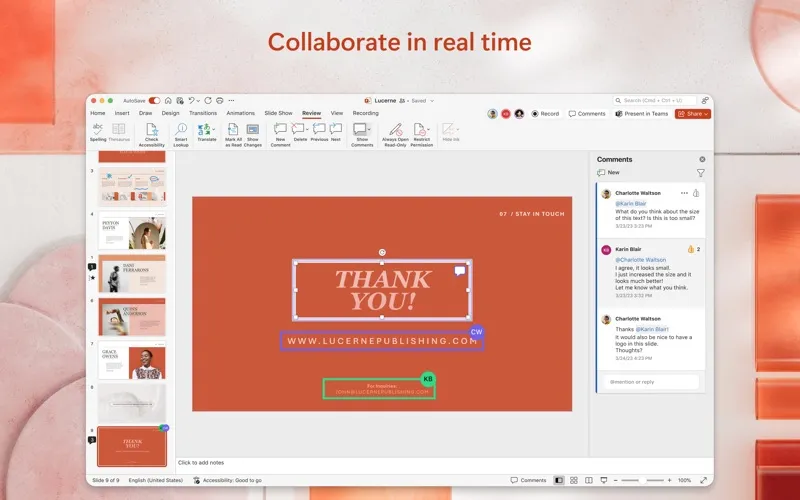
When you’re preparing a presentation with others, you can edit the same file in real time rather than pass separate copies around. You can see who’s working on it, control who can edit, and use comments and assigned tasks to coordinate changes.
Saving your presentation to OneDrive or another cloud provider lets you access it from other devices when you have an internet connection. You’ll need a qualifying Microsoft 365 subscription to use the app.
-
Start with a layout
You can use templates to begin a presentation without arranging every slide from scratch.
-
Illustrate your ideas
You can combine text with icons, 3D models, and animation to explain your material visually.
-
Build slides together
You can edit alongside others in real time, leave comments, and assign tasks to coordinate revisions.
-
Access slides elsewhere
You can save presentations to cloud storage and access them on other devices with an internet connection.
Best for
- You’re preparing a school presentation
- You’re building a business pitch with colleagues
- You’re making a family photo slideshow
Skip it if
You don’t need it if you only make occasional basic slides and don’t want a qualifying Microsoft 365 subscription.
Screenshots
From the developer
This application requires a qualifying Microsoft 365 subscription. Microsoft 365 includes premium Word, Excel, and PowerPoint apps, 1 TB cloud storage in OneDrive, advanced security, and more, all in one convenient subscription.Read the full description
Alternatives to Microsoft PowerPoint
Other apps to make presentations & slides. See all