
mysms
SMS Texting & Sync
mysms lets you send and receive text messages on your Mac, with conversations synced across your phone, tablet, and computer. It’s for you if you prefer texting at your desk.
by Up to Eleven
What you get
You can text from your Mac and keep conversations synced across devices.
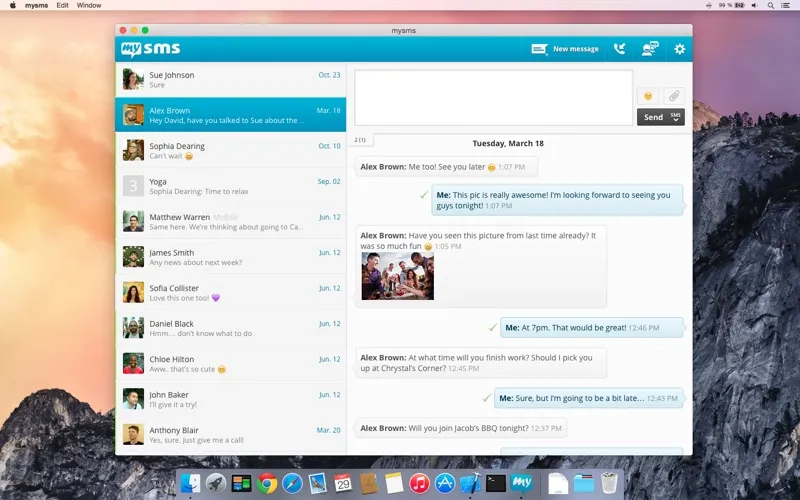
With mysms, you can read and reply to text messages on your Mac instead of picking up your phone for each exchange. Your messages stay automatically synced across your smartphone, tablet, and computer, so you can continue a conversation from another device. You also get a notification on your computer when someone calls your phone.
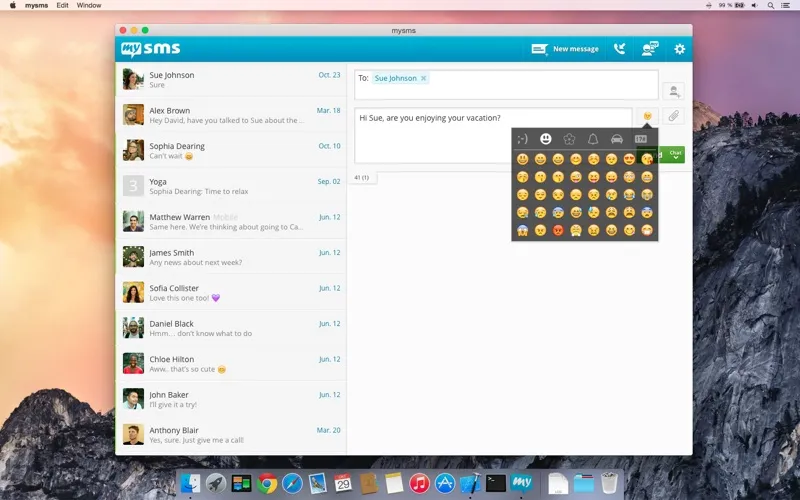
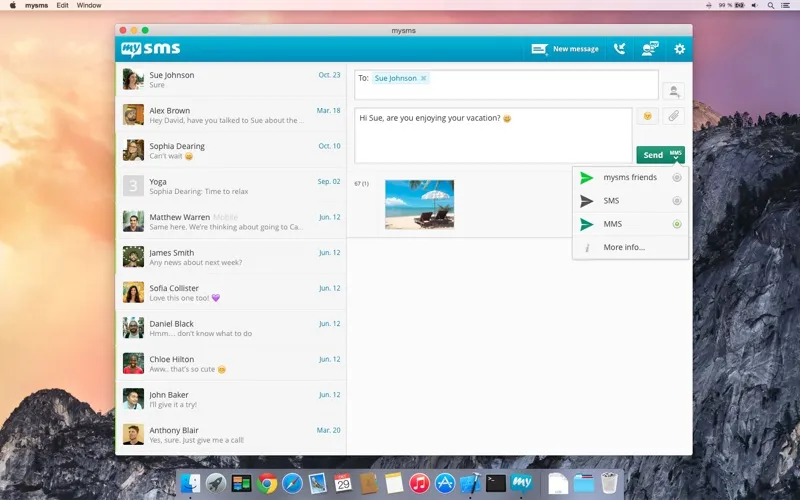
You can send pictures, videos, documents, and other files in your conversations. Texts sent through your mobile provider use your existing texting plan, while exchanges with contacts who also use mysms are free through mysms friends. If you use Evernote, you can save messages there to organize and search them later.
You’ll need mysms installed on your smartphone first. After registering there, you sign in on your Mac with your phone number and password; the Mac app cannot work on its own.
-
Reply from your desk
You can send and receive texts on your Mac without picking up your phone for every reply.
-
Continue across devices
Your messages stay synced across your smartphone, tablet, and computer.
-
Share more than words
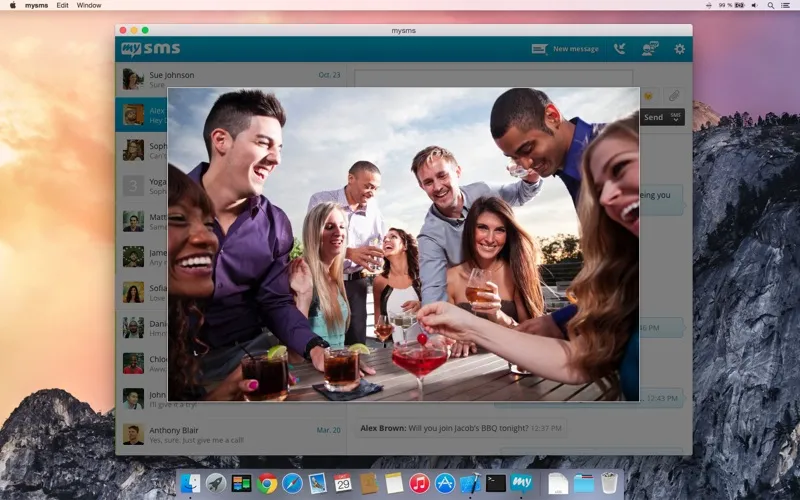
You can send photos, videos, documents, and other files in your conversations.
-
Keep useful texts searchable
You can save messages to your Evernote account, then organize and search them there.
-
Notice incoming calls
You get a notification on your computer when your phone receives a call.
Best for
- You handle frequent texts while working on your Mac
- You switch between your phone, tablet, and computer
- You want to keep important texts in Evernote
Skip it if
You don’t need it if you’re happy texting on your phone or want a Mac messaging app that works without a smartphone companion.
Screenshots
From the developer
Send & receive all your messages on your computer and tablet – just like on your smartphone. Install mysms and you’ll be able to: Send and receive messages on your computer Automatically sync all the messages on your smartphone, tablet and computer Call notifications - when you receive a call on you...Read the full description
Alternatives to mysms
Other apps to use messengers on Mac. See all