
PathBridge
Windows paths, opened on Mac
by MTTM Software
Highlights
- Open file paths colleagues email you
- Send Mac paths to Windows colleagues
- Reconnect dropped network drives
- Switch drive setups for office and home
Screenshots
About PathBridge
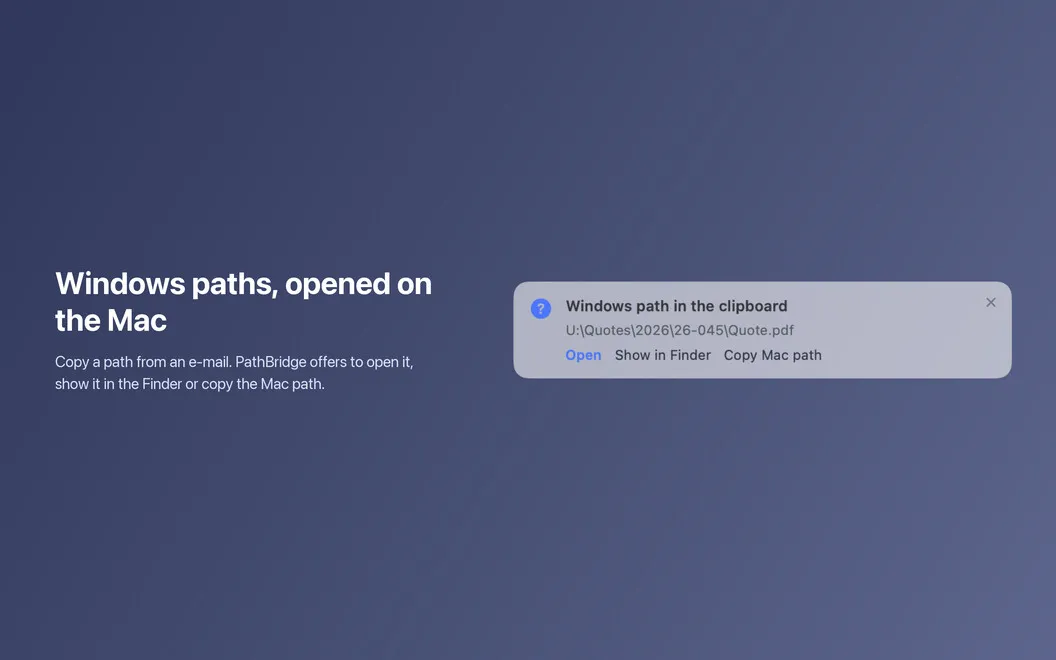
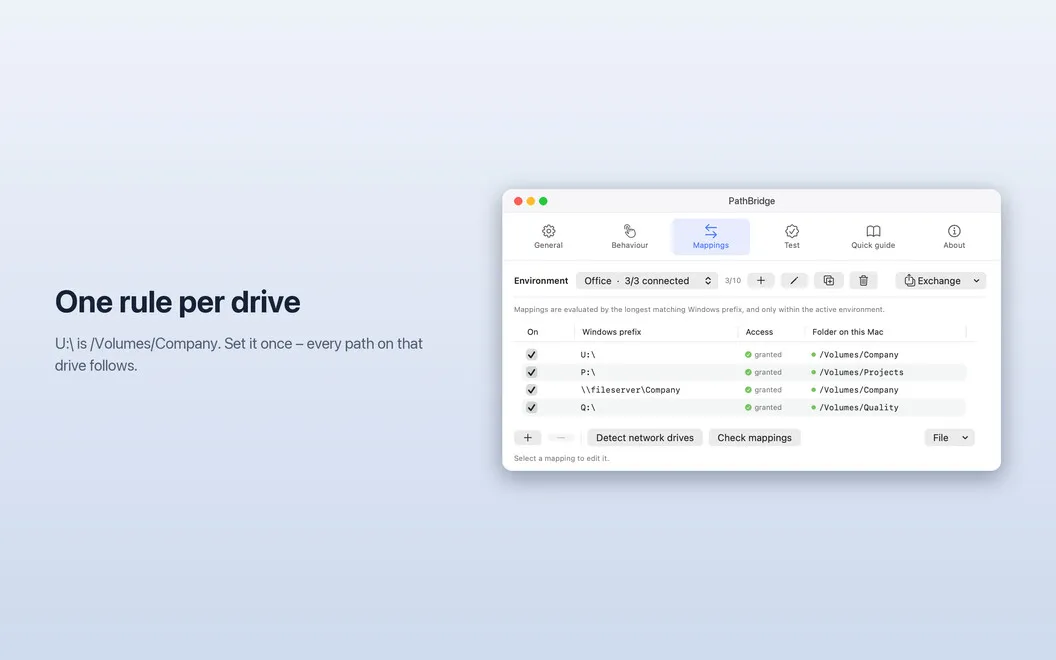
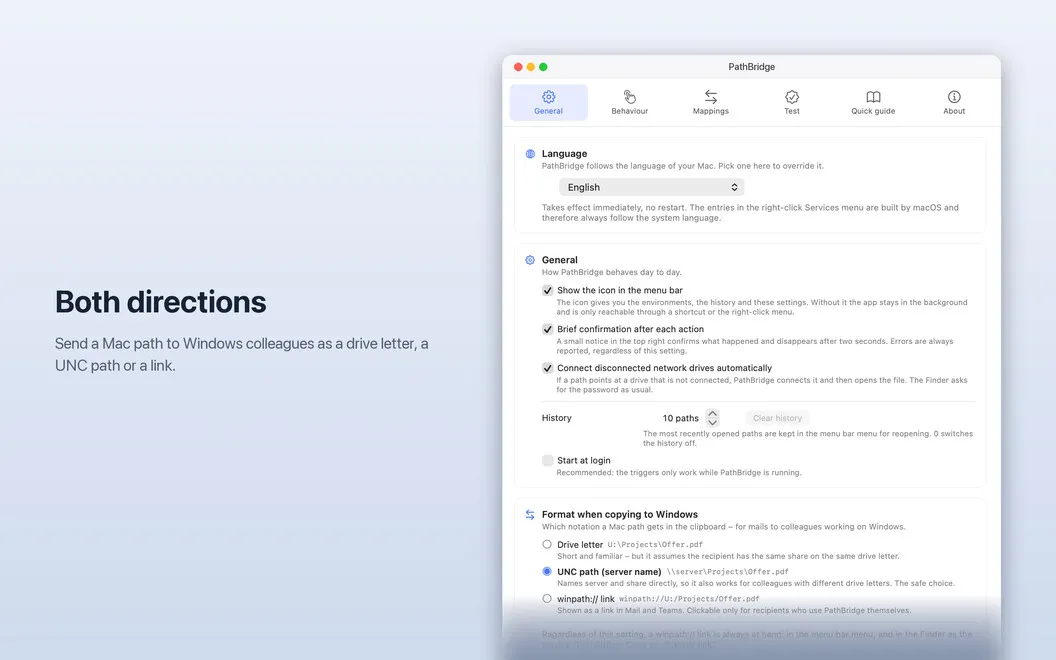
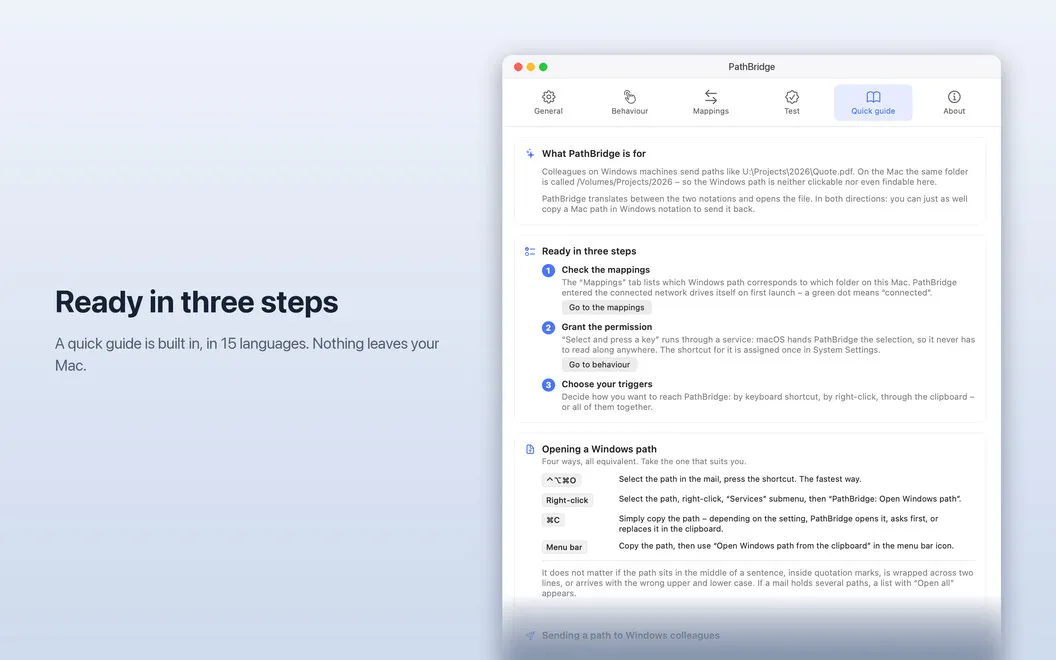
PathBridge is a path converter for Mac that turns Windows paths into links you can open. Someone sends you U:\Projects\Quote.pdf, you click it, and the file opens. No more copying, pasting, and guessing. Set one rule, like “U:\ is /Volumes/Company”, and it works both ways: copy a Mac path in Windows notation and send it right back. PathBridge lives in your menu bar and is available in 15 languages.
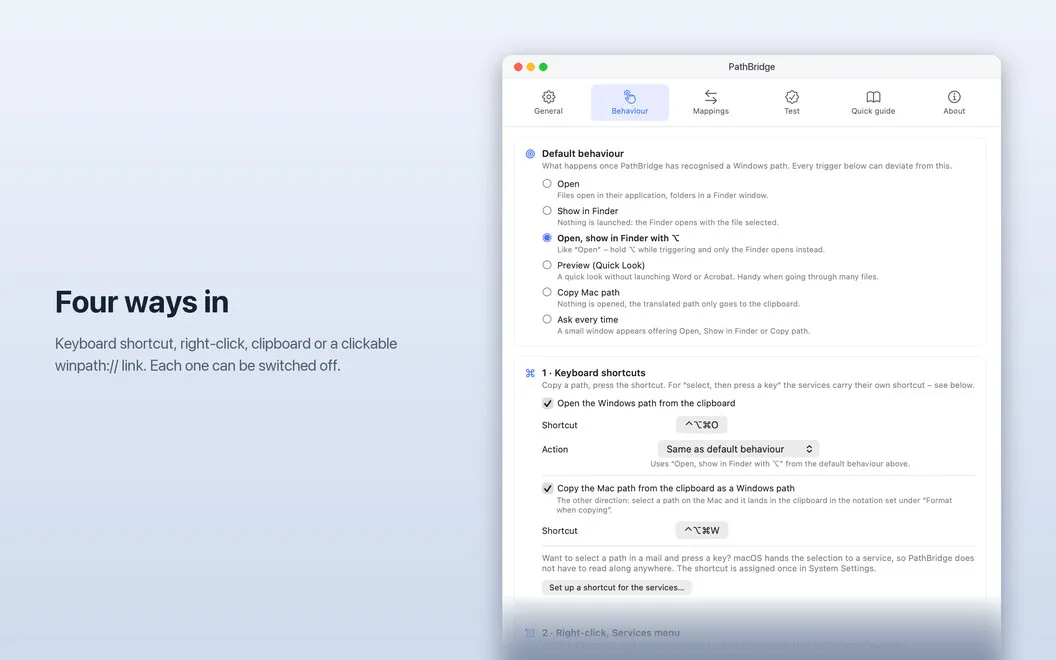
Open paths four ways
Right-click a path in any app and open it right there. Or let PathBridge spot a copied path on your clipboard, press a shortcut, or click a winpath:// link. Pick whichever fits the moment. The file opens either way.
Make sense of messy paths
Real-life paths are rarely tidy. They break across two lines, hide behind %20 encoding, sit in quotes, or come with a sentence stuck to the end. PathBridge handles UNC notation (\server\share) and file:/// URLs too. It cleans all of that up and finds the file, so you don’t have to fix the path by hand.
Keep your drives connected
If a network drive isn’t mounted, PathBridge connects it for you. If it drops, say the VPN goes down, you get one heads-up with a reconnect button. No pile of notifications, no hunting through Finder to remount the drive.
Switch setups with environments
Office, home, VPN: each can have its own rules. Create up to ten named environments and switch between them from the menu bar. Or let PathBridge switch automatically, so U:\ always points to the right place.
Stay safe with files from others
A path from a colleague can point to an app, an installer, or a script. Before PathBridge opens any of those, it asks you first. Not sure about it? Choose Show in Finder instead and take a look before you run anything.
Keep it private
No account, no analytics, no server. PathBridge does its work on your Mac, and nothing leaves it.