Receipts
Collect documents digitally
Receipts gives you one place on your Mac to organize receipts and bank statements, track spending, and prepare accounting records when you manage personal or business finances.
by Dirk Holtwick · 95% positive (238)
What you get
Keep your receipts organized and your accounting records ready to use.
You get a central place for receipts, bank statements, and other accounting documents on your Mac. Import files or folders, bring in scans, or set up automatic uploads from Mail. Imported documents become PDFs, so you can keep paperwork from different sources together.
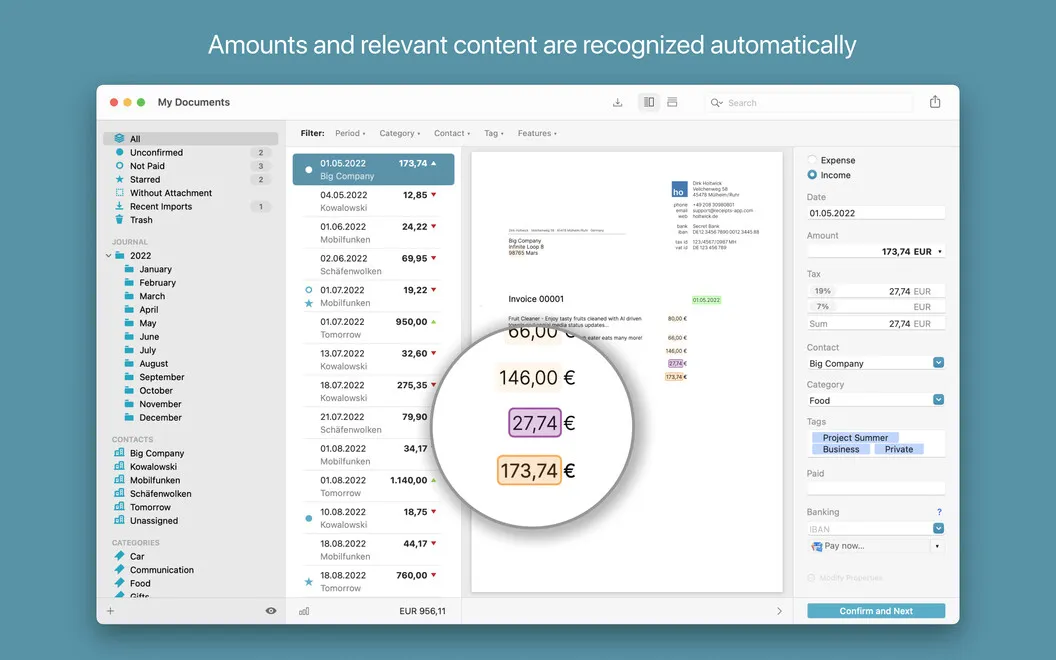
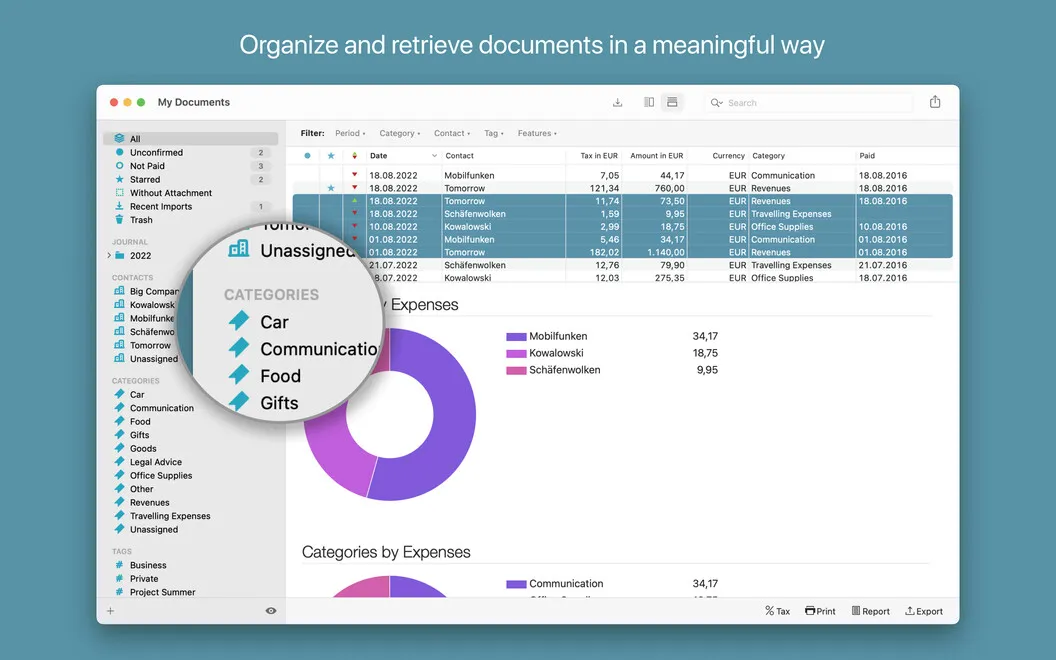
You spend less time entering details because Receipts extracts dates, totals, tax amounts, and banking information automatically. You can group documents with categories and tags, then filter by date or payment status to find what you need. Payment reminders help you keep track of what still needs paying.
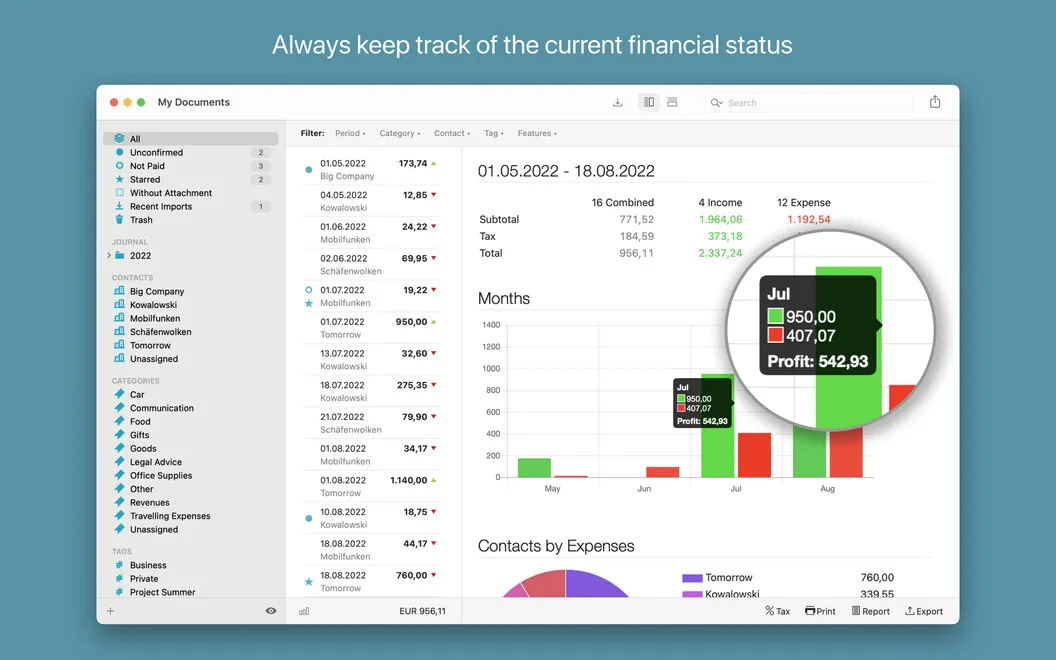
When it’s time to review spending or pass records along, you can generate reports and export documents as PDFs or originals. You can also export accounting data to formats including Excel, CSV, and DATEV for further work.
-
Keep paperwork together
You can collect digital receipts, bank statements, and scanned documents in one place instead of managing separate piles and folders.
-
Reduce manual entry
You get dates, totals, tax amounts, and banking details extracted from your documents automatically.
-
Find the right receipt
You can narrow your records by category, tag, date, or payment status when you need a specific document.
-
Remember outstanding payments
You can set payment reminders and distinguish paid documents from those that still need attention.
-
Prepare records for handoff
You can export documents and accounting data in formats suited to your accountant or your next stage of work.
Best for
- You manage receipts and expenses for a small business
- You need organized records for your accountant
- You want personal financial paperwork in one place
Skip it if
You probably don’t need it if you only keep a few receipts and don’t need extracted accounting details, payment reminders, or data exports.
Screenshots
From the developer
Get Receipts to keep receipts in order. This powerful utility collects your digital receipts in multiple formats and helps manage all the accounting from one place. Scan documents, organize by category, date, or payment status, set payment reminders, and export flexibly. All-in-one finance management, right on your Mac.Read the full description
Alternatives to Receipts
Other apps to track expenses & budget. See all