
Relocate
GPS Location Changer
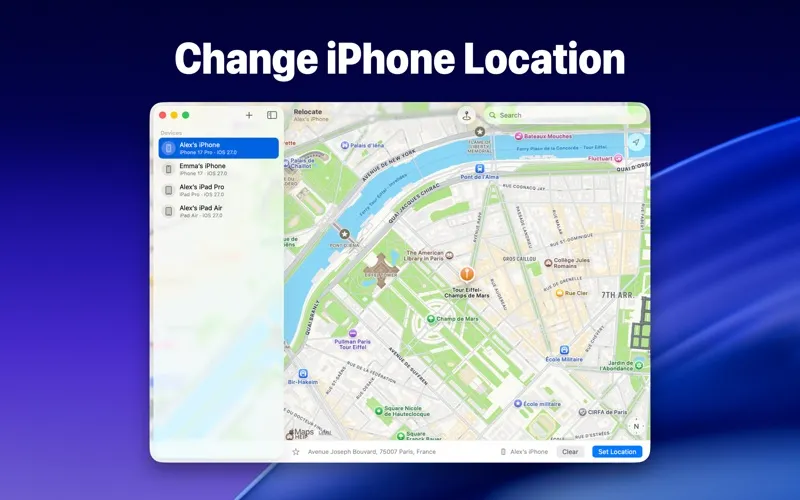
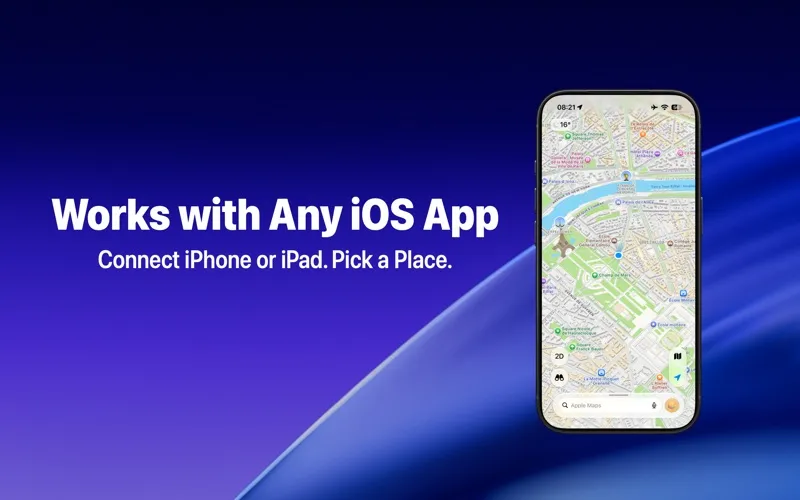
Relocate lets you change your iPhone or iPad’s GPS location from your Mac. It’s for you if you need location-based apps to use a place other than where you are.
by Grand Supply Co.
What you get
Give your iPhone or iPad a different location without going there.
With Relocate, you can make your iPhone or iPad report a location you choose, anywhere in the world, while controlling the change from your Mac. Apps that use your device’s location then use that place, so you don’t have to change settings in each app separately.
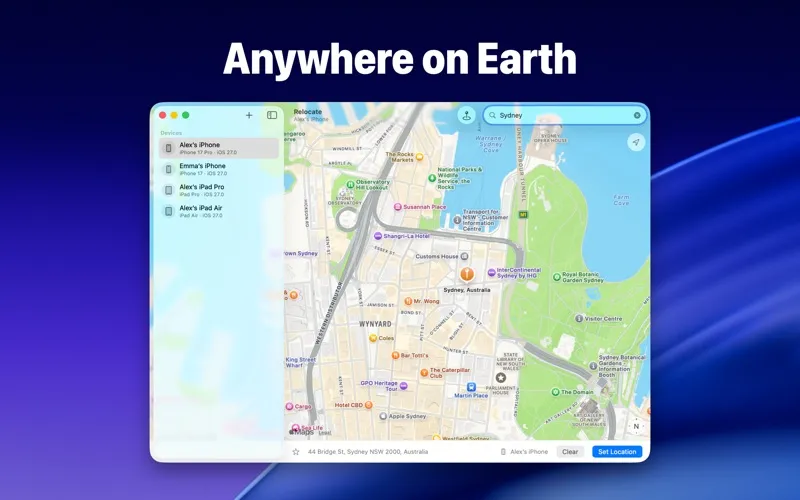
You can find your destination by place name, street address, or coordinates, or put a pin on the exact spot you want. If you’re working with several devices, you can give them all the same location at once rather than setting each one individually.
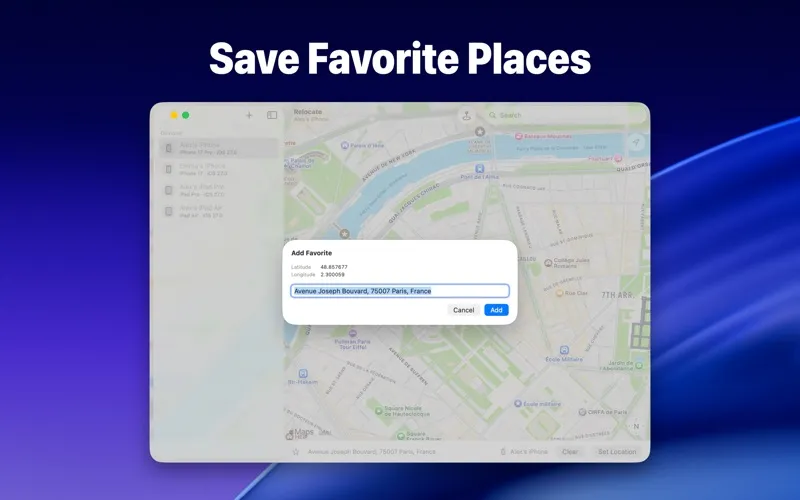
You can also save places you expect to use again and revisit recent destinations without repeating your search. Before you get started, you’ll need to install Xcode 27 or later.
-
Choose your reported location
You can have location-based apps on your iPhone or iPad use a place you select from your Mac.
-
Pick an exact spot
You can choose a destination by name, address, coordinates, or a pin.
-
Align several devices
You can set multiple devices to the same destination at once.
-
Return without searching
You can keep frequently used places and find recent destinations without looking them up again.
Best for
- You need iPhone or iPad apps to use a different location
- You want several devices to report the same place
- You regularly switch between saved locations
Skip it if
You don’t need it if you want apps to use your actual location or aren’t willing to install Xcode 27 or later.
Screenshots
From the developer
Change your iPhone or iPad’s location to anywhere in the world, right from your Mac. Pick a place, and every iOS app that uses location follows along. Teleport anywhere on Earth, in seconds Find a place by name, by address, by coordinates, or drop a pin exactly where you want it.Read the full description