Shell Assistant
Shell Assistant gives you a terminal, SSH connections, and SFTP file tools in one place if you develop on remote servers or regularly work at the command line.
by Michael Taylor
What you get
Work on your servers without juggling separate terminal, file, and code tools.
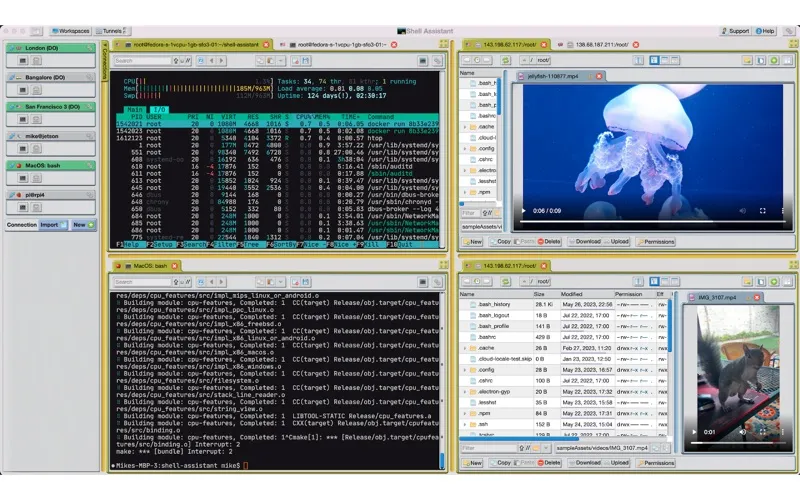
You can connect to cloud servers, a Raspberry Pi, or local Unix-like environments, then run commands and manage files in the same app. Save your host configurations and manage login keys so you can return to your servers without repeatedly setting up connections.
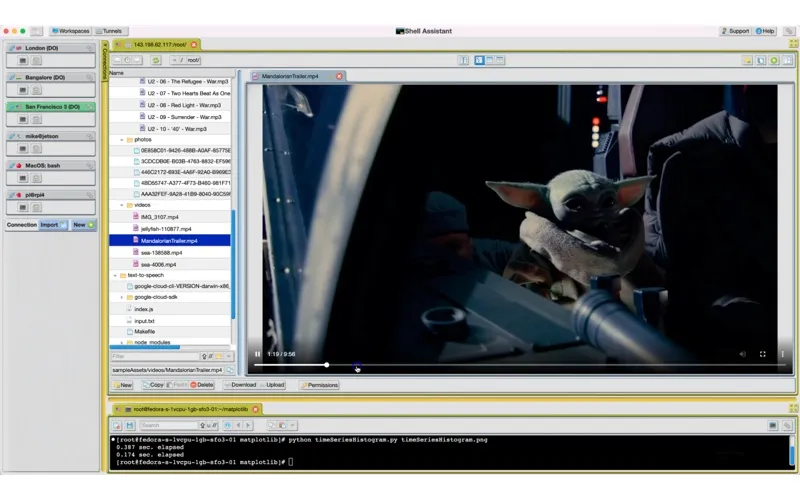
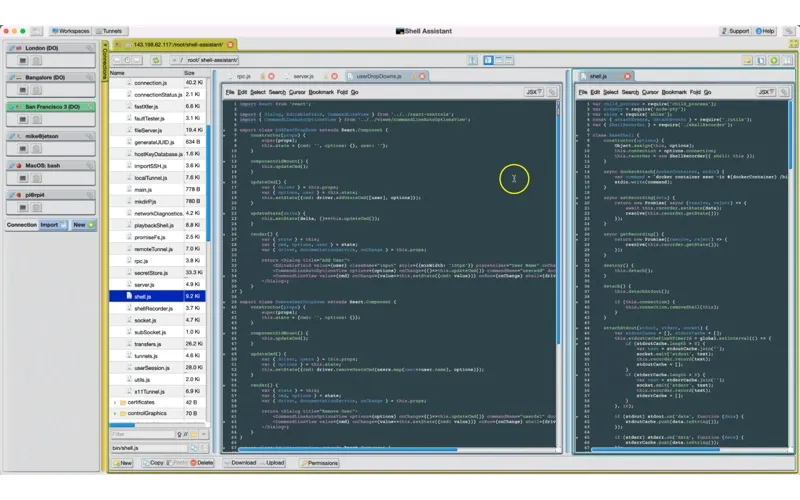
You can move files between Unix hosts with drag and drop or copy and paste, inspect images and PDFs, and edit source code or configuration files directly on a server. When you need access to a remote database or service, you can tunnel its network connection over SSH.
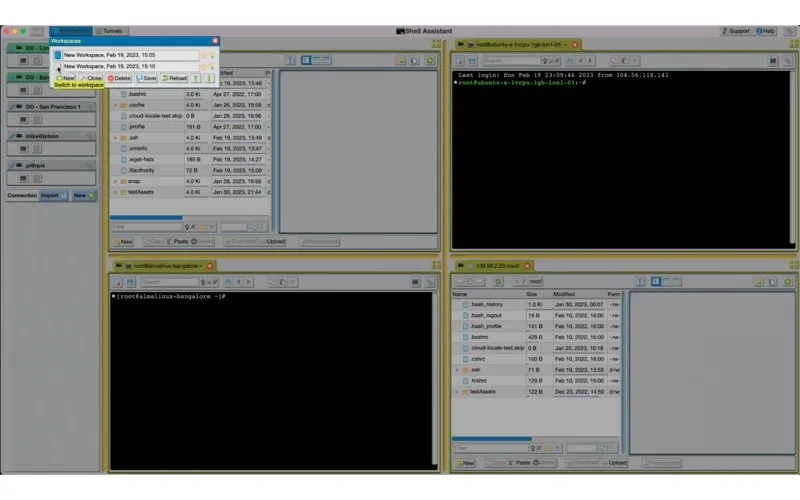
Arrange terminals and file managers side by side, separate tasks into workspaces, and save those layouts for your next session. Paste history helps you reuse command text instead of typing it again.
-
Return to servers faster
You can save connection settings and manage keys and passwords rather than re-entering connection details each time.
-
Move and inspect remote files
You can transfer files over SFTP and view images, PDFs, and source files within the app.
-
Change code where it runs
You can edit source and configuration files directly on your server.
-
Resume your working setup
You can save workspaces with your preferred terminal and file-manager layouts, then reload them next time.
-
Reach remote services securely
You can tunnel network connections to and from remote databases and servers over SSH.
Best for
- You develop or maintain code on remote servers
- You manage several SSH hosts
- You work with Linux servers or a Raspberry Pi
Skip it if
You probably don't need it if you rarely use the command line and don't manage remote servers.
Screenshots
From the developer
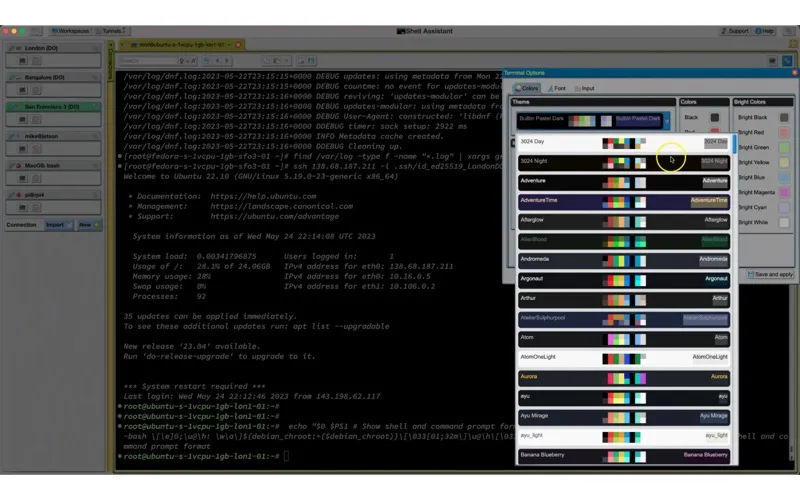
•Great SSH server management tool •SSH Client •Terminal •SFTP File manager •View images and pdfs •Stream audio and video •Edit code on the server •Use selections in the terminal •Paste history •Terminal image and gradient overlays, themes, fonts & colors.Read the full description
Alternatives to Shell Assistant
Other apps to manage SSH & tunnels. See all