Screenshots

About Silverlinger
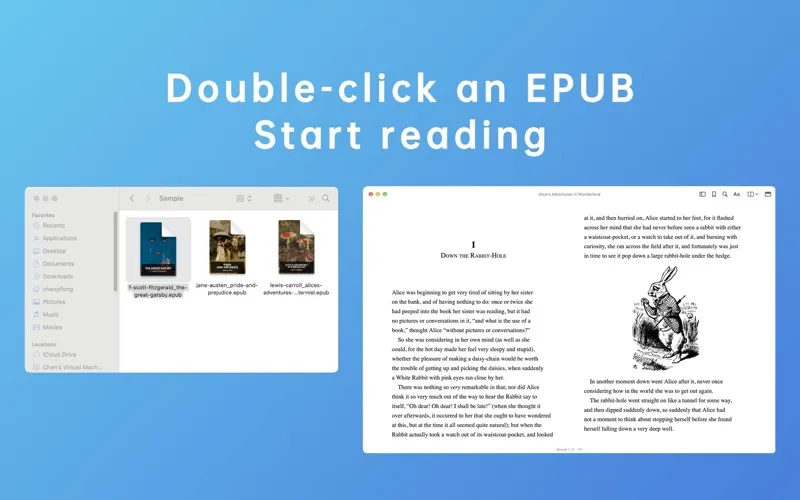
Silverlinger is a quiet, native EPUB reader for the Mac. No shelf, no import step: open a DRM-free EPUB from Finder, adjust the fonts and layout to your taste, and read.
EPUB is the most common open ebook format: a single file that holds a book's text, chapters, and images, and reflows to fit your window and font size. Silverlinger reads DRM-free EPUB files only. It does not open DRM-protected books, such as Kindle or Apple Books store purchases, or PDFs.
Need something to read? Project Gutenberg and Standard Ebooks offer thousands of free, DRM-free EPUB classics. Many publishers and indie authors also sell books DRM-free.
Who it's for: readers who already keep their books as files and want a calm, well-set page. Library-based readers ask you to import books into their own collection; Silverlinger leaves your files where they are and simply opens them.
• Finder Is Your Library Open books with a double-click, drag and drop, ⌘O, or Open Recent. Your files stay in your own folders—no importing, no copies. Move or rename a book and Silverlinger still recognizes it, bringing back your place, bookmarks, and notes.
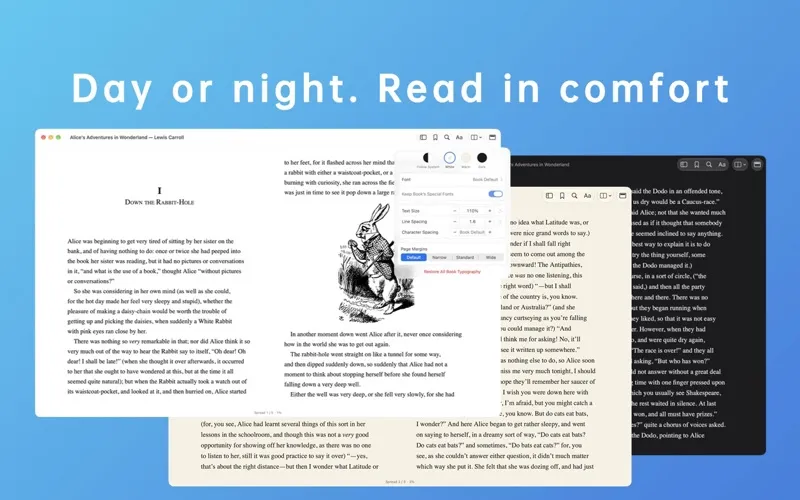
• Themes That Reach the Edges Choose White, Warm, or Dark, or follow your system appearance. New windows open in your saved theme from the first frame. The title bar takes on the page color, and the sidebar, popovers, and text fields are tinted to match.
• Pages or Scrolling Read in single- or two-page spreads, or scroll continuously. In page mode, turn pages with the keyboard, mouse wheel, or trackpad, or click the left or right margin. Close a book anytime and pick up where you left off.
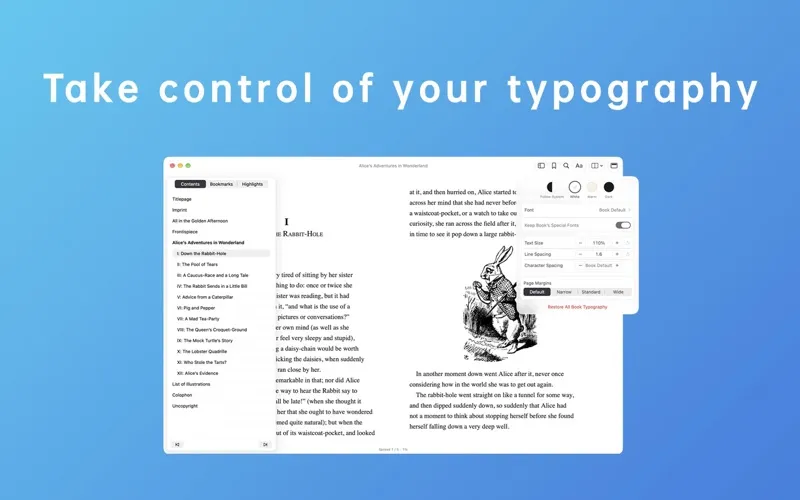
• Typography You Control Use any font installed on your Mac and adjust size, line height, letter spacing, and margins. The Appearance panel shows your current settings, with one-click reset for each or for all. Change the body font while keeping the book's own fonts for quotes, verse, and headings, or apply yours throughout. Common Windows Chinese font names map to fonts available on your Mac.
• A Sidebar That Leaves the Page Alone Contents, bookmarks, and notes open in an overlay drawer. Showing or hiding it never resizes or repaginates the text.
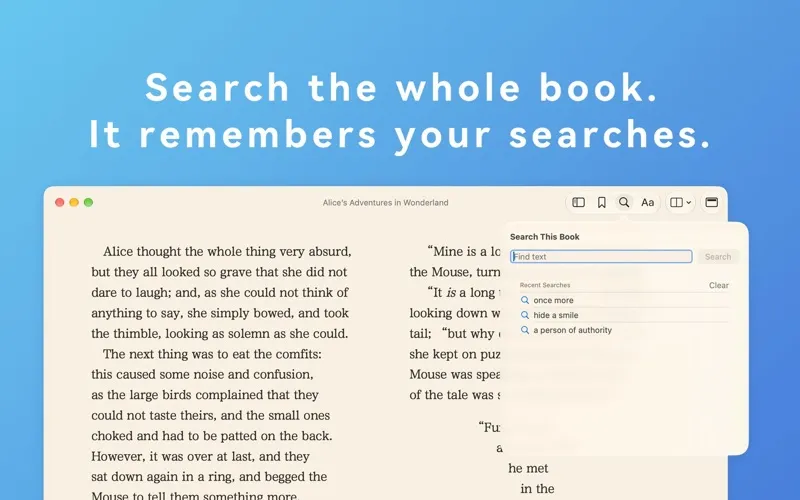
• Search That Remembers In-book search shows results as they arrive. With the search field empty, your 10 most recent searches appear; click one to search again, or clear them all at once.
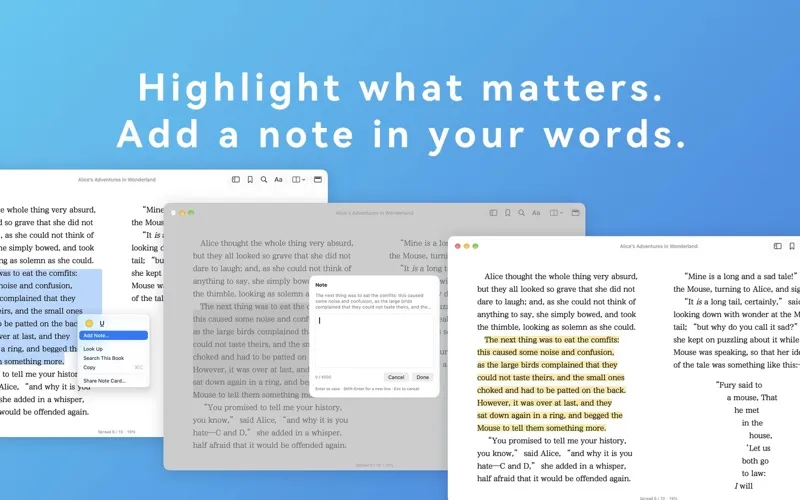
• Highlights, Notes & Markdown Export Highlight or underline passages and add notes. Export highlights and notes to Markdown, organized by chapter.
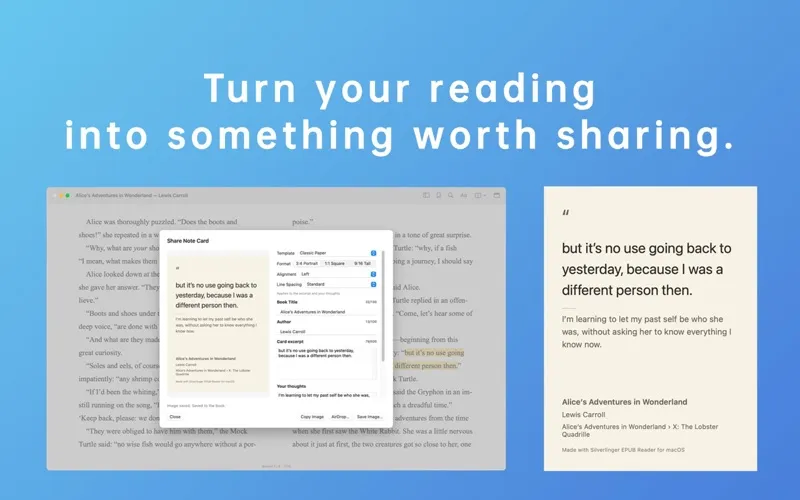
• Share Quote Cards Turn a passage and your thoughts into a clean quote card with the book title and author. Pick one of six free color styles—Classic Paper, Pure White, Ink Night, Celadon, Mist Blue, or Rose Dust—and adjust alignment, line spacing, and aspect ratio. Your last choices are remembered. Copy, save, or AirDrop the card.
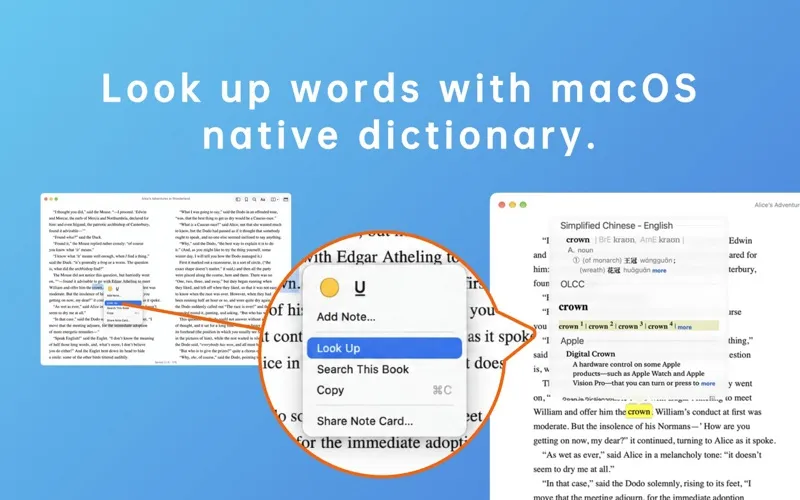
• Look Up & Footnote Return Select a word or phrase and choose Look Up for the built-in macOS dictionary. Follow a footnote or link, then return to where you were in one step.
• Made for the Mac Native windows, menus, and keyboard shortcuts. Each book gets its own window, with a table of contents that marks the current chapter. Double-click the title bar to zoom or minimize, following your macOS setting.
• Back Up Your Reading Data Export reading positions, bookmarks, highlights, underlines, and notes for all your books to one file, and import it later. Importing merges without deleting anything on your Mac; importing the same file again changes nothing.
• English & Simplified Chinese The interface follows your Mac's language, or the language you choose for Silverlinger in System Settings.
• Offline & Private Everything is processed on your Mac. No account, no ads, no tracking, no reading analytics. EPUB files are opened read-only and never modified.