
Slack for Desktop
Slack for Desktop gives you a shared place for team messages, calls, and documents. It suits you if your work involves regular coordination with colleagues.
by Slack Technologies, Inc.
What you get
Keep your team’s conversations, documents, and decisions together.
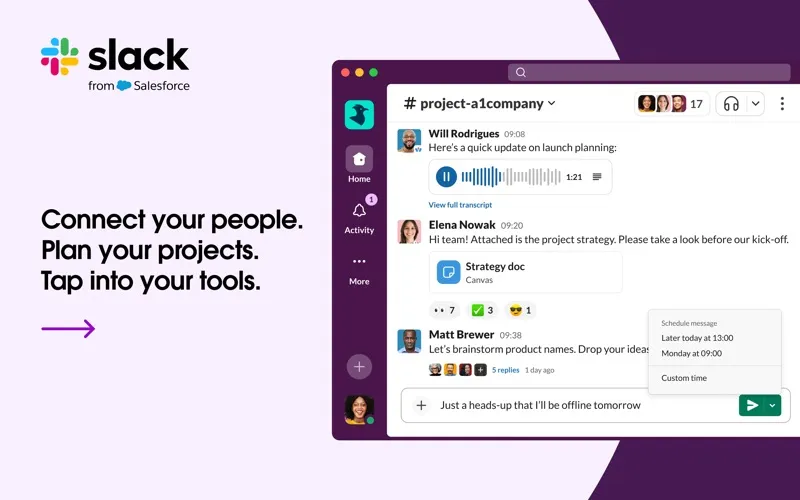
Slack for Desktop gives you one place to talk with colleagues and keep work discussions organized. You can separate conversations by topic or project, message a person or group directly, or call teammates when talking is easier than typing. That helps you follow the discussions relevant to your work without mixing every project into one conversation.
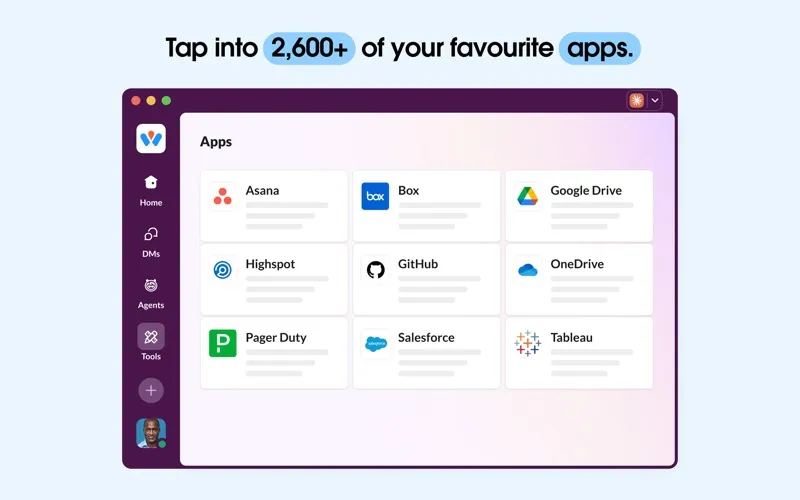
You can share and edit documents with colleagues, then search archived conversations and files when you need to recover context or find something someone shared. Connecting services you already use, such as Google Drive, Dropbox, or Asana, brings those tools into your team’s workflow.
You also get control over Slack’s notifications, so you can adjust which updates interrupt you. If your team already works in Slack, the desktop app gives you a place to participate from your Mac.
-
Follow relevant discussions
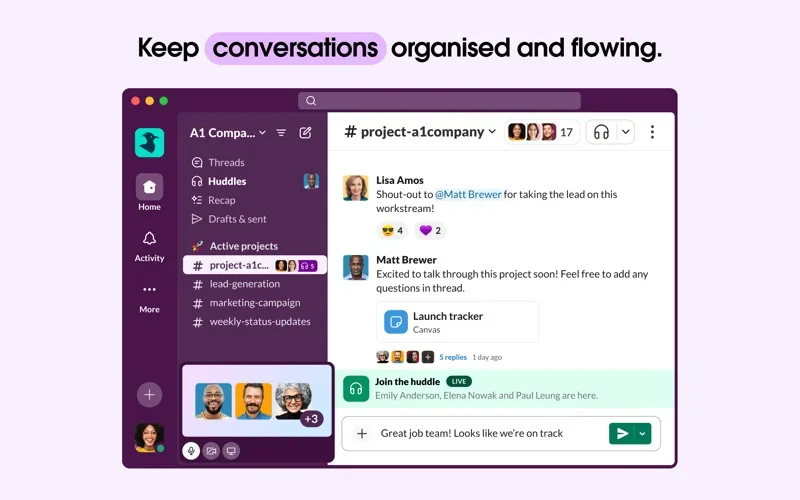
You can keep conversations grouped by project or topic, making it easier to follow the work you’re involved in.
-
Reach the right people
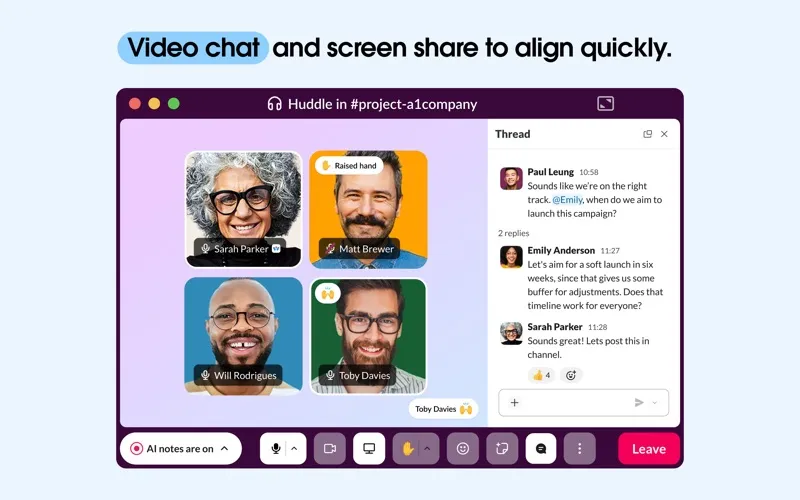
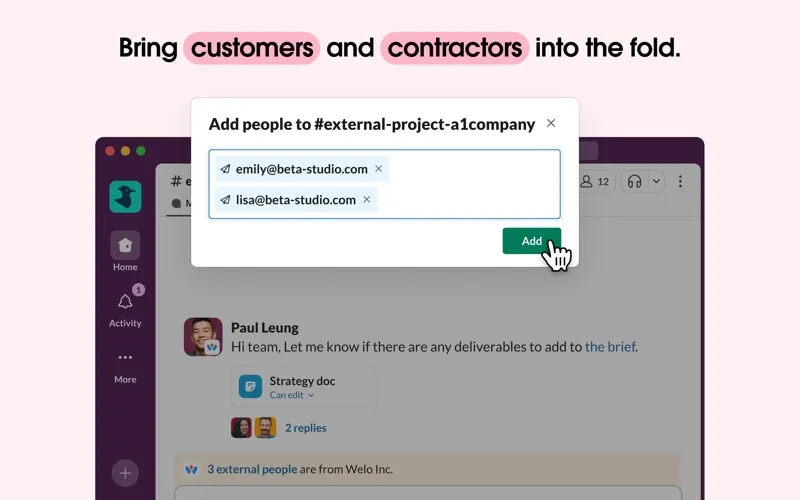
You can message or call individual teammates or groups, depending on who needs to join the conversation.
-
Recover past context
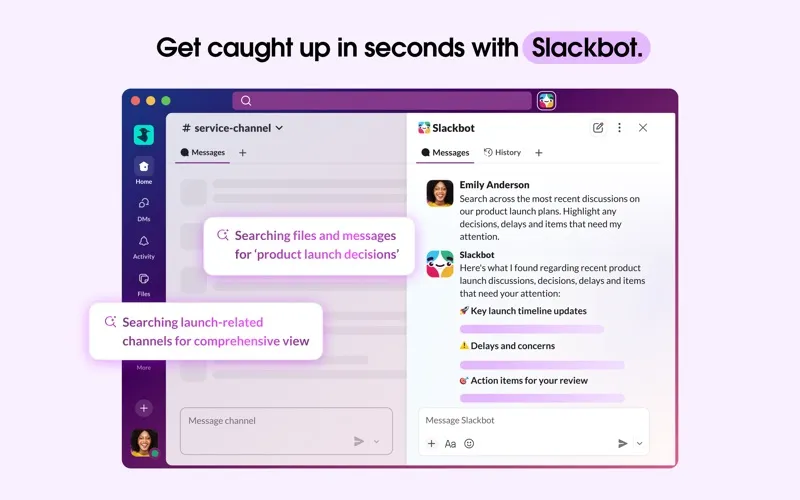
You can search archived messages and files to find earlier discussions and information your team has shared.
-
Work on documents together
You can share and edit documents with colleagues where your team is already discussing the work.
-
Choose your interruptions
You can customize Slack notifications to give relevant updates your attention while limiting distractions.
Best for
- You coordinate projects with colleagues
- Your team already communicates in Slack
- You need to find past team discussions and shared files
Skip it if
You don’t need it if you work alone or your team already uses another communication tool that meets your needs.
Screenshots

From the developer
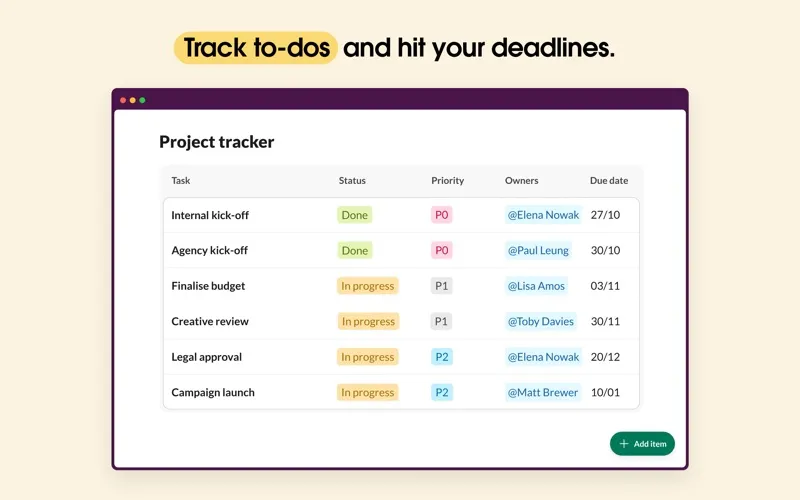
Slack brings team communication and collaboration into one place so you can get more work done, whether you belong to a large enterprise or a small business. Check off your to-do list and move your projects forward by bringing the right people, conversations, tools, and information you need together.Read the full description
Alternatives to Slack for Desktop
Other apps to use messengers on Mac. See all