
TigerConnect for Desktop
TigerConnect for Desktop gives you secure messaging and clinical communication tools if you work on a healthcare team.
by TigerConnect, Inc.
What you get
You can coordinate patient care with secure messages and current clinical information.
TigerConnect for Desktop gives you a way to communicate securely with your healthcare team while keeping clinical work at the center of the conversation. You can use secure text messaging to collaborate with colleagues, with communication designed around the needs of patient care rather than general-purpose chat.
You also get real-time clinical information at the point of care, helping you act on current data as you coordinate treatment. The aim is to make communication part of your clinical workflow, supporting more productive teamwork and better-informed care. It is a fit when you need healthcare-focused collaboration, not just another place to exchange messages.
-
Communicate securely
You can exchange text messages with your healthcare team through a platform built for clinical communication.
-
Act on current information
You get real-time clinical data at the point of care to help inform your next steps.
-
Coordinate clinical work
You can collaborate with colleagues around patient care, with communication intended to support your clinical workflow.
Best for
- You work on a healthcare team
- You need secure clinical messaging
- You coordinate care using real-time clinical information
Skip it if
You only need everyday messaging and do not work with a healthcare team.
Screenshots
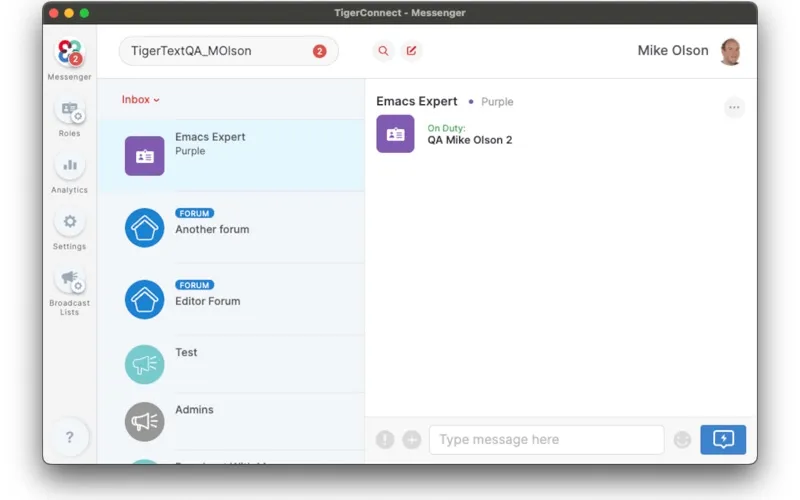
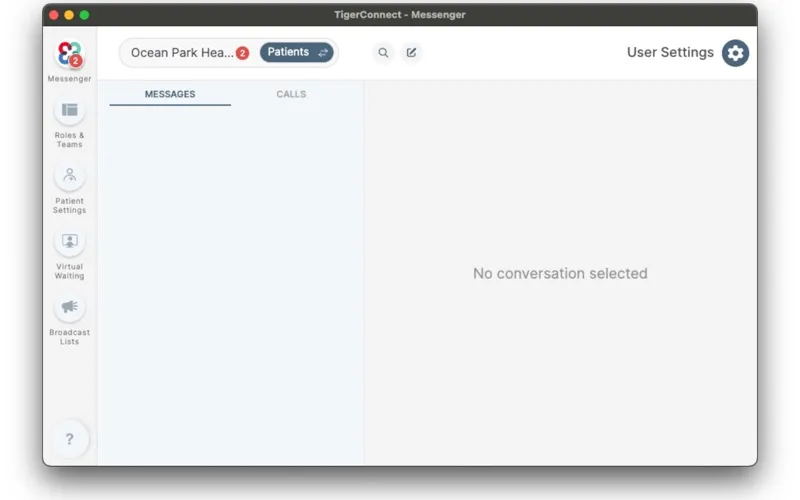
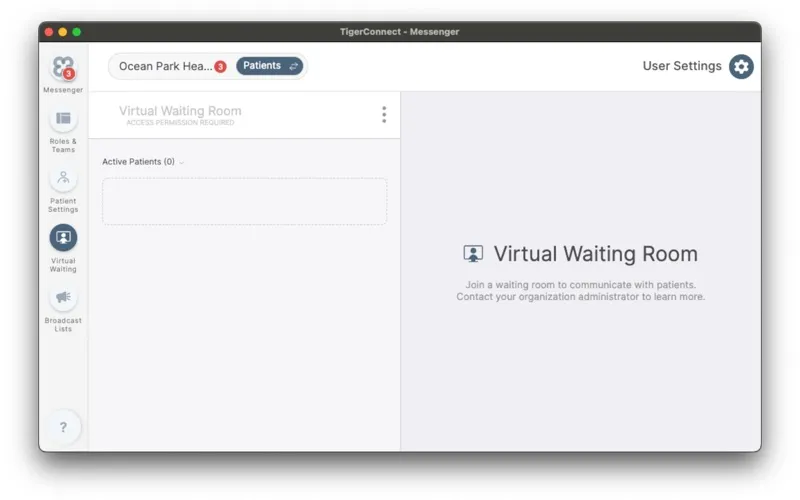
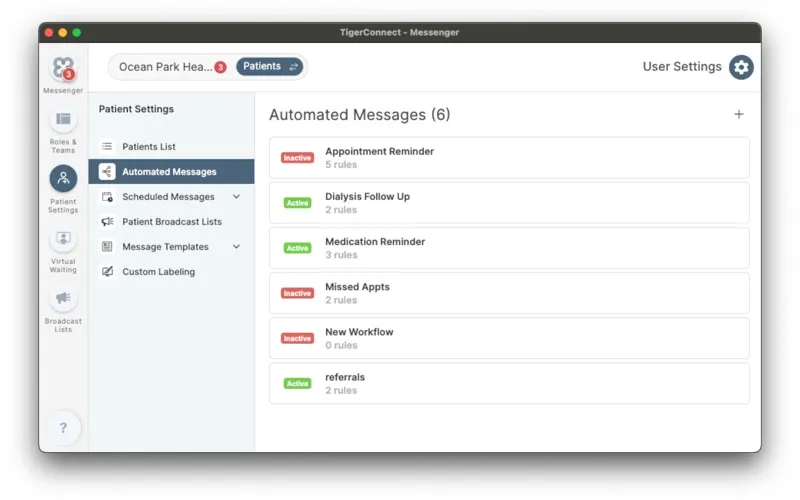
From the developer
TigerConnect Clinical Communications for Healthcare Teams More than a secure text messaging app, TigerConnect is a communication and collaboration platform that streamlines workflows by delivering actionable real-time, clinical data at the point of care to drive positive outcomes for patients and gr...Read the full description
Alternatives to TigerConnect for Desktop
Other apps to use messengers on Mac. See all