
Unite Pro
Create an app from a website
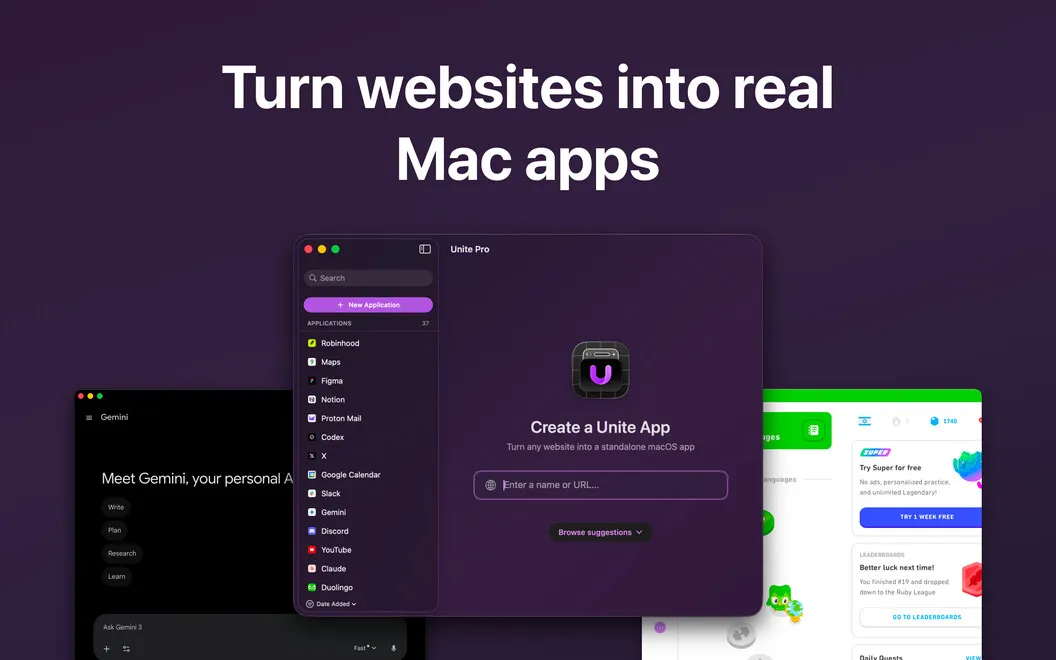
Unite Pro lets you turn websites into dedicated Mac apps if you rely on web tools and want them outside your browser tabs.
by BZG Apps LLC. · 93% positive (46)
What you get
Keep your everyday web tools within reach, outside your browser.
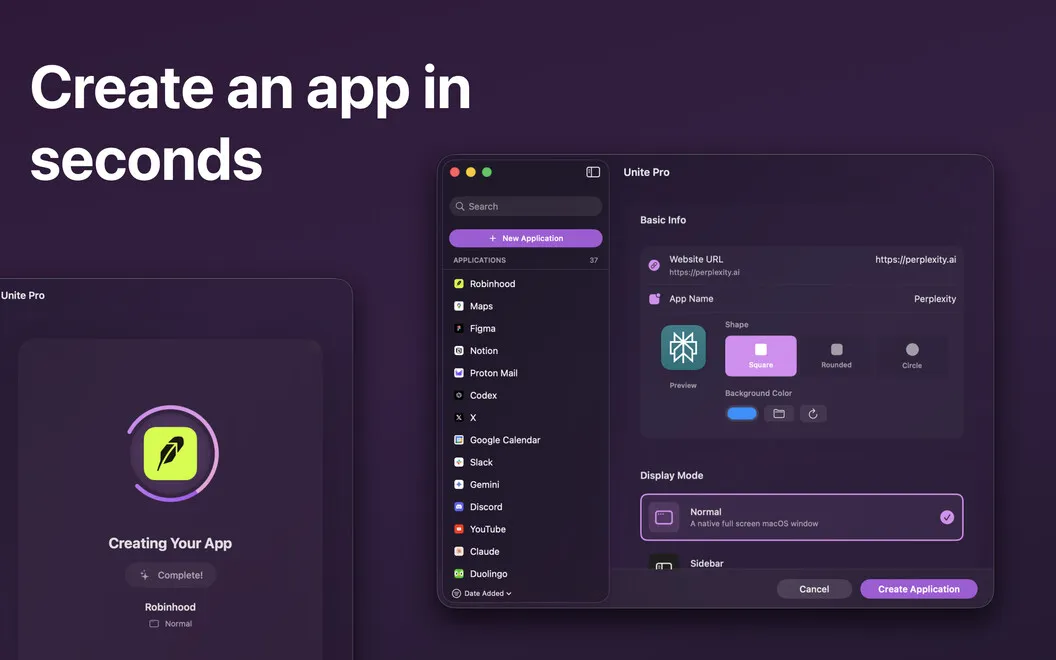
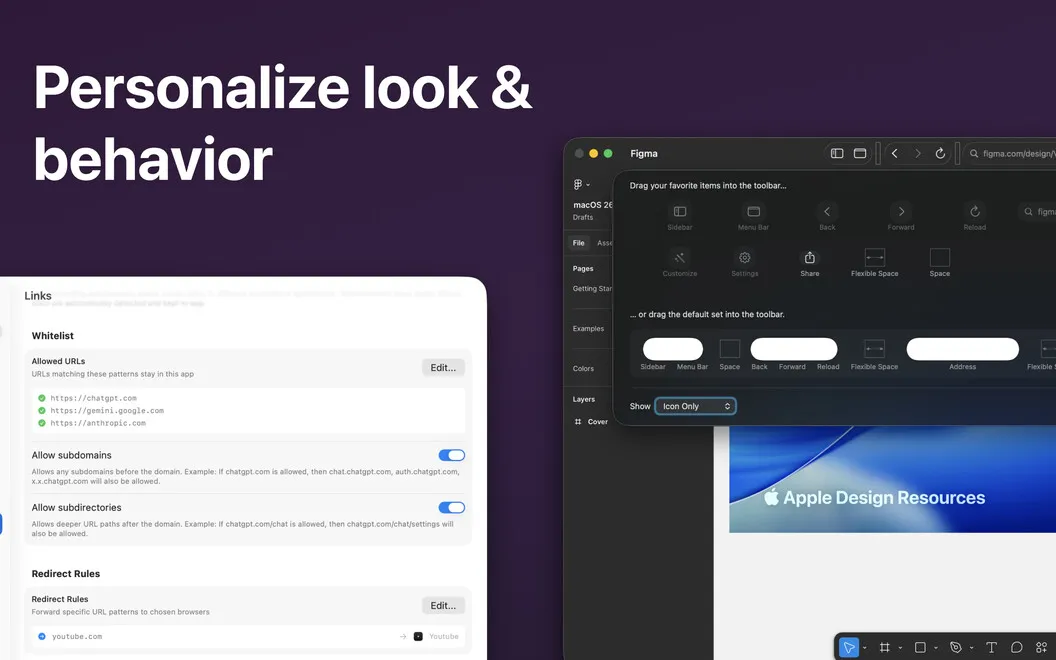
You can give your most-used websites their own place on your Mac instead of hunting through browser tabs. Paste a URL to create a dedicated app with its own window and Dock icon. Separate sessions let you keep multiple accounts apart, and you can choose a regular window, sidebar tool, or menu bar utility.
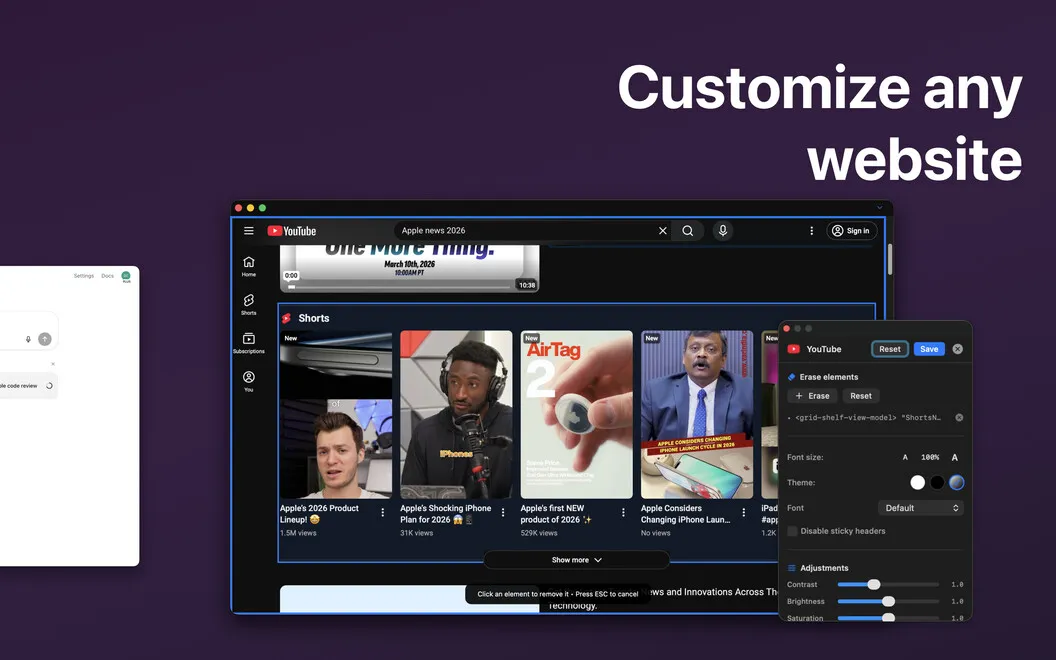
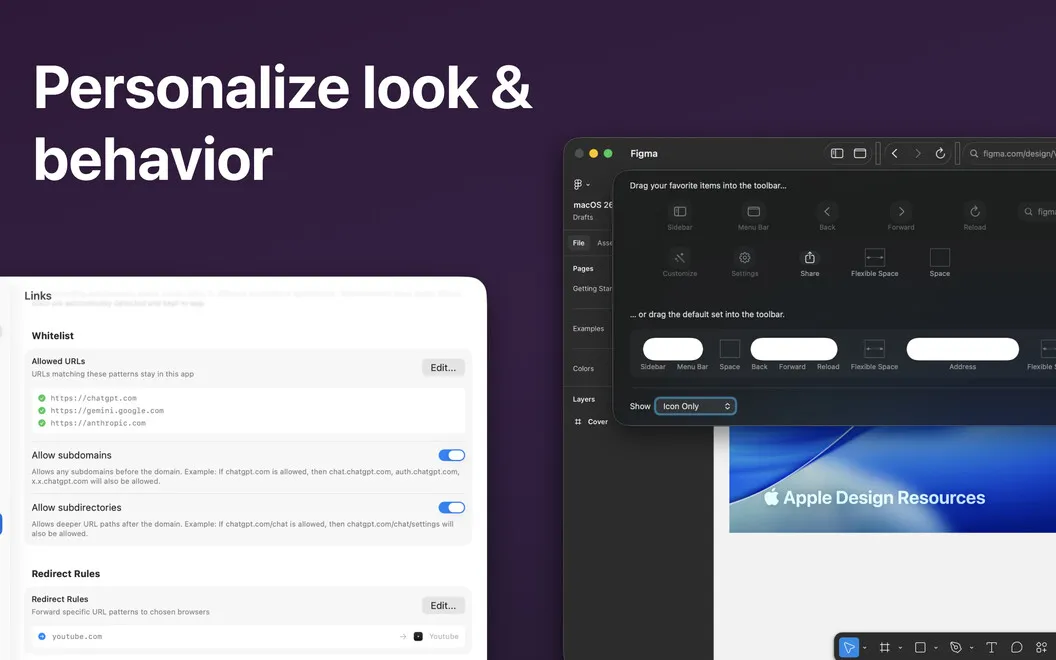
You can also make those websites less cluttered. Hide unwanted elements, remove ads, disable sticky headers, and adjust layouts visually without writing code. Dark mode and per-site zoom help you read comfortably, while shared settings save you from repeating the same adjustments across apps.
When you need an AI assistant, a keyboard shortcut brings ChatGPT, Claude, Gemini, or Grok into a floating overlay above your current app. Connect Google Calendar or Outlook and you also get meeting alerts with links to join in one click.
-
Find your tools faster
You can open frequently used websites from their own Dock icons instead of searching through browser tabs.
-
Keep accounts apart
You can use separate app sessions to keep multiple accounts from mixing.
-
Cut website clutter
You can hide distracting elements and adjust layouts without code, then reuse settings across your apps.
-
Ask AI without switching away
You can bring an AI assistant above your current app with a keyboard shortcut, then close it when you're done.
-
Join meetings from alerts
You get Google Calendar or Outlook meeting alerts with one-click join links.
Best for
- You work in several web tools throughout the day
- You need separate accounts for the same website
- You want cleaner website layouts without coding
Skip it if
You probably don't need it if you're comfortable keeping your web tools in browser tabs and don't need separate app sessions or layout adjustments.
Screenshots
From the developer
Note: If you are having issues with created apps on M1 Machine, please use the following workaround: Locate the created app in the Applications folder through Finder, then right-click and select “Get Info.” Check the “Open in Rosetta” button. Then reopen the created app.Read the full description
Alternatives to Unite Pro
Other apps to turn websites into apps. See all