VictronConnect
VictronConnect gives you live readings, settings control, and firmware updates for supported Victron equipment. It’s for you if you manage a Victron solar charger, battery monitor, inverter, or charger.
by Victron Energy
What you get
You can check and configure your supported Victron equipment from your computer.
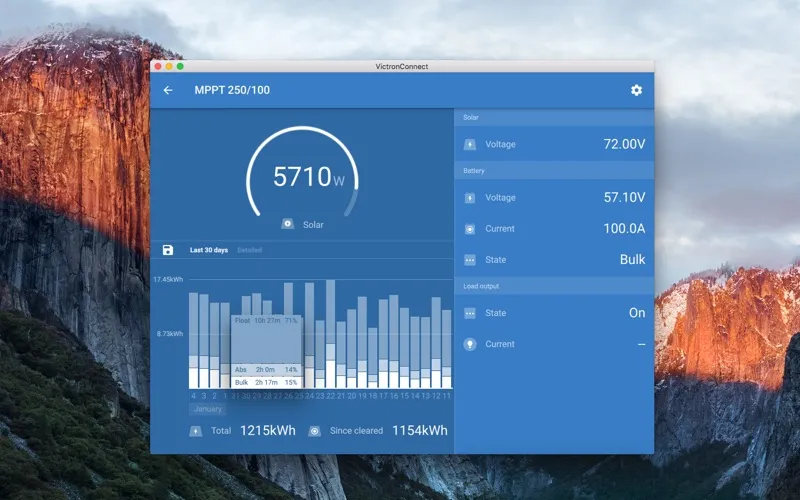
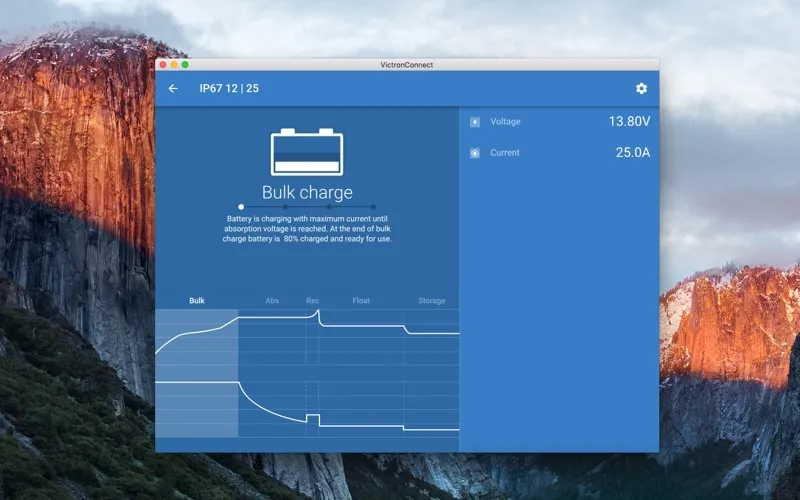
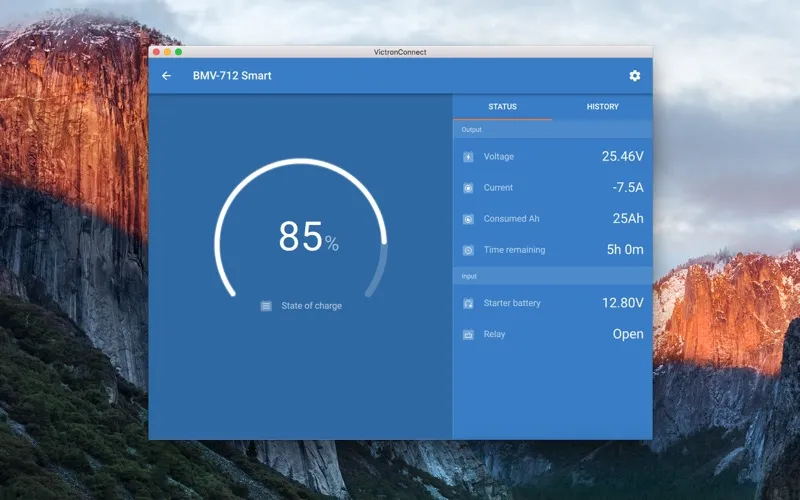
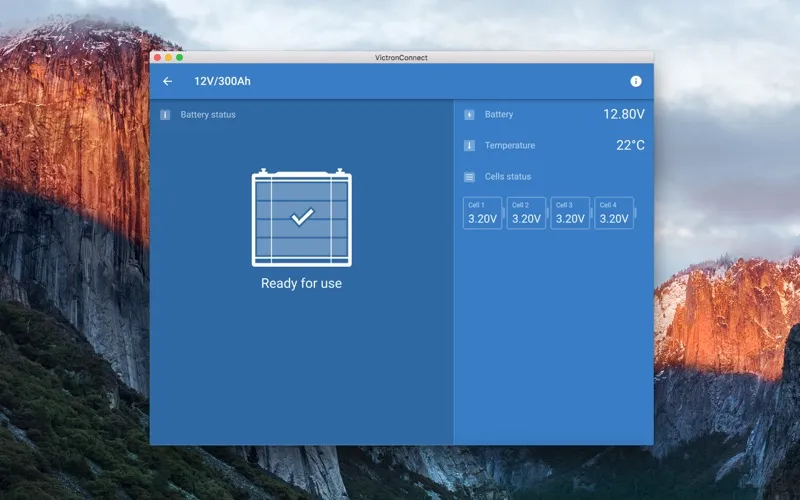
You can see what your supported Victron solar charger or battery monitor is doing right now, then adjust device settings from your computer. You connect through built-in Bluetooth, a compatible Victron Bluetooth dongle, or a VE.Direct USB interface, depending on your equipment.
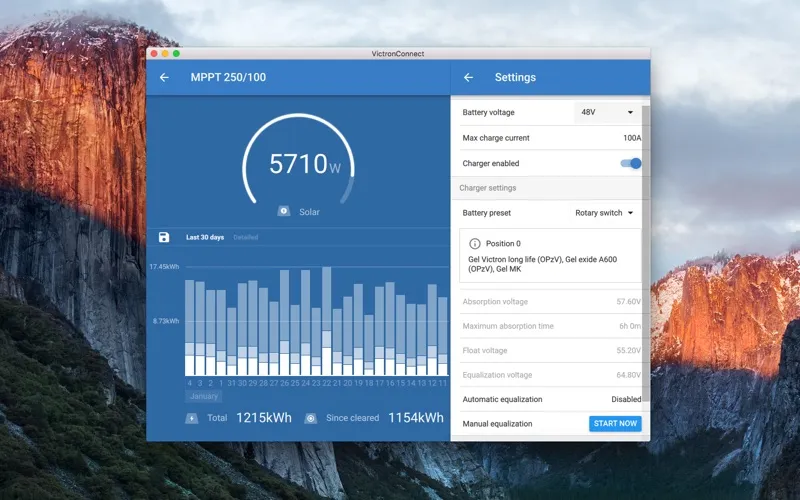
When you need to investigate an installation problem, you can review recorded history on devices that support it. Supported BlueSolar MPPT chargers give you a 30-day view, helping you look beyond the current reading. You can also change settings and have those changes sent directly to the connected device.
You get a prompt when outdated firmware is detected, with the option to update manually too. If you want to explore a product before connecting it, you can use the built-in demo library. Compatibility matters: not every Victron product is supported, and the VE.Direct Bluetooth Smart dongle requires Bluetooth Low Energy support on your computer.
-
Check current readings
You can view live data from your supported solar charger or battery monitor.
-
Investigate installation problems
You can review history on supported devices, including 30 days of records for compatible BlueSolar MPPT chargers.
-
Adjust your equipment
You can edit device settings on your computer and send changes directly to your connected Victron product.
-
Keep firmware current
You get notified when outdated firmware is detected and can choose to update it, including manually.
-
Explore before connecting
You can try products in the demo library to understand their available controls before connecting hardware.
Best for
- You manage a supported Victron solar or battery installation
- You need to diagnose problems using device history
- You want to configure or update compatible Victron equipment
Skip it if
You don’t need it if you have no supported Victron equipment and aren’t looking to explore it in demo mode.
Screenshots
From the developer
VictronConnect lets you get live status info and configure Victron products with built-in bluetooth support or using a VE.Direct Bluetooth Smart dongle or VE.Direct USB interface. LIVE DATA: Get instant data from your solar charger or battery monitor. READ HISTORY RECORDS*: Makes it easy to diagnose your installation.Read the full description