Video Wall Live Desktop
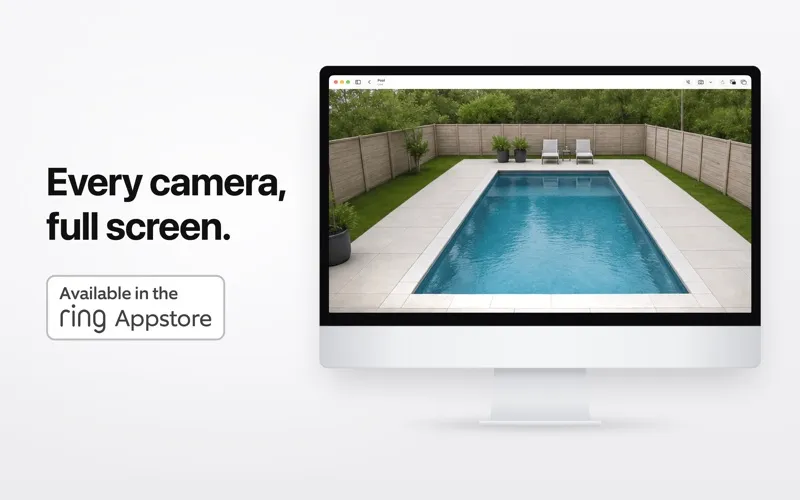
Video Wall Live Desktop gives you a live view of your Ring cameras and doorbells on your Mac, so you can monitor your home while working or on a dedicated display.
by Up Hail, Inc.
What you get
Keep your Ring cameras in view while you work on your Mac.
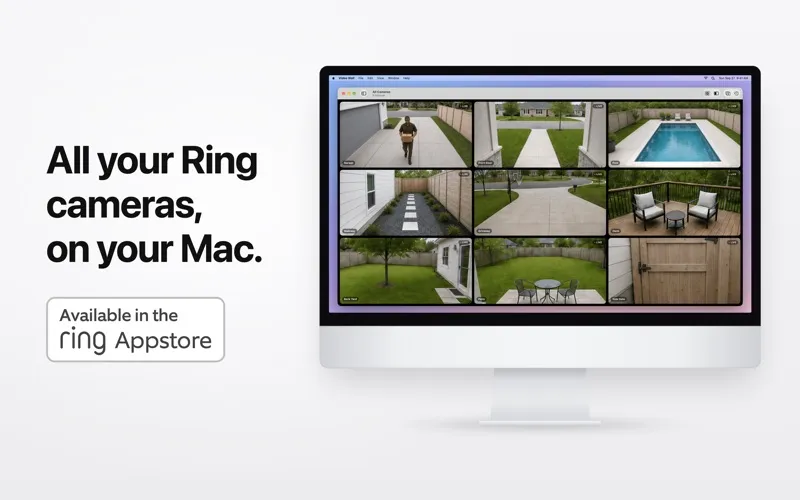
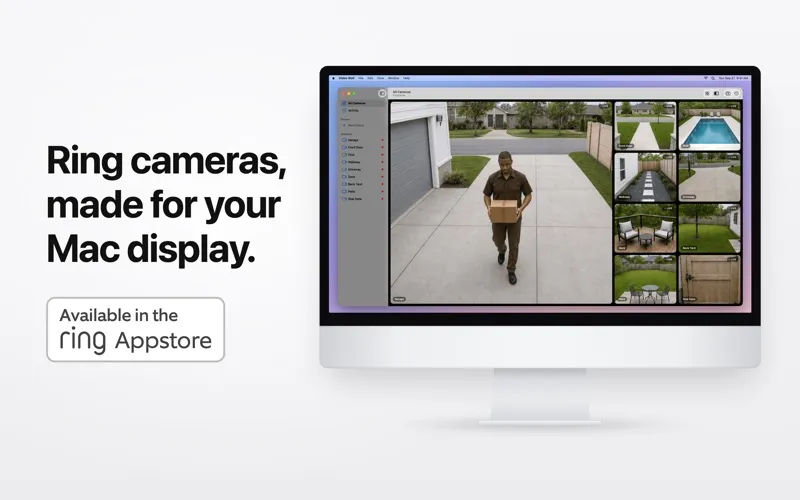
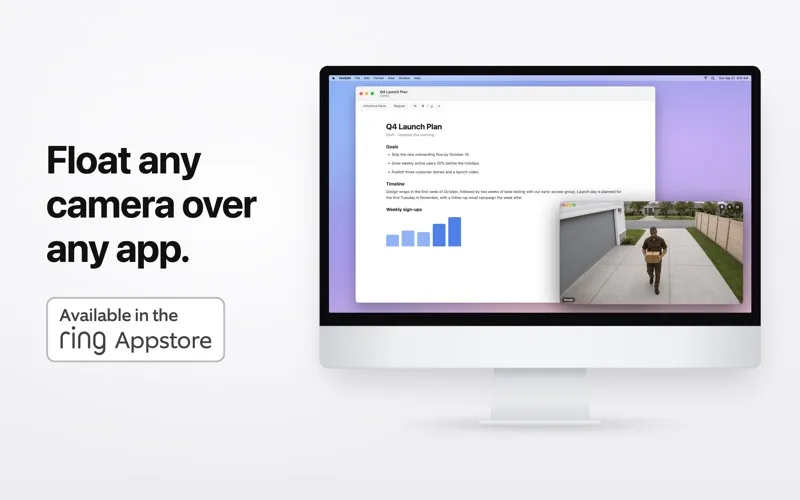
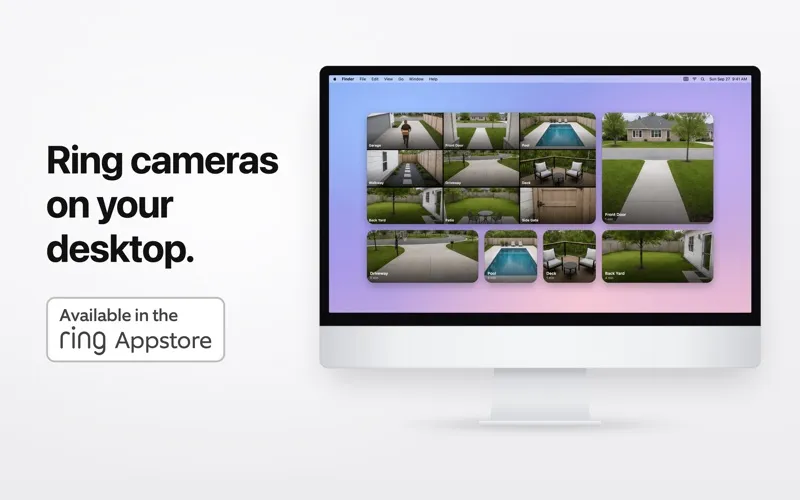
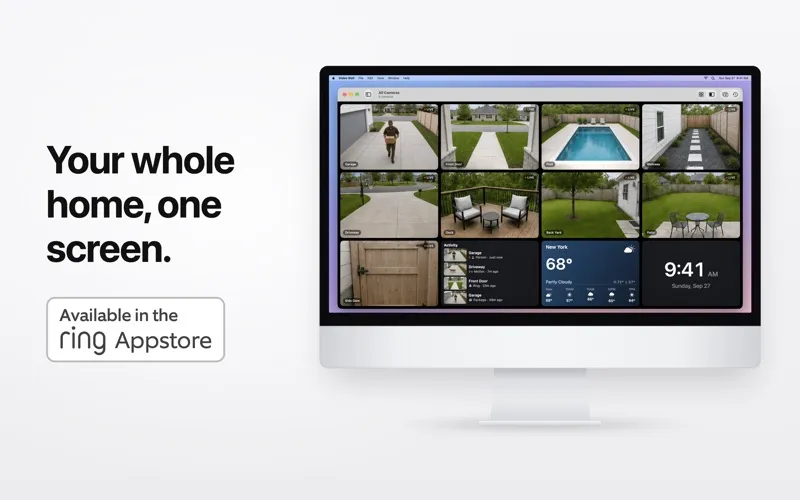
You can watch your Ring cameras and doorbells together instead of checking each feed separately. Arrange them in a grid, give one camera more space, or group views by area. Keep your front door visible above your work in a floating window, check a camera from the menu bar, or put live views on your desktop with widgets.
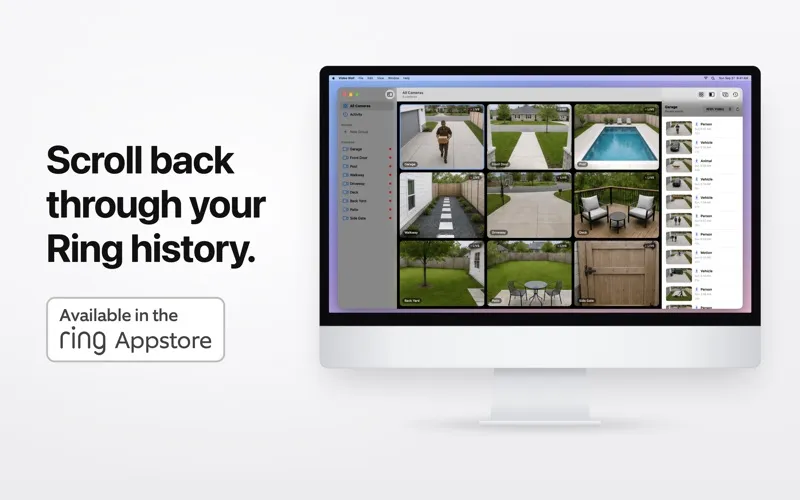
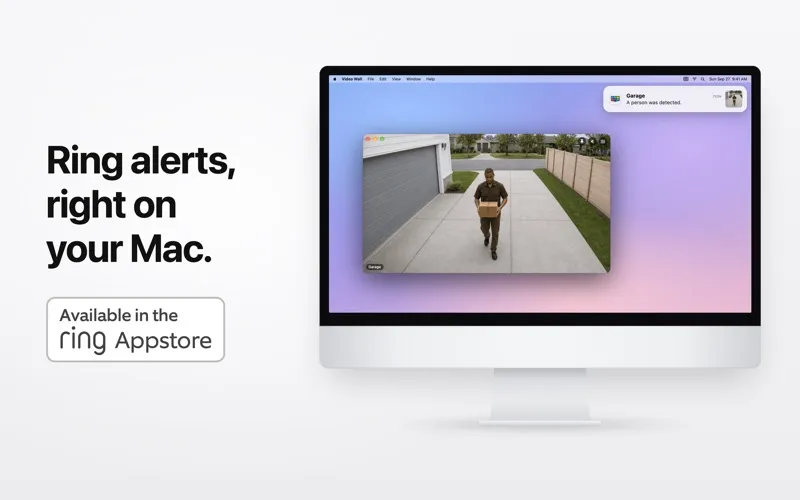
You can choose which cameras and events send picture notifications, including people, packages, vehicles, and doorbell rings. A ring can bring the camera into view with sound. When you need to check what happened earlier, filter recent events, play recorded clips, and save clips or snapshots to your Mac.
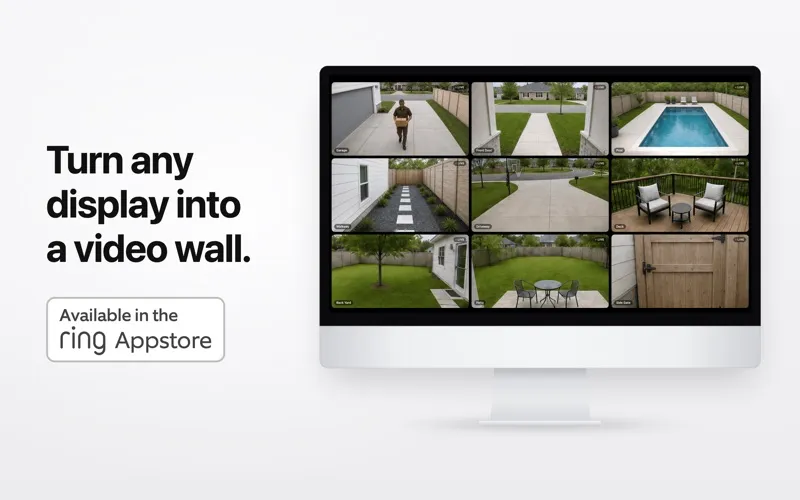
You can also turn a spare display into a security wall that opens at login and cycles through cameras. You’ll need macOS 14 or later, a Ring Protect plan, and a Video Wall Live subscription from the Ring Appstore; the latter offers a 30-day free trial.
-
Watch several areas together
You can see your Ring cameras in one view and group them by the parts of your home you want to monitor.
-
Keep your entrance visible
You can pin a live camera above other apps without leaving your work.
-
Choose what interrupts you
You decide which cameras and event types trigger picture notifications on your Mac.
-
Check and save past events
You can filter recent activity, replay clips, and save footage or snapshots to your Mac.
-
Use a spare display
You can dedicate a screen to your cameras, with automatic cycling and a wall view that starts at login.
Best for
- You work at your Mac and want your front door in view
- You have several Ring cameras to monitor together
- You want a spare display dedicated to home security
Skip it if
You don’t need it if you use non-Ring cameras or don’t want the required Ring Protect and Video Wall Live subscriptions.
Screenshots

From the developer
All your Ring cameras, on your Mac. Video Wall puts every Ring camera and doorbell on one live wall, designed for the Mac. Keep an eye on the front door while you work, check the driveway from the menu bar, or turn a spare display into a dedicated security wall.Read the full description
Alternatives to Video Wall Live Desktop
Other apps to monitor security cameras. See all