Screenshots
About Webcam Works
Webcam Works — Every control your camera has. Every look you want.
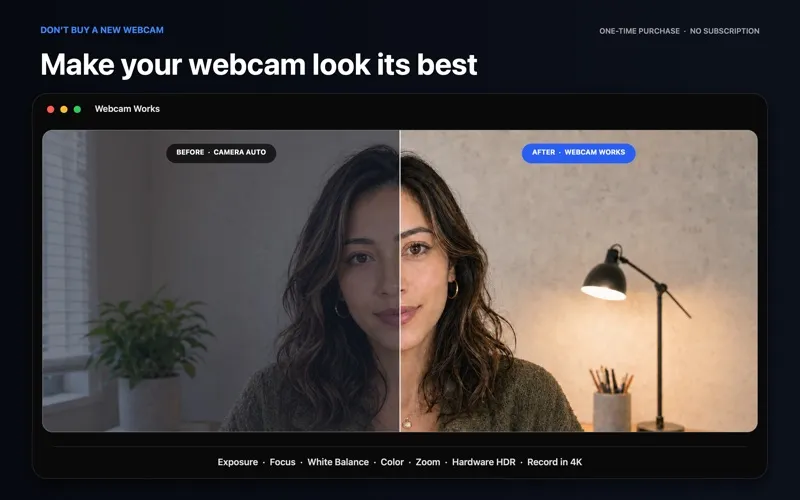
Webcam Works combines complete manual camera control, one-click presets, a studio-grade virtual camera, and built-in recording — native on the latest macOS, made for the webcam you already own.
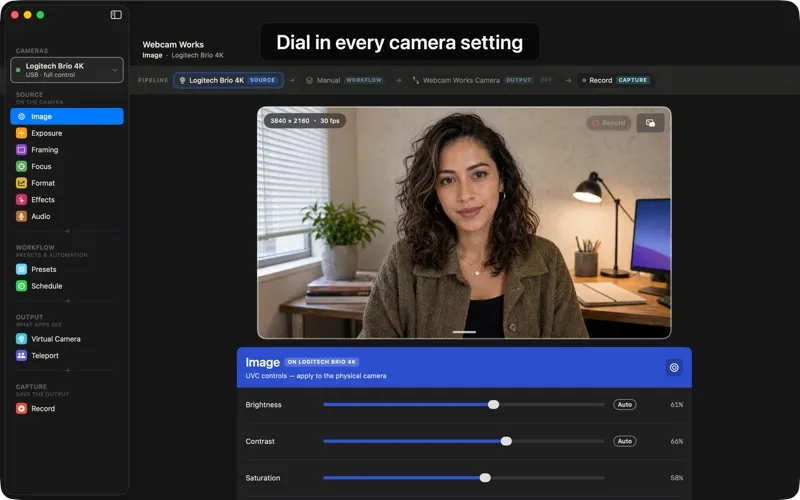
TAKE CONTROL • Adjust every setting your camera offers — exposure, focus, white balance, brightness, contrast, saturation, sharpness, zoom, pan, and tilt — while a live preview shows exactly what you'll get • Smart Auto-Exposure handles difficult lighting; take over manually the moment you want to • Choose from your camera's full range of resolutions and frame rates, up to 4K
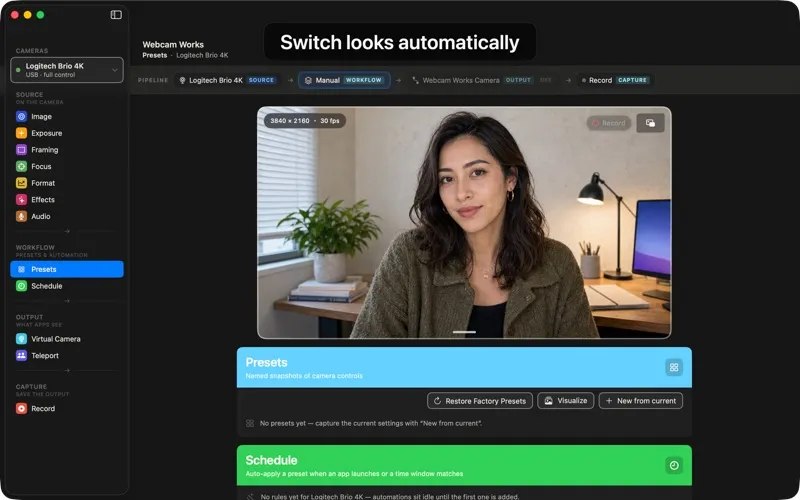
SAVE THE LOOK • Build a preset for every situation — bright daylight call, low-light evening, podcast night — and switch with one click • Visualize shows your presets side by side, so you can choose at a glance • Rules apply the right preset automatically the moment your meeting app opens, or on a weekly schedule
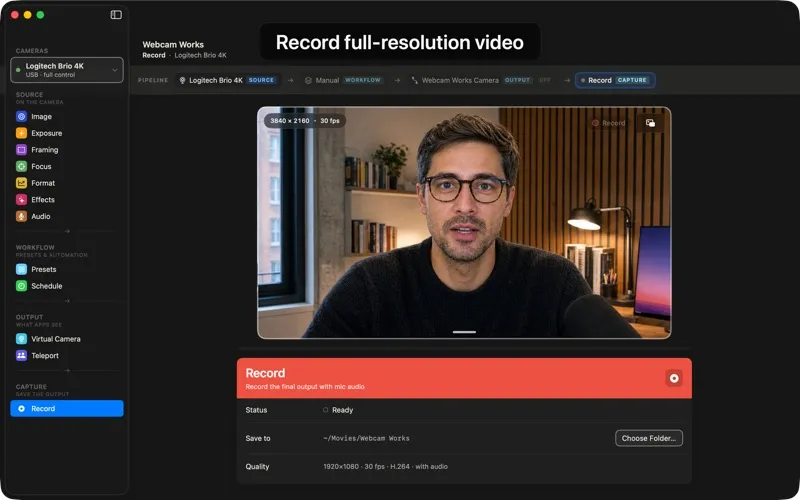
RECORD IT ALL • Record full-resolution video with microphone audio, straight to your Mac • Takes interrupted mid-recording are recovered automatically on next launch — nothing is lost
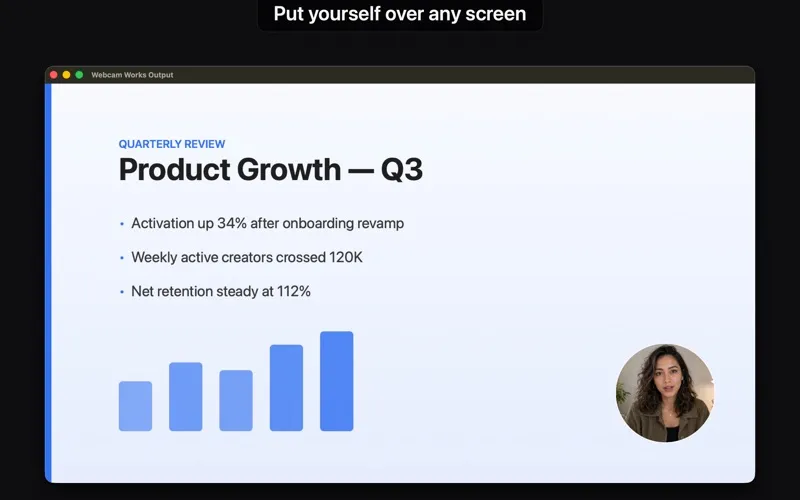
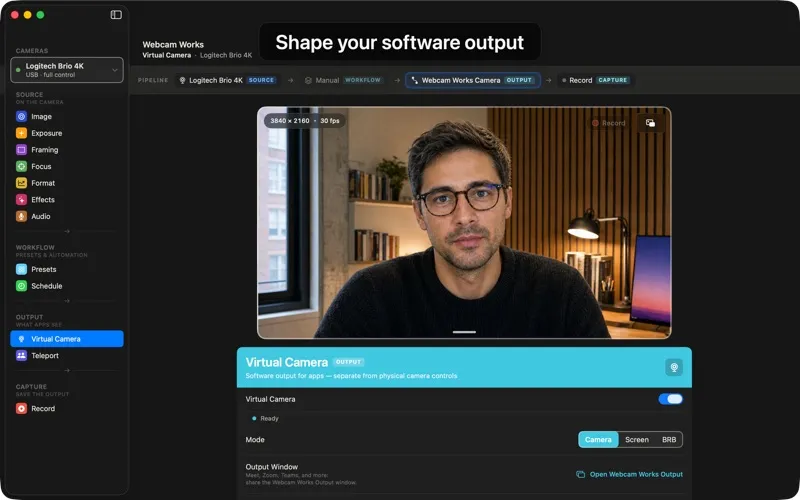
YOUR OWN STUDIO • Turn on the Webcam Works virtual camera and select it in any meeting, streaming, or recording app • Real-time color grading with built-in and custom LUTs, background blur or replacement, skin softening, and text and image overlays • Customizable Fill Light uses your display to light your face on any Mac • Share a window or your whole screen with your camera tucked into a polished picture-in-picture • Step away to a Be Right Back screen with a custom message and return time
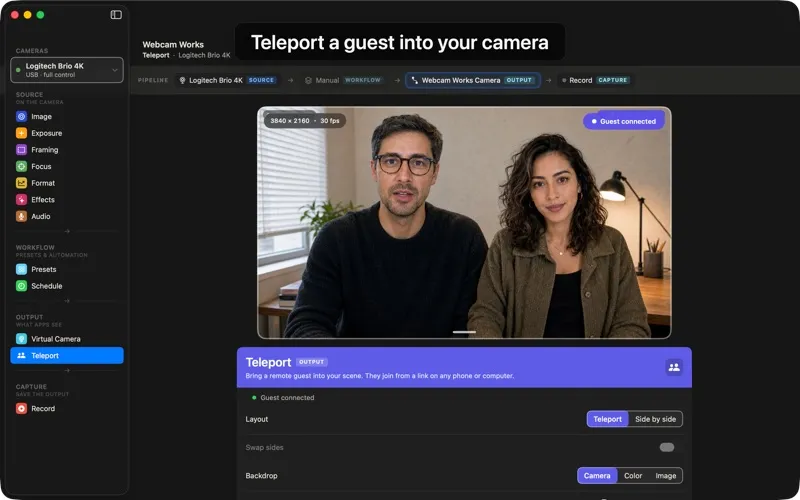
BRING SOMEONE INTO YOUR STUDIO • Teleport feels like magic: send a link, and a guest steps into your camera — live, from their phone or desktop • They appear beside you in a clean layout, ready for any meeting or recording app
WORKS WITH THE CAMERA YOU OWN • Any USB webcam built on the UVC standard — including Logitech Brio 4K, Brio 505, C920, C922, C925e, C930e, Razer Kiyo, Elgato Facecam, Insta360 Link, and more • Built-in MacBook cameras work too, and Continuity Camera turns your iPhone into a webcam — with the controls Apple makes available
BUILT FOR TODAY'S MAC • Native SwiftUI app — fast, lightweight, sandboxed • Uses Apple's modern camera extension — no legacy plug-ins, no kernel extensions, nothing that breaks on the next macOS • Actively developed and tested on the latest macOS. Requires macOS 15.6 or later
EVERY UVC CONTROL, IN ONE PLACE Auto-Exposure Mode and Priority · Exposure Time · Gain · Aperture · Focus and Auto-Focus · Zoom · Pan and Tilt · Brightness · Contrast · Hue and Auto-Hue · Saturation · Sharpness · Gamma · White Balance Temperature and Auto White Balance · Backlight Compensation · Power Line Frequency (anti-flicker) · Privacy Shutter — plus HDR on cameras that support it. Webcam Works shows every control your camera offers and hides the rest.
PRIVATE BY DESIGN Everything runs on your Mac. Your camera feed never leaves the device — preview, effects, and recordings are processed and stored locally, saved only where you choose.