
Widgetscape
Live widgets for your desktop
by VPO Labs
Highlights
- See your day without opening an app
- Keep an eye on your Mac at a glance
- Track AI coding tokens and git repos
- Give your desktop one consistent look
Screenshots

About Widgetscape
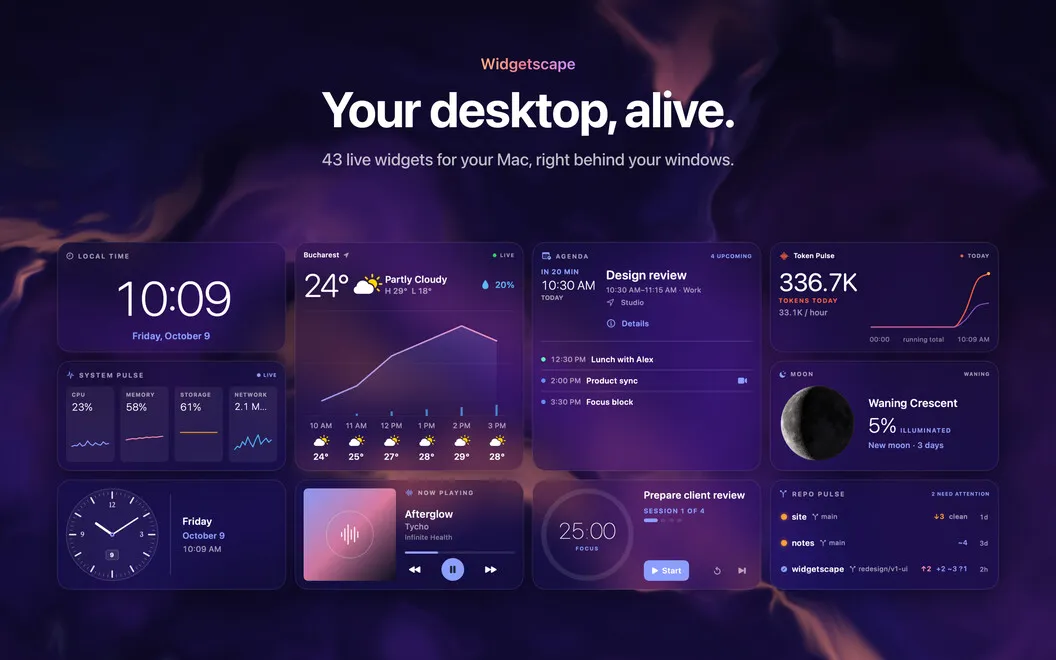
Widgetscape puts 43 native, live widgets on your Mac desktop, right behind your windows. Clocks, your calendar, weather, system monitors, AI token usage, git repos and more snap onto one tidy grid in up to eight sizes. Pick a palette and a surface once, and every widget follows. Each widget has a Privacy tab that tells you what it reads and where that data goes.
Your day, on the desktop
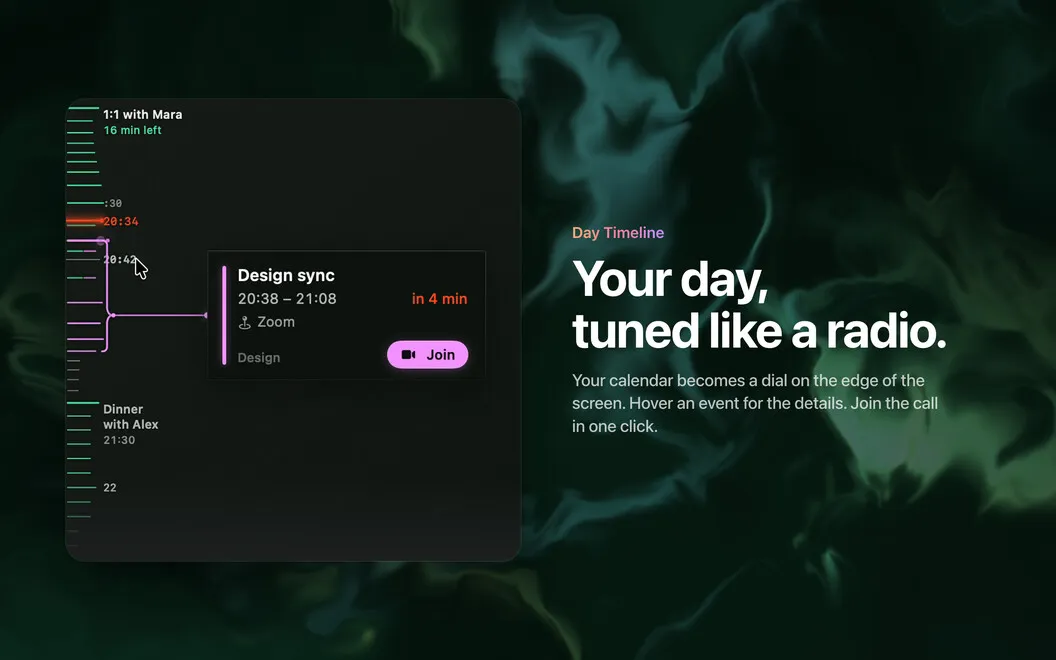
Calendar, Agenda and Reminders put meetings and to-dos where you already look. Day Timeline turns your calendar into a radio-style dial on a screen edge: events are the stations, the needle is now, and calls get a Join button. Works with Apple Calendar, Google and Microsoft.
Your Mac at a glance
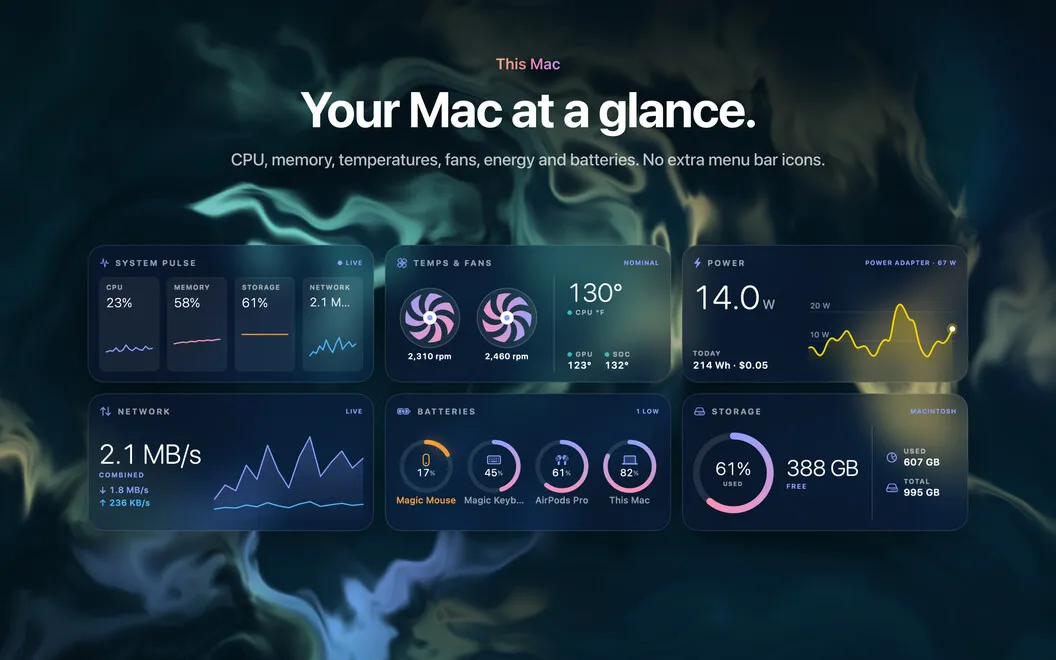
Watch CPU, memory, temperatures and fans, network, storage and energy use without another menu bar icon. Batteries shows the charge of your Mac and of the accessories macOS knows about.
Made for people who code
Token Pulse reads the local logs of Claude Code, Codex and other AI coding tools and shows today's tokens, the burn rate and an estimated cost. Repo Pulse shows branches, uncommitted changes and recent commits for the folders you pick. Nothing from your logs leaves your Mac.
One grid, one look
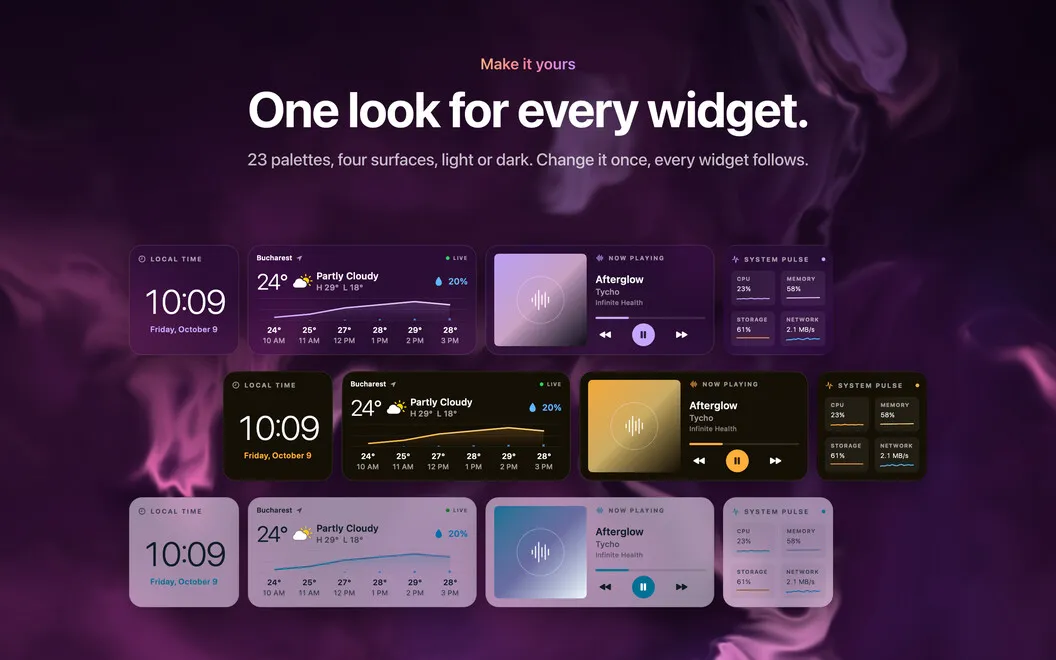
Every widget snaps to the same grid in up to eight sizes, and each size gets its own layout, not a stretched copy. Choose from 23 palettes or make your own, pick Glass, Solid, Outline or Transparent, and switch between Light and Dark. Every widget changes at once.
Handy tools within reach
Quick Launch opens apps, folders and links in one click. Clipboard keeps your recent copies. Sticky Notes, File Shelf, Focus Timer, Countdown, Weather, Now Playing and Photo Frame round out the desk.