
BasicFlightComputer
BasicFlightComputer helps you solve wind triangle problems and learn the E6B method, whether you’re studying flight calculations or refreshing your flight computer skills.
by Michel Huybrechts
What you get
Solve wind triangles and see how to work them out on an E6B.
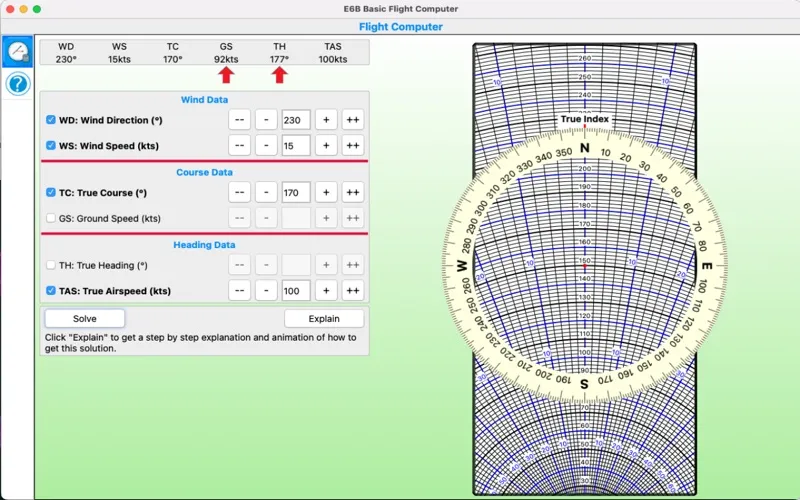
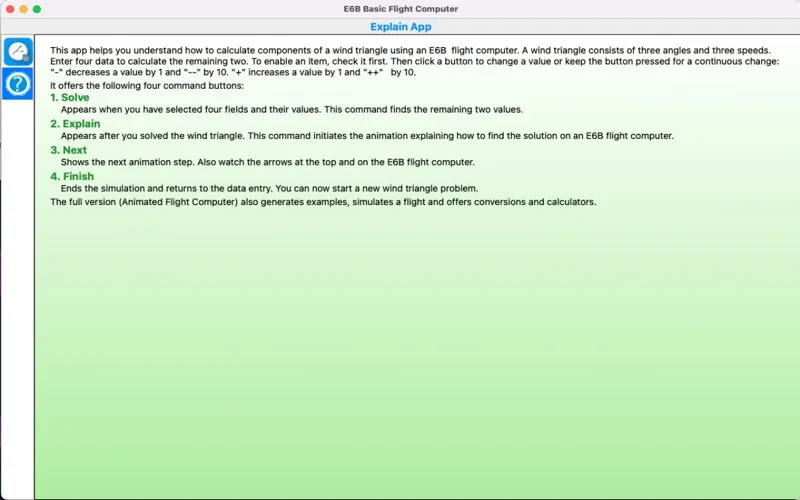
You get both the answer to a wind triangle problem and a demonstration of how to reach it on an E6B flight computer. Enter four of the six values—three speeds and three angles—and BasicFlightComputer calculates the remaining two. You can type your numbers or adjust them with buttons to try different examples.
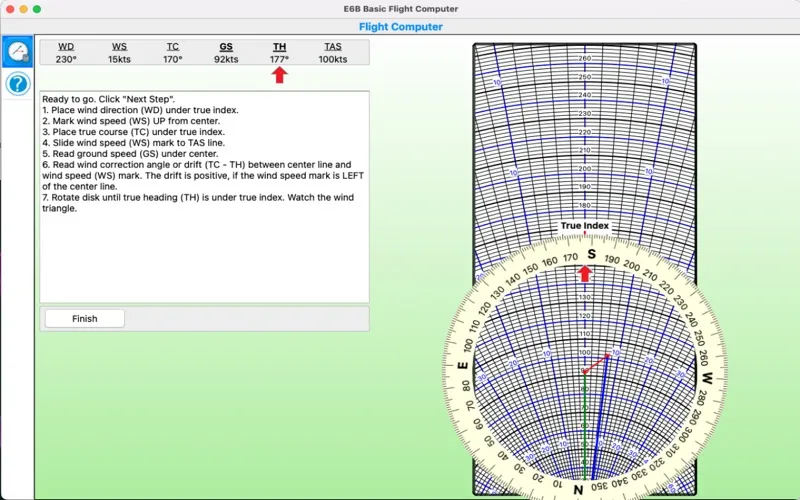
Instead of leaving you with unexplained results, the app animates the flight computer’s disk rotations, sliding movements, and marks. You see which value to use at each step, helping you connect the calculation to the physical procedure. This makes it useful when you’re learning the method or revisiting a procedure you haven’t used recently. Its scope is focused on wind triangles rather than a broader collection of flight calculations.
-
Find the missing values
You supply four wind triangle values and get the remaining two calculated for you.
-
Follow the E6B method
You see the rotations, slides, and marks needed to reproduce the solution on a flight computer.
-
Know what to use
You’re shown which value belongs at each step, so you can follow the procedure rather than just read the answer.
-
Try different examples
You can type values or increase and decrease them with buttons to explore different wind triangle problems.
Best for
- You’re studying wind triangle calculations
- You’re learning to use an E6B flight computer
- You want to refresh your E6B technique
Skip it if
You don’t need wind triangle calculations or want a flight calculator covering a wider range of functions.
Screenshots
From the developer
This app solves a wind triangle by allowing you entering four values out of six (three speeds and three angles) and calculating the remaining two. It then explains how you get these results with a flight computer, by animating it: it rotates the disk, slides it and add marks.Read the full description
Alternatives to BasicFlightComputer
Other apps to calculate & convert anything. See all
 Numi
Calculate and convert anything
Setapp
99% · 2,475 ratings
Numi
Calculate and convert anything
Setapp
99% · 2,475 ratings
 Soulver
Convert and calculate in notes
Setapp
99% · 1,018 ratings
Soulver
Convert and calculate in notes
Setapp
99% · 1,018 ratings
 Euclid
Calculate with Excel formulas
Setapp
95% · 131 ratings
Euclid
Calculate with Excel formulas
Setapp
95% · 131 ratings
 Agio
Currency rates, in context
Sold separately
Agio
Currency rates, in context
Sold separately
 Antinote
Take notes and do calculations
Setapp
99% · 273 ratings
Antinote
Take notes and do calculations
Setapp
99% · 273 ratings
 Goldie App
Measure golden ratio in designs
Setapp
98% · 108 ratings
Goldie App
Measure golden ratio in designs
Setapp
98% · 108 ratings