CAD迷你画图
CAD迷你画图 is a CAD viewer and editor for when you need to inspect, revise, measure, or print technical drawings in DWG, DXF, and DWF formats.
by Shanghai Xiaocai Technology Co., Ltd
What you get
You can inspect, revise, and print CAD drawings in one place.
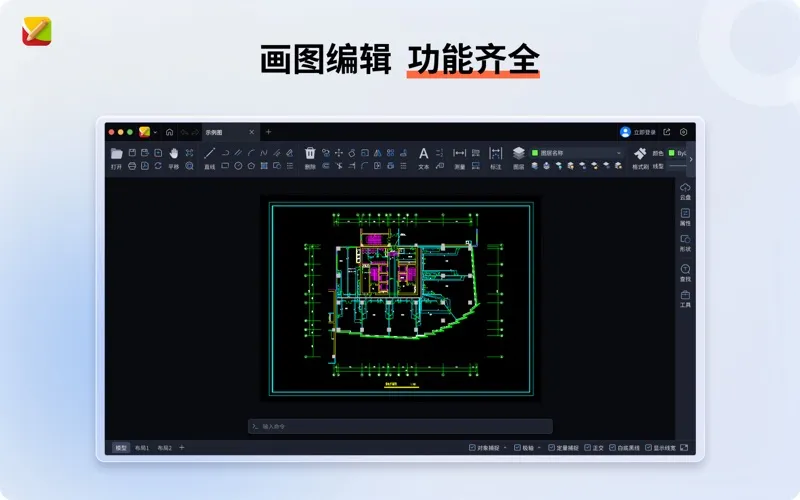
You can open DWG, DXF, and DWF drawings, including encrypted files, and view 2D and 3D DWG files from AutoCAD R14 through 2026. You can move around a drawing, switch layouts, and load external references to see the details you need. Automatic font substitution helps display text and symbols when the original fonts are missing.
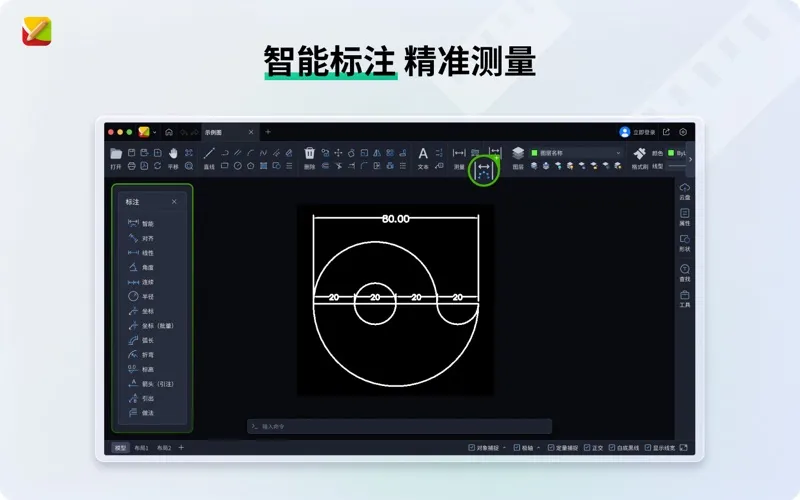
When a drawing needs changes, you can draw basic shapes, move or copy objects, trim lines, and revise text. You can also add dimensions, measure lengths, areas, perimeters, and angles, and hide or lock layers to focus on specific parts of the drawing. Text and table extraction let you pull information out of the file.
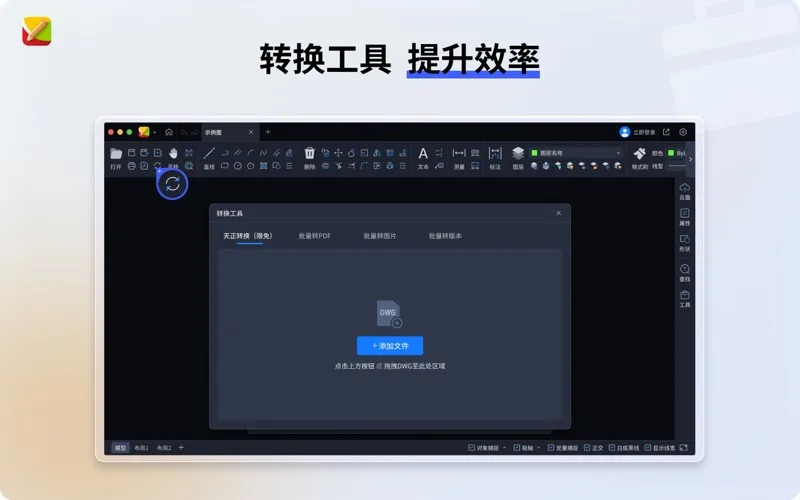
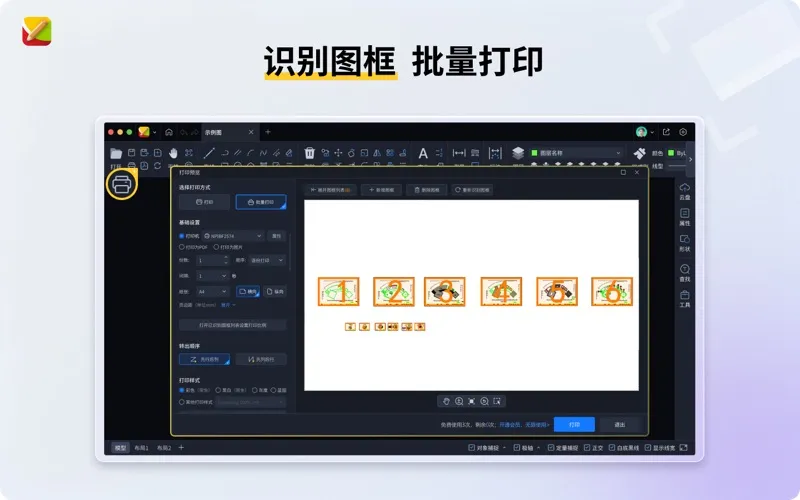
For delivery, you can automatically identify drawing frames and batch-print or export drawings as PDFs and images. Cloud storage, large-file uploads, and online drawing sharing give you another way to pass files along.
-
Open received drawings
You can inspect DWG, DXF, and DWF files, including encrypted drawings and DWGs from AutoCAD R14 through 2026.
-
Revise drawing details
You can adjust geometry, edit text, add dimensions, and control which layers are visible or locked.
-
Check dimensions
You can measure lengths, areas, perimeters, and angles directly in a drawing.
-
Prepare multiple drawings
You can identify drawing frames automatically, then batch-print or export drawings as PDFs and images.
-
Pass drawings along
You can upload large drawing files to cloud storage and share drawings online.
Best for
- You need to review CAD files received from others.
- You need to make geometry, text, or dimension changes.
- You need to print or export multiple drawings.
Skip it if
You do not need it if you only read finished PDF plans and never work with CAD files.
Screenshots
From the developer
简介 •软件小、性能强、超好用的【全功能CAD】 •兼容AutoCAD R14到2026各版本的DWG二维三维图纸 •专业CAD技术团队持续维护更新 •提供QQ群(956320587)技术服务 【产品主要功能】 基础功能: -支持.dwg .dxf .dwf文件格式的打开,包括加密图纸; -关联相关图纸格式,双击快速打开图纸; -支持触摸板与鼠标平移与缩放图纸;...Read the full description
Alternatives to CAD迷你画图
Other apps to view & edit CAD drawings. See all