Xsolid LT
Xsolid LT gives you an introduction to solid modeling, with tools for creating accurate 3D solids for printing, engineering, woodworking, and sketching.
by Richard Somers
What you get
You can create accurate, watertight 3D models while learning solid modeling.
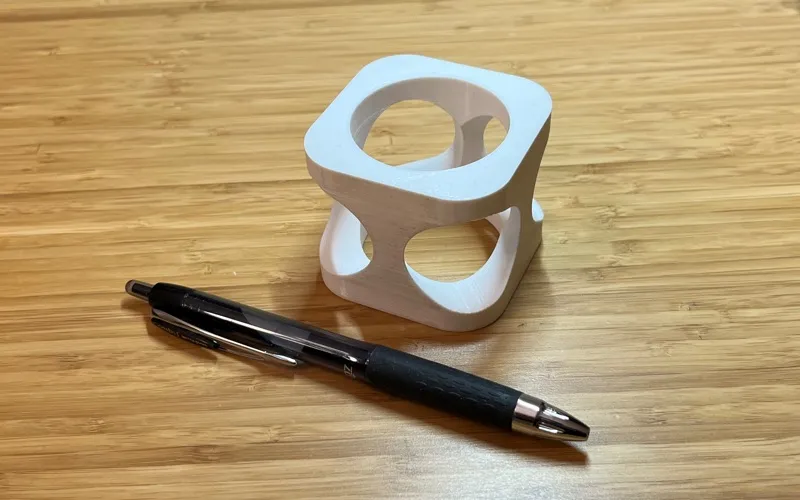
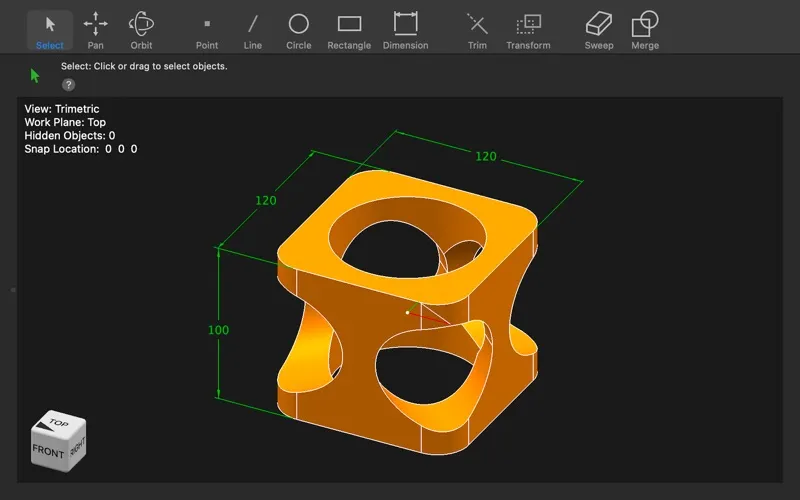
Xsolid LT gives you a starting point for learning solid modeling and creating accurate 3D objects. You can build watertight solids—models with closed surfaces—rather than just drawings of how an object should look. If you're new to this kind of design, its approachable interface is intended to make the basics easier to learn.
You can use it for sketching ideas, making models for 3D printing, or working on engineering and woodworking designs. Its small size and quick operation suit an introductory modeling tool. You get a way to explore solid modeling through practical projects, with accuracy and closed geometry as the core results.
-
Learn through modeling
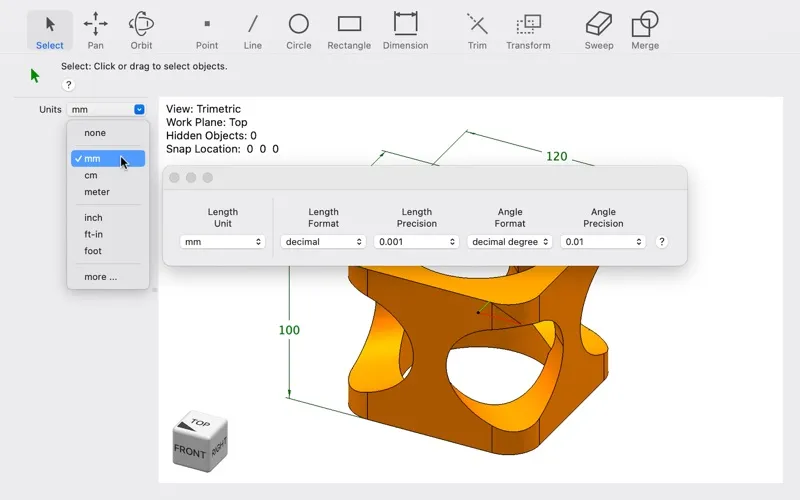
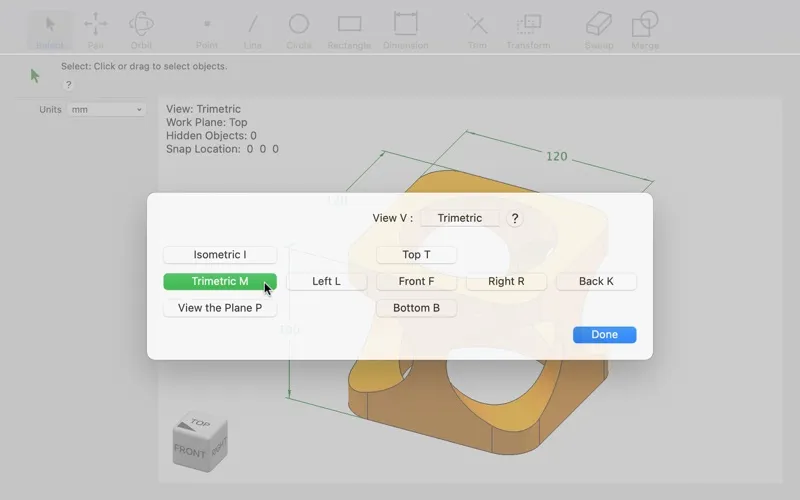
You can get started with solid modeling in an interface designed to be easy to learn.
-
Create closed 3D solids
You can make accurate, watertight models for projects that need solid geometry.
-
Model practical projects
You can use your models for 3D printing, engineering, and woodworking, as well as sketching ideas.
Best for
- You're learning solid modeling
- You want to create models for 3D printing
- You're modeling engineering or woodworking projects
Skip it if
You don't need it if you have no use for creating solid 3D models.
Screenshots
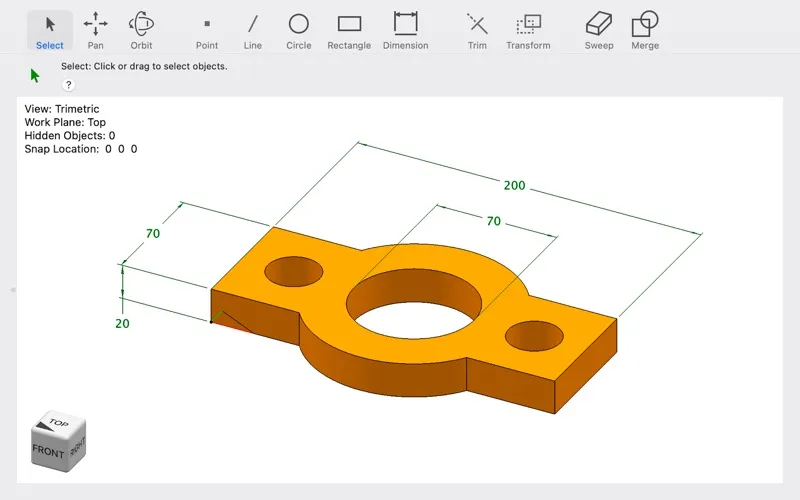
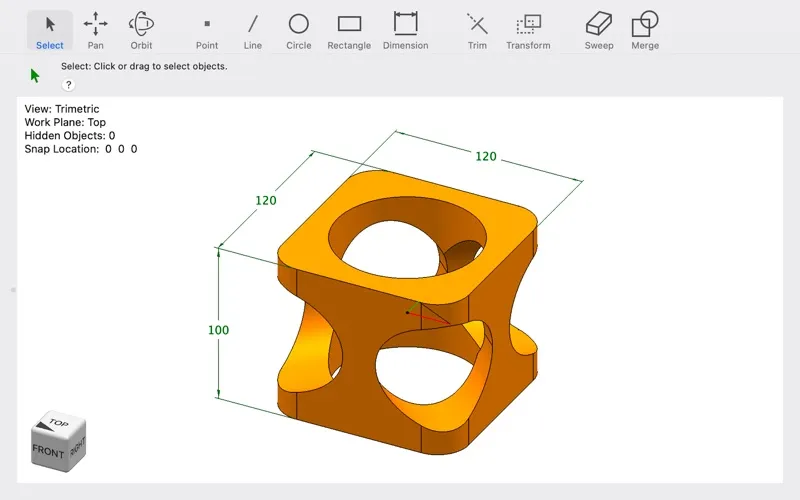
From the developer
Xsolid LT provides an introduction to solid modeling. It is small, fast, has a great user interface, and is easy to learn. It creates accurate, watertight solid models. It can be used for sketching, 3D printing, engineering, woodworking, and more. Visit our website, wasatchlogic.com, for more information.Read the full description
Alternatives to Xsolid LT
Other apps to view & edit CAD drawings. See all