CorelDRAW
CorelDRAW gives you a workspace for vector illustration, typography, and page layout, whether you design professionally or create your business’s marketing materials.
by Corel Corporation
What you get
Turn your ideas into logos, illustrations, and finished print layouts.
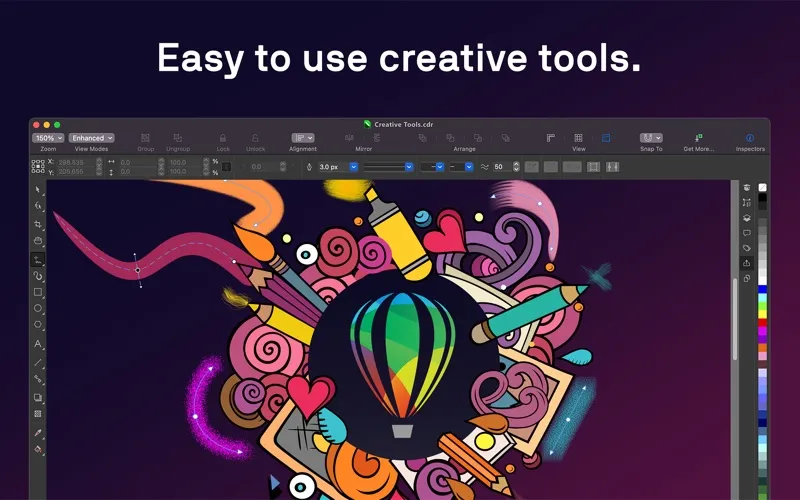
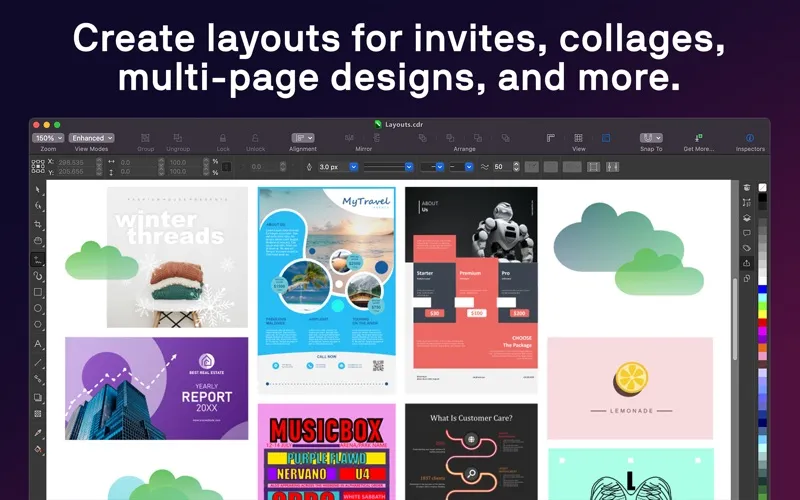
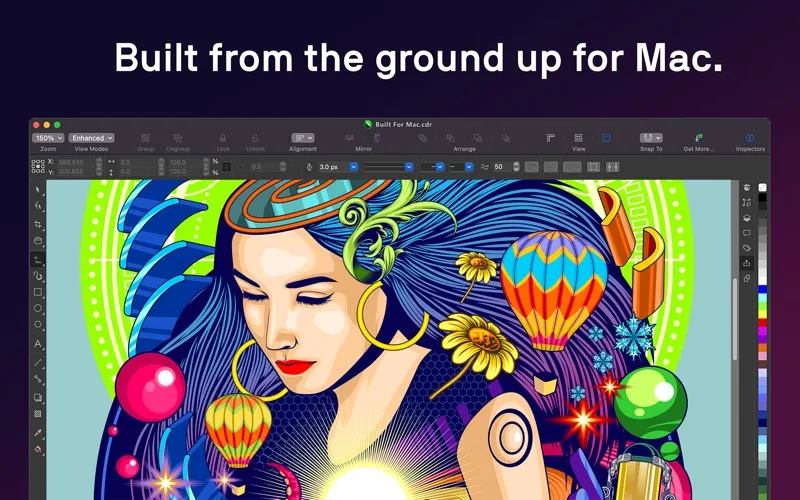
With CorelDRAW, you can take a design from its first shapes to a finished logo, brochure, sign, or apparel graphic. You can build detailed vector artwork and arrange text and images across multiple pages without moving to a separate page-layout app.
You get control over how your work looks, from letter spacing and font variations to gradients, patterns, and transparency. When you need a consistent look across a document or several objects, reusable styles let you update formatting without adjusting every element individually.
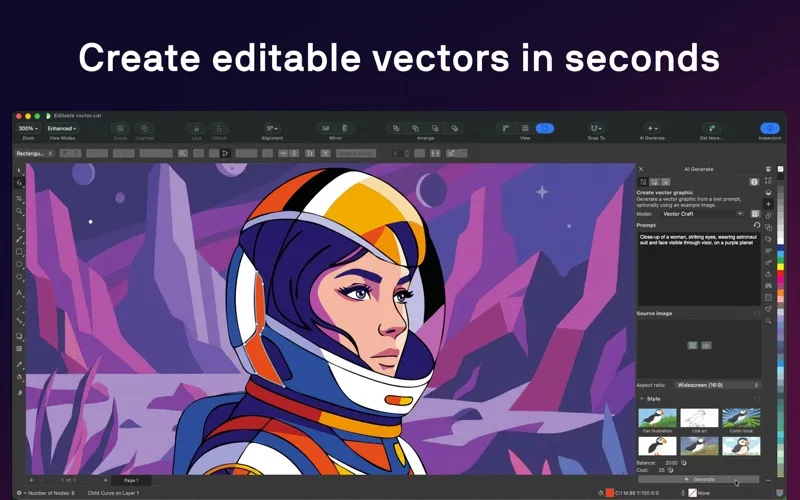
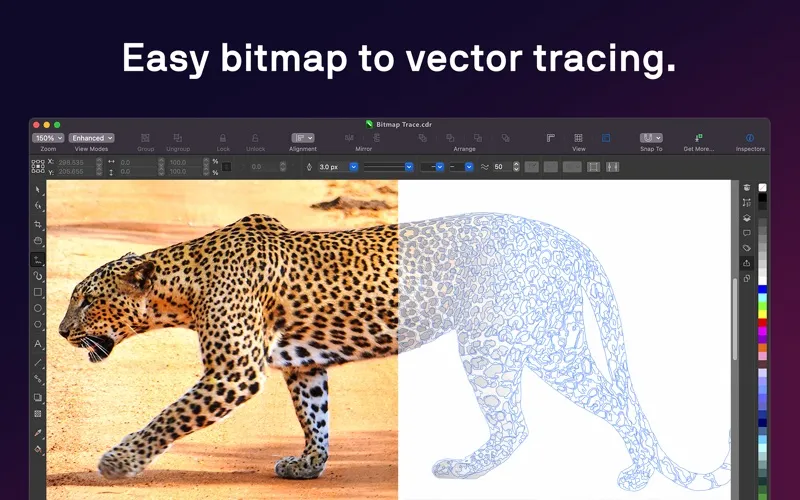
You can also turn text prompts into vector artwork, trace bitmap images into vectors, remove backgrounds, and improve images with AI upsampling and JPEG artifact removal. When your design is ready, you can export formats such as PDF, SVG, PNG, or EPS for digital use or print production.
-
Create finished brand artwork
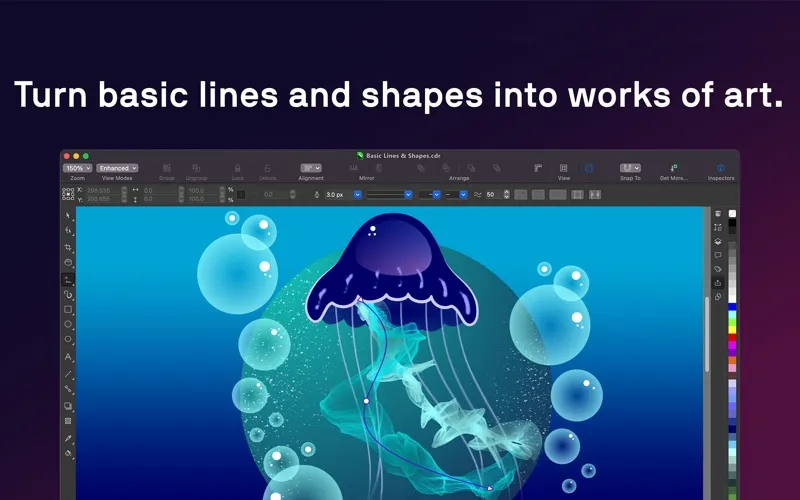
You can turn lines, shapes, and text into logos, illustrations, signage, and apparel graphics.
-
Keep layouts together
You can design brochures, newsletters, and other multi-page documents without switching to a separate layout app.
-
Maintain consistent formatting
You can apply shared styles across objects and documents instead of repeating the same formatting adjustments.
-
Reuse and improve images
You can remove backgrounds, trace bitmaps into vectors, and reduce visible JPEG artifacts.
-
Deliver usable files
You can export your designs in formats including PDF, SVG, PNG, and EPS for different delivery needs.
Best for
- You design brand identities and marketing materials for clients.
- You produce brochures, signs, or apparel graphics.
- You handle your small business’s design work in-house.
Skip it if
You probably do not need it if you only make occasional photo edits and have no use for vector artwork or page layouts.
Screenshots
From the developer
Try the full-featured CorelDRAW subscription for free. Only after the free trial period ends will you be charged, and you can cancel any time during your free trial period at no cost. Creativity meets productivity with CorelDRAW®.Read the full description
Alternatives to CorelDRAW
Other apps to create vector illustrations & logos. See all