Paint S
Paint S is a Mac drawing and image-editing app for you to sketch illustrations, adjust photos, and assemble graphics with text, shapes, and editable layers.
by 勇 陈
What you get
You can turn sketches and photos into finished, editable graphics.
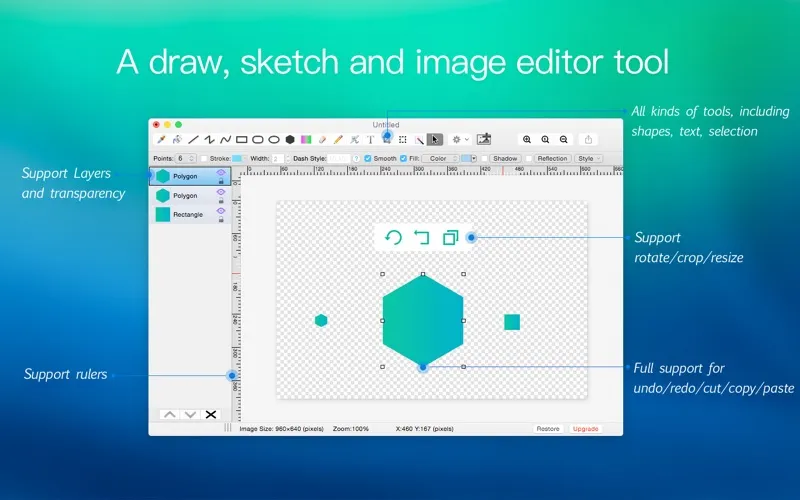
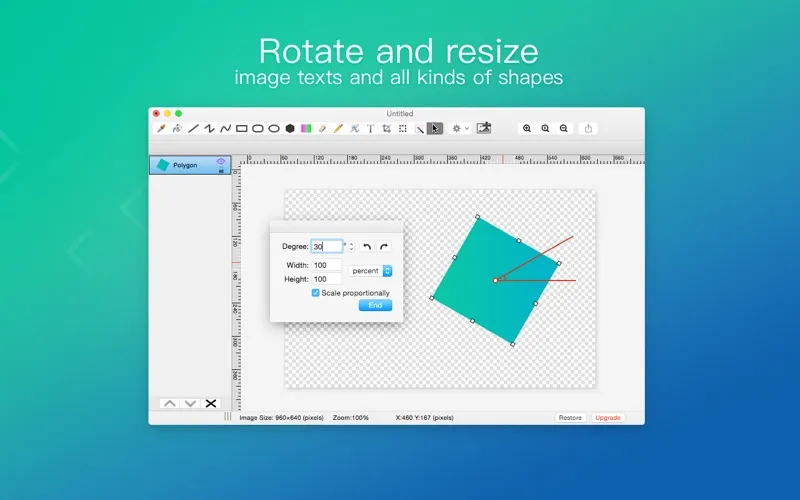
Paint S gives you a place to draw from scratch, revise an existing image, or combine pictures and text into a design. You can crop a photo, remove an unwanted object or background, and adjust its size or perspective before using it in your work.
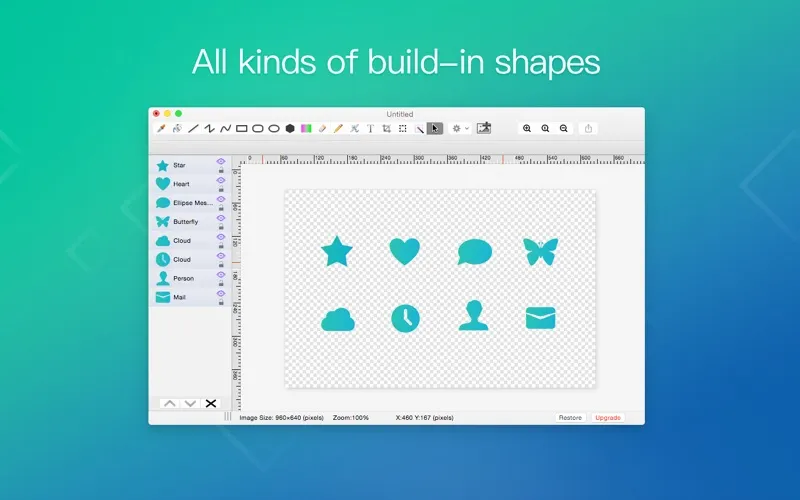
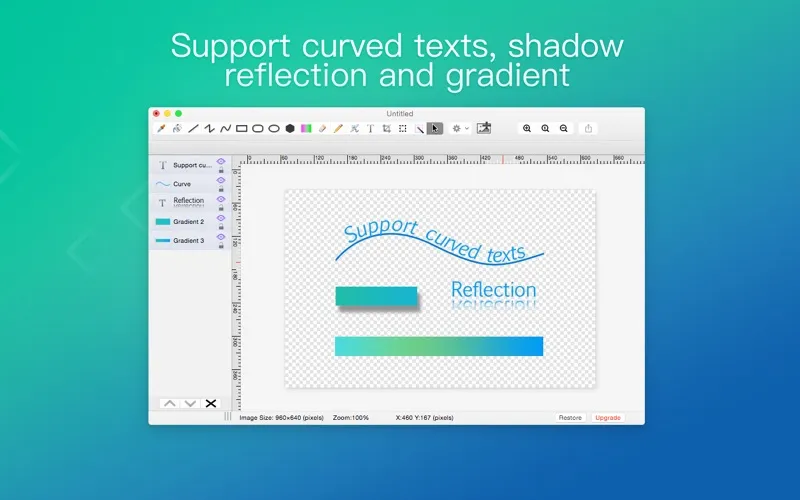
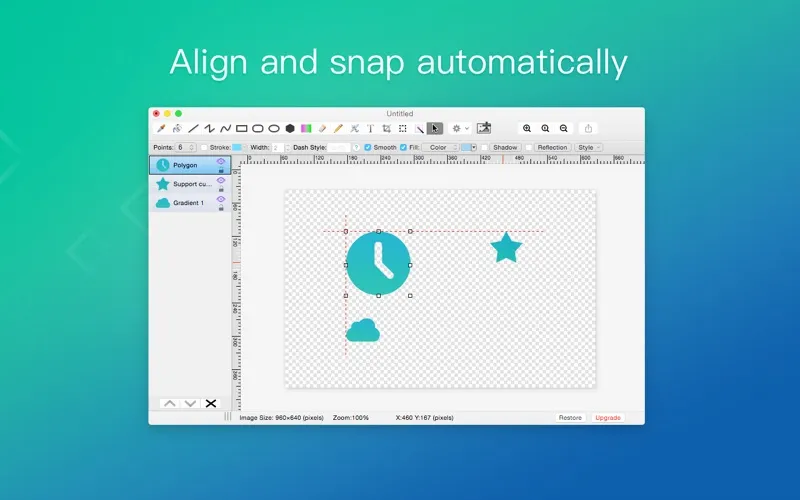
You can keep parts of your design on separate layers and save them for later editing, so you can revisit individual elements instead of rebuilding the whole image. Add straight or curved text, use built-in shapes and icons, and give elements color, gradients, patterns, or shadows. Grids and rulers help you line things up.
When you're finished, you can export your work in common image formats or as SVG and PDF, paste images into apps such as Pages and Keynote, or print directly.
-
Revisit individual elements
You can save layered projects and return to adjust separate parts of your design later.
-
Remove unwanted image content
You can select and remove distracting objects or backgrounds before using a photo in your design.
-
Give graphics readable labels
You can add customized text, including curved lettering, using more than 200 built-in fonts.
-
Use your work elsewhere
You can export images, SVGs, or PDFs, copy images into other Mac apps, and print your finished work.
Best for
- You want to sketch and refine illustrations on your Mac
- You need to crop photos or remove unwanted content
- You want to combine images, shapes, and text into graphics
Skip it if
You don't need it if you only view images and have no need to draw, edit, or combine them.
Screenshots
From the developer
Paint S is an easy-to-use drawing tool and image editor for Mac. Sketch, draw, and edit images with a simple and powerful toolset. A flexible layer system keeps your work organized and fully editable. Add shapes, text, and effects to enhance your designs. Download it and start creating.Read the full description
Alternatives to Paint S
Other apps to draw & paint illustrations. See all