
Desktop Clock Live
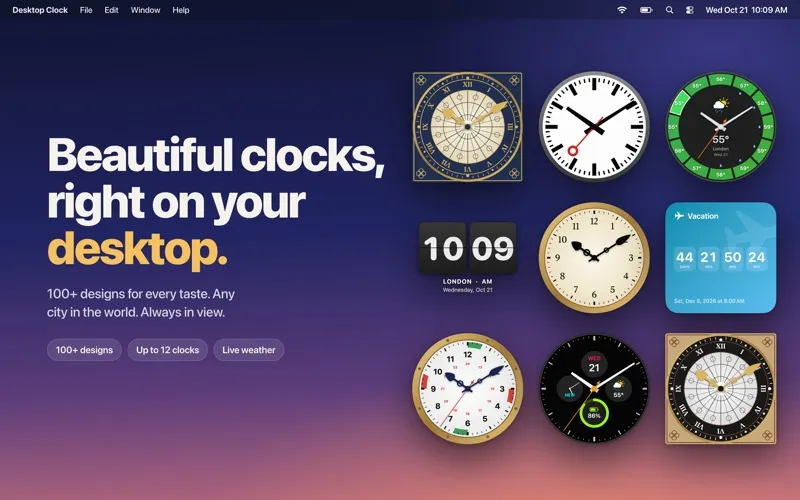
Desktop Clock Live gives you visible clocks, countdowns, and optional weather displays on your Mac, for keeping track of distant cities, upcoming events, or time at your desk.
by Voros Innovation
What you get
Keep the time, distant cities, and important dates in view while you work.
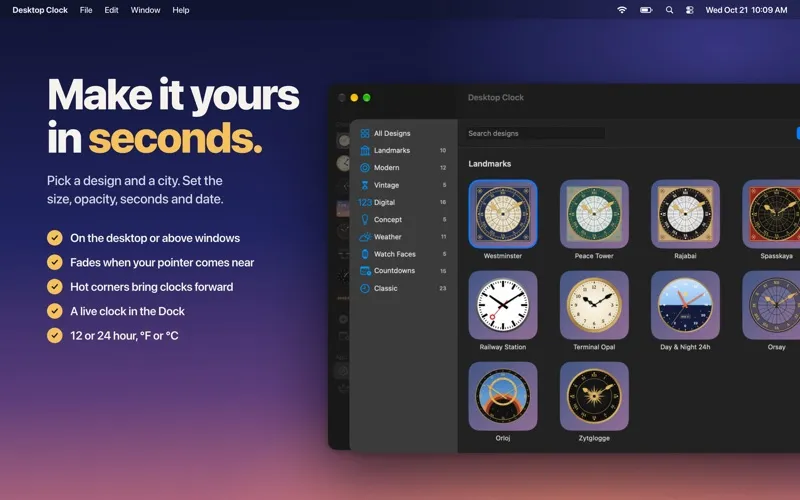
Desktop Clock Live lets you check the time without leaving what you’re doing. You can keep a clock on your desktop or above your windows, where it fades as your pointer approaches so you can still click underneath. Adjust its size and opacity to keep it readable without dominating your workspace.
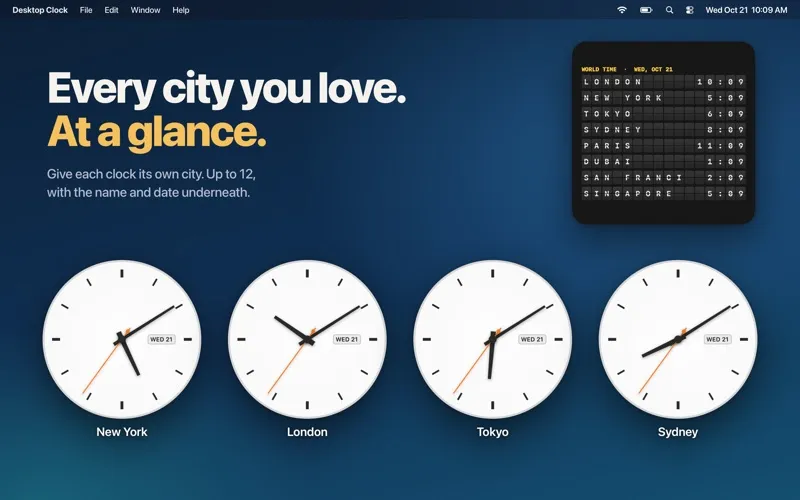
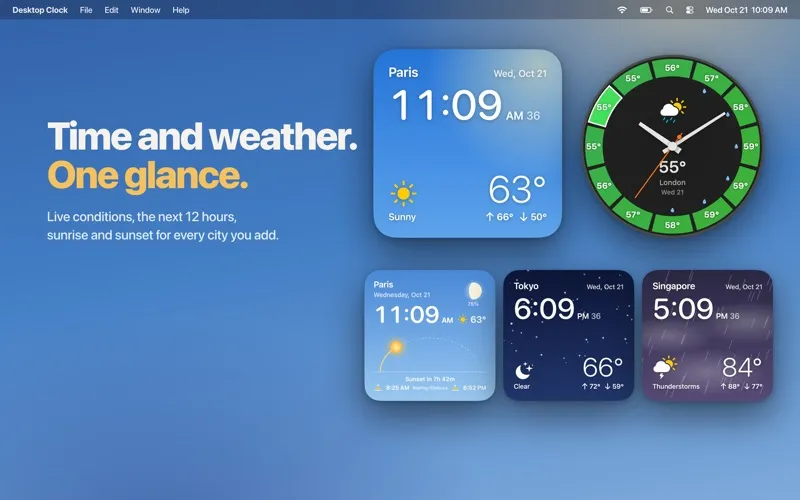
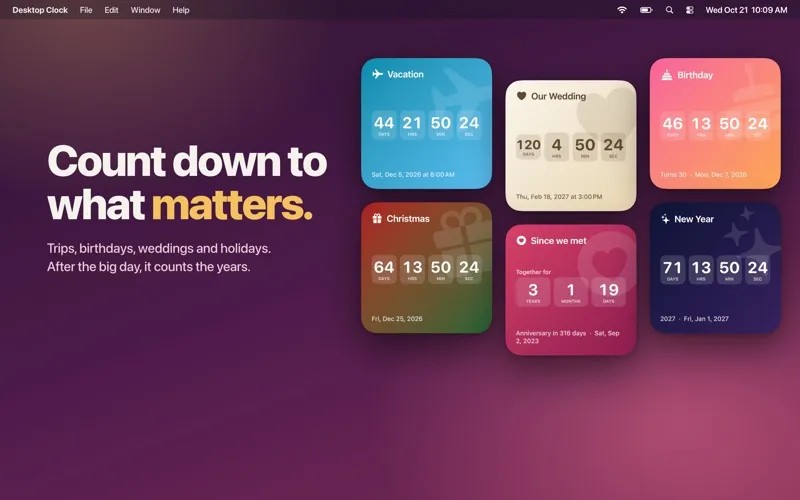
You can count down to a trip or birthday, then track the time elapsed afterward. With Pro, you can display up to 12 clocks, assign each a city, and see colleagues’ or family members’ local times together. Weather designs also let you check current conditions, the next 12 hours, and sunrise and sunset without opening a separate weather app.
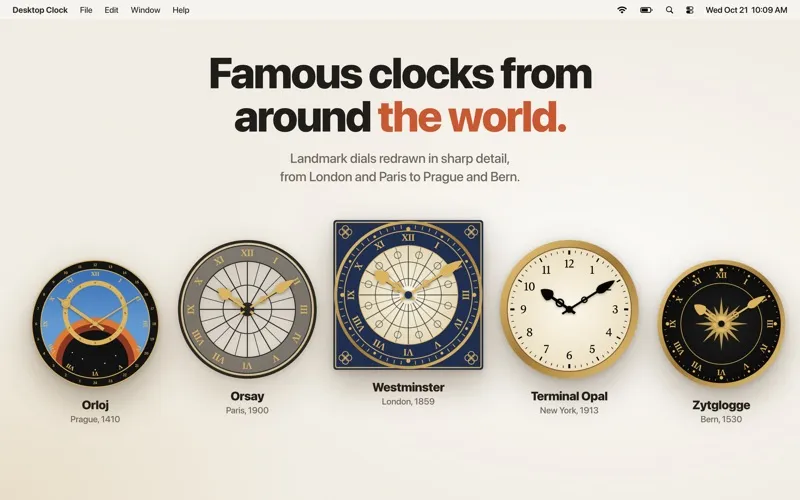
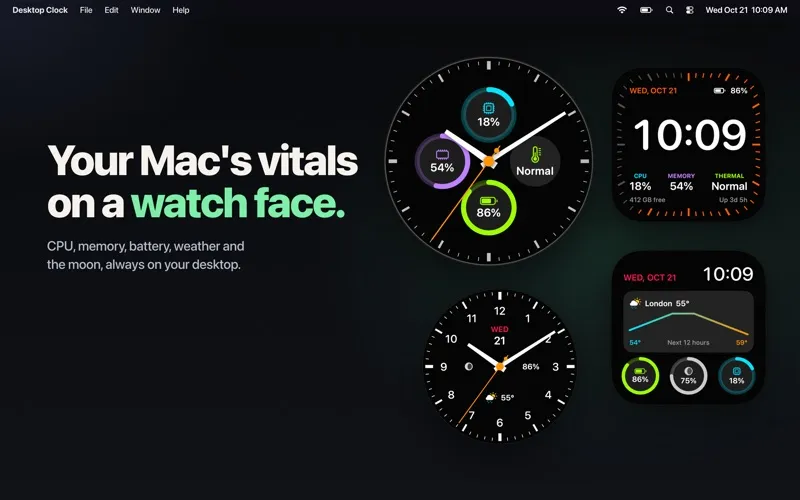
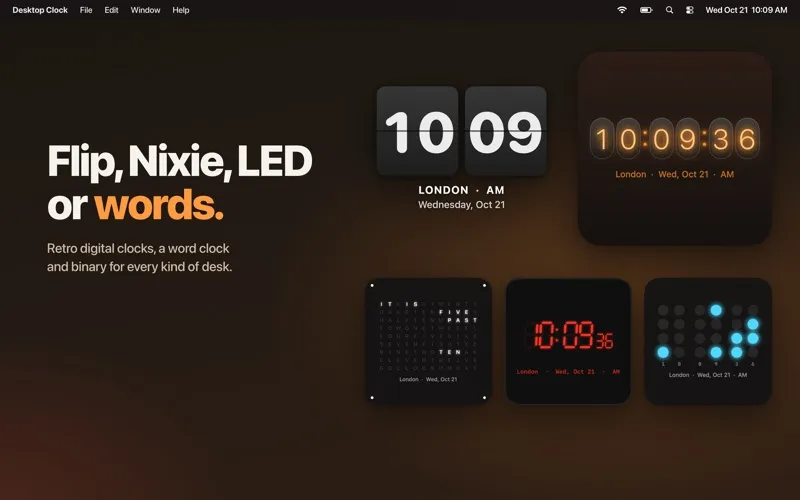
You get one clock and 13 designs for free, including countdown and days-since options. The Pro in-app purchase unlocks every design, so you can choose landmark faces, vintage dials, digital displays, or clocks showing your Mac’s CPU, memory, and battery.
-
Check time while working
You can keep a clock above your windows without blocking clicks as your pointer approaches.
-
Know their local time
With Pro, you can view clocks for multiple cities together before contacting colleagues or family.
-
Keep milestones visible
You can watch the days until an event, then see how much time has passed since it.
-
See upcoming weather
With Pro’s weather designs, you can check live conditions, the next 12 hours, and daylight times from your desktop.
-
Match your desktop
You can choose a clock style and adjust its size and opacity to suit your workspace.
Best for
- You work with people in different time zones
- You want a visible countdown to an important date
- You enjoy personalizing your Mac desktop
Skip it if
You don’t need this if your Mac’s existing clock is enough and you don’t want desktop countdowns or weather displays.
Screenshots
From the developer
Beautiful clocks, right on your Mac desktop. Choose from more than 100 designs, give each clock its own city, and keep the time, the weather and the days to your next big moment always in view.Read the full description
Alternatives to Desktop Clock Live
Other apps to add widgets to your desktop. See all
 WidgetWall
Add widgets to Mac desktop
Setapp
89% · 546 ratings
WidgetWall
Add widgets to Mac desktop
Setapp
89% · 546 ratings
 BetterMacWidgets
Your desktop, but useful
Setapp
92% · 25 ratings
BetterMacWidgets
Your desktop, but useful
Setapp
92% · 25 ratings
 Lumen Widgets
Widgets that wear your wallpaper
Sold separately
Lumen Widgets
Widgets that wear your wallpaper
Sold separately
 Null Widgets
Your desktop, designed
Sold separately
Null Widgets
Your desktop, designed
Sold separately
 Panel Widgets
Widgets built like gear
Sold separately
Panel Widgets
Widgets built like gear
Sold separately
 Rook Widgets
Your desktop, as a terminal
Sold separately
Rook Widgets
Your desktop, as a terminal
Sold separately