Panel Widgets
Widgets built like gear
Panel Widgets gives you a customizable Mac desktop dashboard for checking information and handling small tasks, with hardware-inspired controls for people who like a retro look.
by Richard Rogerse
What you get
Check updates and handle everyday tasks directly from your desktop.
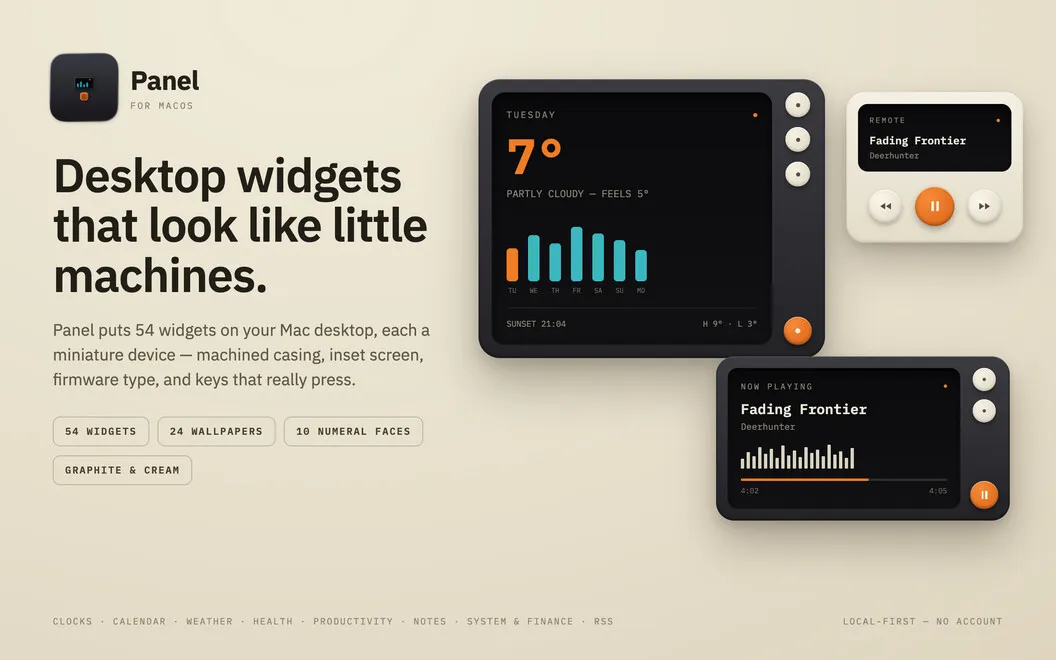
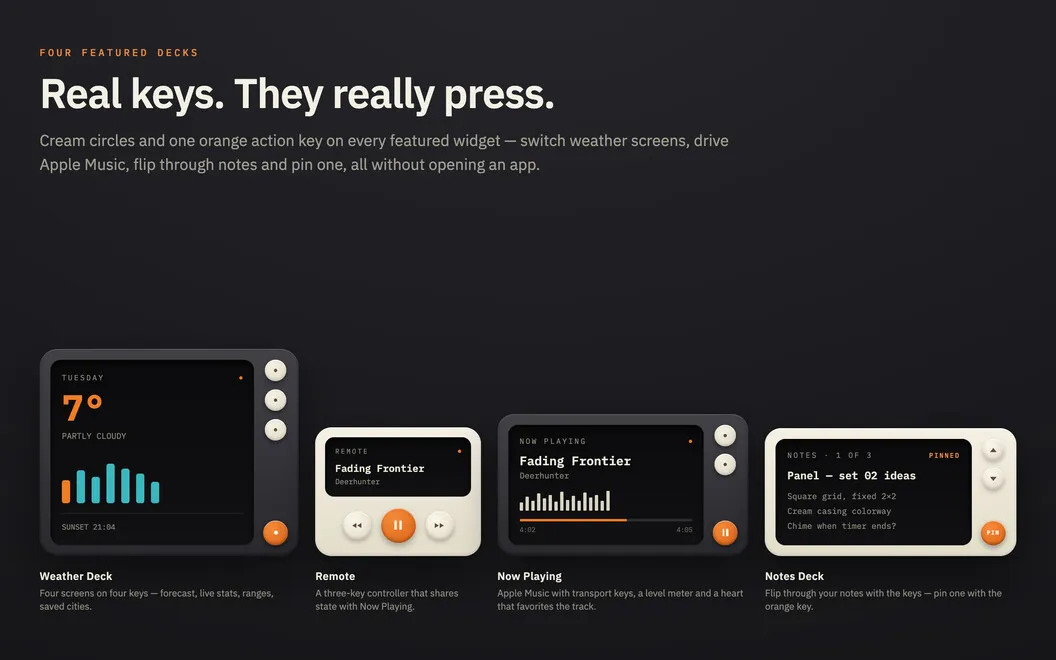
Panel Widgets gives you a place on your desktop to check the weather, follow stocks, browse RSS headlines, and see how your Mac is using its resources. You can choose from 56 hardware-styled widgets and control Apple Music without bringing its window forward. You can follow up to five RSS feeds and three stocks.
You can also check off reminders, log a glass of water, or start a focus timer from a widget. When you need more detail, the weather, calendar, and reminders widgets open the relevant Apple app. Your widgets keep working after you close Panel’s main window.
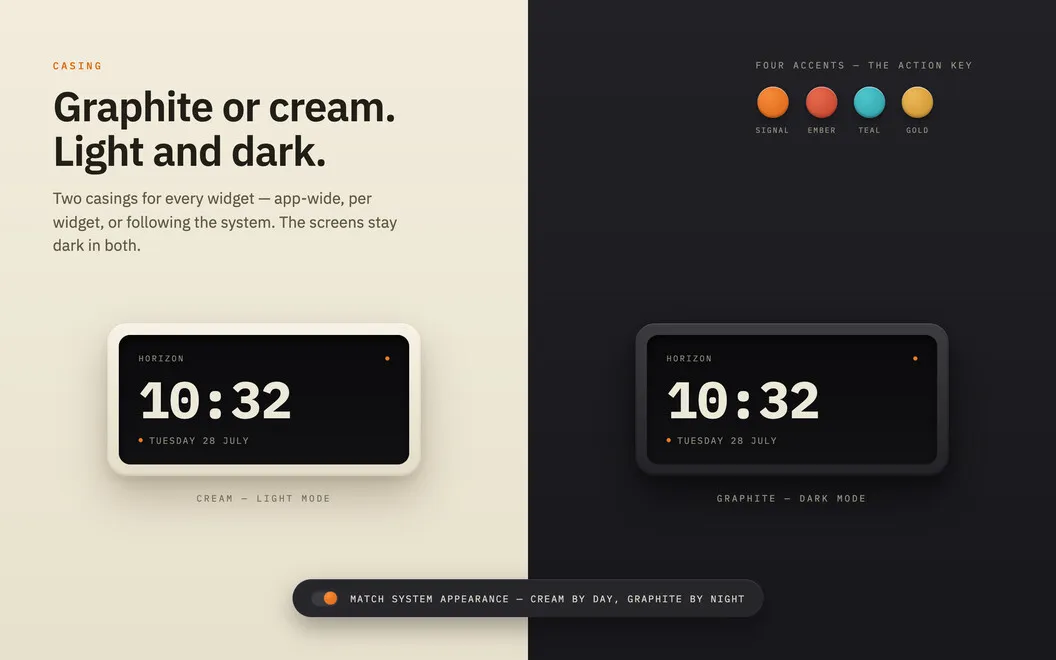
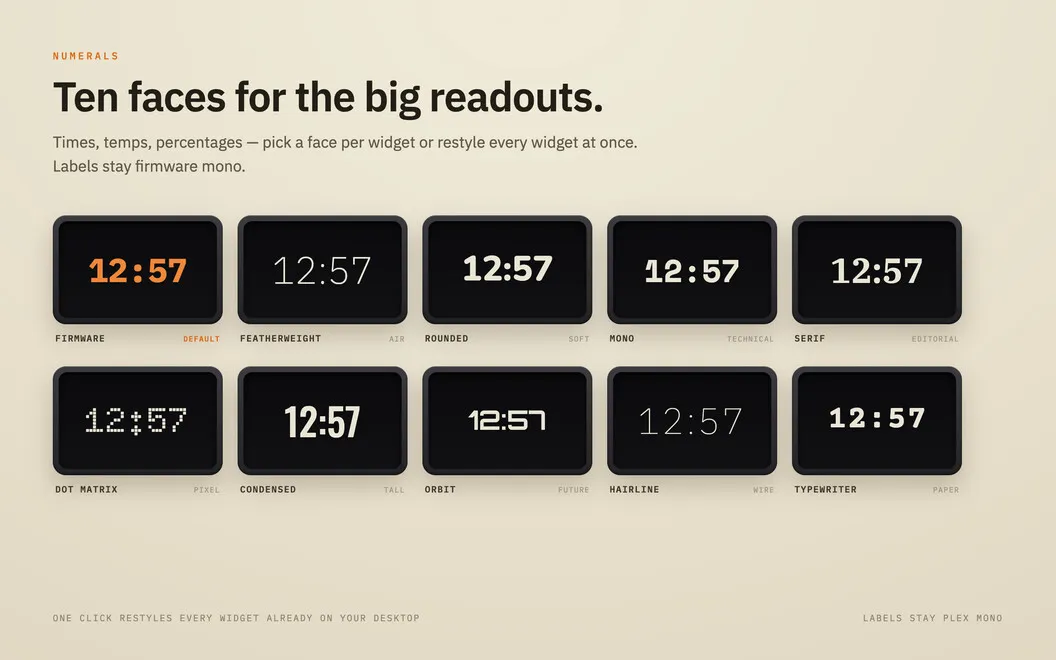
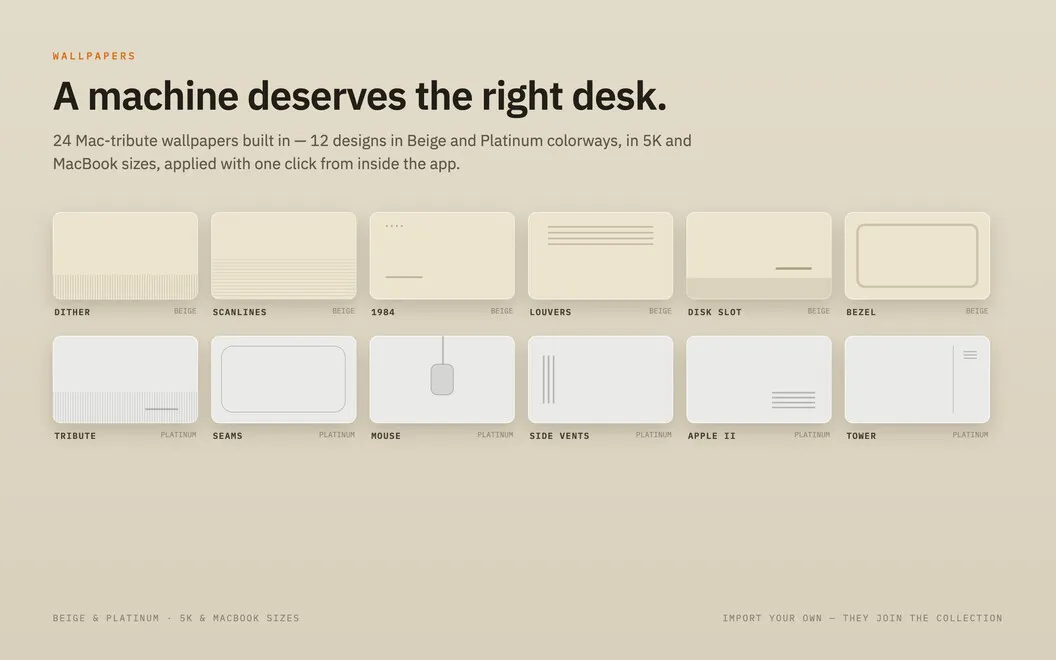
You can make the dashboard match your taste with graphite or cream casings, different numeral styles, accent colors, and retro Mac wallpapers. You can also add your own wallpaper images. You don’t need an account, and Panel runs locally without syncing your data.
-
Keep updates in view
You can check weather, stock prices, RSS headlines, and system usage from your desktop.
-
Control your music
You can control Apple Music from desktop widgets instead of bringing its window forward.
-
Handle small daily tasks
You can mark reminders complete, log water, and start a focus timer directly from widgets.
-
Choose your desktop’s look
You can combine retro wallpapers with cream or graphite widgets, custom numeral styles, and accent colors.
Best for
- You want weather, headlines, and stocks visible while you work
- You like retro hardware styling on your Mac
- You want desktop controls for music and small daily tasks
Skip it if
You don’t need it if you prefer a clear desktop and already use other apps for quick updates and controls.
Screenshots
From the developer
Panel — Widget app for Mac. It turns your desktop into a control surface: 56 widgets styled like real hardware, with casings, inset screens, and physical keys that actually work. Pick your materials — graphite or cream — and dial in the numerals, accents, and wallpapers to match.Read the full description
Alternatives to Panel Widgets
Other apps to add widgets to your desktop. See all
 WidgetWall
Add widgets to Mac desktop
Setapp
89% · 546 ratings
WidgetWall
Add widgets to Mac desktop
Setapp
89% · 546 ratings
 BetterMacWidgets
Your desktop, but useful
Setapp
92% · 25 ratings
BetterMacWidgets
Your desktop, but useful
Setapp
92% · 25 ratings
 Lumen Widgets
Widgets that wear your wallpaper
Sold separately
Lumen Widgets
Widgets that wear your wallpaper
Sold separately
 Null Widgets
Your desktop, designed
Sold separately
Null Widgets
Your desktop, designed
Sold separately
 Rook Widgets
Your desktop, as a terminal
Sold separately
Rook Widgets
Your desktop, as a terminal
Sold separately
 Desktop Clock Live
Mac App Store
Desktop Clock Live
Mac App Store