
Diagrams
Visualize with diagrams
Diagrams is a Mac app for turning ideas, processes, and systems into visual diagrams when you need to organize information or explain how things connect.
by Structured Path GmbH · 91% positive (424)
What you get
You can turn complicated processes and scattered ideas into clear visual structures.
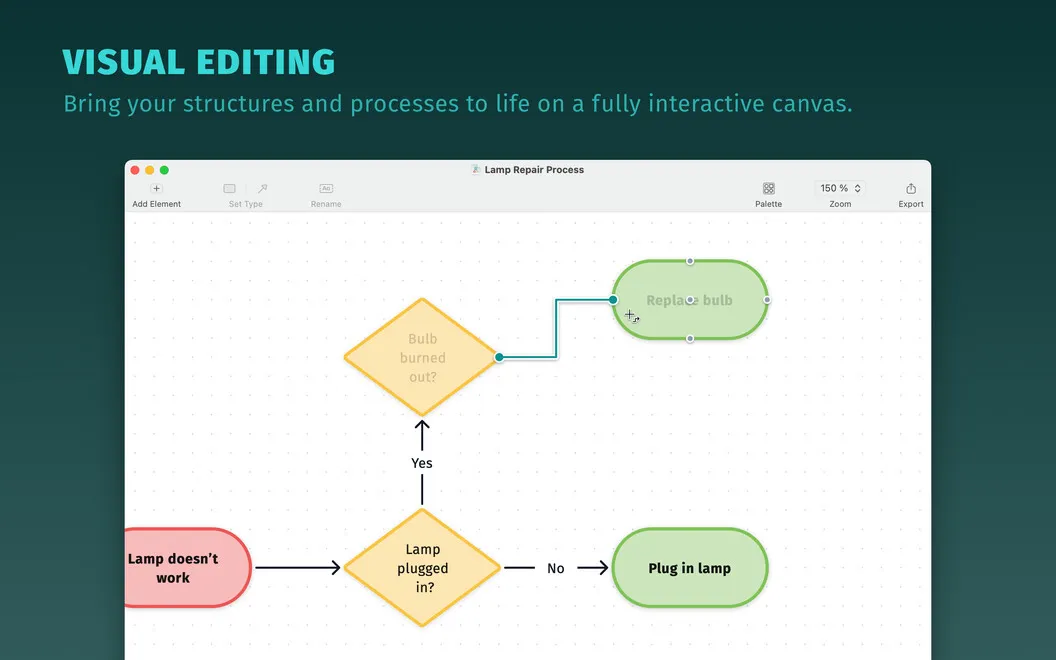
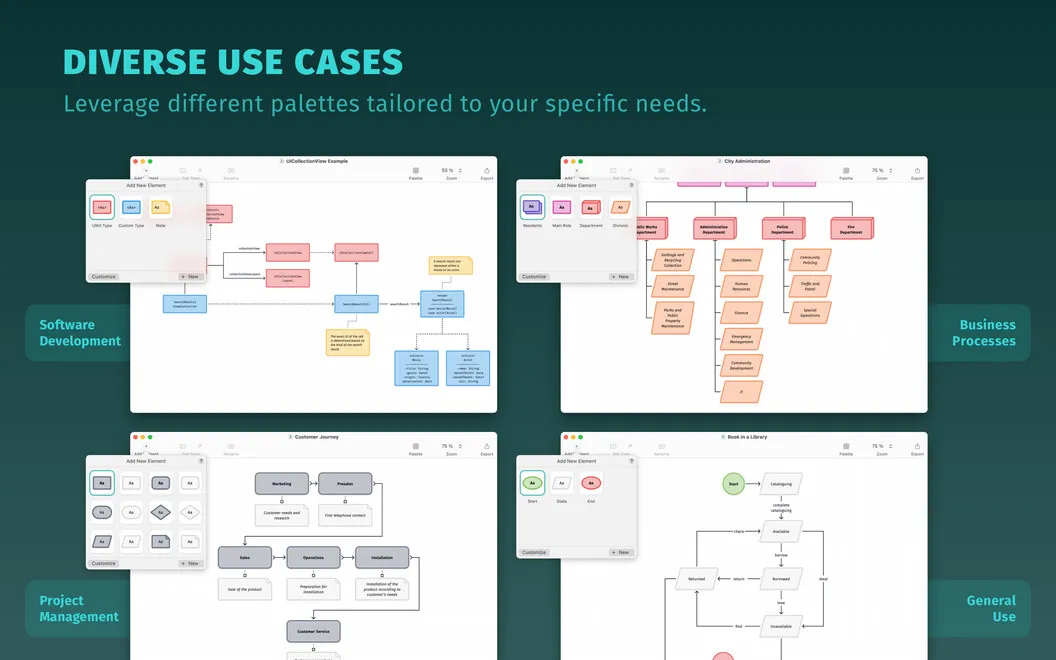
With Diagrams, you can turn a collection of ideas or a complicated process into a visual structure you can follow and share. You can map a software architecture, sketch a product life cycle, or brainstorm with a mind map, depending on what you need to explain.
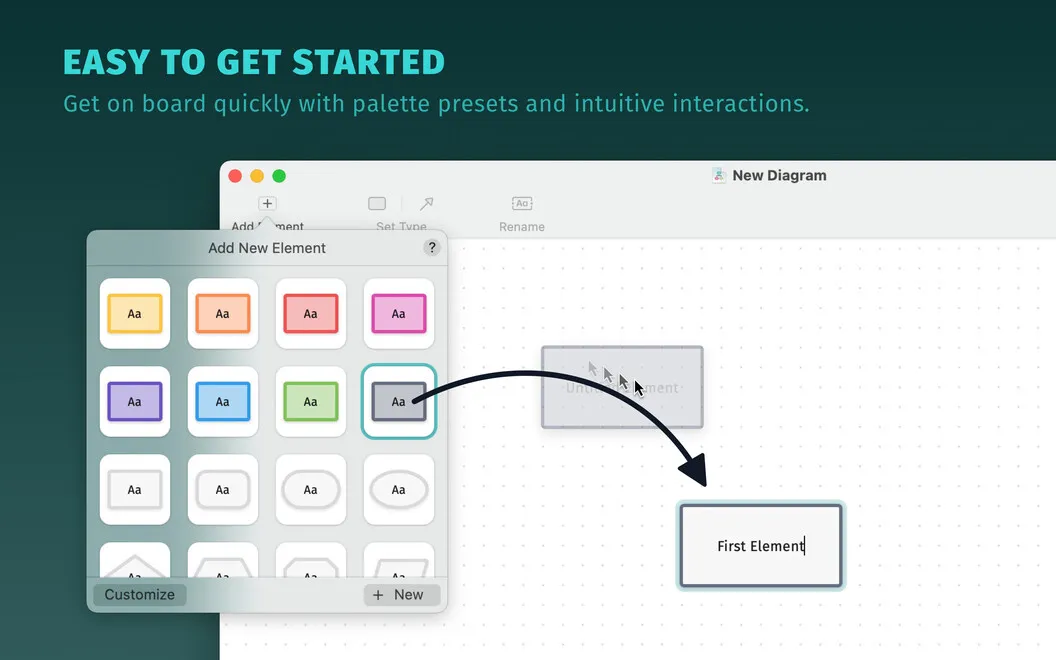
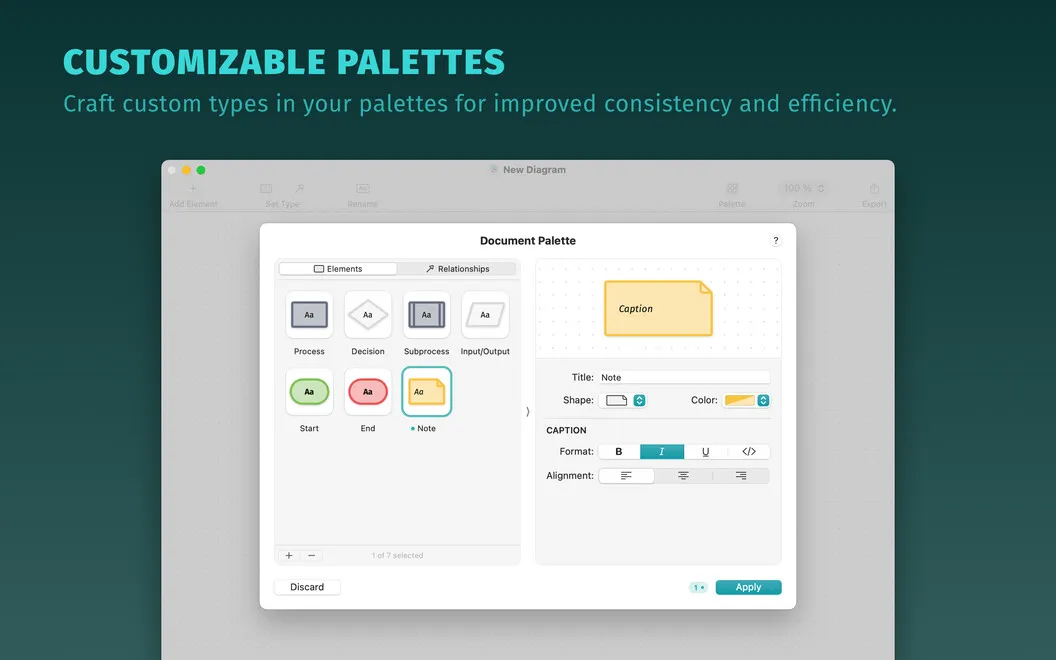
You can make different kinds of information easier to distinguish using shapes, colors, and formatted text. Start with a preset palette or create your own, then use bold, italic, or underlined labels to emphasize what matters. This gives you control over how your diagram communicates, not just what it contains.
As your diagram grows, you can keep expanding on an infinite canvas rather than fitting everything into a fixed area. A grid helps you arrange the elements, so you can refine the layout as you add more detail.
-
Explain complex processes
You can lay out steps and relationships visually instead of relying on a long written explanation.
-
Organize scattered ideas
You can turn a brainstorming session into a mind map that shows how your ideas relate.
-
Make distinctions visible
You can use shapes, colors, and text emphasis to help readers distinguish different parts of your diagram.
-
Keep room to expand
You can add detail on an infinite canvas and use the grid to keep your layout orderly.
Best for
- You need to explain a process or system visually
- You brainstorm through mind maps
- You document software architectures or product life cycles
Skip it if
You probably don't need it if plain-text notes and lists already give you enough structure.
Screenshots
From the developer
Diagrams is an app for creating and editing diagrams — as easy as that. Bring a heap of information into one digestible structure, outline complicated processes, brainstorm ideas, and share diagrams in a click. With lots of customization options, you can style your diagrams the way you like.Read the full description
Alternatives to Diagrams
Other apps to make mind maps & diagrams. See all