
Image2icon
Make your icons
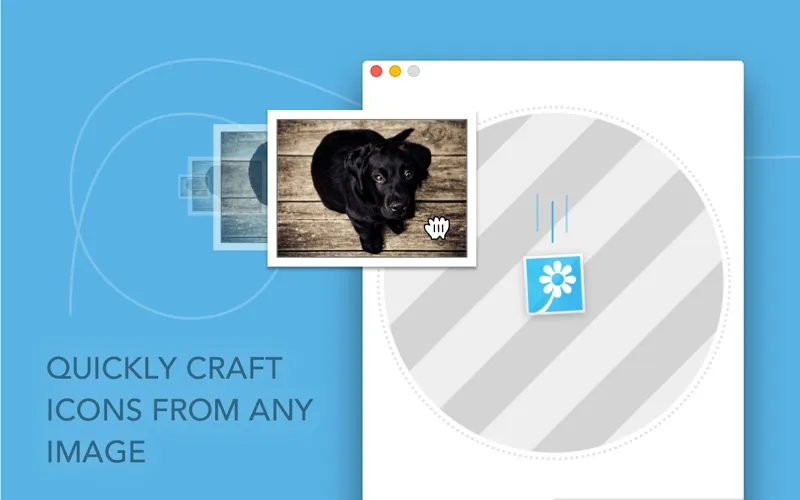
Image2icon lets you turn images into custom Mac icons. It’s for you if you want distinctive files and folders or icon exports for app and web projects.
by Shiny Frog Ltd.
What you get
Give your files and folders icons you can recognize at a glance.
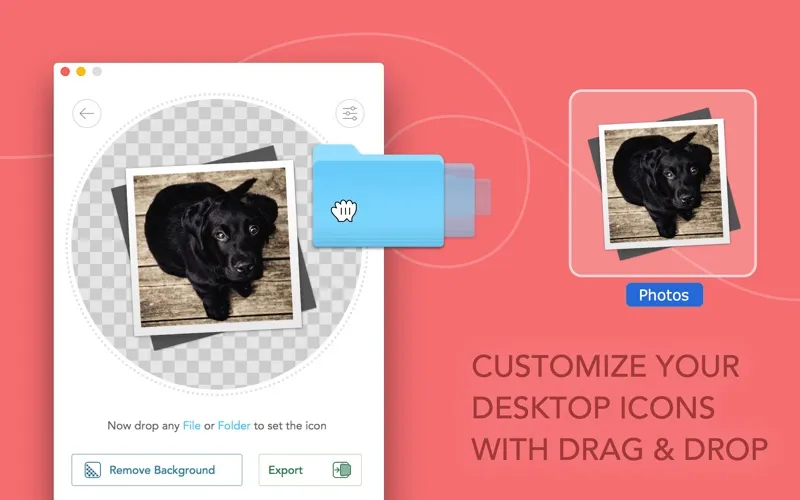
With Image2icon, you can replace generic Mac file and folder icons with pictures you choose, making similar-looking items easier to tell apart. Drop in an image, then drop in the file or folder you want to change. If you change your mind, you can restore its original icon with another drop.
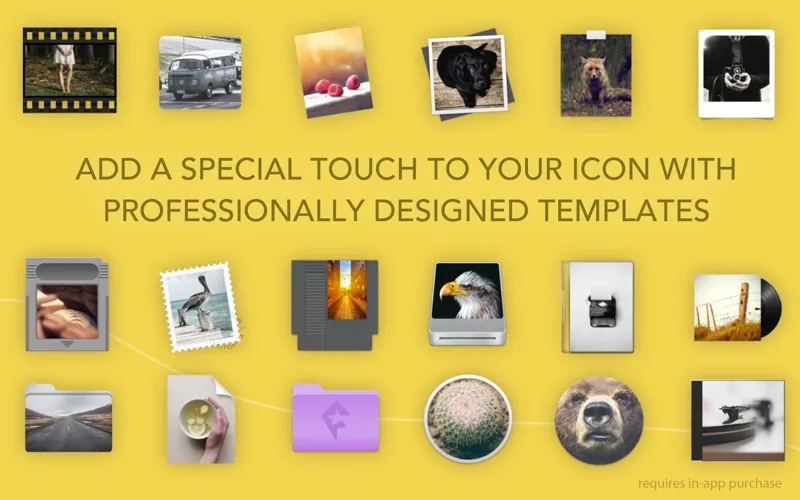
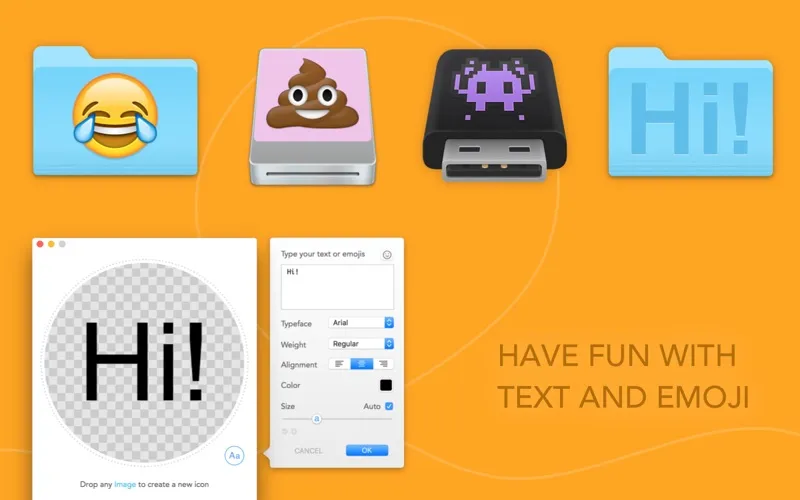
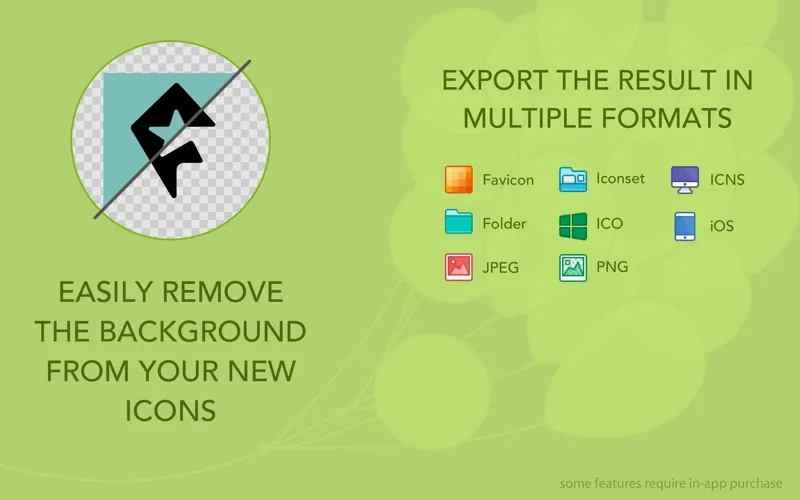
You can adjust the image’s size, position, rotation, and background color, remove its background, or add text and emoji so the finished icon shows what matters to you. More than 20 templates, including folders, drives, and app icons, are available through in-app purchase.
You also get icon files for projects beyond your desktop, including ICNS, iconsets, iOS app formats, and favicons. You can process multiple images together rather than export them one by one, or extract an existing application icon for a project. Windows ICO, JPG, and PNG exports require in-app purchase.
-
Recognize folders faster
You can give similar-looking files and folders distinct images instead of relying only on their names.
-
Control the finished look
You can remove backgrounds, adjust framing, and add text or emoji to make your icons easier to identify.
-
Prepare icons for projects
You can export app icons and favicons, and process several source images together.
-
Undo your visual changes
You can restore a file or folder’s original icon when you no longer want your custom version.
Best for
- You want visually distinct project folders
- You need icon exports for app or web projects
- You want to turn several images into icons
Skip it if
You don’t need it if you’re happy with standard Mac icons and have no icon files to create.
Screenshots
From the developer
Your Mac, your icons. Image2icon is the easiest way to create your own mac icons and customize your folders and files. Version 2.0 provides: Image to Icon Conversion It’s easy as pie: drop an image to Image2icon, then drop a file or folder apply the icon. Icon Templates Unleash your creativity!Read the full description
Alternatives to Image2icon
Other apps to manage fonts & icons. See all
 Typeface
Find the perfect font
Setapp
98% · 815 ratings
Typeface
Find the perfect font
Setapp
98% · 815 ratings
 IconJar
Organize your icon sets
Setapp
98% · 434 ratings
IconJar
Organize your icon sets
Setapp
98% · 434 ratings
 Glyphs Mini
Edit and manage icon designs
Setapp
94% · 138 ratings
Glyphs Mini
Edit and manage icon designs
Setapp
94% · 138 ratings
 Penfont
Your handwriting, as a font
Sold separately
Penfont
Your handwriting, as a font
Sold separately
 550 Royalty Free Fonts
Mac App Store
550 Royalty Free Fonts
Mac App Store
 Bakery
Simple Icon Creator
Mac App Store
Bakery
Simple Icon Creator
Mac App Store