
JoyCast
Improve meeting audio quality
JoyCast helps you get clearer audio from your Mac’s microphone for meetings, online lessons, and recordings, with a camera preview to check your appearance before calls.
by JoyMac Studio · 92% positive (78)
What you get
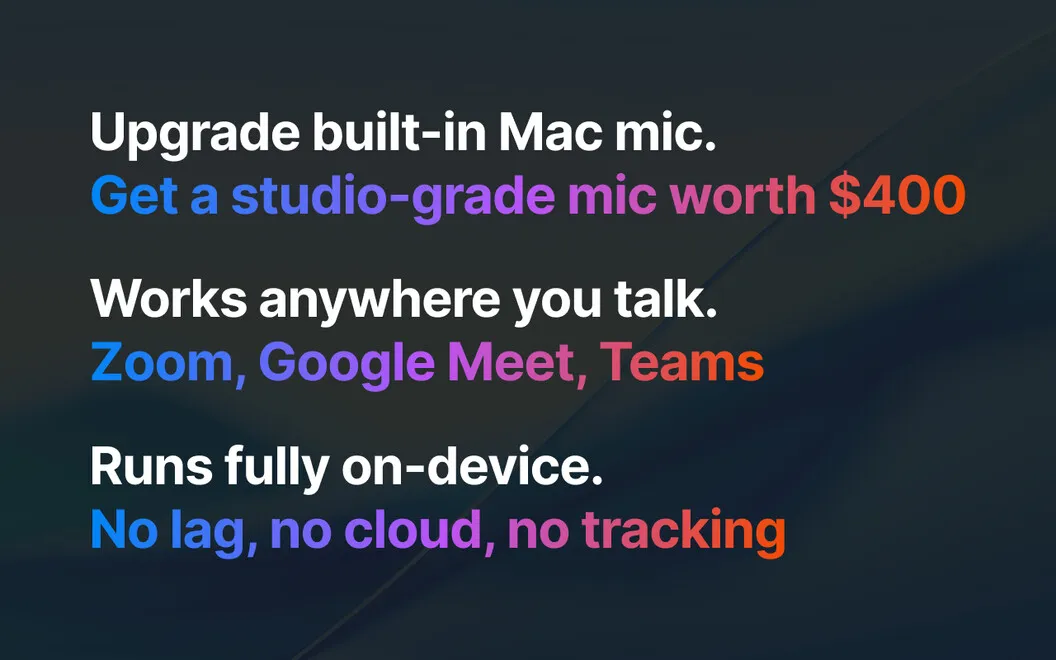
You get clearer microphone audio without buying extra equipment.
JoyCast helps you make your voice easier to hear on calls and in recordings using your Mac’s built-in microphone. You get automatic background noise removal, subtle voice enhancement, and more consistent audio, so everyday room noise is less likely to distract from what you’re saying.
After setup, you select JoyCast Microphone as the input in Zoom, Google Meet, Teams, Slack, or another app that uses your mic. You can also use that cleaner input when recording videos or podcasts, without adding a separate microphone.
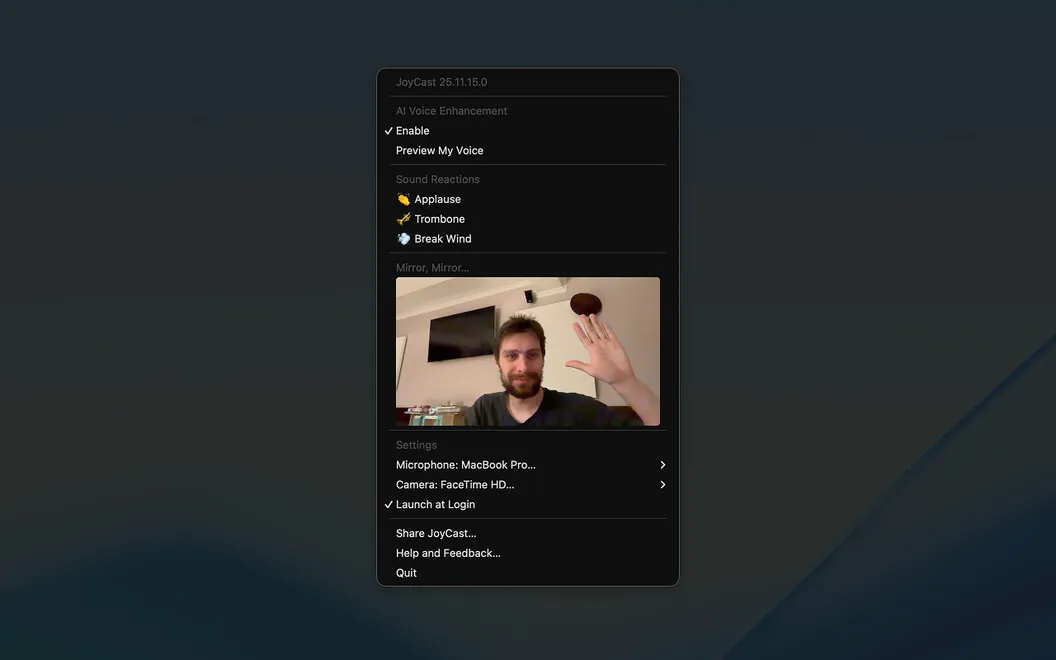
Before joining a call, you can open a camera preview from the menu bar to check your framing, lighting, and background. During calls or lessons, you can play short sound reactions, such as applause or laughter, to acknowledge a contribution or add emphasis.
-
Keep your voice clear
You reduce background noise and get more consistent microphone audio during meetings, lessons, and recordings.
-
Use your existing microphone
You improve audio from your Mac’s built-in mic without buying extra equipment.
-
Check before joining
You can inspect your camera framing, lighting, and background from the menu bar before a call.
-
Add audible reactions
You can play applause, laughter, and other short effects to acknowledge contributions or emphasize points during calls.
Best for
- You take frequent calls from noisy rooms
- You teach online using your Mac’s built-in microphone
- You want cleaner voice input for videos or podcasts
Skip it if
You may not need JoyCast if your current microphone already sounds clear and you don’t need camera previews or sound reactions.
Screenshots
From the developer
No more noisy rooms, barking dogs, or echo-y spaces ruining your calls. JoyCast instantly turns your Mac’s microphone into a studio-quality mic, so every meeting, lesson, or recording sounds clear and professional without extra equipment or complicated settings.Read the full description
Alternatives to JoyCast
Other apps to make your mic sound better. See all