
MainStage
Perform Live
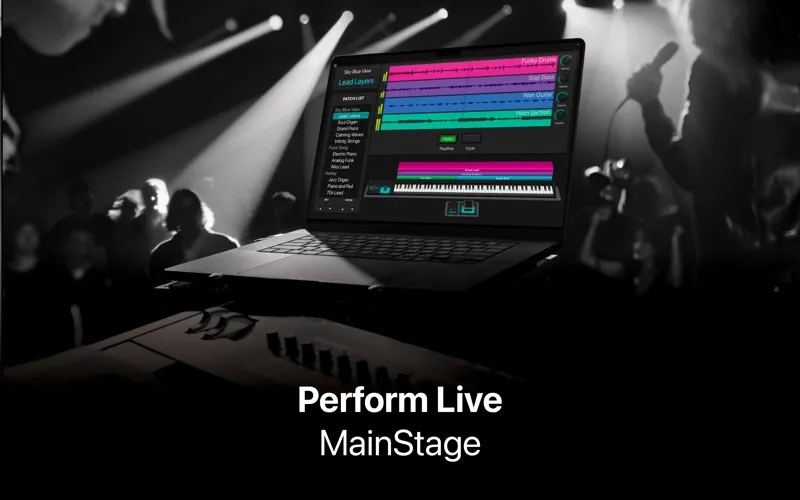
MainStage turns your Mac into a live instrument and effects rig, giving you stage-ready sounds and controls for keyboard, vocal, and other live performances.
by Apple
What you get
Bring your studio sounds onstage and change patches without cutting off held notes.
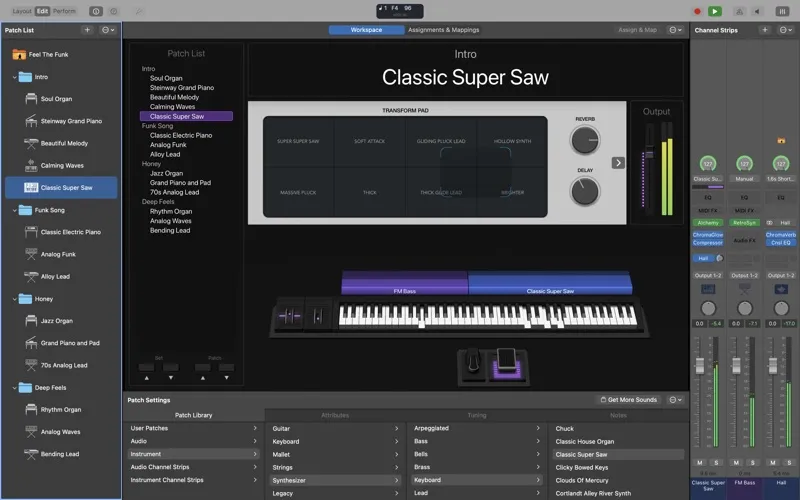
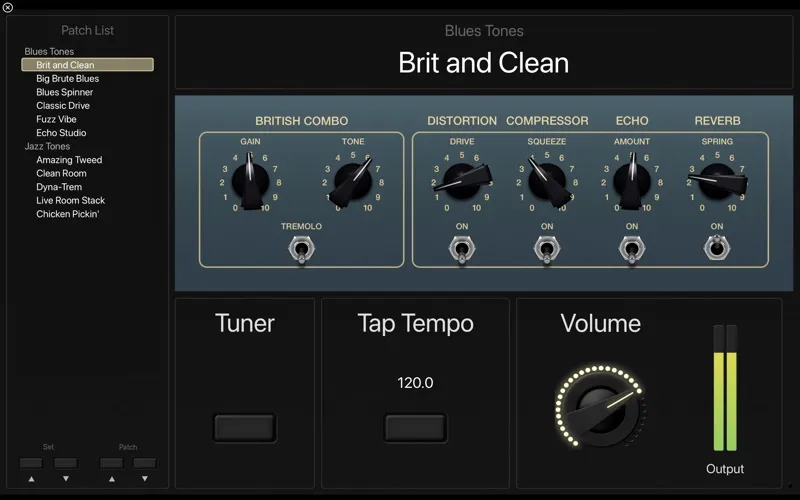
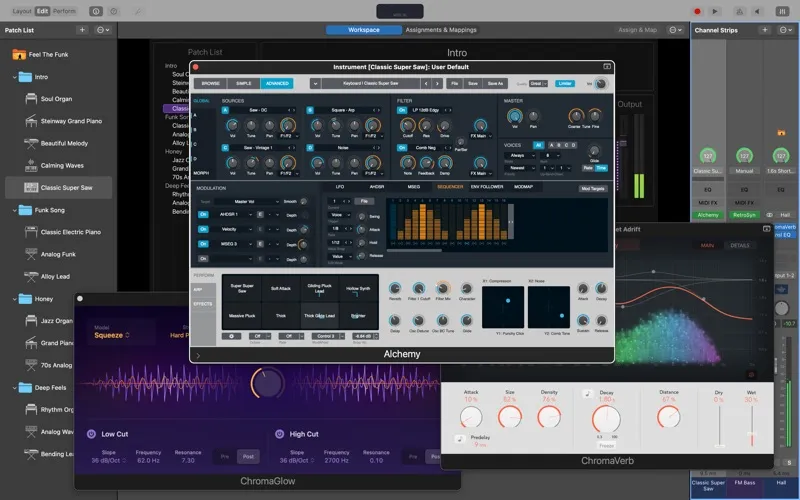
With MainStage, you can perform using your Mac’s instruments and effects while controlling them from a MIDI keyboard, foot pedal, or drum pad. You can bring in patches from Logic Pro, use your favorite Audio Units plug-ins, and combine keyboard sounds with live vocals in one patch.
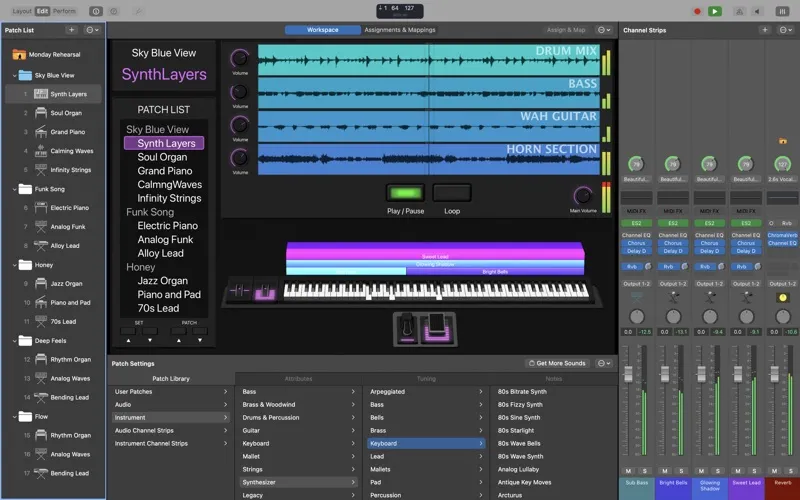
You can build layered sounds or assign different instruments to different keyboard ranges, then switch patches without interrupting the sound or cutting off held notes. Stereo or multitrack backing tracks let you play alongside prerecorded parts. Assigning knobs, buttons, and faders to onscreen controls gives you hands-on adjustments during a song.
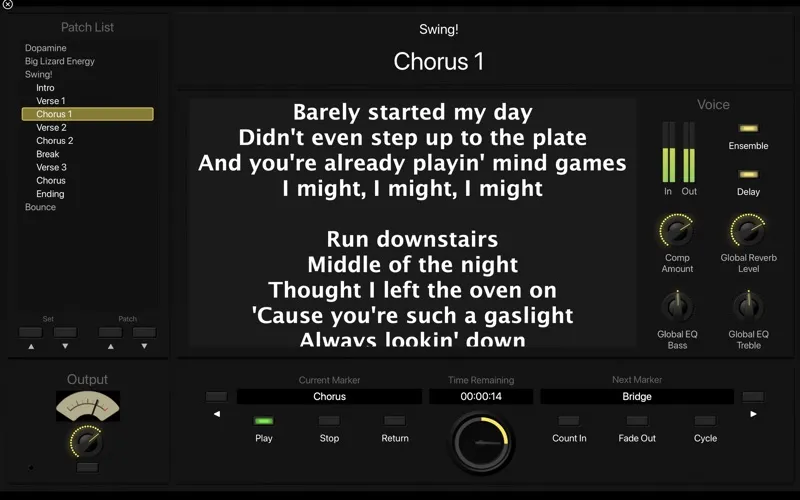
Your performance view can show only the controls you need, with a high-contrast layout you can read from a distance. You can also preview and install sound packs as needed, rather than keeping the entire sound library on your Mac.
-
Keep notes ringing
You can switch patches without stopping sound output or cutting off notes you’re still holding.
-
Reuse your studio sounds
You can take Logic Pro patches onstage and perform with your favorite Audio Units instruments and effects.
-
Control sounds by hand
You can assign hardware knobs, pedals, buttons, and faders to the controls you need during a performance.
-
Build fuller live arrangements
You can layer instruments, split your keyboard, combine vocals with instruments, and perform alongside stereo or multitrack backing tracks.
-
See what matters onstage
You can customize a high-contrast, full-screen view so your performance controls stay readable from a distance.
Best for
- You play keyboards live with multiple sounds
- You want to bring Logic Pro patches onstage
- You perform with live vocals and backing tracks
Skip it if
You don’t need it if you only want to record and edit music rather than perform with a Mac-based live rig.
Screenshots
From the developer
MainStage is now part of Apple Creator Studio, an amazing collection of Apple’s most powerful creative apps designed to help you bring your ideas to life.Read the full description
Alternatives to MainStage
Other apps to perform music live. See all