Sugar Sense
Menu Bar Glucose
Sugar Sense lets you view your glucose readings on your Mac while you work, or follow a family member’s readings through your Sugar Sense account.
by Sugar Sense OU
What you get
Keep your glucose reading in view while you work on your Mac.
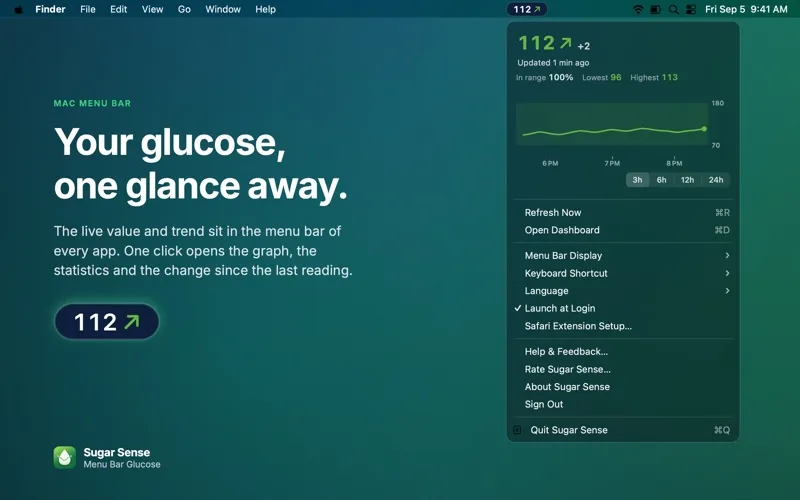
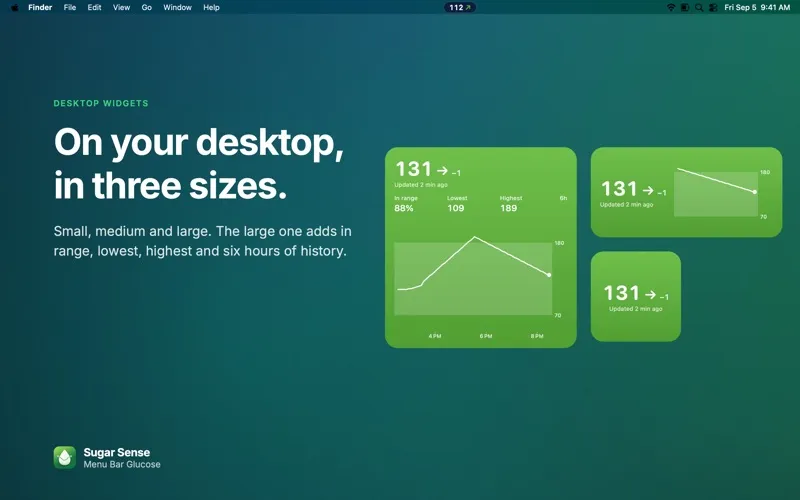
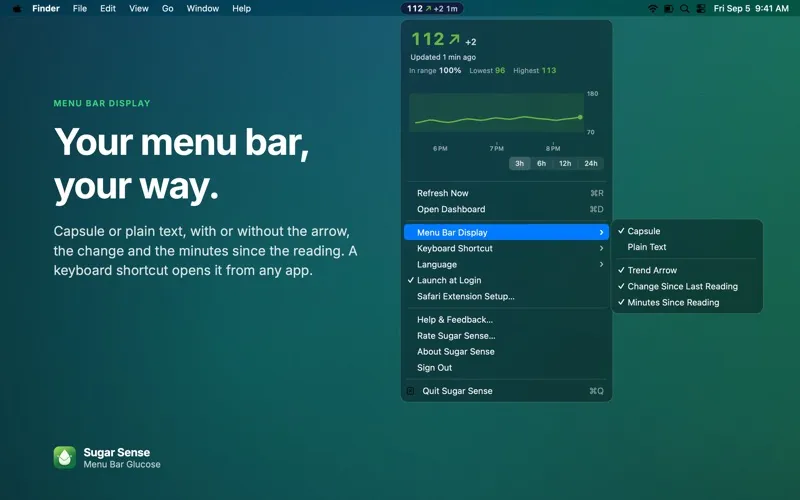
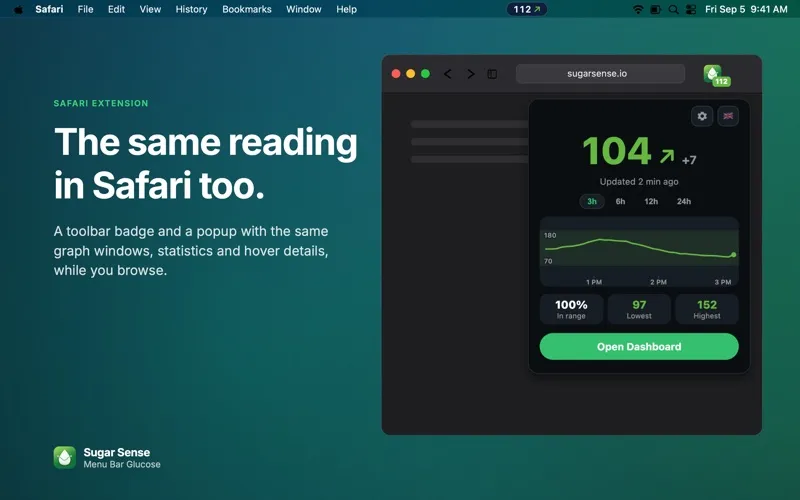
You can check your latest glucose reading and trend direction without leaving the app you’re using. Sugar Sense keeps them in your Mac’s menu bar, with colors based on your chosen range. You can also see your reading in Safari, on your desktop, or in Notification Center.
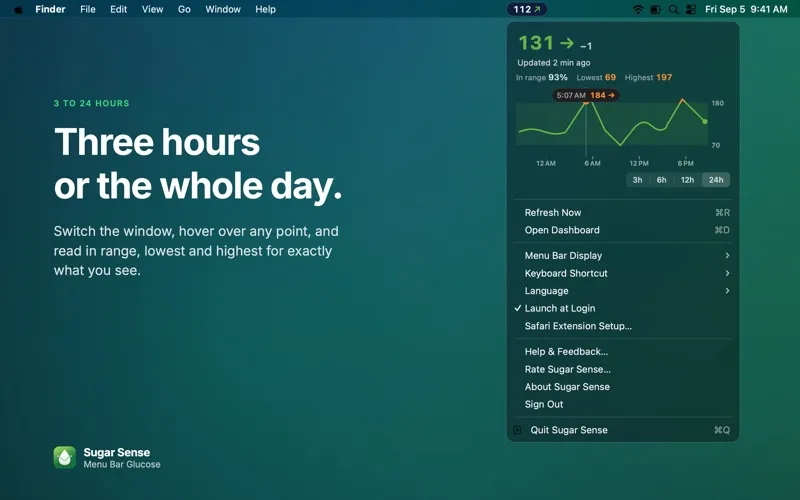
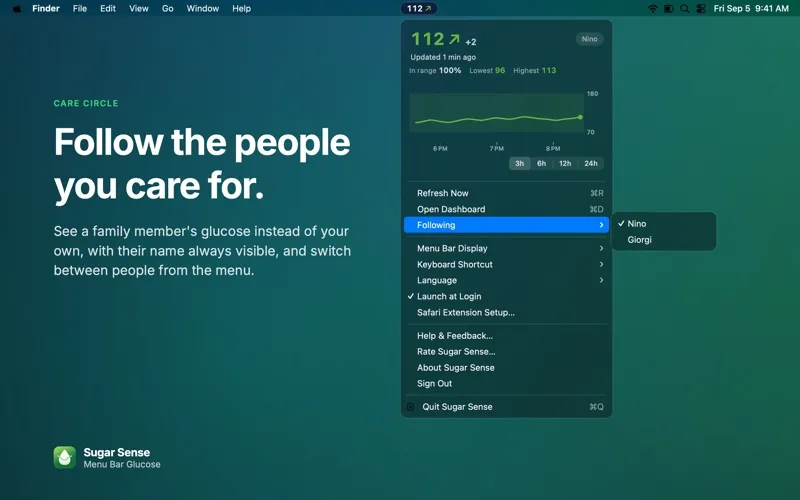
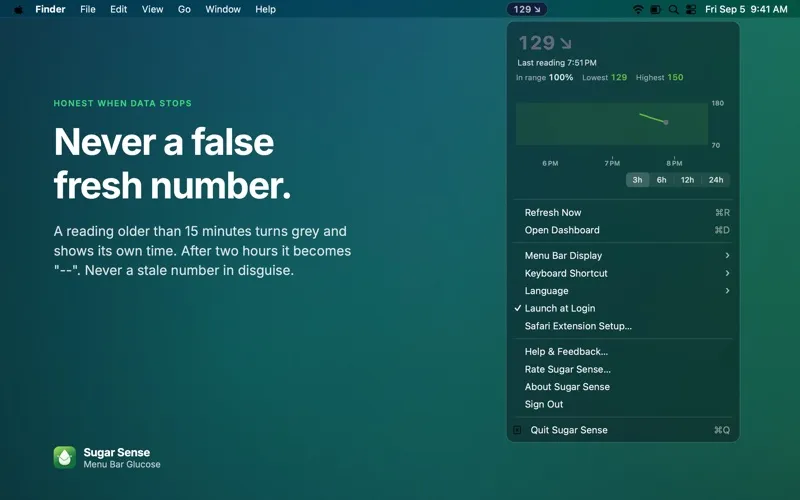
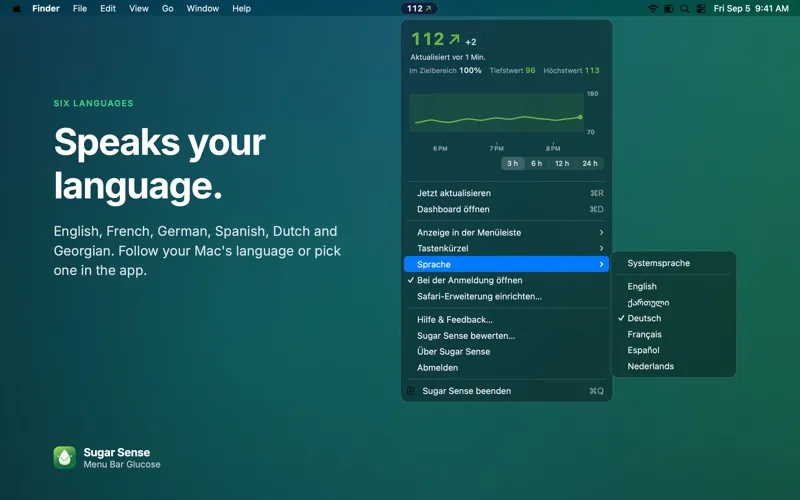
When you want context, you can open a graph covering 3, 6, 12, or 24 hours and review your lowest, highest, and in-range readings. You’ll also see how much your glucose changed since the previous reading. Older readings turn grey after 15 minutes, so you can tell when the data is no longer fresh. Through Care Circle, you can follow a family member instead of yourself.
You’ll need internet access and a glucose source connected through the Sugar Sense iPhone app. The Mac app is view-only and sends no alerts. It isn’t a medical device; use your CGM’s own app or a blood glucose meter for treatment decisions.
-
Check without switching apps
You can glance at your latest glucose value and trend direction in the menu bar while continuing your work.
-
Understand recent changes
You can review up to 24 hours of history, compare readings, and see your lowest, highest, and in-range values.
-
Recognize outdated readings
You can spot readings older than 15 minutes by their grey appearance and check when they were recorded.
-
Follow a family member
You can view a family member’s glucose through Care Circle and switch between people from the menu.
Best for
- You use a CGM and want readings visible while working on your Mac
- You want to follow a family member’s glucose
- You already connect your glucose source through Sugar Sense on iPhone
Skip it if
You don’t need it if you’re looking for glucose alerts on your Mac or a direct connection to your sensor.
Screenshots
From the developer
Sugar Sense: Menu Bar Glucose shows your continuous glucose monitor (CGM) reading right in the Mac menu bar. The live value and trend arrow stay visible while you work in any app, and the graph, statistics and change since the last reading are one click away.Read the full description
Alternatives to Sugar Sense
Other apps to monitor health data. See all