Tag Editor 2
Tag Editor 2 gives you a spreadsheet-style way to clean up audio and video metadata, suited to music collectors, DJs, and podcasters with inconsistent tags or filenames.
by Amvidia Limited
What you get
Give your audio files consistent tags, artwork, and names.
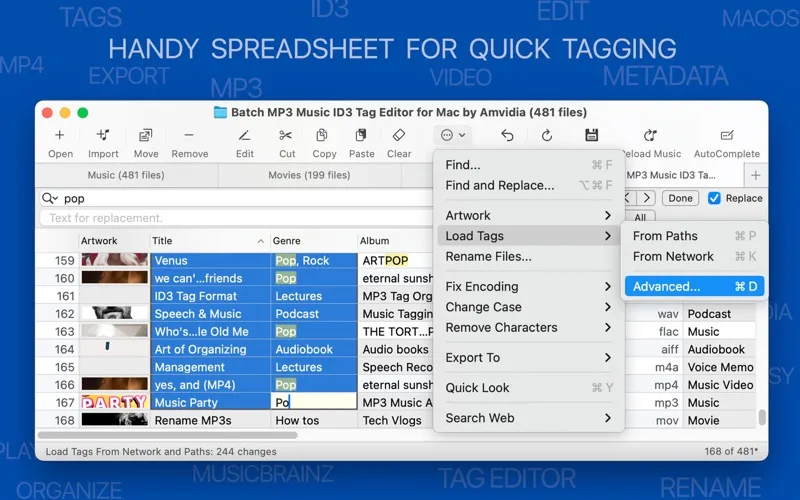
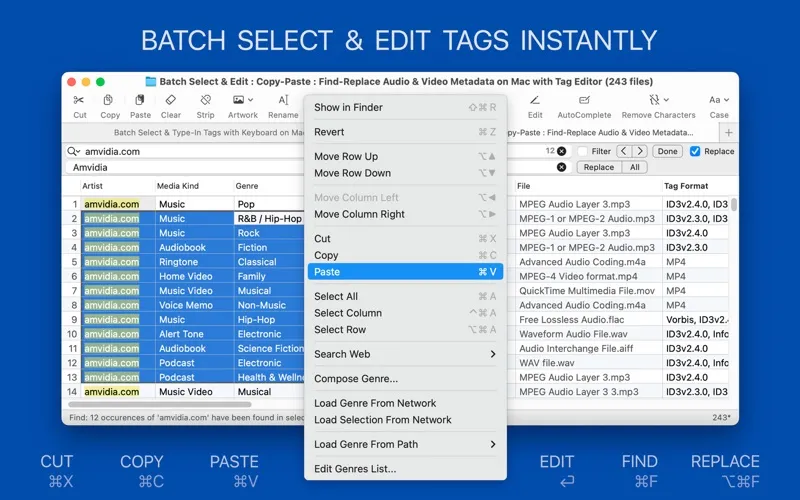
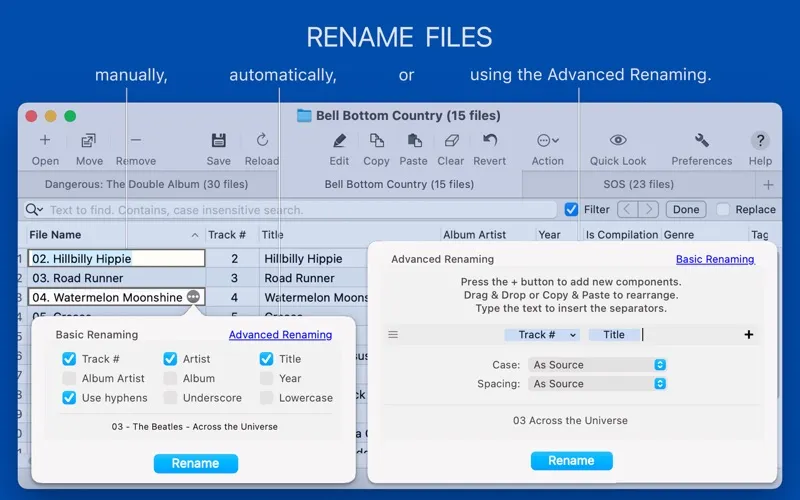
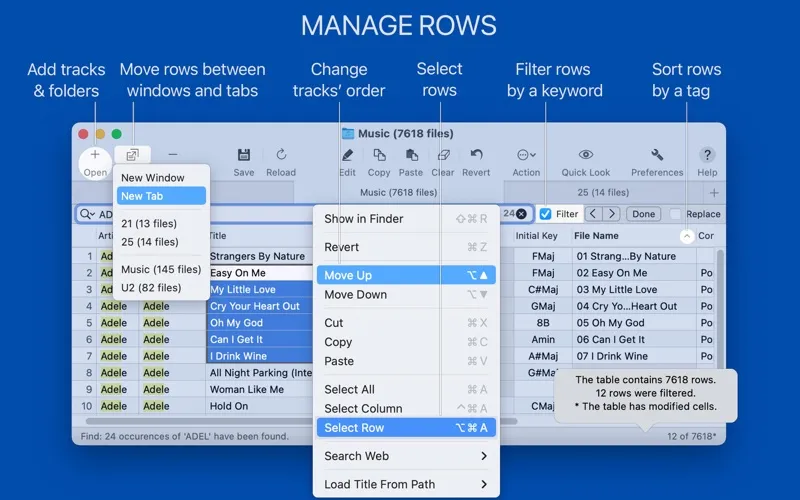
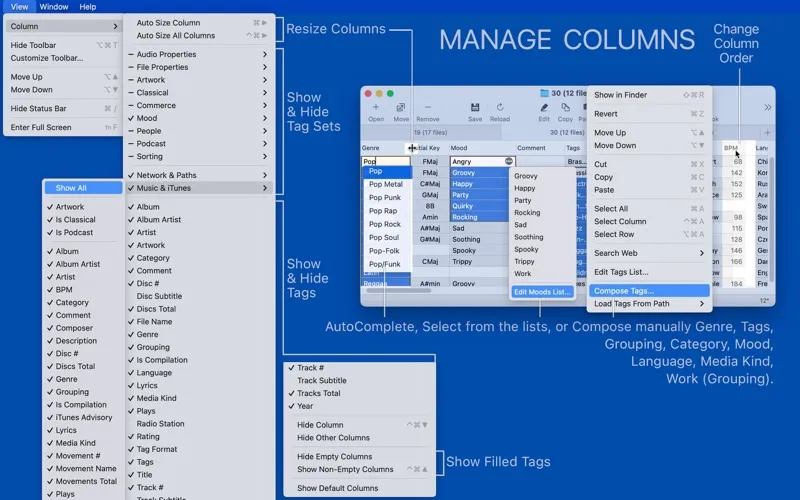
You get a clearer, more consistent collection by correcting missing titles, mismatched artist names, messy capitalization, and incorrect artwork in one spreadsheet-style window. You can apply the same correction across selected files instead of opening each one separately, and rename files using details such as artist, album, and track number.
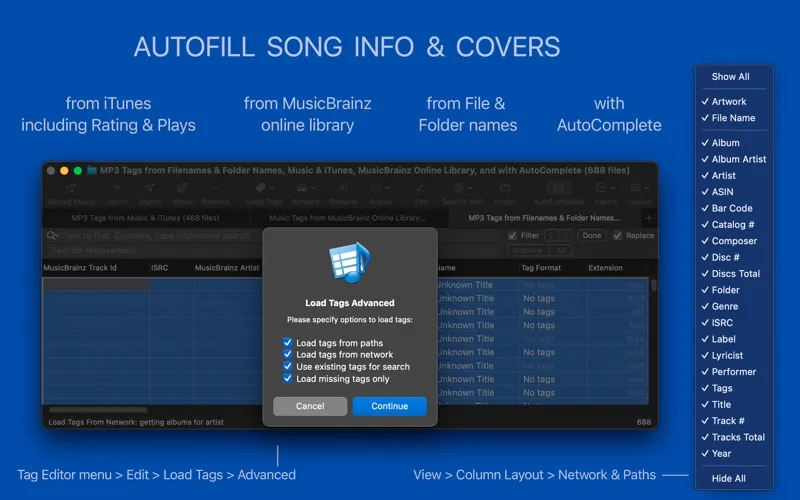
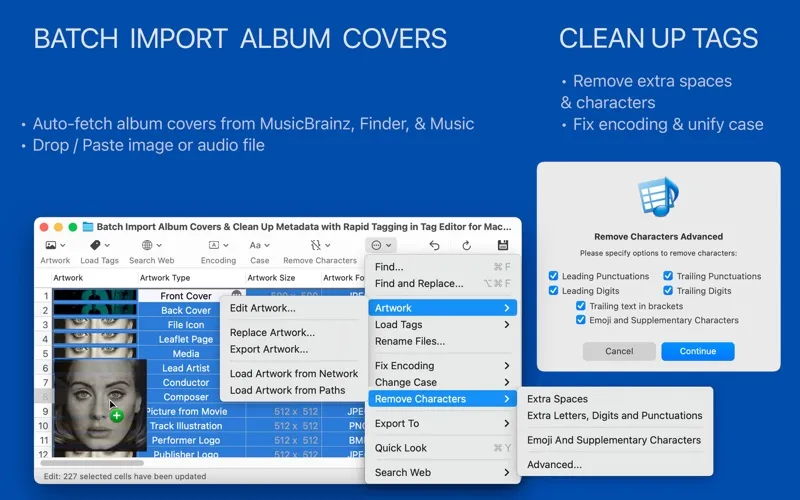
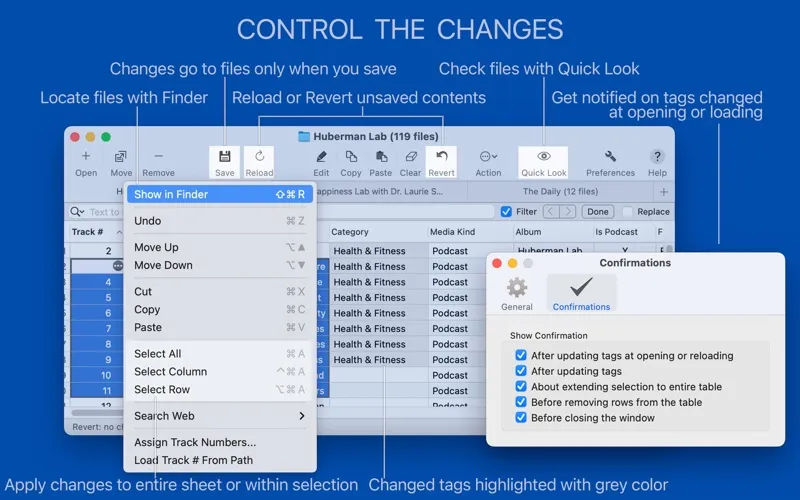
You don’t have to type every detail yourself. You can build tags from existing filenames and folders, or look up song information and covers online. You review the suggested changes before saving, so you can keep useful results and reject incorrect ones. Copy-paste and find-and-replace help you standardize recurring mistakes.
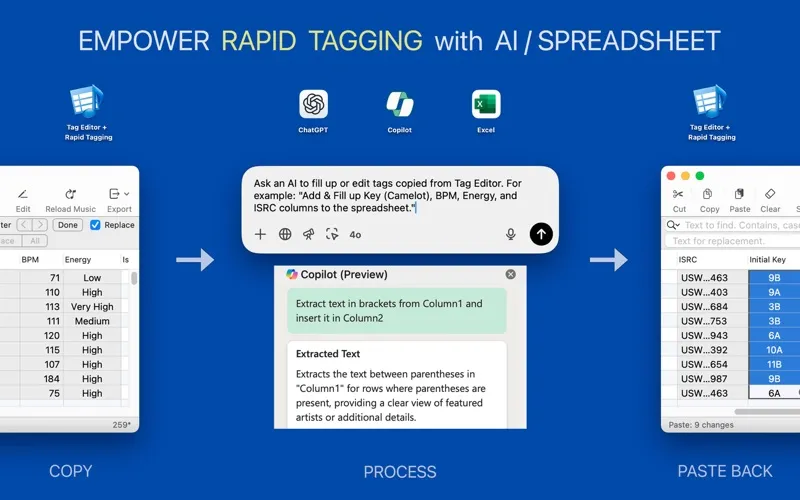
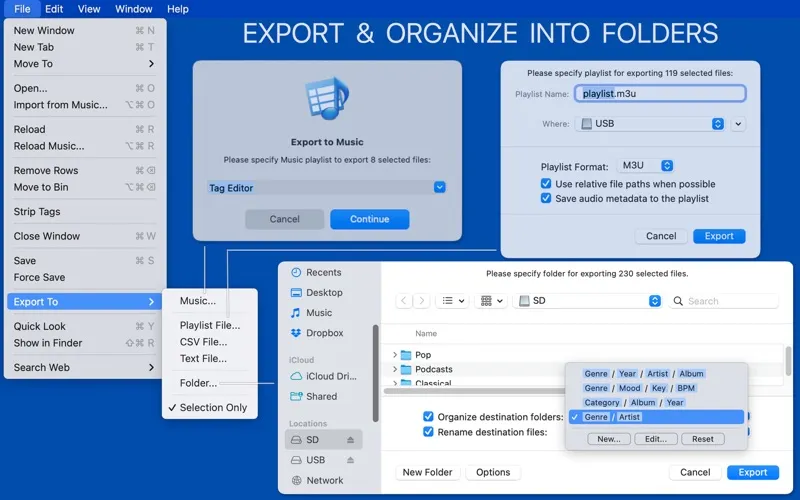
You can use every editing tool for free, but batch operations handle only a few files at a time. If you need to process thousands of files or export to Music, playlists, organized folders, or spreadsheets, you’ll need the optional Rapid Tagging subscription.
-
Correct repeated mistakes
You can fix artist names, capitalization, and other inconsistent tags across selected files rather than correcting each file individually.
-
Recover missing details
You can retrieve song information and covers online, then review the proposed changes before saving.
-
Make filenames consistent
You can rename files using their artist, album, track number, and other tags.
-
Organize larger collections
With Rapid Tagging, you can process thousands of files and export them into folders organized by their tags.
Best for
- You collect music with missing or inconsistent tags
- You’re a DJ standardizing track names and metadata
- You manage podcast or audiobook file metadata
Skip it if
You don’t need it if your files already have accurate tags, artwork, and consistent names.
Screenshots
From the developer
Tag Editor is your all-in-one spreadsheet for batch tagging, renaming, and exporting audio files - all from a single window. Edit tags for free. Add Rapid Tagging* to export your library and tag thousands of files in one go.Read the full description
Alternatives to Tag Editor 2
Other apps to fix music tags & album art. See all