
Trading Chart View & Insights
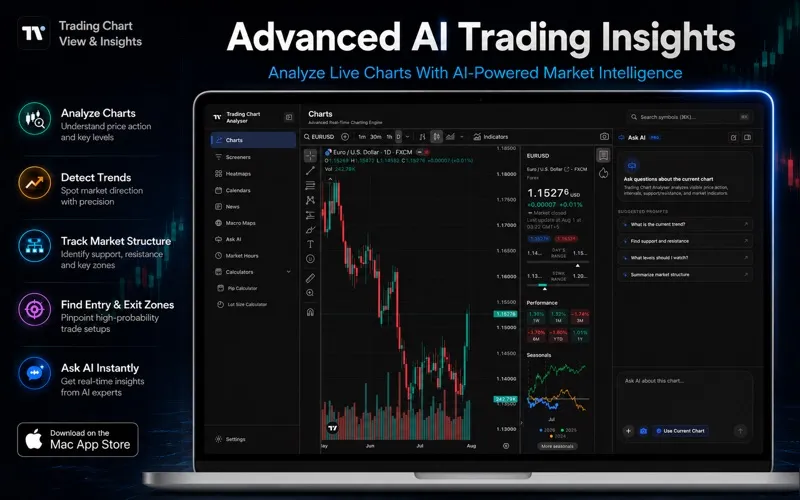
You get Mac charting tools and AI-generated technical reports for studying stocks, forex, crypto and indices, with calculators for estimating pip values and position sizes.
by Sami Ullah Zia Subah Sadiq Javaid
What you get
Turn your market charts into structured scenarios, key levels and risk estimates.
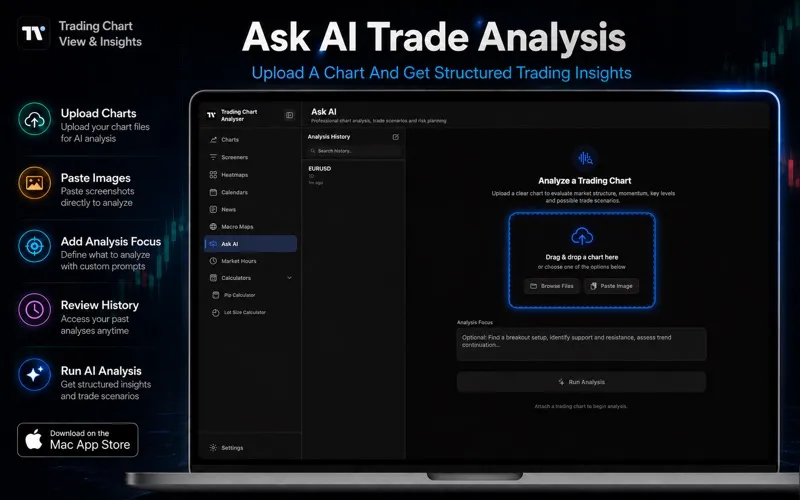
You can submit a chart screenshot or capture a chart open in the app to get an AI-generated technical report. Choose a focus such as trend continuation or support and resistance, and review possible market direction, key levels, competing scenarios and conditions that would invalidate the analysis. You can revisit earlier reports in your analysis history.
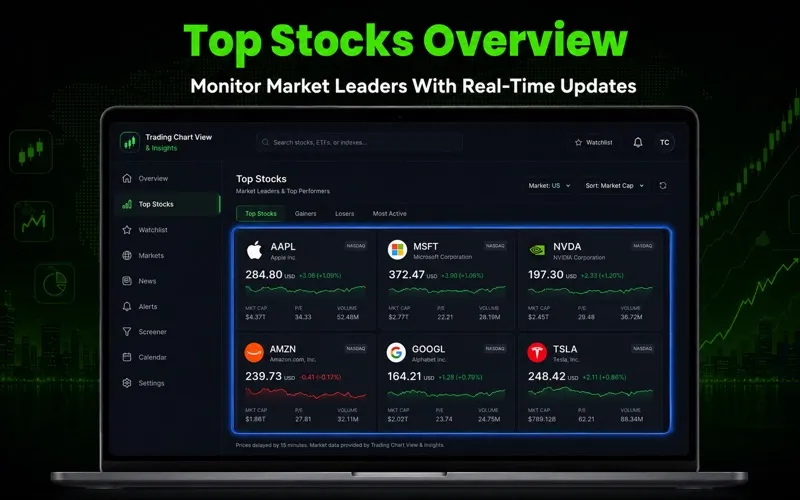
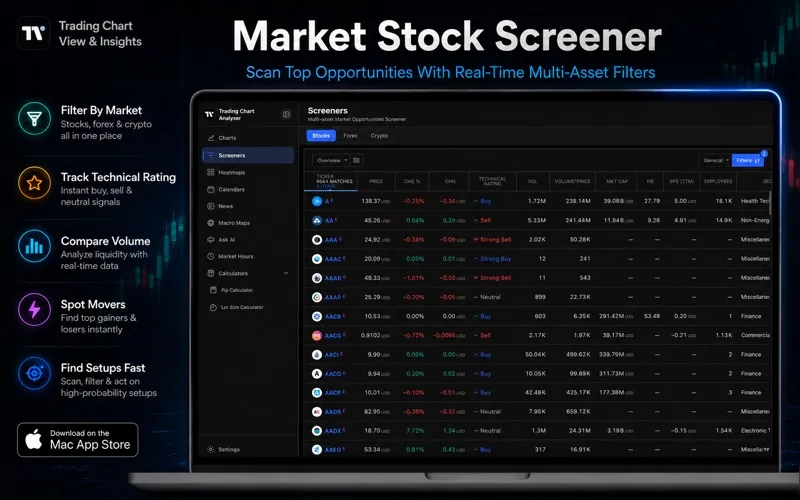
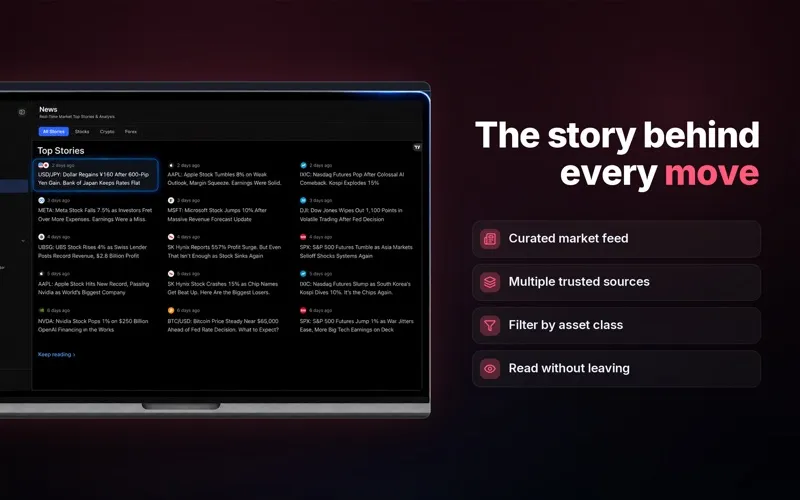
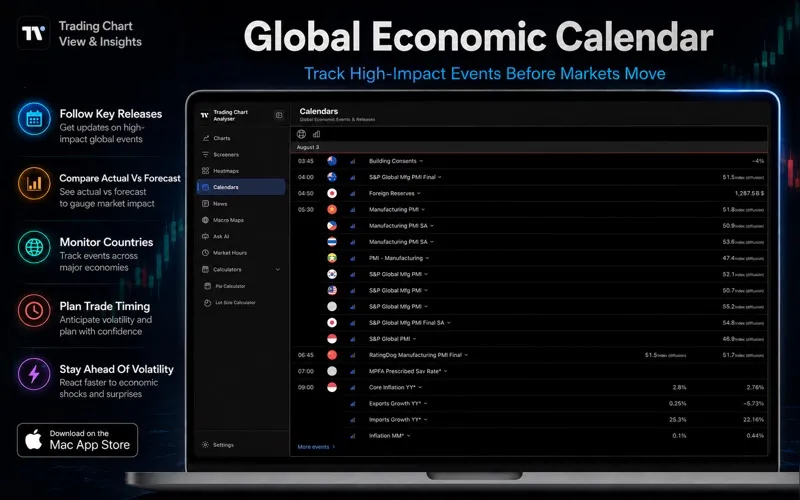
You can examine supported markets across multiple timeframes, keep watchlists and estimate position sizes using your balance, risk, entry and stop-loss details. A pip calculator helps you estimate pip values. Market news, screeners and an economic calendar give you additional context for your research.
You can start without an account. Free access includes charting, the pip calculator, one successful AI analysis and three successful position-size calculations. Continued AI analysis and follow-up questions require Pro, with AI usage subject to plan credits. Treat reports as educational material, not trading advice: AI can be wrong, so you need to verify its conclusions independently.
-
Give chart reviews structure
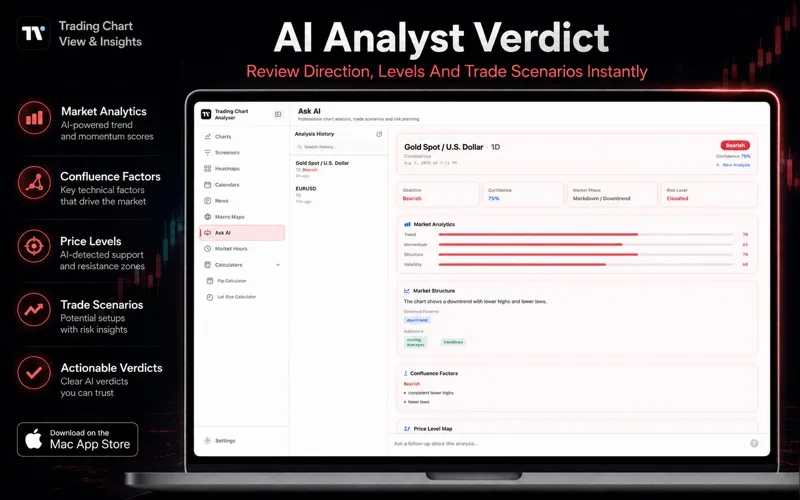
You get a report organizing possible direction, market structure, key levels and risks from a chart screenshot.
-
Compare possible outcomes
You can review bullish and bearish scenarios, including conditions that would invalidate the analysis.
-
Estimate your position size
You can calculate position sizing from your balance, intended risk, entry and stop-loss details.
-
Revisit your research
You can return to previous reports through analysis history rather than starting each review from scratch.
Best for
- You study technical chart patterns on your Mac
- You want a structured second look at a market setup
- You need pip-value and position-size estimates
Skip it if
You don't need it if you only want to place trades or expect reliable predictions without independently checking the analysis.
Screenshots
From the developer
Trading Chart View & Insights turns complex market charts into clear, structured analysis. Attach a screenshot or capture the chart open in the app, choose an analysis focus, and receive a report covering directional bias, market structure, key levels, scenarios, risks, invalidation points and confidence.Read the full description
Alternatives to Trading Chart View & Insights
Other apps to analyze financial markets. See all