
Transporter
Transporter lets you deliver apps and media to Apple for distribution. It’s for developers and publishers with an App Store Connect, iTunes Connect, or encoding house account.
by Apple
What you get
Send your apps and media to Apple and track each delivery.
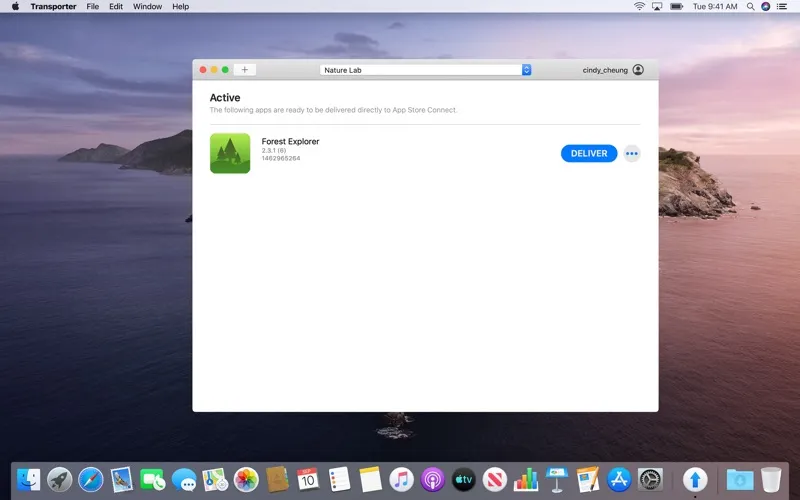
With Transporter, you can send your apps, music, movies, TV shows, or books to Apple for distribution through the App Store, Apple Music, Apple TV, Apple Books, or iTunes Store. You start by dragging your content into the app, and you can validate and upload multiple files at once rather than handle each delivery separately.
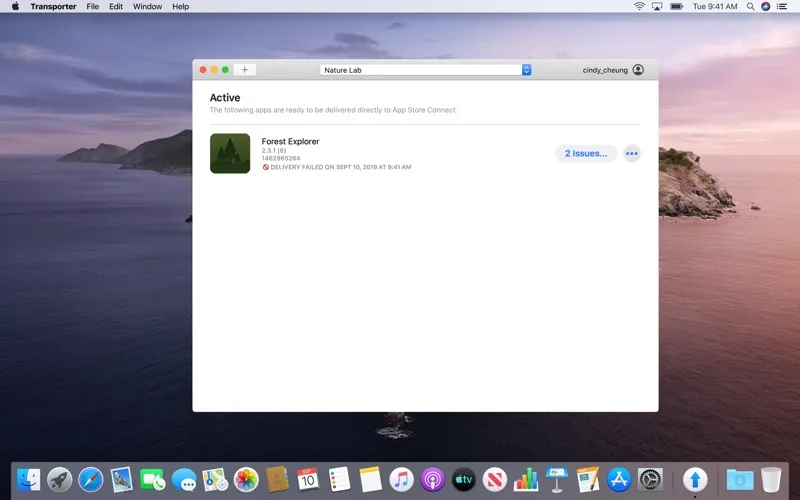
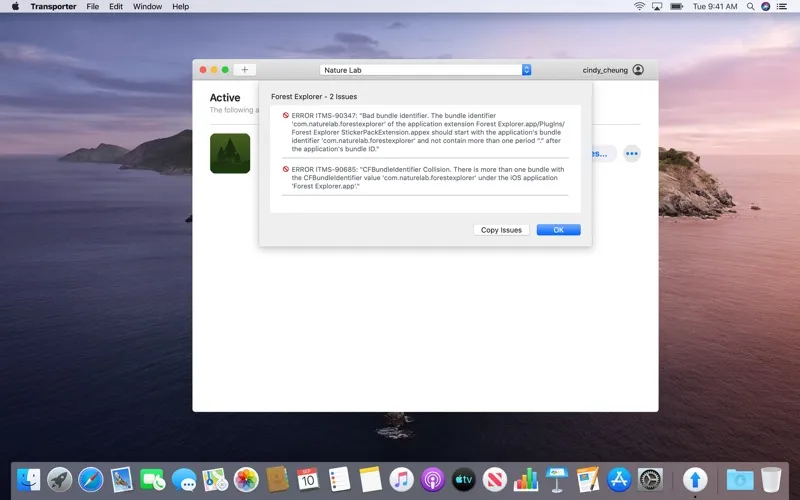
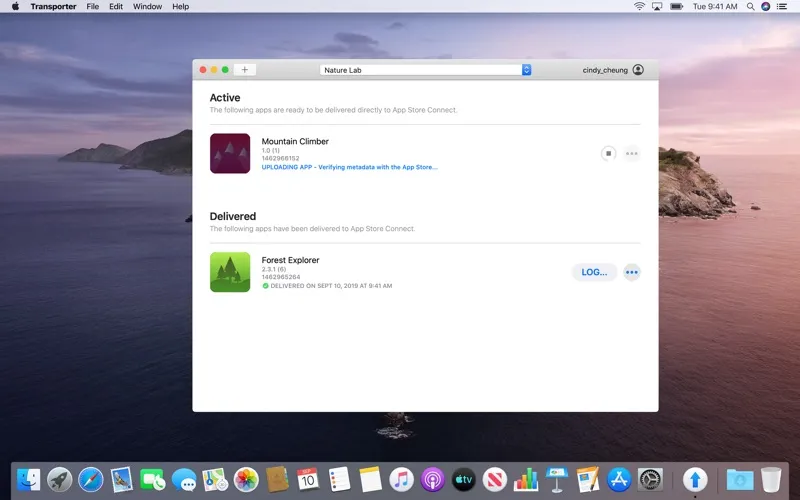
You can follow delivery progress and see validation warnings, errors, and logs to help you identify what needs fixing. For app deliveries, push notifications tell you when delivery finishes, processing begins, and importing succeeds or fails. You also get a dated, timestamped history so you can check what you sent and when.
You’ll need an App Store Connect, iTunes Connect, or encoding house account to use it.
-
Send several files together
You can validate and upload multiple files at once instead of handling them one by one.
-
Find delivery problems
You can use validation warnings, errors, and delivery logs to identify issues that need fixing.
-
Know your app’s status
You receive notifications when your app finishes delivery, starts processing, and succeeds or fails to import.
-
Check past deliveries
You can look back at your delivery history, including the date and time of each submission.
Best for
- You’re a developer submitting apps to Apple
- You publish music, video, or books through Apple
- You handle multiple content deliveries
Skip it if
You don’t need it if you aren’t delivering apps or media to Apple for distribution.
Screenshots
From the developer
Transporter is the simple and easy way to deliver content to Apple. Easily send apps, music, movies, TV shows, or books for distribution on the App Store, Apple Music, Apple TV, Apple Books, or iTunes Store. • Drag and drop your content into Transporter to get started.Read the full description
Alternatives to Transporter
Other apps to publish media to Apple stores. See all