
Compressor
Encode Media
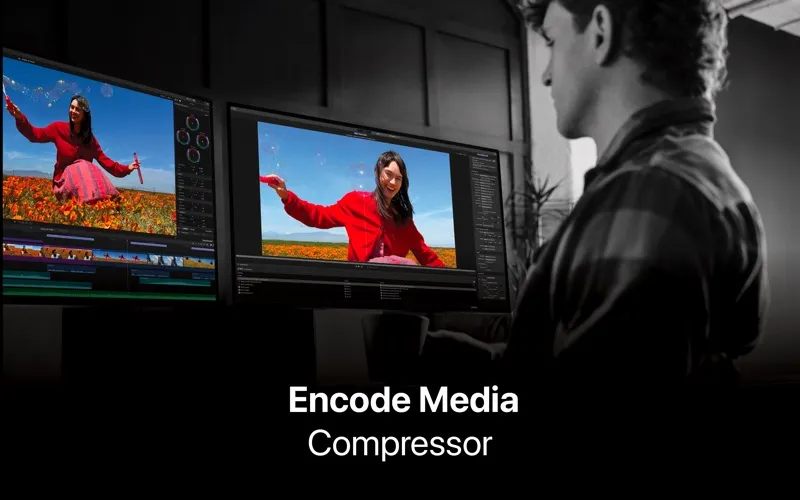
Compressor gives you control over video encoding and delivery, particularly if you work in Final Cut Pro or Motion and need custom exports, batch conversions, or iTunes Store packages.
by Apple
What you get
Get your videos into the formats and delivery packages you need.
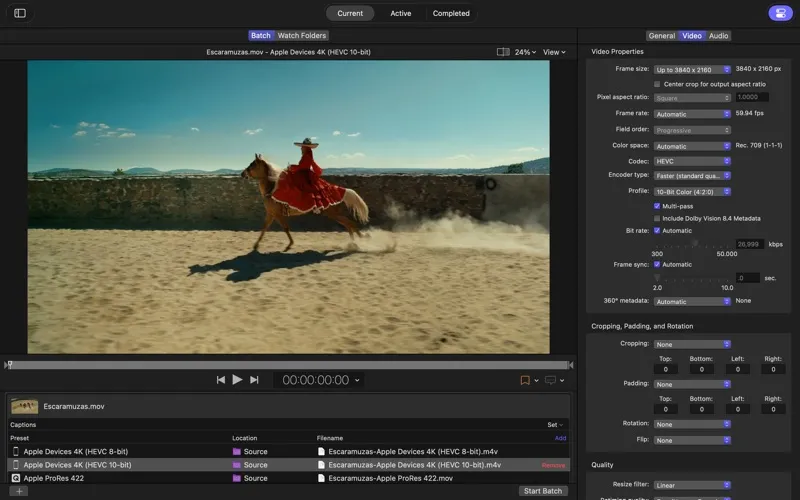
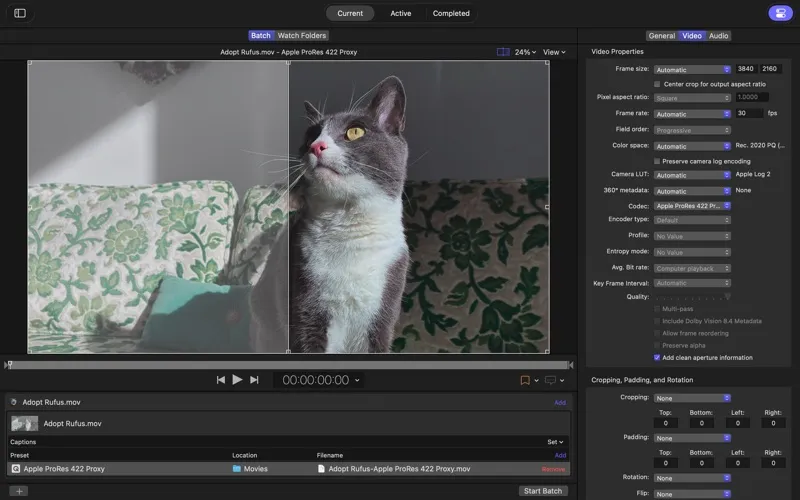
With Compressor, you can turn finished video into files that meet your delivery requirements. You can customize encoding settings for Final Cut Pro and Motion, convert between formats such as HEVC, H.264, and ProRes, and control frame rate, color space, and HDR metadata. You can also add watermarks or timecode overlays and adjust playback speed to fit a required runtime.
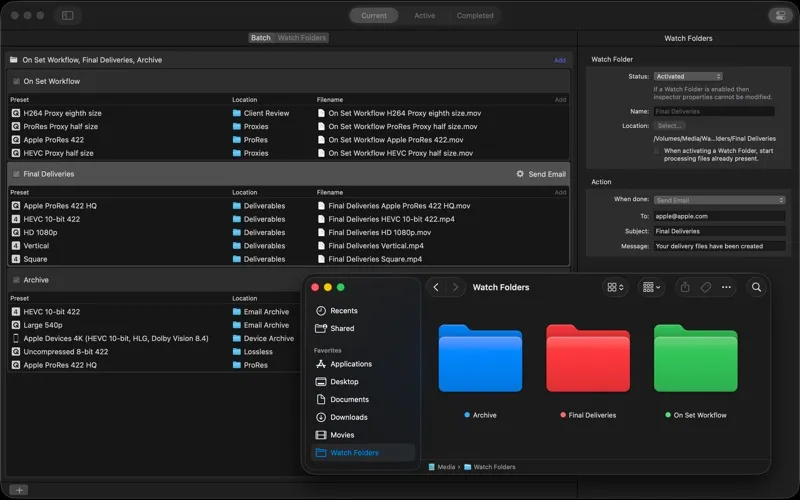
When you have many files to process, you can batch conversions instead of setting up each one separately. For recurring work, you can create drag-and-drop encoding tools or have videos encode automatically when you add them to a selected folder.
If you’re preparing a movie for the iTunes Store, you can assemble the movie, trailer, captions, subtitles, and audio descriptions into a submission package for an Apple-certified delivery partner. You can check synchronization and spot package errors before handing it off. You can also encode spatial video for delivery to Apple Vision Pro.
-
Meet delivery requirements
You can tailor video formats, frame rates, color spaces, and HDR metadata to the output you need.
-
Repeat fewer encoding steps
You can process batches, drop files onto encoding tools, or automatically encode videos added to selected folders.
-
Prepare store submissions
You can organize movie assets into an iTunes Store package, check synchronization, and catch errors before sending it to a delivery partner.
-
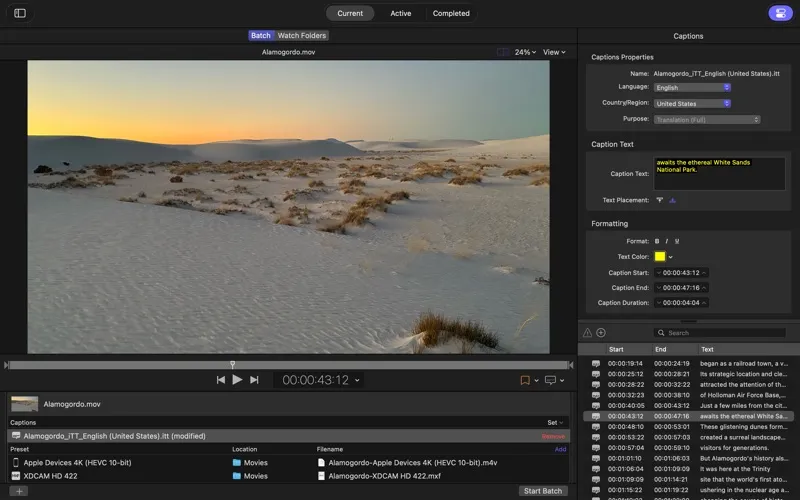
Deliver captions with video
You can create, review, and adjust closed captions before delivering them in CEA-608, SRT, or iTT formats.
Best for
- You edit in Final Cut Pro or Motion and need custom exports.
- You regularly convert large batches of video.
- You prepare films for iTunes Store delivery.
Skip it if
You probably don’t need it if your editor’s standard exports cover your needs and you rarely convert video.
Screenshots
From the developer
Compressor is now part of Apple Creator Studio, an amazing collection of Apple’s most powerful creative apps designed to help you bring your ideas to life.Read the full description
Alternatives to Compressor
Other apps to convert video, audio & images. See all
 Permute
Convert audio, images, and videos
Setapp
98% · 4,352 ratings
Permute
Convert audio, images, and videos
Setapp
98% · 4,352 ratings
 SnapMotion
Capture snaps from your videos
Setapp
99% · 229 ratings
SnapMotion
Capture snaps from your videos
Setapp
99% · 229 ratings
 RAW to HEIC
Shrink RAW photos to HEIC by 70–90% and keep every detail and edit
Sold separately
RAW to HEIC
Shrink RAW photos to HEIC by 70–90% and keep every detail and edit
Sold separately
 1-Click Video Converter
Mac App Store
1-Click Video Converter
Mac App Store
 Audio Converter
One Click
Mac App Store
Audio Converter
One Click
Mac App Store
 AVI to Any Lite
Mac App Store
AVI to Any Lite
Mac App Store