
Vexel
Turn reading into listening
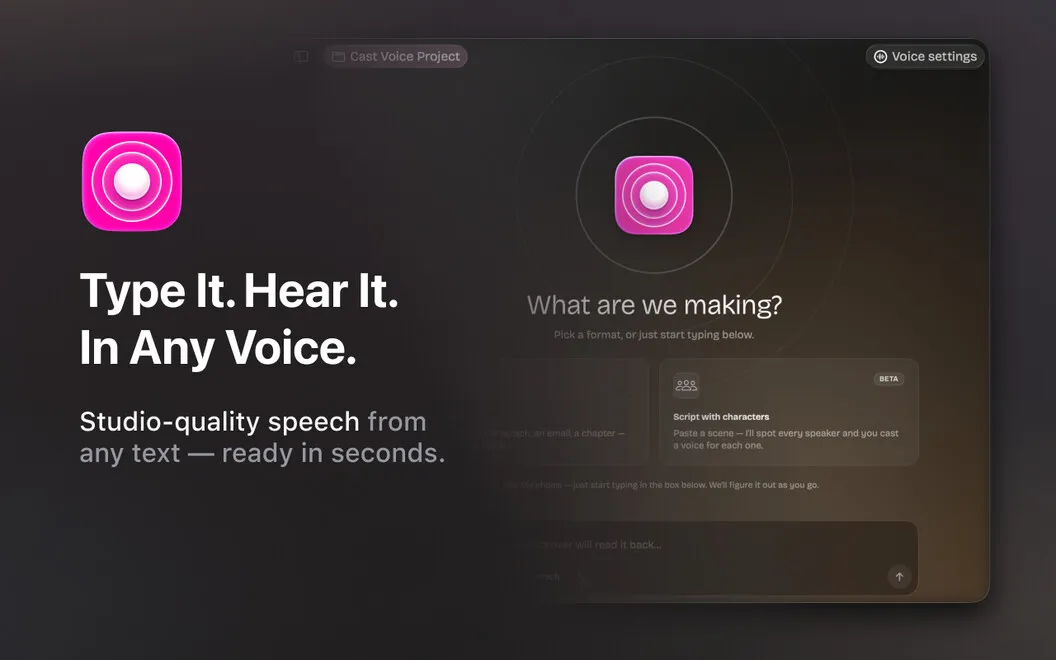
Vexel is a text-to-speech app for Mac that lets you listen to articles, check drafts by ear, and turn topics into spoken conversations.
by MacPaw Way Ltd. · 57% positive (7)
What you get
You can listen to your reading, hear your drafts, and voice your scripts.
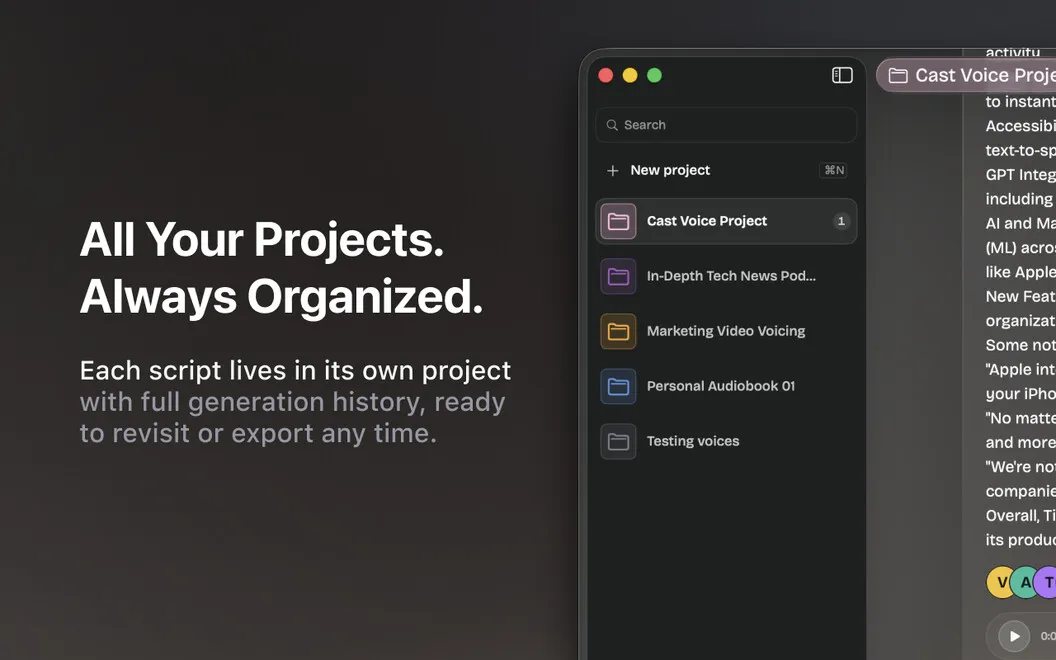
You can turn articles and documents into something to listen to instead of read. Paste text, import a document, or dictate, then hear it spoken aloud. Hearing a draft gives you another way to judge how it sounds before you send it. You can also voice a video script without recording yourself.
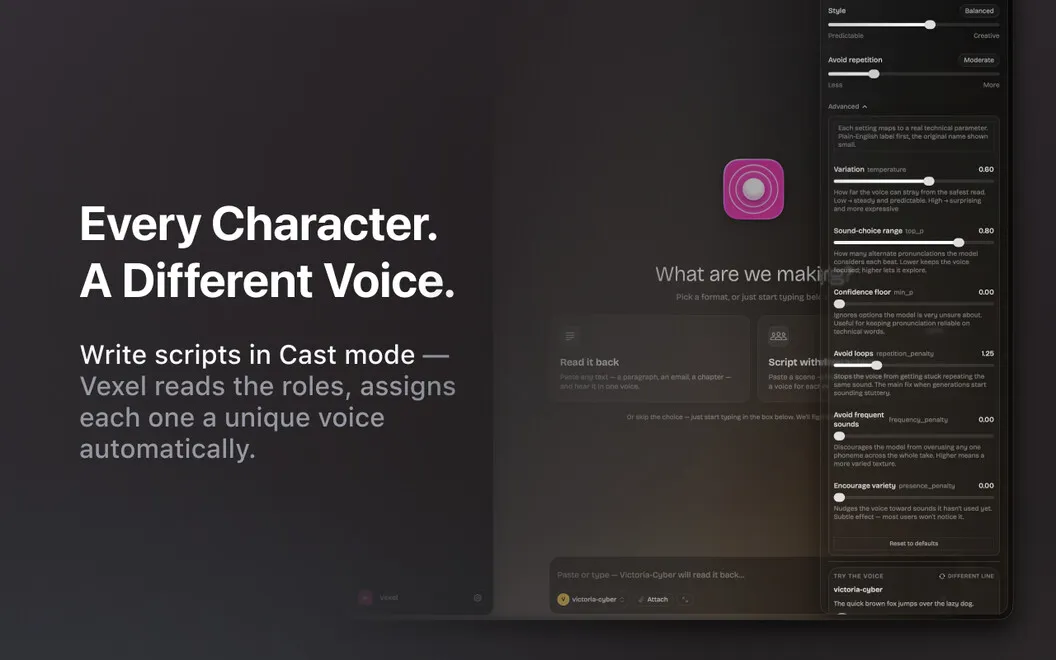
For a conversational explanation, you can give Vexel a topic or article and have it write and perform a discussion between two or three hosts. You choose the style, language, and length, then edit any line and adjust each host’s voice and delivery.
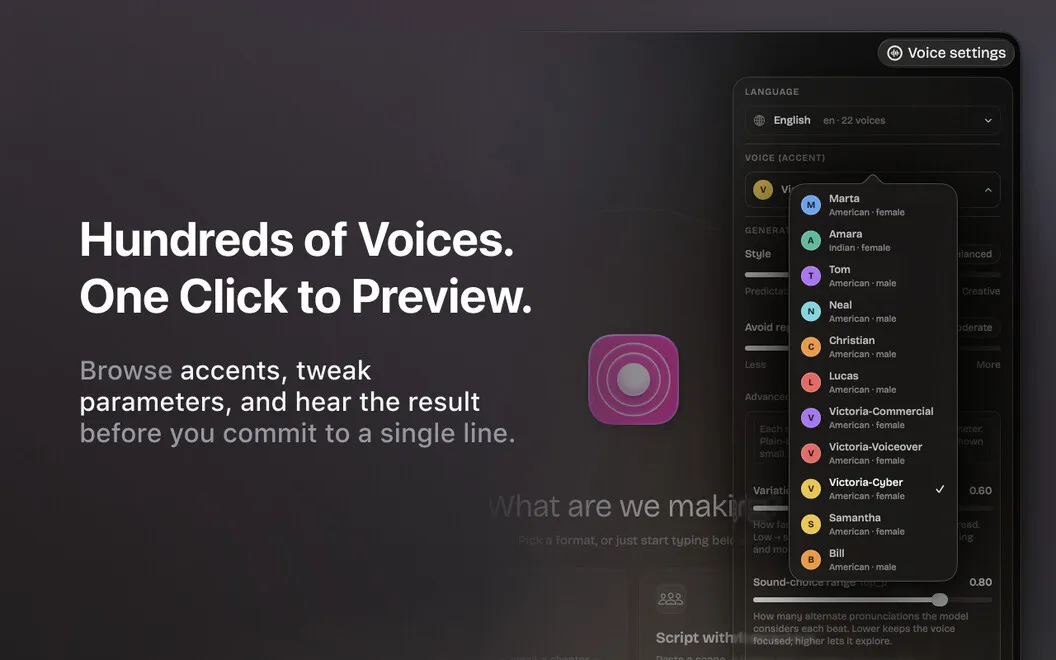
You can use cloud voices in English, Ukrainian, German, Arabic, and Portuguese, or choose voices already installed on your Mac. Installed voices keep working offline, so you can still listen without an internet connection.
-
Listen instead of reading
You can hear articles, documents, and pasted text read aloud.
-
Check drafts by ear
You can hear how your writing sounds before you send it.
-
Hear a topic discussed
You can turn a topic into an editable conversation between two or three hosts, with your chosen style, language, and length.
-
Skip the microphone
You can give your video script a spoken voice without recording yourself.
-
Keep listening offline
You can use voices installed on your Mac even when you have no internet connection.
Best for
- You prefer listening to long articles and documents
- You want to hear drafts before sending them
- You need spoken scripts without recording your voice
Skip it if
You probably don’t need it if you prefer reading and have no use for spoken drafts, conversations, or video narration.
Screenshots
From the developer
Vexel is a text to speech app for Mac that does more than read. Paste an article, drop in a document, or type as you go — Vexel reads it back in voices that sound like people. Hand it a topic instead and it writes the script: two or three hosts talking it through, in the language and the length you pick.Read the full description
Alternatives to Vexel
Other apps to turn text into speech. See all