X-AIR Edit
X-AIR Edit lets you control a compatible Behringer X AIR mixer from your Mac, whether you’re managing live sound, studio sessions, or your own stage monitors.
by Empower Tribe Innovations DE GmbH
What you get
Adjust your live mix from your Mac, away from the mixer.
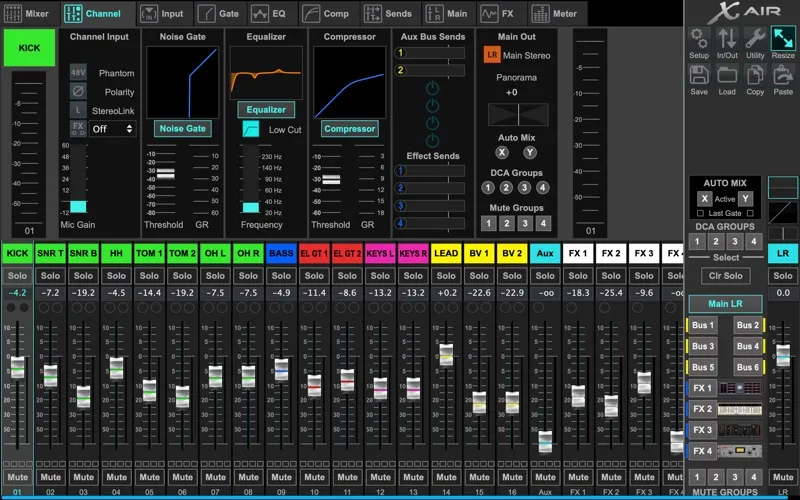
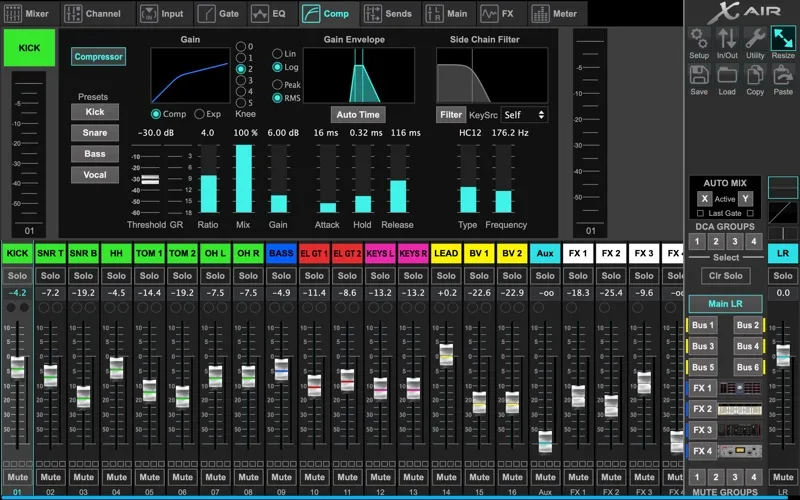
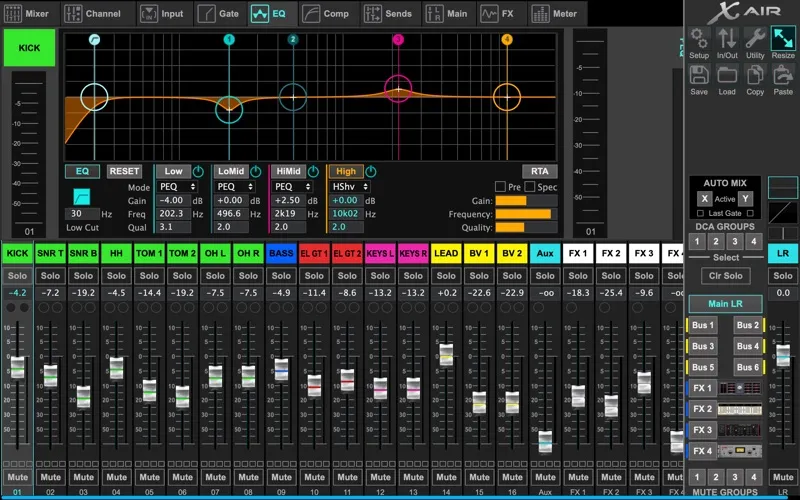
X-AIR Edit gives you remote control of your Behringer X18, XR18, XR16, or XR12 mixer from your Mac. You can adjust channel levels, EQ, dynamics, and effects while listening from elsewhere in the venue or studio, rather than staying beside the hardware.
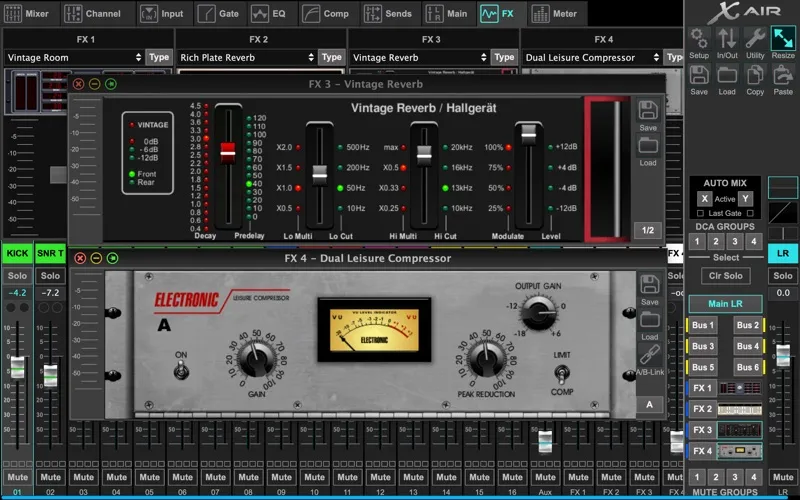
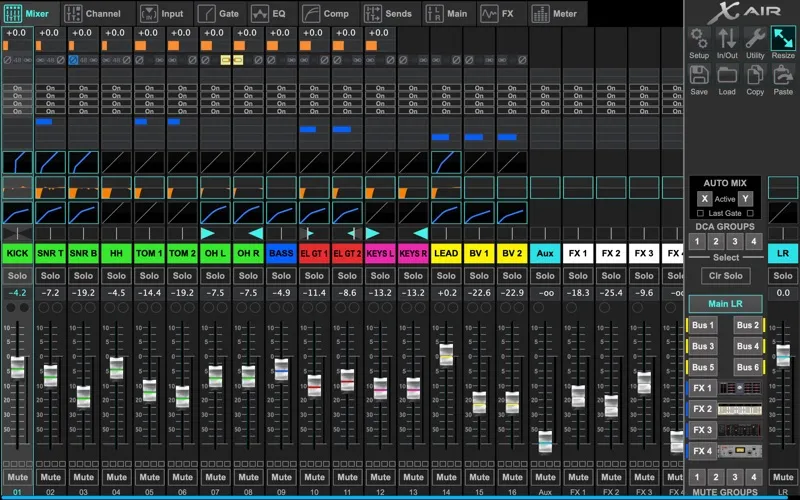
You can balance up to 18 inputs across 12 buses and give performers individual monitor mixes without changing what the audience hears. Level meters and real-time spectrum overlays help you see how your mix is behaving, while four stereo effects processors let you shape the sound using more than 50 presets.
You connect through the mixer’s built-in Wi-Fi without additional hardware. Your mixer needs firmware V1.11 or later, and you can explore the controls offline in demo mode before connecting to compatible hardware.
-
Mix away from the hardware
You can adjust your mix from your Mac while listening elsewhere in the venue or studio.
-
Keep monitor mixes separate
You can change what individual performers hear without altering the main output.
-
See your mix’s behavior
You can check levels and spectrum overlays to help guide your adjustments.
-
Explore before connecting
You can try the controls offline in demo mode without a connected mixer.
Best for
- You run live sound with a compatible Behringer X AIR mixer.
- You need to adjust your own stage monitor mix.
- You use an X AIR mixer in your studio.
Skip it if
You don’t need it if you don’t use a compatible Behringer X AIR mixer.
Screenshots
From the developer
Behringer X-AIR Edit - Complete Control, Anywhere You Mix Unlock the full potential of your Behringer X AIR digital mixer, now on macOS! Whether managing a live show, recording in the studio, or fine-tuning on stage, X-AIR Edit delivers professional control right from your Mac.Read the full description
Alternatives to X-AIR Edit
Other apps to mix live sound. See all