Adobe Lightroom
Photo Editor
Adobe Lightroom gives you photo editing and library management in one app, suited to photographers who want to refine images and continue working across desktop, mobile, and web.
by Adobe Inc.
What you get
You get cleaner photos and a searchable library that travels with you.
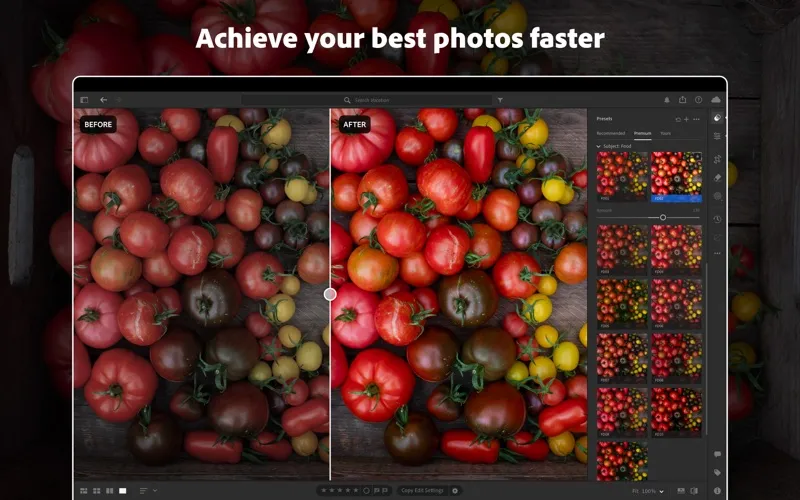
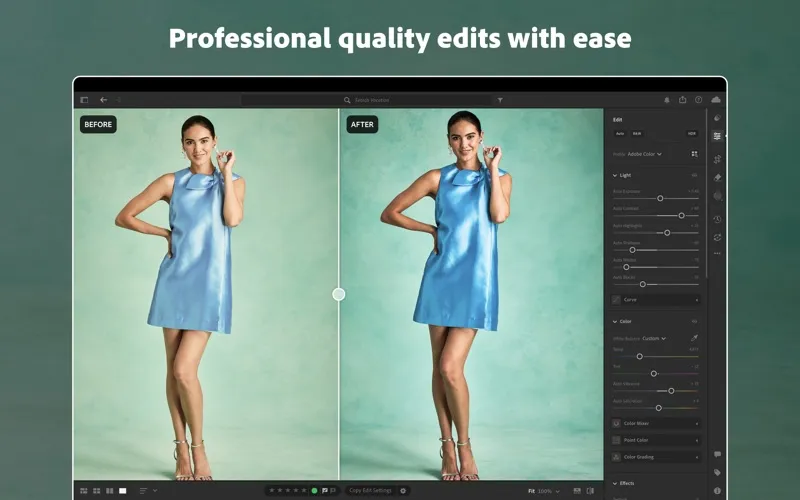
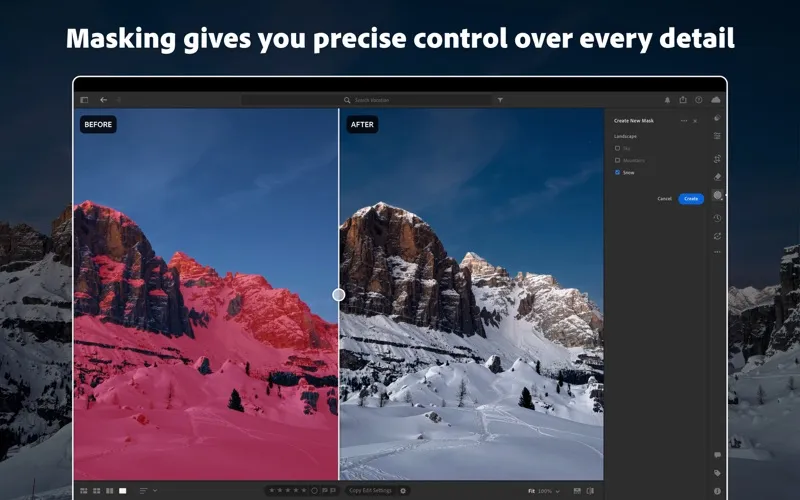
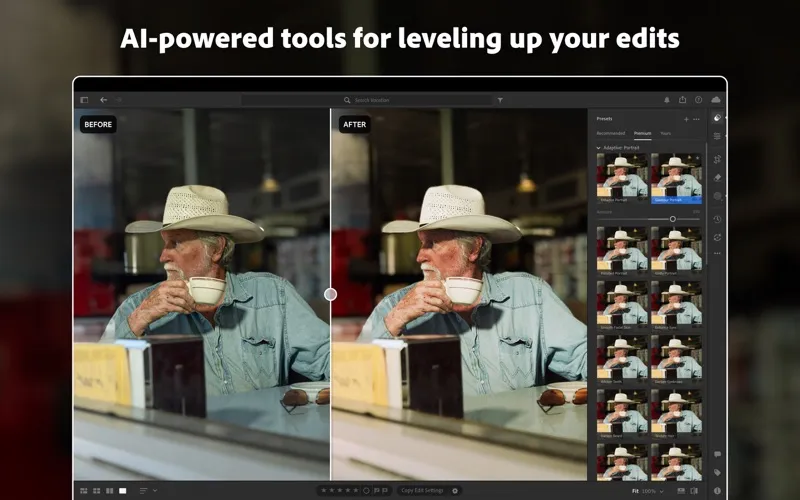
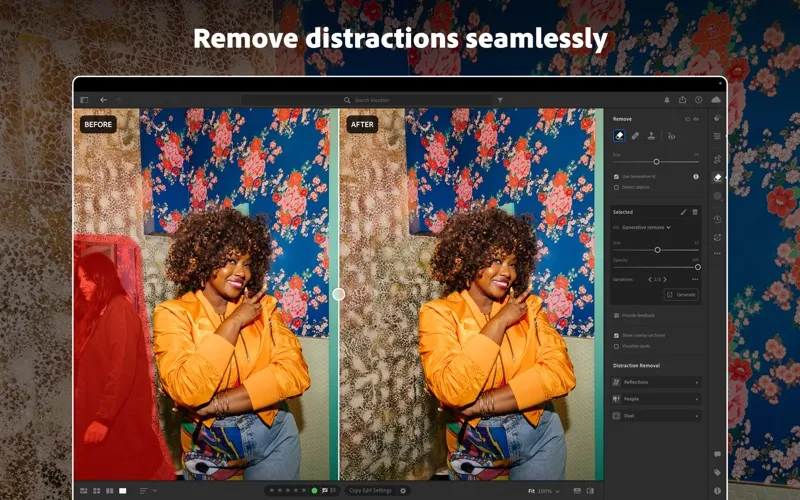
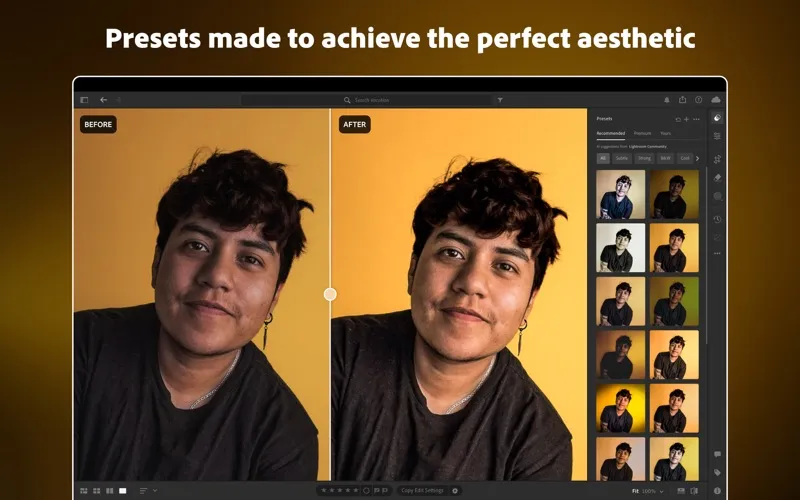
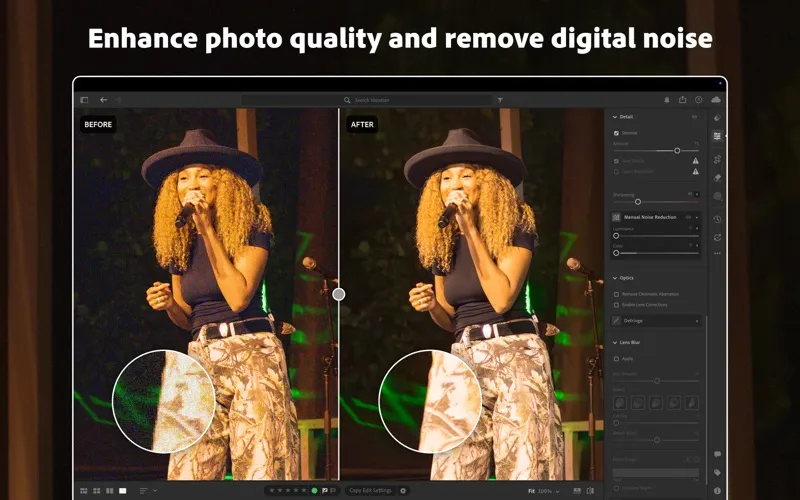
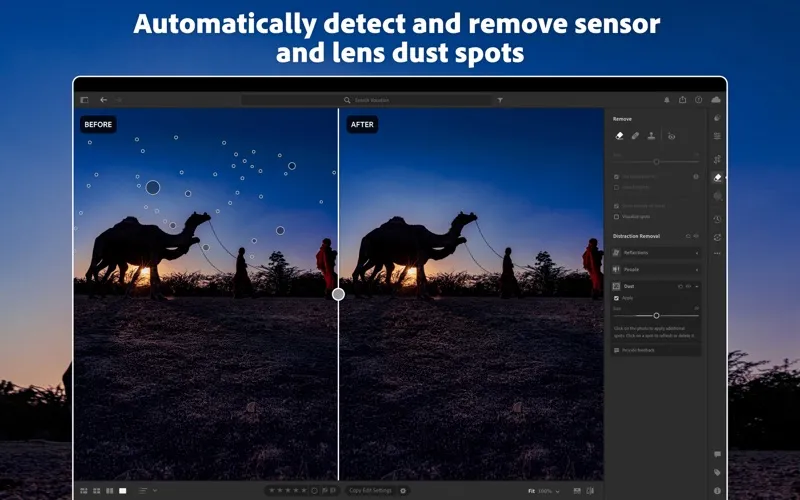
You can correct dim exposures, recover detail in highlights, and adjust colors to get the look you want. For more targeted changes, you can isolate a subject or part of an image, reduce noise, and remove distracting objects. Presets let you reuse a look instead of rebuilding your adjustments each time.
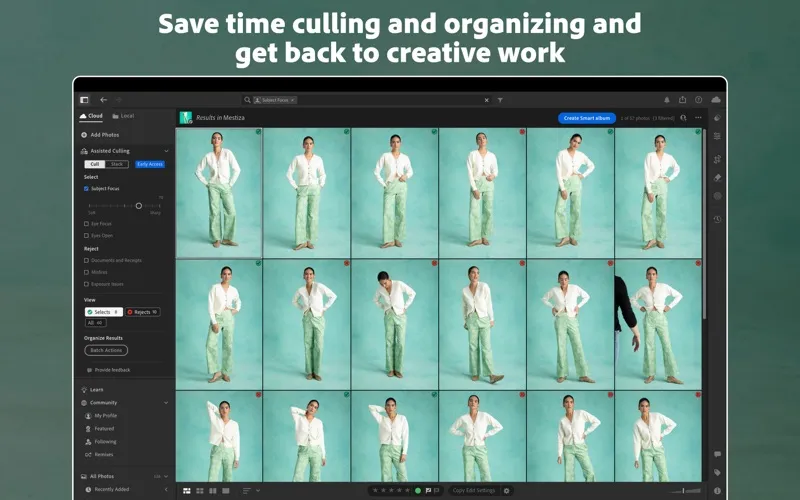
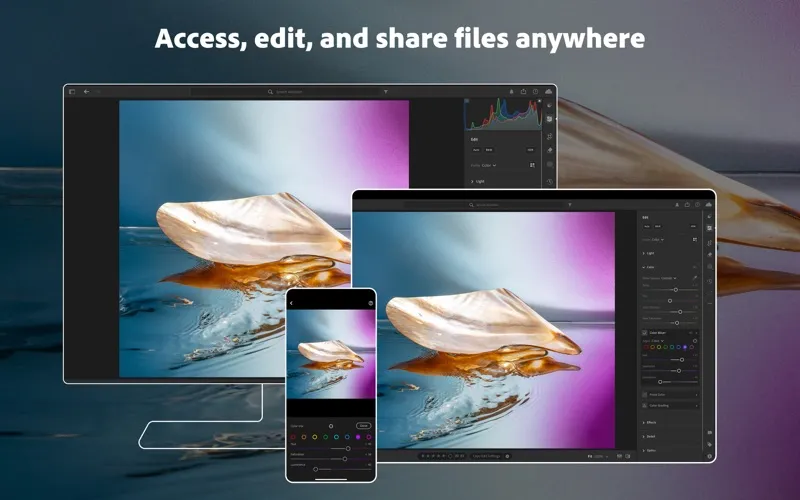
You also get a way to find and access your photos without manually tagging everything. You can keep images locally or in the cloud, with edits automatically carried across desktop, mobile, and web. When you're ready to share, you can publish an album online or post photos directly to social media.
For video clips, you can trim footage and apply familiar color adjustments and presets without switching tools. You'll need a qualifying Lightroom subscription; if you don't subscribe yet, you can try it free for seven days.
-
Rescue difficult shots
You can correct lighting, reduce noise, and refine colors to improve photos taken in less-than-ideal conditions.
-
Keep attention on your subject
You can remove unwanted objects and adjust selected areas without changing the whole image.
-
Reuse your preferred look
You can save your own presets or use built-in options to repeat a style without recreating every adjustment.
-
Find photos without tagging
You can search your library with AI rather than manually adding tags to every image.
-
Continue on another device
You can edit full-resolution photos across desktop, mobile, and web, with changes automatically applied across devices.
Best for
- You want detailed control over photo lighting and color
- You work on photos across multiple devices
- You want photo adjustments and basic video edits in one place
Skip it if
You only need occasional, simple photo corrections and don't want an ongoing subscription.
Screenshots
From the developer
** Apple App Store Awards 2024 Winner – Mac App of the Year ** A qualifying Adobe Photoshop Lightroom subscription is required. Non-subscribers may try the product free for 7 days before incurring the monthly Lightroom subscription fee.Read the full description
Alternatives to Adobe Lightroom
Other apps to edit & enhance photos. See all