
PhotosRevive
Colorize your old photos
PhotosRevive lets you turn black-and-white photos into color images using AI, with manual adjustments for family pictures or other old photographs you want to revisit.
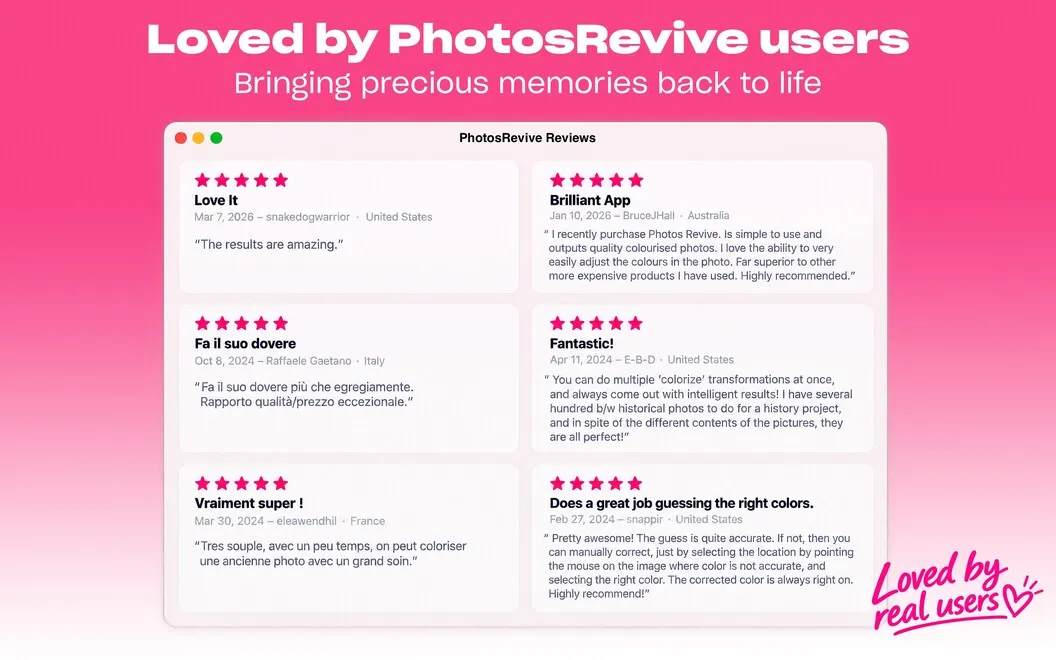
by NEEDEDAPPS PTE. LTD. · 96% positive (162)
What you get
See your old black-and-white photos in color.
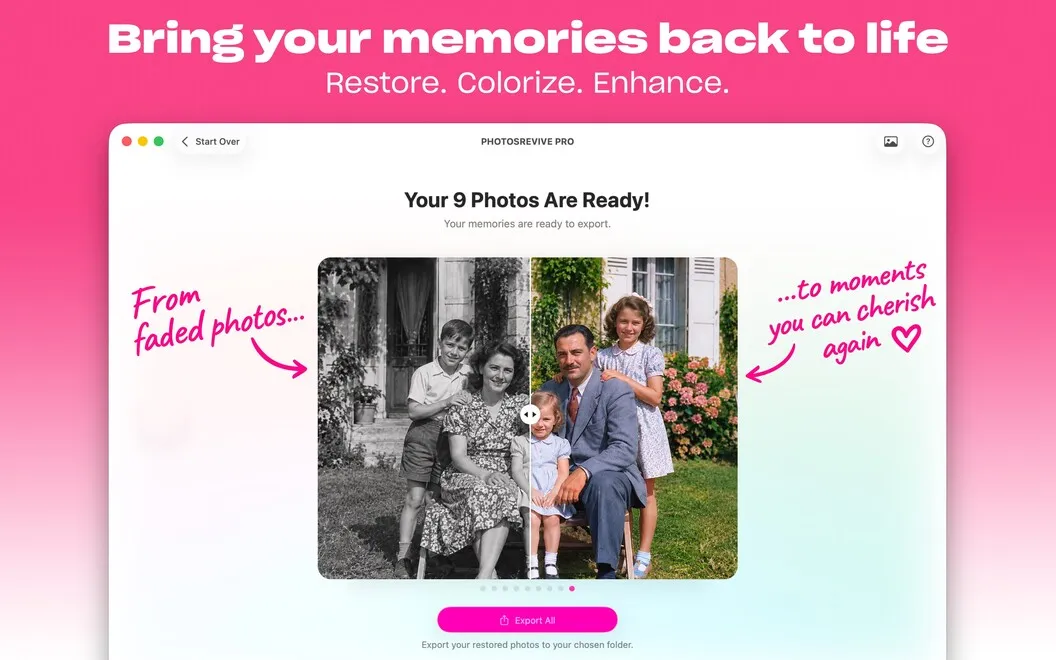
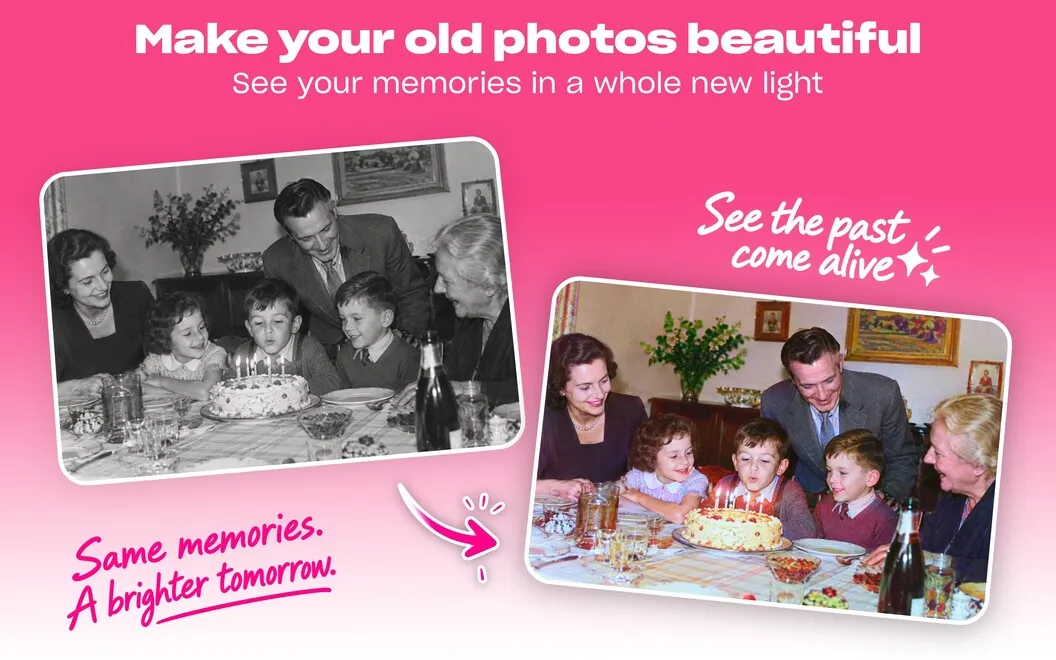
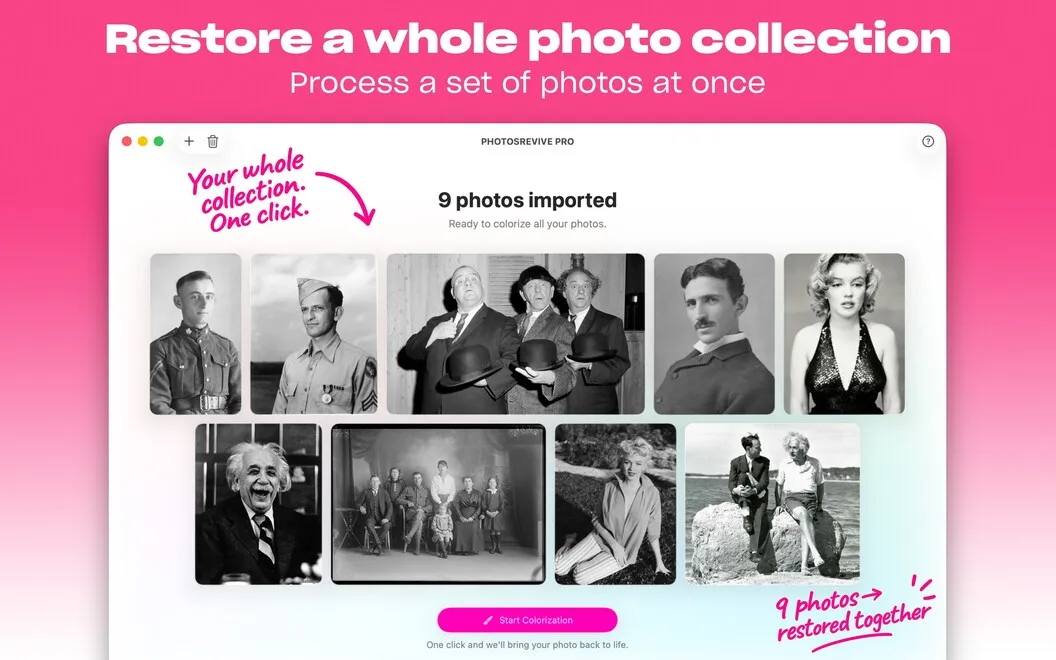
With PhotosRevive, you can make color versions of old black-and-white photographs without coloring every detail yourself. Add an image, run automatic AI colorization, and save the result. You get a way to explore how family portraits or other older pictures might look in color.
You can also guide the result rather than accept the first attempt. Add color points where you want particular shades, then adjust brightness and contrast to change the overall look. If you know the colors of clothing or other details, you can use that knowledge to steer the colorization.
You can start with images from Photos or Finder, or bring a printed picture into the app using its built-in scanner. The Photos extension lets you colorize while browsing your library, and you can also work on your iPhone or iPad when you're away from your Mac.
-
Less manual coloring
You can let AI create an initial color version instead of coloring each part of a black-and-white photo yourself.
-
Colors you can guide
You can add color points to influence specific shades and adjust brightness and contrast to refine the result.
-
Start with printed photos
You can scan a printed photograph directly into the app to begin colorizing it.
-
Stay in your photo library
You can colorize pictures directly in Photos through the extension, without opening a separate editing workflow.
Best for
- You want color versions of old family photographs
- You have printed black-and-white photos to scan and colorize
- You want automatic colorization with room for manual corrections
Skip it if
You don't need it if you only work with photos that are already in color.
Screenshots

From the developer
Take your breath away with a colored look of your old black-and-white shots. Colorize old photos with the help of smart AI in PhotosRevive. Just drag and drop your image and click Colorize. Adjust your results if needed, and save your new image.Read the full description
Alternatives to PhotosRevive
Other apps to edit & enhance photos. See all